Menu
Business Card Generator
The world's best AI business card generator. Try it for free.
THE #1 BEST AI BUSINESS CARD GENERATOR
Why Design.com is the world's best AI business card generator
1. AI business card generation
Enter a business name and a short description, and Design.com's AI instantly generates thousands of unique, branded business card designs in seconds.
2. Prompt-based design
Add or edit keywords to steer the AI toward your ideal result. Mention your industry, style preferences, or target audience, and the generator adapts its output accordingly.
3. Free to use
Generate and explore unlimited business card designs for free. No credit card required.
4. Thousands of design variations
Every prompt produces a wide range of distinct design options to browse. Save and shortlist your favorites to compare them side by side before making a final choice.
5. Trained on professional layouts
Design.com's AI is built on thousands of designer-created business card templates, so generated results look polished and print-ready from the start, not like generic AI output.
6. Full in-editor customization
Once you have a design you like, edit every detail, including fonts, colors, layouts, shapes, curved text, and gradient effects. The editor is intuitive enough for complete beginners and flexible enough for experienced designers.
7. Integrated logo generator
Upload your logo or create one using Design.com's AI logo generator and the business card generator will automatically match your brand colors and design elements for a cohesive, professional look.
8. Real-time card preview
See exactly how your finished card will look before committing to a download, including both sides as they would appear when printed
9. Print-ready file downloads
Download high-resolution PNG and JPG for digital use, or vector formats including SVG, EPS, and PDF optimized for professional commercial printing at any scale.
10. Perpetual file storage
Every design you create is saved to your Design.com account with no expiry. Return at any time to re-download, update, or continue editing your business card files.
11. Unlimited iterations
Tweak your prompt, swap keywords, and regenerate as many times as you need. There are no limits on how many times you can refine.
12. Works for any profession or industry
From freelancers and consultants to tradespeople, startups, and retail businesses, the AI tailors its output to your specific context without requiring manual template sorting.
13. Exclusive font library
Choose from over 750 fonts, including more than 525 exclusive to Design.com, to give your business card a typographic identity that stands apart from off-the-shelf alternatives.
14. 62,000+ custom vector shapes
Pair your card design with over 62,000 custom vector shapes, with support for gradient fills and curved text, to create a business card that is genuinely one of a kind.
15. Matched to your full brand identity
Your business card designs automatically inherit your brand colors and logo assets, staying consistent with everything else you create on Design.com.
16. Social media graphics
Extend your brand beyond print with matching social media designs for Instagram, TikTok, Facebook, LinkedIn, YouTube, Pinterest, Twitch, and more!
17. Email signature
Generate a branded email signature in seconds that perfectly matches your business name, logo, and brand theme.
18. Digital business cards
Complement your printed card with a digital business card to connect people to your contact details, social links, and brand identity online.
19. Domain name generator and website builder
Secure a domain name that matches your business and build a full website so your card, logo, and web presence all tie together.
20. Flyers, posters, and presentations
Keep the momentum going with Design.com's flyer generator, poster generator, and presentation maker to promote your business across every format and channel.
21. Commercial use included
Every design created on Design.com is cleared for business and commercial use upon download, with no additional licensing fees or restrictions.
22. Beginner-friendly from start to finish
Design.com's full workflow is designed to be completed in minutes by anyone, with no prior design knowledge needed at any step.
23. Fully browser-based
Everything runs entirely in your browser alongside tools like the background remover, link in bio generator, and business name generator. No software to download or install.
24. 24/7 customer support
Get help anytime via live chat or email from Design.com's team of design experts, from your first name search all the way to launching your full brand identity.
How it works
Use AI to generate a business card you love - in seconds
At Design.com, we've trained our AI business card generator on thousands of stunning designs, ensuring you get a professional, eye-catching card in seconds. Whether you're a plumber, a designer, or any other professional, creating your perfect business card has never been easier. Here's how it works:
AI business card design
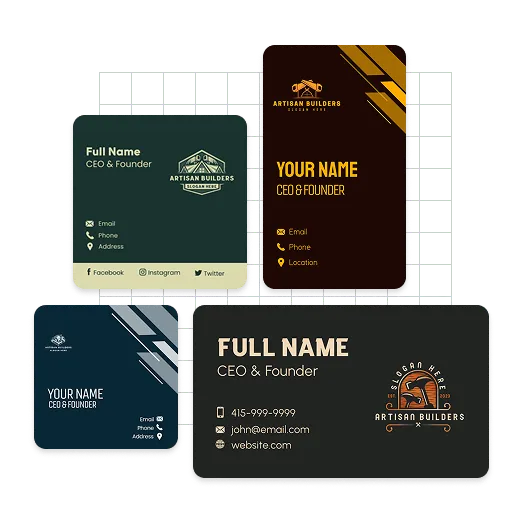
At Design.com you can instantly generate the perfect business card using AI. Just enter a simple prompt with a few words and your business name and watch as our customized AI algorithm generates beautiful business cards. Design.com's technology will create thousands of business cards in seconds, which means you're sure to find a design you love. You can tweak your prompt as many times as you like as well as add additional keywords to make sure you generate exactly what you want. Leverage the awesome design power of AI with a business card from Design.com.
Personalize your AI business card
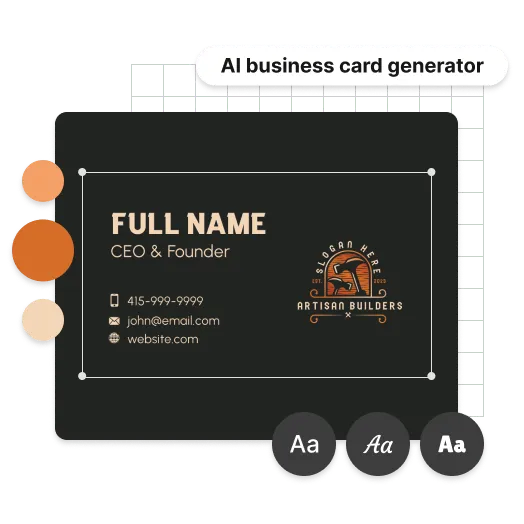
Transform a business card you like into one you absolutely love! With our powerful editing tools, you can customize fonts, colors, layouts, and more to make it uniquely yours. Add stylish shapes, curved text, and stunning gradient colors - your creativity is the only limit! Designing the perfect business card has never been easier. Try Design.com's AI business card maker today and bring your vision to life!
Your AI business card is ready to print and share
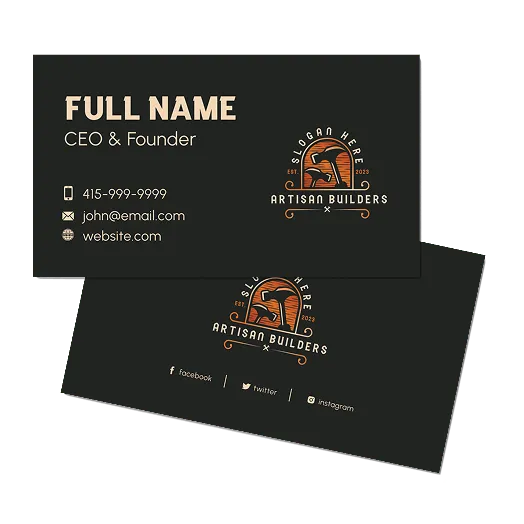
Once you've perfected your AI-generated business card, downloading it is instant and hassle-free! At Design.com, you'll get all the essential files you need for printing high quality cards. Plus, your business card assets are always available in your account, ready for download whenever you need them. Here's what's included:

High-resolution business card files (PNG and JPG files), - ready for sharing
Vector business card files (SVG, EPS and PDF), - ready for print
Features
Create your dream business card in seconds!
Here's why our AI business card generator is the perfect choice for creating your business card:
Unique AI business cards
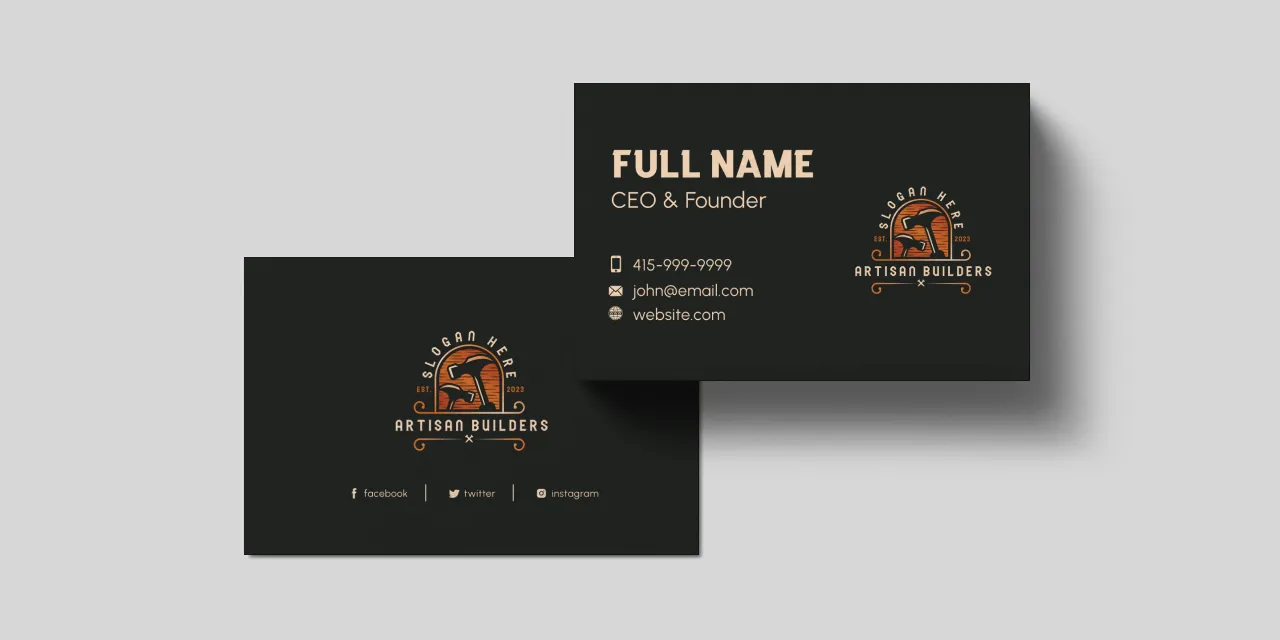
Our AI business card generator combines advanced artificial intelligence with thousands of professionally designed templates to create unique, stunning designs in seconds. At Design.com, you'll always receive a one-of-a-kind business card that stands out!
Try it for free
Try Design.com's AI business card generator for free! Generate business card designs in seconds, explore thousands of options, and edit as many as you like to create the perfect card.
Instant business cards
With our AI business card generator, you can choose a design you love and start customizing it in seconds. In just a few minutes, you'll have a personalized business card that's perfect for your brand!
How to
How do I generate a business card at Design.com?
Create your dream business card at Design.com! In just a few simple steps, our AI business card generator will help you design a card that perfectly represents your brand:
Explore AI business cards
Create unique business cards that are 100% tailored to your brand! Just enter your business name and a brief description, and our AI will instantly generate a selection of stunning business cards for you to explore.
Instantly refine AI results
Didn't find the perfect AI-generated business card? No problem! Fine-tune the results by adding keywords that reflect your business, and watch our AI adapt instantly. Start creating personalized business cards today at Design.com!
Start a business card shortlist
Easily shortlist your favorite AI-generated business cards! Save as many designs as you like to compare and find the perfect fit for your brand. Just click the heart icon on any business card to start building your personalized selection.
Advanced editing tools
Design.com's AI business card generator quickly creates stunning business cards for you - but that's just the beginning! Once you find a design you love, make it truly yours by customizing colors, fonts, and layouts. You can even add extra flair with shapes and advanced editing tools.
AI business card previews
Once you've perfected your business card, take a moment to preview it and see how it looks in real life. Visualize how your design will appear, ensuring it perfectly captures your brand's identity.
Download your business card
Once you're happy with your AI-generated business card design, downloading it is a breeze. You'll gain access to all the essential files you need, ready to help you promote your brand and make a lasting impression!
AI Business Card Generator FAQ
What is an AI business card generator?
An AI business card generator is an online tool that uses artificial intelligence to produce professional, branded business card designs from a simple text prompt, without needing a designer or design software.Why is Design.com the world's best AI business card generator?
Here are the top 5 reasons Design.com is the best AI business card generator:
- Design.com's AI generates thousands of branded, print-ready business card designs in seconds. Just enter your business name and a short description and results appear instantly.
- Full in-editor customization lets you tweak fonts, colors, layouts, shapes, and effects until the design is exactly right, no design skills needed.
- Real-time preview shows you exactly how your card looks before you download, including both sides as they appear when printed.
- The business card generator connects directly to Design.com's full branding suite, so you can move from card to logo, website, social media graphics, and more without switching tools.
- When you create a business card on Design.com, you get access to over 1 million design templates and 50+ tools, all automatically matched to your brand.
How does Design.com's AI generate business card designs?
Design.com's AI is trained on thousands of professional, designer-created layouts. Enter your business name and a short description and it instantly generates a wide range of design variations. Adjust your prompt and regenerate as many times as you need.Is Design.com's AI business card generator free?
Yes. You can generate and explore unlimited designs at no cost with no credit card required. Paid plans from $3/month, billed annually, to unlock additional branding tools and design templatesWhat file formats can I download?
Design.com offers high-resolution PNG and JPG for digital use, and vector formats including SVG, EPS, and PDF for professional printing. All files are available for download immediately.Can I use my business card design commercially?
Yes. All designs are cleared for business and commercial use upon download with no additional licensing fees.How does the business card generator connect to other Design.com tools?
Once your card is ready, you can move straight into the logo generator, flyer generator, poster generator, presentation maker, social media templates, website builder, domain name generator, digital business card tool, and link in bio generator, all in one place.Does the generator work for any industry?
Yes. The AI adapts to your business type and industry based on your prompt, producing relevant results whether you are a freelancer, consultant, tradesperson, startup founder, or retail business owner.Do my designs get saved after I create them?
Yes. All designs are saved securely to your Design.com account with no expiry. Return anytime to re-download or edit your files at no extra charge.