Menu
AI Link in Bio
The world's best AI link in bio generator. Try it for free.
THE #1 BEST AI LINK IN BIO GENERATOR
Why Design.com is the world's best AI link in bio generator
1. AI link page generation
Instantly generate a fully structured link in bio page using AI. Just enter your business name or a short description and get a curated, branded page in seconds. No design skills needed, no starting from scratch.
2. 1,000+ professionally designed templates
Choose from over 1,000 professionally designed link in bio templates, with layouts optimized for creators, businesses, and personal brands of every kind.
3. Highest-quality link in bio designs
Design.com's link in bio pages are built for clarity and visual impact, so your page always looks polished and premium, never cheap or generic.
4. Full visual editor
Adjust fonts, colors, layouts, and more with a powerful yet intuitive visual editor. No coding required. If you can click and drag, you can build a beautiful link in bio page.
5. Fully mobile-optimized
Every link in bio page is built mobile-first and optimized for smartphone viewing. Since most social media traffic comes from phones, your page will always look perfect where it matters most.
6. Unlimited links
Add as many links as you need, including websites, stores, booking pages, social profiles, and more. All links are organized for streamlined navigation and a smooth user experience.
7. Free custom/branded URL
Every link in bio page comes with a free custom branded URL. You can also connect your own custom domain for a fully professional, on-brand web address.
8. Contact form and lead capture
Capture visitor contact details directly from your link in bio page with a built-in contact form and email capture tools. Turn followers into subscribers and leads effortlessly.
9. Accept payments
Accept payments directly through your link in bio page. Sell products, services, or digital downloads without sending visitors to a separate checkout site.
10. Media support
Add images from our built-in library or embed videos directly on your link in bio page to create a rich, engaging experience that goes well beyond a plain list of links.
11. Automatic brand matching
Upload your logo and Design.com automatically applies your brand colors and design style to your link in bio page.
12. AI logo generator
Don't have a logo yet? Design.com's AI logo generator creates a professional logo that automatically matches the color scheme and style of your link in bio page, keeping your branding consistent from day one.
13. Free link in bio templates
Get started with a selection of free link in bio templates. No credit card required. Pay only when you're ready to unlock premium features and more.
14. One-click publishing
When your page is ready, go live with a single click. There is no technical setup, no waiting for approval, and no complicated deployment process. Your link in bio page is published and accessible to the world in seconds.
15. Instant updates, anytime
Add new links, swap out images, or refresh your design at any time and all changes go live instantly. Your audience always sees your most current information.
16. Hosting included
Your link in bio page is fully hosted by Design.com at no extra cost. There are no separate hosting fees to pay and no servers to manage.
17. Commercial use included
Every link in bio page you create on Design.com is suitable for professional and commercial use. Promote your business, sell products, and build your brand without needing a separate commercial license.
18. Complete brand kit access
Your link in bio page unlocks over 1 million templates across Design.com's full suite, including flyers, posters, business cards, and presentations, all pre-styled to match your brand.
19. Social media graphics
Create matching branded graphics for Instagram, TikTok, Facebook, LinkedIn, YouTube, Pinterest, and Twitch to drive traffic back to your link in bio page on every platform.
20. AI website builder
Build a full website that matches the look and feel of your link in bio page using Design.com's AI website builder. Your online presence stays cohesive across every channel, from social media to the open web.
21. Digital business cards
Create a digital business card that shares your contact details, social links, and key info with a single tap. Pair it with your link in bio page to make a powerful first impression everywhere you go.
22. Email signatures and letterheads
Generate a branded email signature and matching letterhead in seconds, keeping your brand consistent across digital communications and print alike.
23. QR codes
Generate a branded QR code linking directly to your link in bio page. Place it on flyers, business cards, packaging, or anywhere offline to bridge the gap between print and digital.
24. 24/7 customer support
Get help any time via live chat or email from Design.com's team of design experts, available around the clock, no matter where you are in the world.
How it works
Generate a link in bio you love in seconds at Design.com
At Design.com, we've leverage thousands and thousands of link in bios to power our AI link in bio generator. We can generate a link in bio for any industry in seconds. Here's how it works:
Link in bio design with artificial intelligence
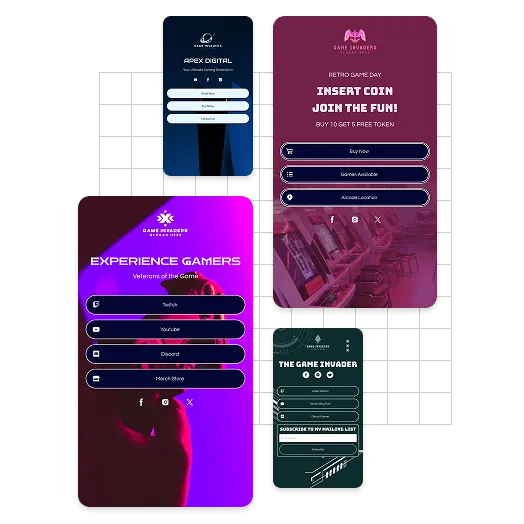
Design.com's AI link in bio generator lets you instantly create beautiful, unique link in bios. With a few words and your business name, advanced AI generates stunning link in bios in seconds. With thousands of link in bios generated, you'll find a link in bio you love in no time. If you can't see a link in bio that's perfectly matches your needs, you can tweak your business description or add keywords to refine the algorithm outputs. Discover the power of AI with a link in bio from Design.com.
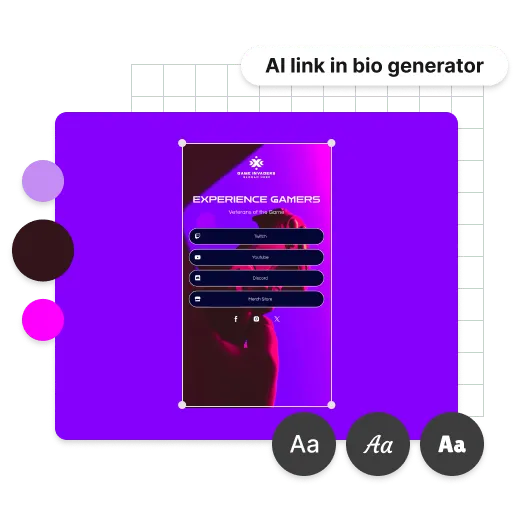
Customize your AI link in bio
Once you've generated a link in bio you like, it's very easy to turn it into a link in bio you love. Use our advanced editing tools to customise the link in bio fonts, colors, layout and more. Add additional shapes as well as curved text and gradient colors. The only limit is your imagination! Creating the perfect link in bio at Design.com has never been easier - try our AI link in bio maker today and generate a link in bio you love.
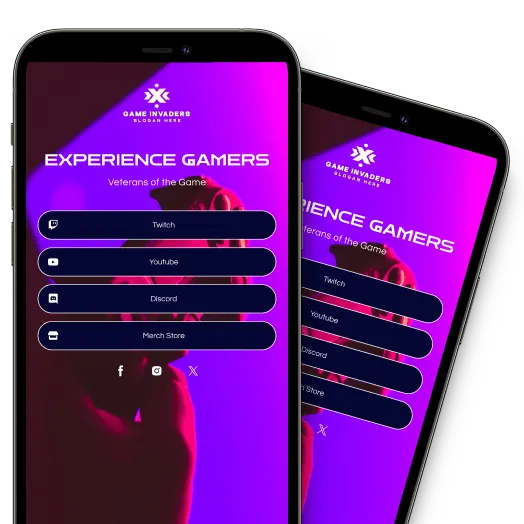
Your AI link in bio is ready to publish
Once you've finished editing and customising your AI generated link in bio, you can publish instantly! With just a click, you can instantly launch your site and start using it. Your customized website is live, helping you connect with your audience effortlessly.
Features
Create your dream link in bio in minutes!
Here's why you should choose our AI link in bio maker to create your link in bio:
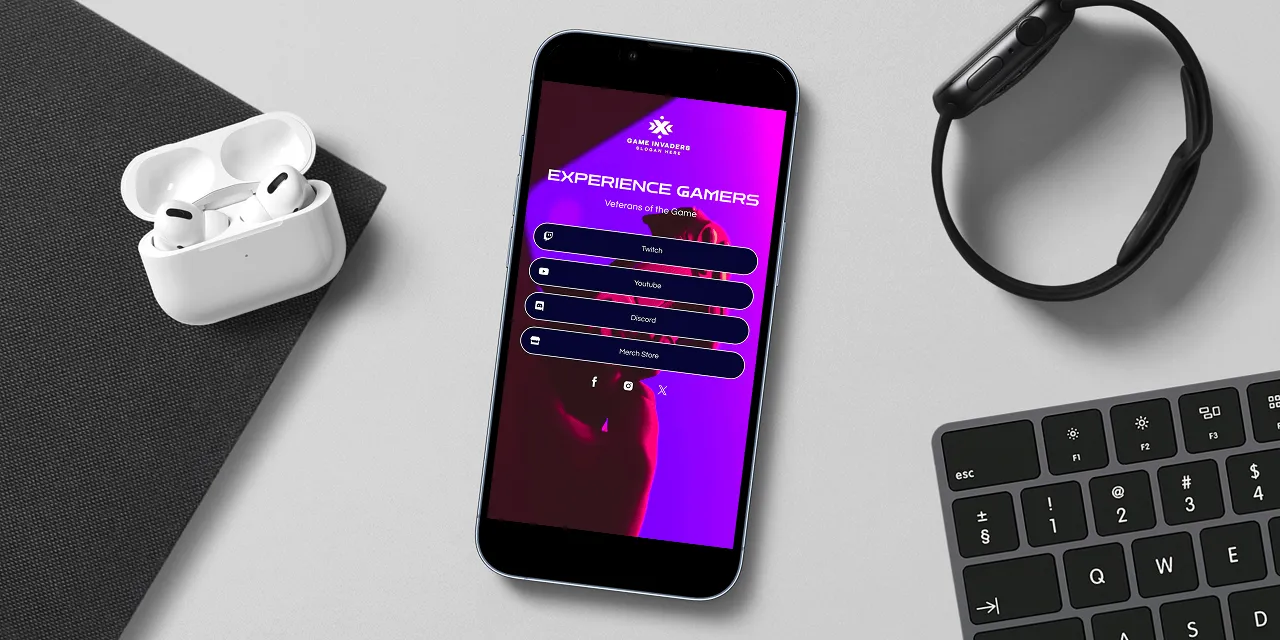
Unique AI-Generated Designs
Our AI link in bio generator uses advanced artificial intelligence and thousands of professional designed link in bios to create unique designs in seconds. You'll always get a stunning and original link in bio at Design.com.
Free and unlimited usage
Try Design.com's AI link in bio generator for free. Generate link in bio designs in seconds, browse through thousands of options and edit as many as you like.
Instant link in bio generation
With our AI link in bio generator, you can select a design you like and start editing it within seconds. You'll have a customized link in bio you love in minutes!
How to
How do I generate a link in bio at Design.com?
Generate your dream link in bio at Design.com. With a few easy steps you can use our AI link in bio generator to create a link in bio that truly represents your brand:
AI search
Generate unique link in bios, 100% tailored to your brand - simply enter a brief description of your business and your business name and we'll instantly create link in bios for you to browse.
Adjust your AI search
Can't see a link in bio generated by our AI that suits? No problem, you can adjust the output of our algorithms by adding keywords relevant to your business. Start generating personalised link in bios at Design.com.
Edit your link in bio
Once you've found a link in bio design, you can customize all the colors, fonts and even the layout. You can add more flair with shapes and gradient colors.
Publish your link in bio
When you're finished editing, you can publish your link in bio, instantly.
AI Link in Bio Generator FAQ
What is an AI link in bio generator?
An AI link in bio generator is an online tool that uses artificial intelligence to instantly create a branded, mobile-optimized landing page for your social media profiles. Instead of sharing just one link, you get a custom page that houses all your links, contact info, media, and more. It's generated automatically from your business name or a short description, with no design experience required.Why is Design.com the world's best AI link in bio generator?
Most link in bio tools give you a basic list of links with minimal customization. Design.com goes much further. Here are the top five reasons it stands above every other link in bio tool:
- Design.com's AI generates a fully branded link in bio page in seconds, more tailored and on-brand than any other tool on the market.
- Over 1,000 professionally designed templates optimized for creators, businesses, and personal brands, with more variety than any competing tool.
- Unlimited links, media support, lead capture, and payment acceptance, all in one place and not spread across multiple subscriptions.
- Automatic brand matching ensures your link in bio page always looks consistent with your logo, colors, and overall brand identity.
- Creating a link in bio page on Design.com unlocks access to 50+ design tools and over 1 million templates, all automatically styled to match your brand.
How do I create a link in bio page with Design.com?
It's quick and beginner-friendly. Enter your business name and a short description of what you do. Design.com's AI instantly generates a selection of branded page designs for you to browse. Pick one you love, then use the drag-and-drop editor to customize fonts, colors, layout, links, and media. Once you're happy, publish with one click and your page is live instantly at your custom-branded URL.Is Design.com's link in bio generator free?
Yes. Design.com offers completely free link in bio templates you can customize and publish at no cost. Premium features, such as connecting a custom domain, accepting payments, and accessing advanced design tools, are available on the Premium Plan, starting at $3/month when billed annually or $5/month when billed monthly.What can I include on my link in bio page?
You can include unlimited links to websites, stores, booking pages, social profiles, and more. You can also add images, embed videos, display your logo and brand colors, and include a contact form for lead capture. Everything is customizable through the drag-and-drop editor, so your page reflects exactly what your business or personal brand needs.Can I use my own domain for my link in bio page?
Yes. Every link in bio page comes with a free custom branded URL by default. If you want to use your own domain (for example, yourname.com), you can connect a custom domain on the Premium Plan. Your URL stays the same even when you update your page content, so you never need to change the link in your social media profiles.Can I accept payments through my link in bio page?
Yes. Design.com allows you to accept payments directly through your link in bio page. You can sell products, services, or digital downloads to your audience without sending them to a separate checkout platform, keeping the experience seamless and on-brand.Can I edit my link in bio page after publishing it?
Yes. All your link in bio pages are saved in your Design.com account and available to edit at any time. There are no limits on how many times you can return to make changes, and no extra charges for doing so. You can also create as many brand-new designs as you like, all stored in one place and ready whenever you need them.What other design tools does Design.com offer alongside the AI link in bio generator?
Design.com offers a complete brand-building suite. Alongside the AI link in bio generator, you get access to:
- AI logo generator
- AI flyer generator
- AI business card maker
- AI poster generator
- AI website builder
- Email signature generator, social media graphics templates, letterheads, a QR code generator, and more!
Everything lives on one platform and is automatically styled to match your brand.Who is the AI link in bio generator best suited for?
Design.com's AI link in bio generator is built for anyone who needs a professional, conversion-focused link page fast. That includes content creators and influencers consolidating their links, small business owners promoting products and services, entrepreneurs managing multiple online destinations, and freelancers making it easy for clients to find and contact them. No design experience is required, making it equally useful for first-timers and experienced marketers who just want to work faster.