Menu
AI Image Generator
Generate an image in seconds with the power of AI
THE #1 BEST AI IMAGE GENERATOR
Why Design.com is the world's best AI image generator
1. Powerful AI image generation
Turn words into unique images with AI. Simply describe what you want to see and generate images based on your idea.
2. High-quality images
Create polished, detailed images designed to look great across digital, social, marketing and creative projects.
3. Huge creative variety
Generate images across a wide range of subjects, concepts, compositions and visual styles.
4. Maximum choice
Generate multiple image options from your prompt, explore different directions and keep creating until you find the image you love.
5. Lightning-fast generation
Go from an idea to an AI-generated image in seconds, making it easy to experiment and explore new creative directions.
6. Easy to use
No complicated design software or AI expertise required. Describe your idea in everyday language and let Design.com do the rest.
7. Create images for anything
Generate visuals for websites, social media, presentations, advertising, marketing materials, creative projects and more.
8. Bring any idea to life
Create images that would be difficult to find in traditional image libraries. If you can describe it, AI can help you visualize it.
9. Explore different styles
Experiment with different aesthetics and creative directions to find a look that matches your idea.
10. Make every prompt your own
Adjust your description to control the subject, setting, mood, composition, colours and other details of your image.
11. Generate unique visual concepts
Quickly explore ideas and visual directions without starting from a blank canvas.
12. Made for creators and businesses
From entrepreneurs and marketers to designers and content creators, Design.com makes AI image generation accessible to everyone.
13. Part of Design.com
Take your AI-generated images further with Design.com's suite of easy-to-use design tools.
14. Create social media content
Use your images to create eye-catching content for Instagram, Facebook, TikTok, LinkedIn, YouTube and more.
15. Create marketing materials
Turn your generated visuals into graphics for flyers, posters, advertisements, presentations and other marketing materials.
16. Create website visuals
Generate custom imagery for website banners, backgrounds, feature sections, blog content and more.
17. Create branded designs
Combine AI-generated imagery with your logo, brand colours, fonts and other brand elements across Design.com.
18. Endless inspiration
Generate new concepts whenever inspiration strikes and quickly explore ideas you might never have considered.
19. No design experience needed
Create impressive visuals without professional photography, illustration or design skills.
20. Everything you need to create
Generate your image, then continue creating with Design.com's extensive collection of design tools and templates.
21. More creative control
Shape your results with detailed prompts and explore different directions until you create an image that matches your vision.
How it works
Generate an image you love in seconds at Design.com
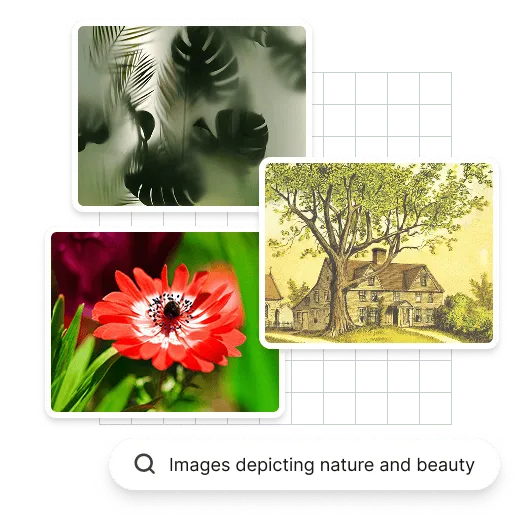
At Design.com, we've leveraged thousands of images to power our AI image generator. We can generate an image for any industry in seconds. Here's how it works:
Image design with artificial intelligence
Design.com's AI image generator lets you instantly create beautiful, unique images. If you can't find a perfect match, tweak your business description or add keywords to refine results. Discover AI's power with an image from Design.com.
Customize your AI image
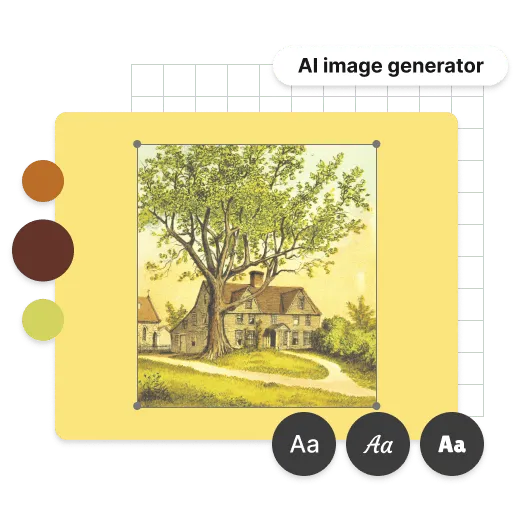
Once you've generated an image you like, it's easy to turn it into one you love. Use our advanced editing tools to customize fonts, colors, layout, and more. Add shapes, curved text, and gradients. Your imagination is the limit! Creating the perfect image at Design.com has never been easier—try our AI image maker today.
Your AI image is ready for download
After editing your AI-generated image, download instantly! When you download at Design.com, you get all files needed—including print, social media, and image formats. All AI image assets remain in your account for anytime access. Your image includes:

High-resolution image files (PNG and JPG) - ready for sharing
Vector image files (SVG, EPS, PDF) - ready for print
Advantages
More than an AI image maker
Turn imagination into imagery
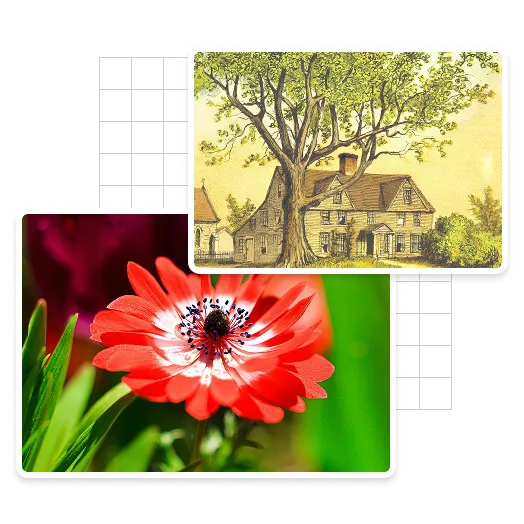
Finding exactly the right image can be difficult. Creating it doesn't have to be. With Design.com's AI Image Generator, you can describe what's in your head and turn your idea into a visual in seconds.
Create exactly what you need
Stop spending hours searching image libraries for something that's almost right. Generate imagery around your specific idea, subject or creative direction and explore multiple possibilities in moments.
Go from image to finished design
Creating the image is just the beginning. Use Design.com's design tools to turn your AI-generated visuals into social posts, marketing materials, website graphics, presentations and more.
How to
How do I create an AI image with Design.com?
Creating AI-generated images is easy with Design.com. Follow these steps to turn your idea into an image in seconds.
Write your prompt
Describe the image you'd like AI to create. Be as simple or detailed as you like.
Add more detail
For more specific results, describe elements such as the subject, background, lighting, mood, colours, composition or visual style.
Generate your images
Submit your prompt and let Design.com's AI Image Generator create images inspired by your description.
Choose your favourite
Explore your generated images and select the result that best matches your idea.
Refine and create again
Want to explore another direction? Change your prompt and generate again. Small changes can produce completely new creative possibilities.
Download your image
Save your favourite image and use it wherever you need it, from social posts and websites to presentations and more.
Get started with Design.com's AI Image Generator
Describe what you want to create and we'll start generating images in seconds...
AI Image Generator FAQ
Design.com is super easy to use - but if you've still got questions here's a few FAQs to help out.
What is an AI image generator?
An AI image generator is a tool that creates images from text descriptions. You describe what you'd like to see, and artificial intelligence generates an image based on your prompt.How do I generate an AI image?
Enter a description of the image you want to create into Design.com's AI Image Generator and start generating. Adding details about the subject, setting, style, lighting, mood and composition can help you guide the result.What can I create with an AI image generator?
You can create images for social media, websites, marketing campaigns, presentations, creative projects, concept development and much more. You can also use AI image generation simply to explore ideas and experiment with different visual directions.Do I need design experience to generate AI images?
No. Design.com's AI Image Generator is designed to be easy to use. Simply describe your idea using natural language and AI will turn your prompt into an image.How do I write a good AI image prompt?
Start by clearly describing your main subject, then add details that matter to you. You can specify the setting, colours, lighting, mood, composition and visual style. The more useful detail you provide, the more direction you give the AI.Can I use AI-generated images in my designs?
AI-generated images can be used as visual elements in your creative workflow, making it easy to go from an initial idea to a finished design using Design.com's design tools.What types of AI images can I generate?
You can explore a huge range of subjects and creative directions, from realistic scenes and product concepts to illustrations, abstract imagery, backgrounds and imaginative artwork.Why use Design.com's AI Image Generator?
Design.com's AI Image Generator combines easy-to-use AI image creation with a complete suite of design tools, helping you go from an idea to an image—and from an image to a finished design—all in one place.