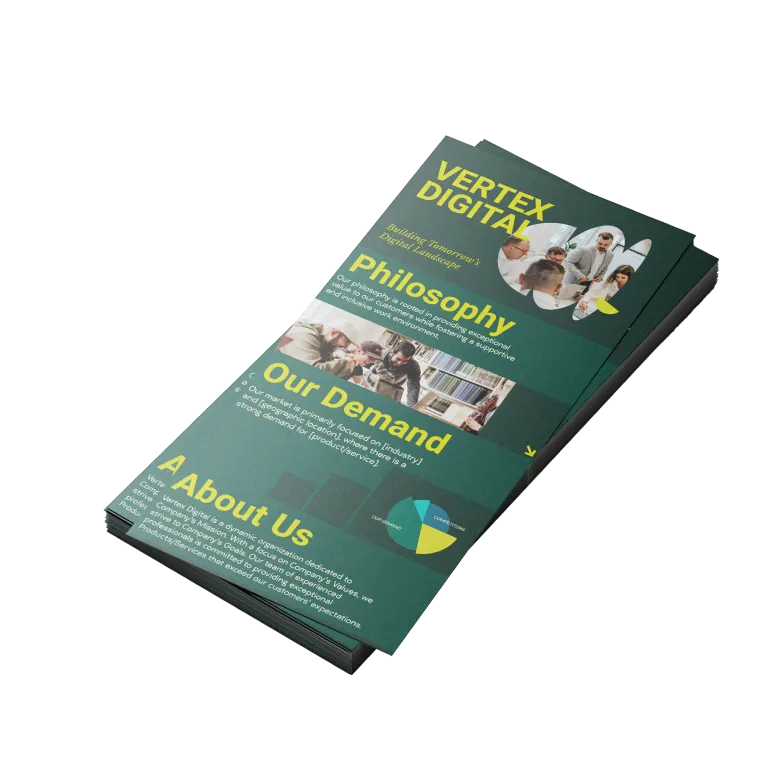
Design templates
Effortless infographics. Start for free & download instantly.
Create the perfect infographic, no matter the need. Special event or simply an infographic for your company? Design.com lets you design the perfect infographic in minutes.
THE BEST INFOGRAPHIC MAKER
Why Design.com is a great infographic maker
1. Huge template library
Design.com offers a large library of professionally crafted infographic designs for a wide range of industries and topics.
2. Instant infographic discovery
Enter a keyword or your business name and Design.com instantly surfaces relevant infographic designs for you to browse. No brief, no designer, no waiting.
3. Highest-quality infographic design
Every infographic is handcrafted by professional designers, not generic stock layouts, so your infographics always look polished, premium, and consistent.
4. Industry-specific templates
Browse infographics by industry and topic so your infographic always fits your message and audience.
5. Template search and filtering
Search by keyword (e.g. 'timeline,' 'statistics,' 'process') to instantly surface the infographics most relevant to your story.
6. Free infographic options
Design.com offers a range of free infographic templates you can fully customize and download instantly. No upfront cost required.
7. Easy-to-use editor
Edit colors, layouts, shapes, and gradient effects with simple drag-and-drop tools. No design experience needed.
8. Instant preview and real-time editing
See your changes as you make them with real-time design previews, so refining your infographic is fast.
9. Brand matching
Add your logo and Design.com matches your infographic colors to your brand, so your infographic and your logo share the same visual language.
10. Gradient colors and custom shapes
Make your infographics stand out with gradient color fills and custom vector shapes.
11. Unlimited color and layout variations
Try as many color and layout combinations as you like until your infographic is just right.
12. Unlimited edits
Come back and edit your infographics as many times as you like. No limits, no extra charges.
13. Professional, scalable formats
Download your infographics in high-resolution PNG and JPG for digital use, or vector formats (SVG, EPS, PDF) that scale cleanly to any size.
14. Perpetual file storage
Your infographic files are stored securely in your Design.com account forever.
15. Built for every use case
Infographics are designed for real-world needs such as websites and blog posts, presentations, reports, email newsletters, and social campaigns.
16. Royalty-free commercial license
Every design comes with a worldwide, irrevocable license for commercial and non-commercial use.
17. Automatic brand matching
Upload your logo and Design.com automatically matches your infographic colors and design elements to your brand.
18. Complete brand kit access
Unlock design templates across social and web, all matched to your brand colors.
19. Social media designs
Create matching branded social media graphics for Instagram, TikTok, Facebook, LinkedIn, YouTube, and more to go with your new infographic.
20. Website builder
Build a website that matches your brand using Design.com's AI website builder.
21. Digital business cards
Create digital business cards that connect people to your contact details and brand in seconds.
22. Presentations
Drop your infographic into on-brand presentations that match the rest of your design assets.
23. QR codes
Generate a branded QR code that links people directly to your website or contact details.
24. 24/7 customer support
Get help anytime via live chat or email from Design.com's team of design experts.
How it works
Making an infographic is easy with Design.com
Create a professional infographic in minutes with our free infographic maker. Design.com's infographic maker is easy to use and allows you full customization to get the design you want!
Find An Infographic Template
To get started with Design.com's infographic maker simply enter your business name and we'll show you related designs, instantly. Browse thousands of infographic templates and find a design that's perfect for your business. You can also enter keywords to help find an infographic you really love.
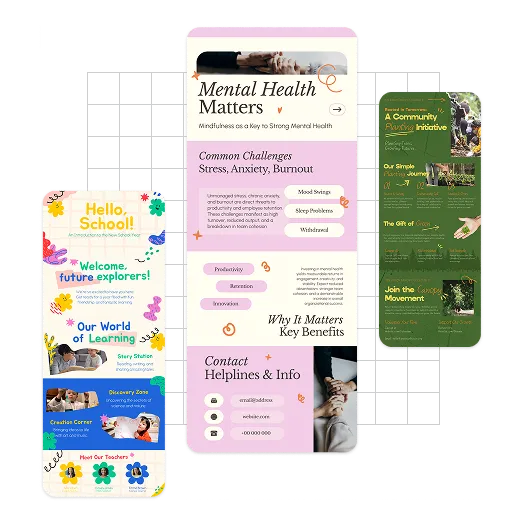
Customize Your Infographic
Now that you've found a great infographic, changing the colors, fonts and layout takes just a few clicks. You can move the logo icon, elements, and text. Adjusting the layout of the template is simple. You can add individuality by adding gradient colors, more shapes, or even some curved text - it's easy to create your perfect infographic.
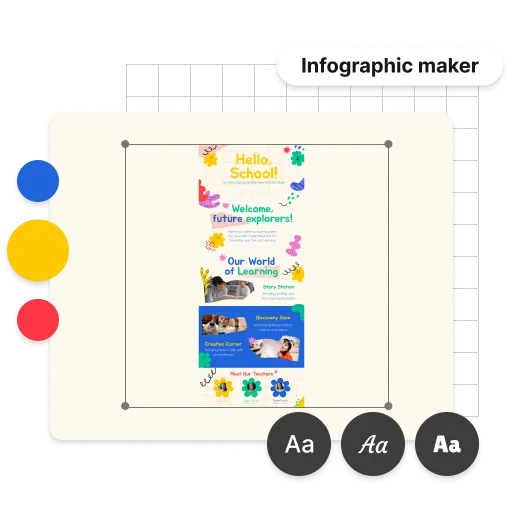
Download Your Infographic
Easy, right? Crafting your infographic was too easy! Now it's time to download. Downloading your infographic design on Design.com is instant with all your files available in your account. Your infographic comes with the following:

High-resolution files (PNG and JPG) - perfect for sharing
Vector files (SVG, EPS and PDF) - perfect for scaling to any size
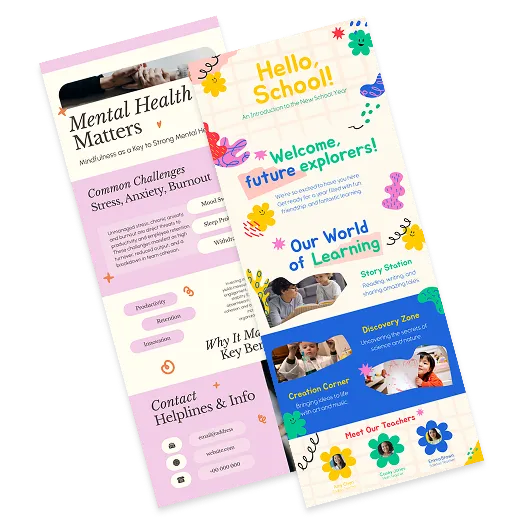
Get started with Design.com's infographic maker
Enter your business name and we'll start creating infographics in seconds...
Features
What you get with an infographic with Design.com
Thousands of infographics
Browse and choose from thousands of infographics, customised with your logo colors to match your brand.
Professional infographics
Each and every infographic at Design.com is created by professional designers.
All the infographic files you need
Access all the high resolution files you need for sharing and presenting including vectors (SVG, EPS and PDF).
Color and Layout Variations
With unlimited colors and layouts to choose from, personalise your infographic till it's perfect.
Social media designs
Create branded social media designs to match your infographic. Download social posts & stories customized with your brand colors.
Brand identity designs
Get access to letterheads and email signatures matched to your brand colors to complete your brand identity.
Unlimited customization
Edit the layout, colors and font on your infographic. With unlimited edits you can create as many variations as you want.
Support
24/7 support from our team of design experts means you're always looked after. Help with customization and download.
Royalty-free license
Get a worldwide, irrevocable license to use your infographic for any commercial and non-commercial purpose.
Advantages
Not just an infographic maker

Tell your story with a personalised infographic
Complete your brand identity with a personalized infographic design. A great infographic helps you create a recognizable brand and grow your network. Don't just inform people of who you are and how they can reach you, but tell your story too - create a high-impact infographic using the Design.com infographic maker.
Create the perfect infographic
Getting a stunning infographic doesn't have to be a pain. In fact, you can create the perfect infographic design in minutes. All you have to do is use the Design.com infographic maker to find the perfect design for your business - simply start personalizing the fonts, colors and layout until you've got what you want. Express your brand identity with an infographic today.
Get more than just an infographic design
Looking to complete your marketing collateral checklist? Design.com gives you more than just awesome infographics. With easy-to-use design tools, you can ensure your brand consistently looks its best across the web, social media and more. Try our social media and brand design tools today - you'll find everything you need to launch your business at Design.com.
Features
Make Your Perfect Infographic
Why should you use Design.com Infographic Maker to create your infographic?
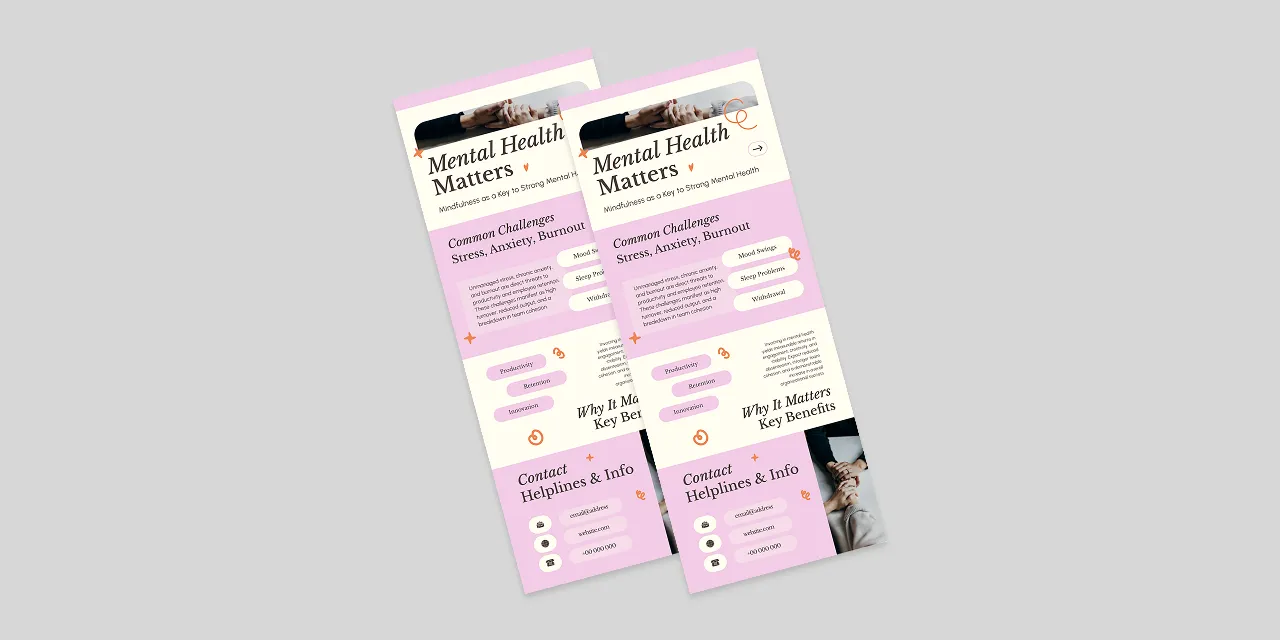
Unique Infographic Designs
Our 20,000+ designs have all been handcrafted by a community of top designers. Get a stunning infographic - always!
Free To Use
Design.com's infographic maker is free to try. Browse thousands of different infographics, edit and save as many as you like.
Fast - Create an Infographic in 2 Minutes
Pick a design you like and start editing it. In minutes you can make an infographic you will love.
Testimonials
These businesses loved Design.com
How to
How does creating an infographic on Design.com work?
Design.com makes it a breeze to create the perfect infographic for your business. With these easy to follow steps you can create an infographic that's ready to show the world in seconds.
Search for your infographic
To find a beautiful infographic for your business, simply enter your business name. Design.com's algorithms will generate thousands of infographics relevant to your company - you just choose the one you love.
Improve your search
You can improve your search and find infographics with a specific theme by entering keywords. It's easy to find a beautiful infographic for your business.
Shortlist the infographics you like
Found a few infographics you like? Add them to a shortlist so you don't lose them! Simply hit the heart icon to start building your custom shortlist.
Start customizing your infographic
Once you've selected an infographic you like it's easy to make it into an infographic design you'll love. Editing the fonts, sizes, shapes, layout and colors takes only a few seconds.
Checkout your infographic preview
When you're happy with the way your infographic looks, preview it at full size to check every detail before you download.
Download your infographic files
Everything looking good on the preview? No more tweaks? Now's the time to download your infographic. Download all the files you need instantly.
Get started with Design.com's infographic maker
Enter your business name and we'll start creating infographics in seconds...
Frequently asked questions
What is an infographic maker, and is Design.com the best option for my business?
An infographic maker is an online tool that lets you design and download professional infographics using templates and simple editing tools, without needing a designer. Design.com is a great choice if you want an infographic that matches your brand, along with the option to create logos, websites, business cards, and marketing materials, all in one place.Why is Design.com a great infographic maker?
Here are the top 5 reasons to make your infographic with Design.com:- Design.com has a large library of professionally crafted infographic designs
- Every infographic is created by professional designers, not generic stock layouts
- Automatic brand matching means your logo colors are instantly applied across your infographic and all other design assets
- You get scalable vector files (SVG, EPS, PDF) alongside PNG and JPG
- When you create an infographic on Design.com, you get access to the full design suite with 50+ tools and templates that match your brand
How do I create an infographic with Design.com?
Start by entering a keyword or your business name and Design.com will instantly show you relevant infographic designs to browse. Choose the ones you love, then customize the colors, fonts, and layout using the simple editor. Then download in high resolution.Do I need design experience to make an infographic?
No. Design.com's infographic templates are made by professional designers, so you start from a finished design and edit the text, colors, and layout with simple tools.Can I create an infographic for free on Design.com?
Yes. Design.com offers a range of free infographic templates you can fully customize and download at no cost.What file formats does Design.com provide for infographics?
Downloads include high-resolution PNG and JPG files for digital use, as well as vector files (SVG, EPS, and PDF) that scale to any size without losing quality.What size are Design.com infographics?
Design.com infographic templates are 800 x 2000px, a tall format that works well for websites, presentations, and social media.Can I edit my infographic once I've finished?
Yes. Once you've downloaded your infographic, you can come back as often as you like to edit the design. You can also create as many new infographics as you need, with no extra charges.Can I use my infographic for commercial purposes?
Yes. Every infographic downloaded from Design.com comes with a worldwide, irrevocable license for both commercial and non-commercial use.Can I create matching brand materials alongside my infographic?
Yes! Once your infographic is created, you get access to Design.com's full design suite, including logos, business cards, email signatures, social media graphics, websites, presentations, and more, all automatically matched to your brand colors and logo.