Best Business Card Makers in 2026
Let’s face it: most business cards we hand out don’t really stay in the hands of the people we’ve passed them on to. Most of the time, they get thrown away in just a week. It’s not because business cards are no longer relevant. Business cards can still affect people’s first impression of your brand. If people discard them, one probable reason is that they’re not impressed.
This means your business card design plays a crucial role in ensuring yours won’t be among those that get tossed. But this doesn’t mean you have to pay a fortune just to create a business card that will captivate your target customers. All you need is a reliable business card maker.
In this article, we tested six platforms to find out which ones can actually help you make a business card that’s worth keeping. All business card makers were tested against five criteria: design quality, speed, customization depth, print and digital export options, and price.
Quick comparison
Before we go through them one by one, here’s how the six best business card makers stacked up against each other:
| Platform | Best For | Design Quality | Customization | Print + Digital Export | Free Plan Available | Starting Price |
| Design.com AI Business Card Generator | Fast, AI-generated, on-brand cards | Excellent | Full | PNG/JPG + SVG/EPS/PDF; direct print ordering | Yes | $6/mo (billed annually) |
| BrandCrowd Business Card Maker | Designer-quality templates + direct printing | Excellent | Full | High-res + vector; direct print ordering | Yes | $3/mo (billed annually) |
| Canva | Beginners, general use | Good | Moderate | JPG/PNG/PDF | Yes | $15/mo |
| Adobe Express | Existing Adobe users | Good | Moderate | JPG/PNG/PDF | Yes | $9.99/mo |
| VistaPrint | Straight-to-print convenience | Fair | Limited | None | Free to design | Varies by order |
| Moo | Premium print finish | Fair | Limited | None | Free to design | Varies by order |
What are the best business card makers in 2026?
To keep the comparison fair, we used the same fictional small business “Lush Landscapes” to test each platform. We described it as a small residential lawn care and garden design company. It is a kind of business that needs a business card that conveys trustworthiness and reliability. We entered the same name and business description, then pushed each platform’s manual editor to see how far we could customize before hitting a wall.
1. Design.com — Best Overall
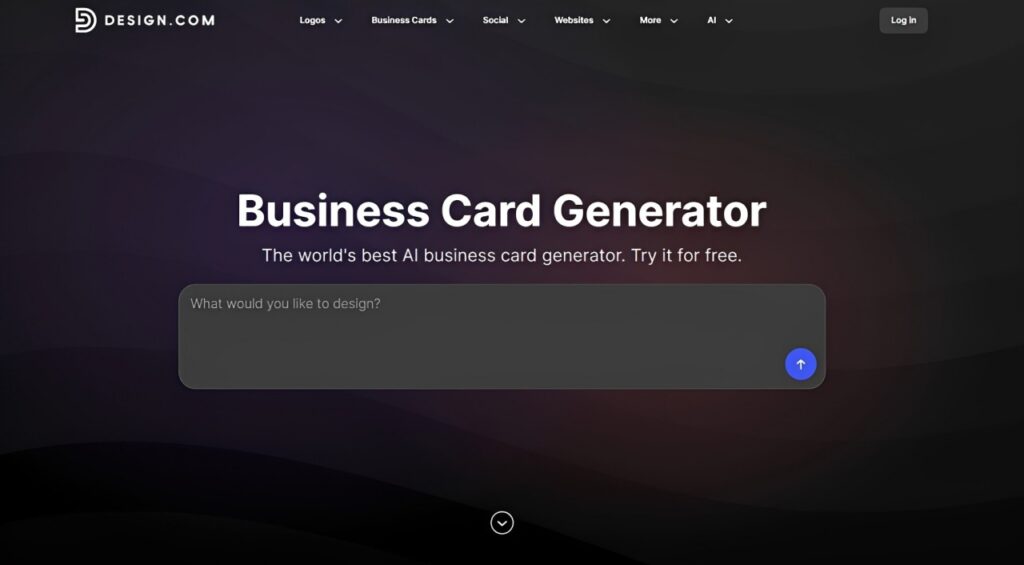
Quick Verdict: Design.com’s AI Business Card Generator provides the fastest path from “I need a business card” to a print-ready file. It takes your prompt and generates high-quality, non-generic business card designs that you can easily customize, even if you have no design skills.
Key features:
- Instant AI business card generation from a business name and short description
- Access to 10,000+ professionally designed business card templates
- Full editing using a beginner-friendly editor (colors, typography, icons, and layouts)
- Add back-to-back designs, QR codes, and your own logo and images
- High-res (JPG, PNG) and vector downloads (SVG, EPS, PDF)
- Automatic brand and logo sync across all branding templates
- Access to 50+ other branding tools including AI logo generator, AI website builder, AI Social Media Generator, etc.
- Direct print ordering: 250–5,000 cards, single/double-sided, corner style and finish options
What we experienced: We entered a prompt “Create a business card for Lush Landscapes, a small residential lawn care and garden design company,” and Design.com came back with a full batch of industry-relevant business card concepts in seconds. Here are some of the sample business card designs:
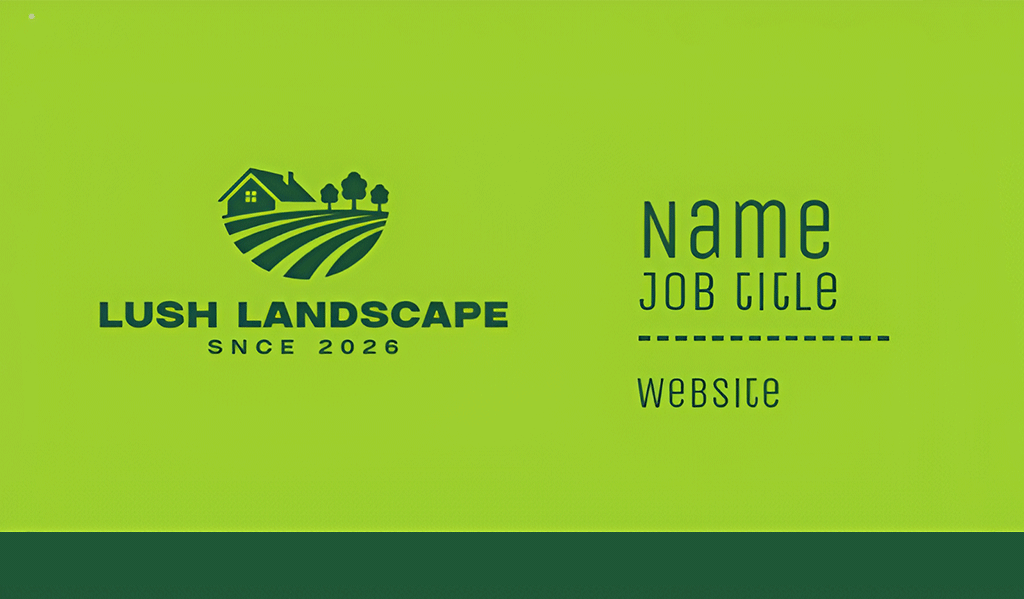
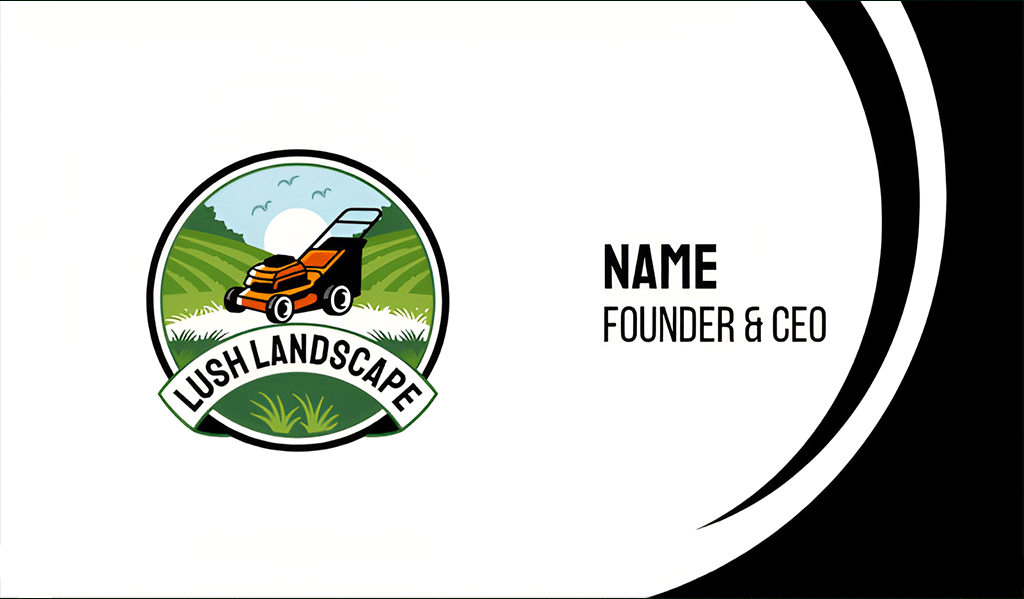
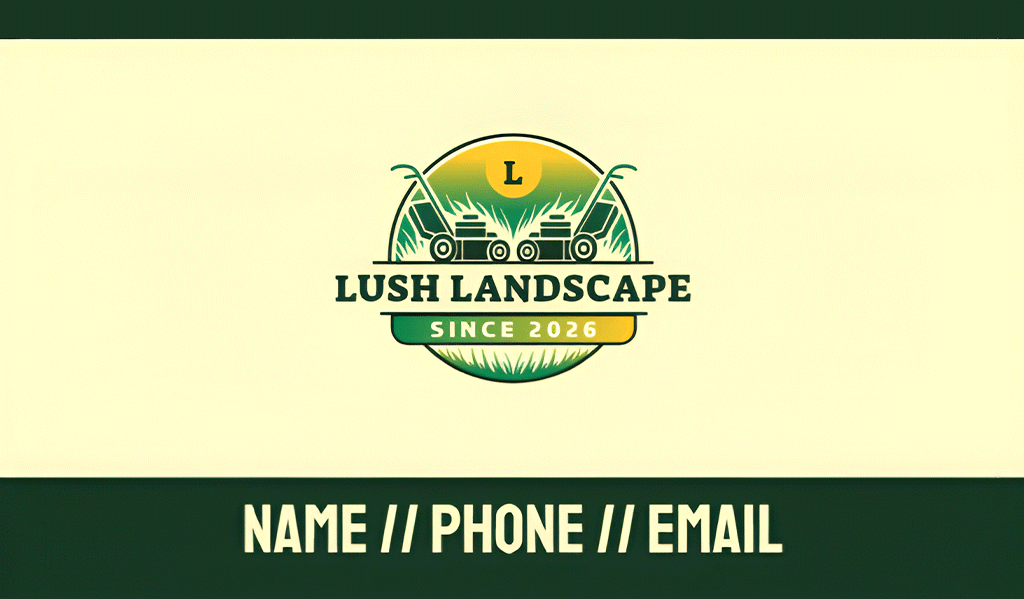
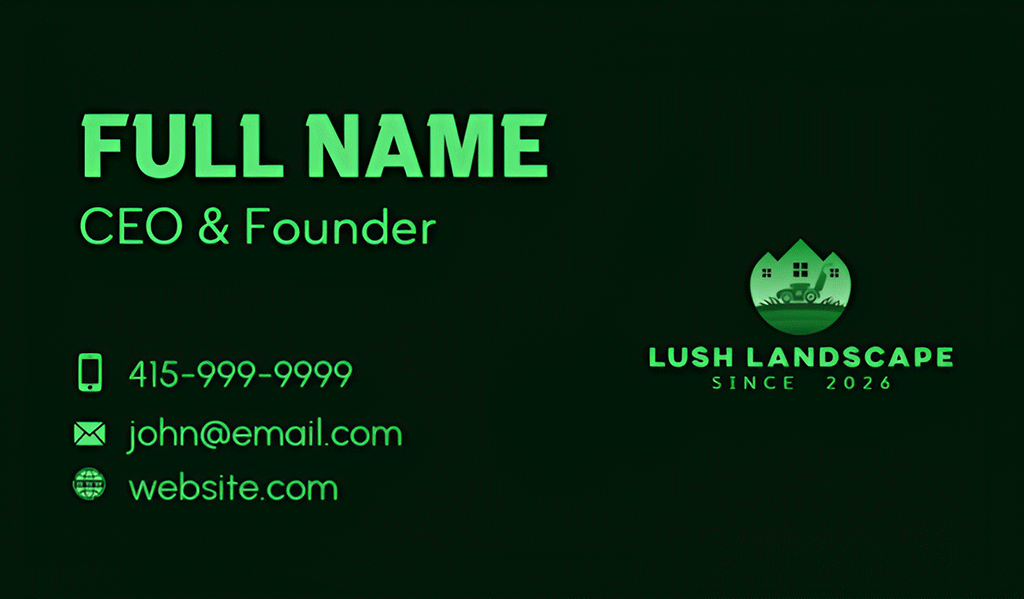
The platform offers a variety of nature-inspired branding, ranging from minimalist layouts to bold, modern styles. All are of professional quality and ready to use with little to no editing needed. Still, Design.com lets us edit the text, fonts, colors, icons, and layout of our chosen template. Everything is done using the platform’s beginner-friendly drag-and-drop editor, which is perfect if you have no design experience.
We were able to design both sides of the business card. Since the front side will already have your name, contact information, and logo, the back side can be a perfect space to add a QR code that leads to your website, social media accounts, events page, etc. You can upload your own images to the business card, like your logo and QR code. If you don’t have any yet, Design.com can generate them for you.
Design.com is primarily known as a logo maker. With 500,000+ exclusive, professionally designed logos, you can create any logo for every industry. Once you have created a logo, the platform will automatically apply it — including the colors and typography — to all its templates. This enables you to create not only business cards, but also other assets, including posters, flyers, email signatures, letterheads, presentations, and websites. All of which will be visually consistent with your logo design.
| Criteria | Design.com Highlights |
| Design Quality | Some of the most polished concepts in our testing |
| Speed to First Draft | Fast — generated thousands of business card designs in seconds based on one prompt |
| Customization Depth | Allows full customization of fonts, colors, layout, and icons using a beginner-friendly interface |
| Print + Digital Export | Multiple export options available — PNG/JPG for digital; SVG/EPS/PDF for print; direct print available — order from 250 to 5,000 cards, single or double-sided, with corner style and finish options (standard/premium matte or glossy) and free worldwide shipping |
| Price | Free version available (generate, customize, and download business cards using free templates); full access to premium templates costs $6/month (annual) or $9/month |
2. BrandCrowd — Best for Designer-Quality Templates
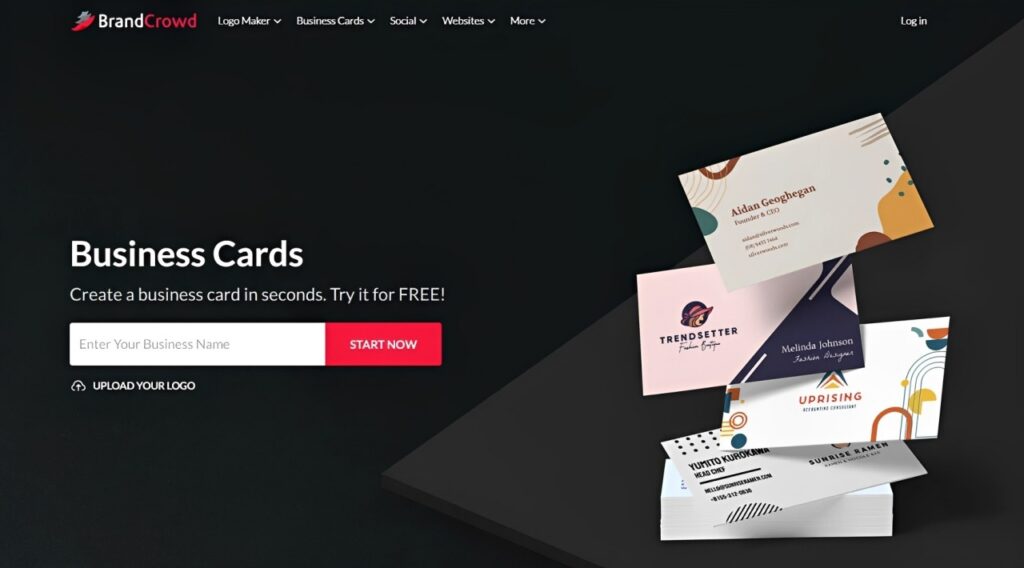
Quick Verdict: BrandCrowd features over 3,000 business card templates — all designer-made, which shows how polished the “before you even edit anything” version looks.
Key features:
- Access to thousands of designer-made business card templates
- Allows editing of background colors, typography, icons, and alignment via a built-in drag-and-drop editor — no design skills required
- Download files in JPG, PNG, SVG, EPS, and PDF formats
- Automatic brand integrations feature for consistent branding
- Direct print ordering: 250–5,000 cards, single/double-sided, corner style and finish options
What we tested: For BrandCrowd’s Business Card Maker, we entered the business name “Lush Landscapes” along with relevant keywords like “lawn care” and “landscaping.” It generated thousands of business card designs, all tailored to landscaping. Here are some of the results:
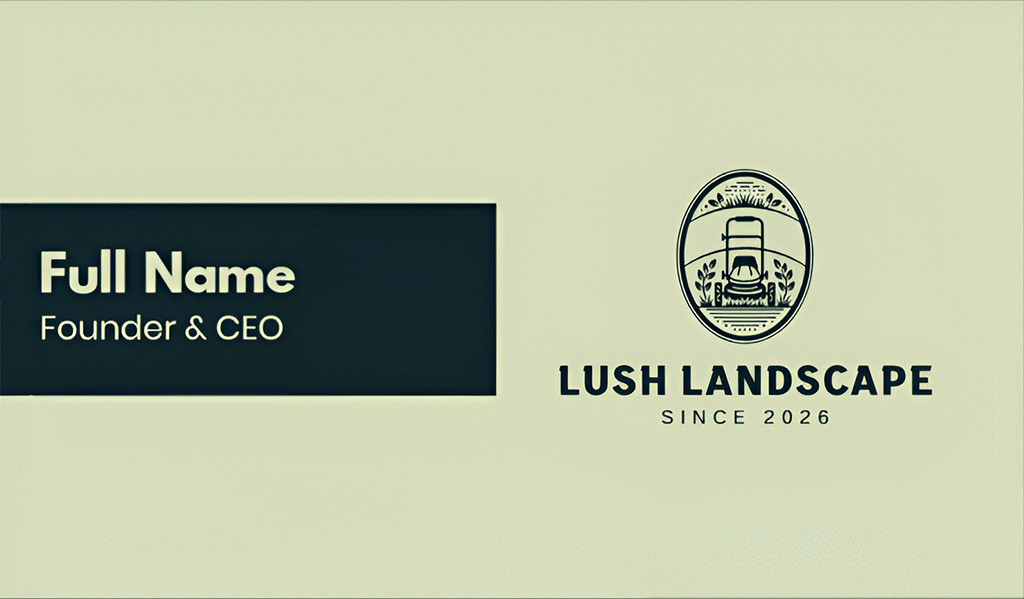
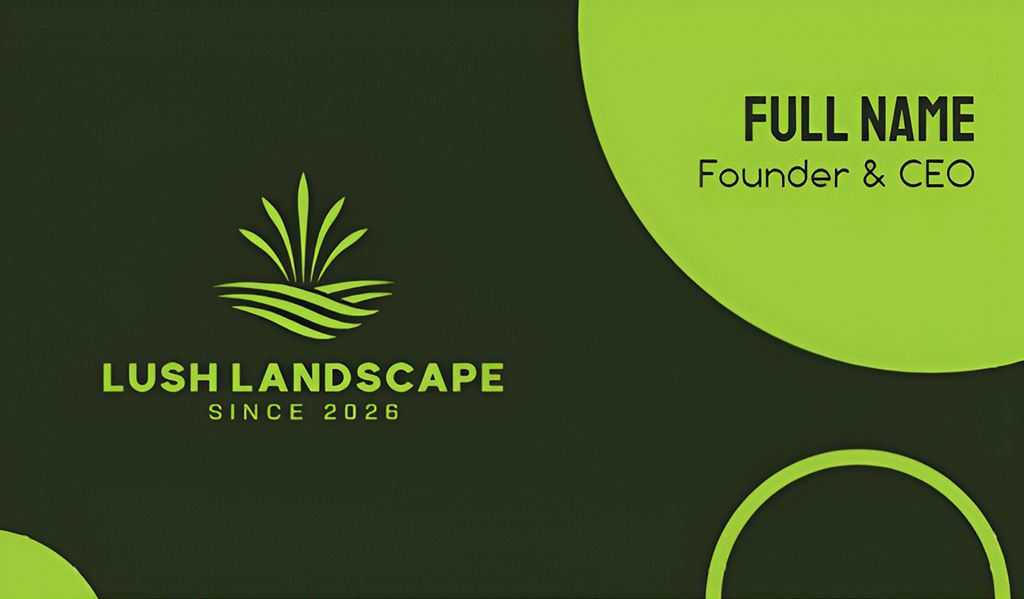
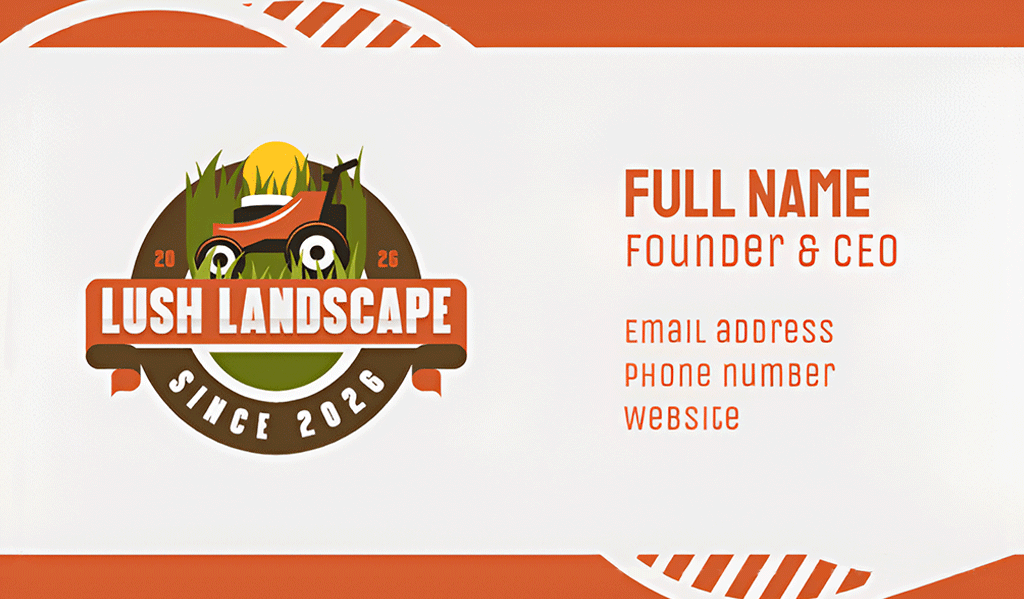
All the generated designs feature strong typography, balanced spacing, and practical branding. They’re perfect, especially if you’re looking for quick but attractive outputs. After choosing a design, the platform directs us straight to its editor. The drag-and-drop interface enabled us to change the fonts, colors, and layout. We also added the back side and QR code.
| Criteria | BrandCrowd Highlights |
| Design Quality | Clean and professional |
| Speed to First Draft | Fast — all it needed were the business name and keywords |
| Customization Depth | Full editing on backgrounds, type, icons, alignment, etc |
| Print + Digital Export | High-res + vector files available; direct print ordering from 250 to 5,000 cards, single or double-sided, with corner style and finish options (matte/glossy, standard/premium) |
| Price | Free version available — design complete business cards using free templates; premium templates access starts at $3/month (annual) |
Watch Out For: Printing is a separate paid step even after your design is finished. Budget for that if you need actual cards in hand.
3. Canva — Best for Beginners
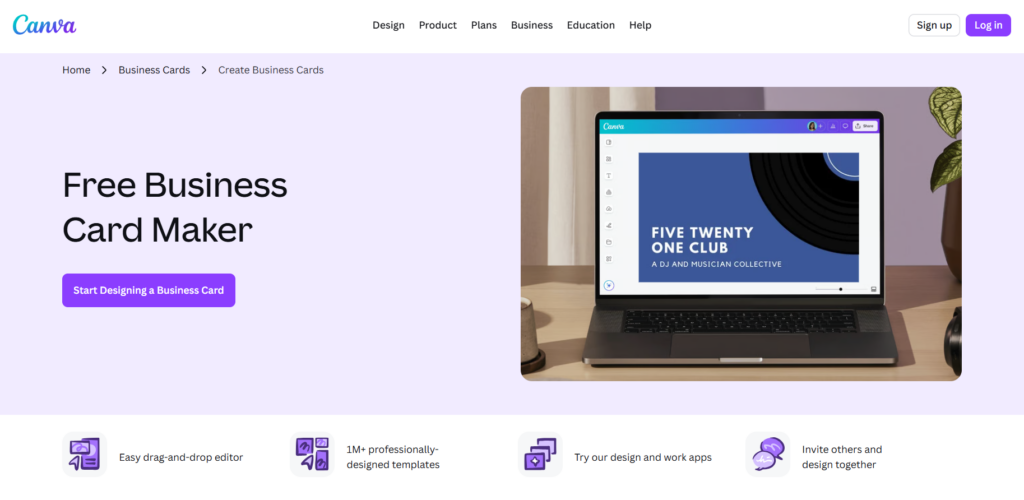
Quick Verdict: If you’ve been using Canva for some time now, there’s no learning curve required when it comes to designing your business cards.
Key features:
- Large general-purpose template library
- Drag-and-drop editor with minimal learning curve
- Standard PNG/JPG/PDF exports
- Direct print ordering with paper stock, finish, and quantity options
- Free tier plus Pro plans for expanded templates and elements
What we tested: To create a business card using Canva, we had to start by searching for the business card template. Once we found it, we browsed through the platform’s design library (we used the search function and typed in “landscaping” to make things easier). Right away, the platform showed business card designs with nature-inspired concepts. However, most of the options are locked behind the premium plans.
Here’s a sample of Canva’s free template for landscaping businesses:
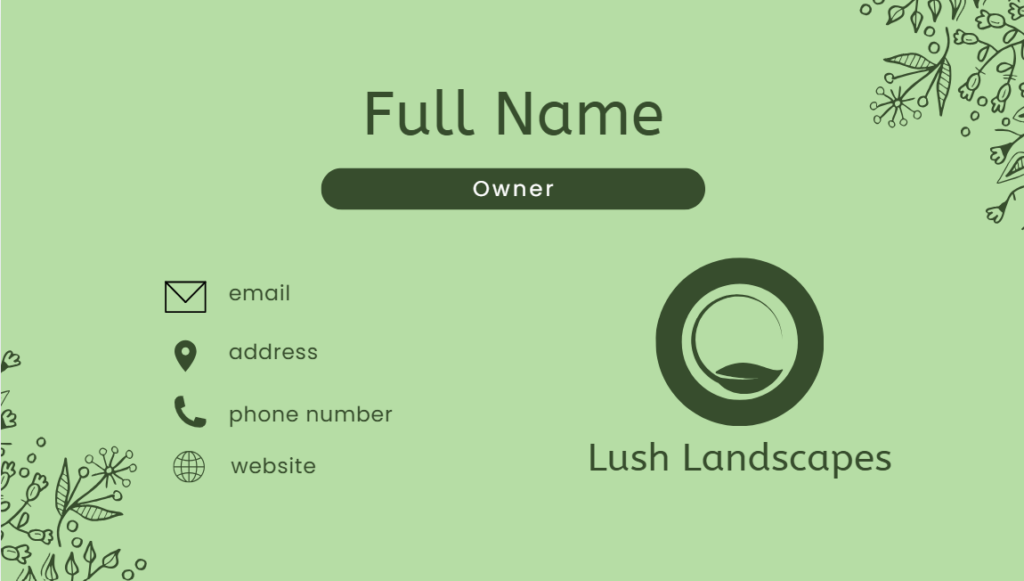
Canva templates are clean, approachable, and easy to customize. However, they tend to rely more on generic concepts. They’re not specifically made for landscaping businesses and require a bit more manual editing to achieve a more brand-specific look that Design.com and BrandCrowd provide easily. Fortunately, editing with Canva is easy using its drag-and-drop interface, which is perfect for beginners.
| Criteria | Canva Highlights |
| Design Quality | Solid but generic — templates aren’t created around specific industries |
| Speed to First Draft | Moderate — browsing through the template library for preferred design may take some time |
| Customization Depth | Full customization of colors, fonts, text, and layout using its renowned drag-and-drop editor |
| Print + Digital Export | Standard PNG/JPG/PDF exports available (SVG format requires a Canva Pro subscription); offers direct print ordering with paper stock, finish, and quantity options |
| Price | Free tier available; Pro plans unlock more templates and elements |
Watch Out For: Because Canva is a general design platform, it serves every design category under one roof. Its business card features stay fairly basic.
4. Adobe Express — Best for Existing Adobe Users
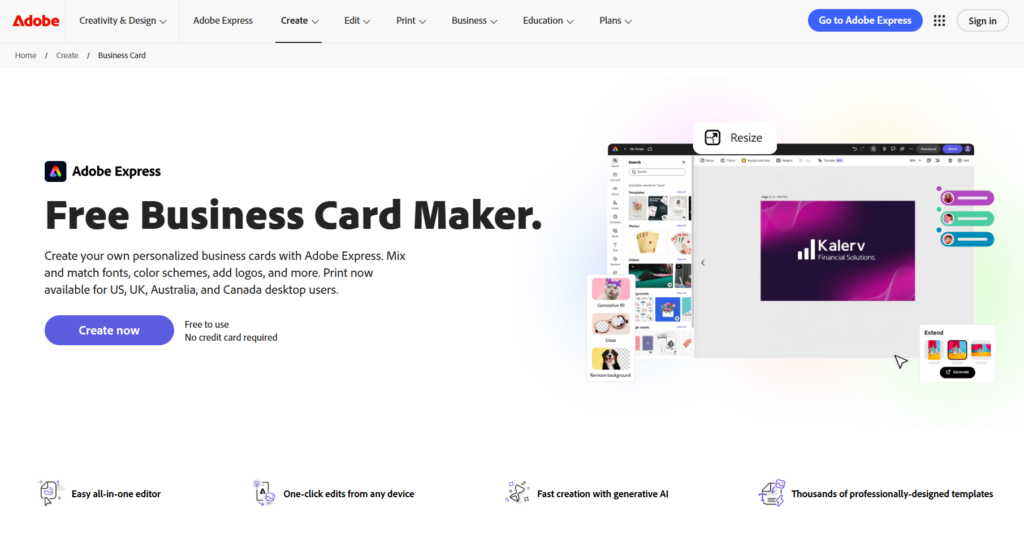
Quick Verdict: Adobe Express may work best if you’re already working within the Adobe ecosystem. Otherwise, opting for other platforms may be more beneficial.
Key features:
- ~500 business card templates
- Granular font and layout editing controls
- Standard digital exports
- Direct print ordering via Zazzle (US, UK, Australia, Canada)
- Free tier plus Premium plan for full asset library access
What we tested: Similar to Canva, creating a business card in Adobe Express involves selecting the right template and browsing through the platform’s design library. We also used the search function to find a suitable design faster. Adobe Express only has around 500 business card templates and most of them are locked behind the premium subscription, so we opted for the free templates like this one:
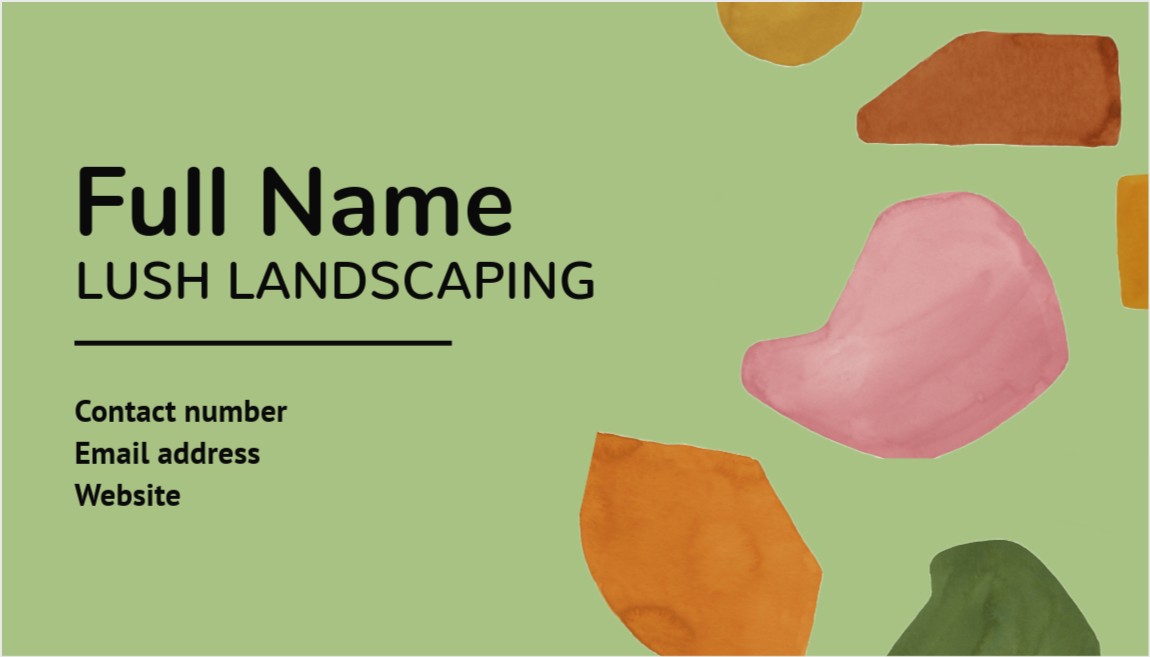
While Adobe Express offers attractive, modern business card templates, the designs still feel generic (like Canva’s) as they’re not created for landscaping businesses specifically.
| Criteria | Adobe Express Highlights |
| Design Quality | Good once edited, but starts from a smaller, less industry-specific template set |
| Speed to First Draft | Moderate — no AI-generated starting point, more manual assembly |
| Customization Depth | Full customization is also allowed |
| Print + Digital Export | PNG/JPG/PDF exports available; also offers direct print ordering via a Zazzle partnership, currently limited to the US, UK, Australia, and Canada |
| Price | Free tier available; Adobe subscription unlocks full asset library |
Watch Out For: While Adobe Express provides decent design control, it requires more manual effort to achieve a polished result than it does on AI-generation-first platforms.
5. VistaPrint — Best for Straight-to-Print
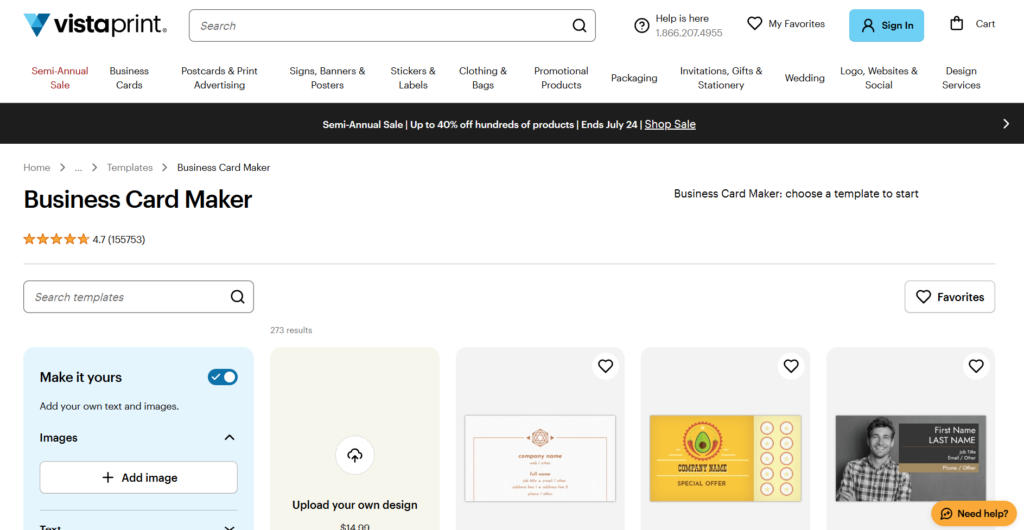
Quick Verdict: VistaPrint is a print platform first and a design tool second. If ordering physical cards without leaving the platform is the priority, this platform is perfect for you.
Key features:
- Direct-to-print workflow built around ordering physical cards
- Basic design/template tool
- Checkout-focused user flow
- Digital export available but secondary to print
- Free design tool; cost driven by the print order
What we tested: To create a business card using VistaPrint, we first selected our preferred design. Instead of browsing mindlessly to find the suitable concept, we typed “landscaping” into the search bar to narrow down the options. Here are some of the options we got.
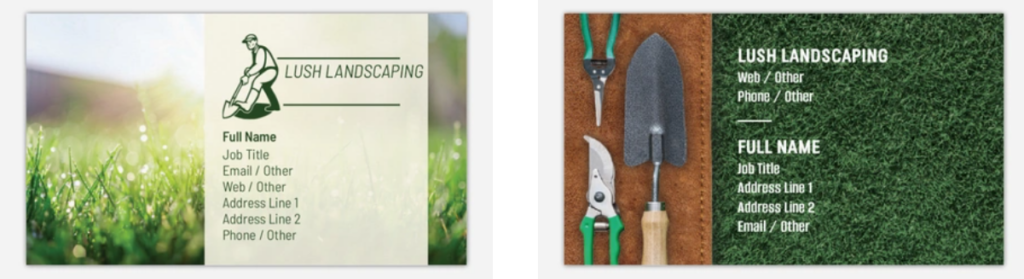
We noticed that some of VistaPrint’s business card templates focus on print-ready designs with realistic photography and industry-specific themes, which sets it apart from the other platforms on this list. After choosing a template, we proceeded to edit the design. The editing features are limited compared to others — it only allows us to edit the text, upload our own images, add graphics and patterns, and change background colors.
| Criteria | VistaPrint Highlights |
| Design Quality | Fair — functional templates, not a design-first focus |
| Speed to First Draft | Fast, but workflow is built to move you toward ordering quickly |
| Customization Depth | Limited compared to dedicated design platforms |
| Print + Digital Export | No downloadable files available; goes straight to printing |
| Price | Design tool is free; payment is only required when ordering prints |
Watch Out For: VistaPrint’s workflow is designed to get you to checkout fast. It’s more of a printing service that happens to have a basic design tool.
6. Moo — Best for Premium Print Quality
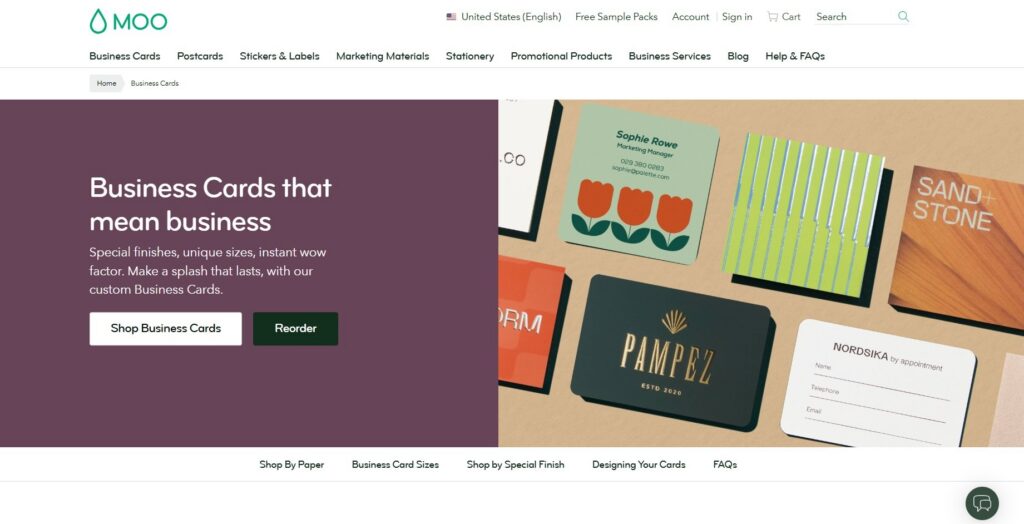
Quick Verdict: Moo is known for its paper stock and finish quality, not design range. It’s a suitable platform if your priority is a high-quality physical card.
Key features:
- Premium paper stock and finish options
- Smaller, curated template selection
- Design tool secondary to print quality
- Print-first output, limited digital export focus
- Free to design; cost scales with print order and finish
What we tested: Moo is somewhat similar to VistaPrint in that they both prioritize physical business cards. From the start of the process, we were required to choose our preferred paper quality, size, finish, corners, and quantity. Once we answered all that, we could then design our business card. They have three options — to use their templates, design from scratch, or upload an existing design. We opted to go the template route, which only has very few options. Here are some of them:
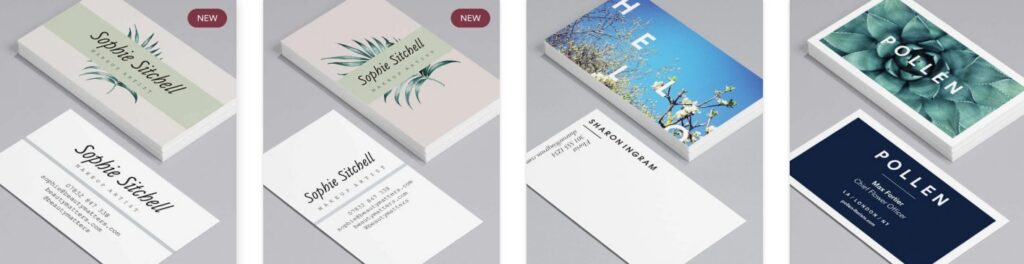
MOO offers clean layouts and high-quality mockups, but leans toward traditional designs. While they offer different color variations for your chosen design, customization is limited to entering your business information.
| Criteria | Moo Highlights |
| Design Quality | Limited design options but polished |
| Speed to First Draft | Moderate — fewer templates to sort through, so decisions come quickly |
| Customization Depth | Very limited — customizing colors, fonts, and other design elements not allowed |
| Print + Digital Export | No downloadable files available; print-first with a strong emphasis on paper stock and finish |
| Price | Free to design; cost scales with print order and finish selected |
Watch Out For: Moo specializes in print craftsmanship rather than design flexibility. If you want a platform that does both, choose Design.com, BrandCrowd, Canva, or Adobe Express.
Conclusion
A great business card does more than share your contact details. It should leave a lasting impression of your brand on the people you’re handing it to. After testing six business card makers, it became clear that the best platform is the one that helps you create a professional, memorable design quickly while providing you with the flexibility to customize and export it.
For most small businesses, Design.com is the fastest route to a high-quality, distinct business card. It lets you generate a full range of design options from its library of 500,000+ designer-made templates, customize your chosen design with beginner-friendly tools, download your finished business card in various file formats for digital and print purposes, and place an order for printed physical business cards.
If you’re looking for polished designer templates, BrandCrowd is an excellent alternative, while Canva and Adobe Express remain solid choices for users already invested in their broader design platforms. Meanwhile, VistaPrint and Moo are worth considering if premium printing is your top priority rather than design flexibility.
Ultimately, the best business card maker is the one that helps your business make a strong first impression.