Official Review of Best Free Tools for Business Cards 2026
Creating a professional business card no longer requires a dedicated design budget. In 2026, the best free tools give you access to professional templates, flexible editing features, and useful design assets to create a card that feels connected to your wider brand. Many of them help bring the same look across your logo design, website, social media graphics, email signatures, and other marketing materials.
However, not every free business card tool gives you the same level of freedom. Some offer generous editing and download options, while others place their most useful features behind a paid plan.
We reviewed and ranked the best free tools for business cards to see what they offer without costing you. We compared design quality, ease of use, customization, download options, printing features, and overall value for free to determine which platforms are worth using.
Our top pick
Before going through each platform, here is the short answer based on our testing: Design.com is our top pick for the best free tool for business cards.
What gives it the edge is the combination of free business card designs and a branding workflow that can bring your existing logo, colors, and fonts into the design. This makes it easier to create a card that feels connected to the rest of your brand rather than starting from an unrelated template.
The free options also give you room to experiment with different designs before deciding what works. For founders and small businesses trying to create a professional business card without committing to a paid design tool immediately, that makes Design.com a strong place to start.
Quick verdict
| Tool | Type | Pricing | Why It Stands Out |
| Design.com | AI business card generator | Free and paid | Instant AI design plus brand sync |
| BrandCrowd | Template business card maker | Free and paid | Strong templates plus printing |
| Canva | Free logo maker (logo feature) | Free and paid | Beginner-friendly drag and drop |
| Adobe Express | Free logo maker (logo feature) | Free and paid | Design flexibility |
| Shopify | Free logo generator | Free | Quick setup |
1. Design.com
Best for: Creating an on-brand business card with less setup
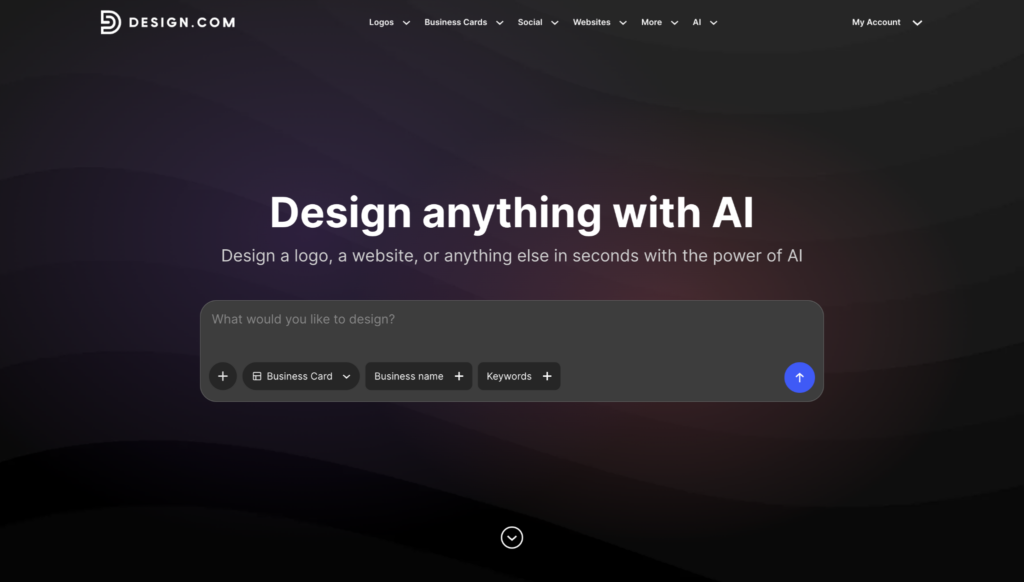
Design.com’s business card generator is built around a simple idea: your business card should use the branding you already have rather than forcing you to recreate it.
The AI generator can work with your logo, fonts, and colors to produce a card that already has a visual direction. You can then refine the design instead of spending the beginning of the process choosing every element individually.
What you get for free
You can access and download free business card designs and experiment with different directions before deciding what works. This is useful when you are still figuring out the card itself. A horizontal layout may give your logo more room, while a vertical design can create a very different hierarchy for your name and contact details.
Existing logos can be added directly to a design, making it easier to keep the card aligned with the wider brand. Different layouts and styles can also be compared before choosing a final direction, giving businesses more flexibility to create a professional card using the free tools available.
Key features
- AI-generated business cards: Create card concepts using your business details and existing brand assets.
- Free business card designs: Explore, edit, and download different designs without paying.
- 10,000+ professional templates: Browse layouts across different industries, styles, and business types.
- Brand integration: Apply your logo, colors, and fonts across your business card designs.
- 1 million+ design templates: Access a broader library covering logos and other branded materials.
- 50+ design tools: Extend your branding into websites, social media graphics, posters, and other assets.
- Built-in printing: Move directly from your finished design to ordering physical business cards.
- Free worldwide delivery: Have eligible print orders shipped worldwide without an additional delivery fee.
Sample business card designs
We created business cards for a fictional accounting firm, TrustPoint Accounting Firm, to see how the same brand could work. The results are impressive for a free plan.
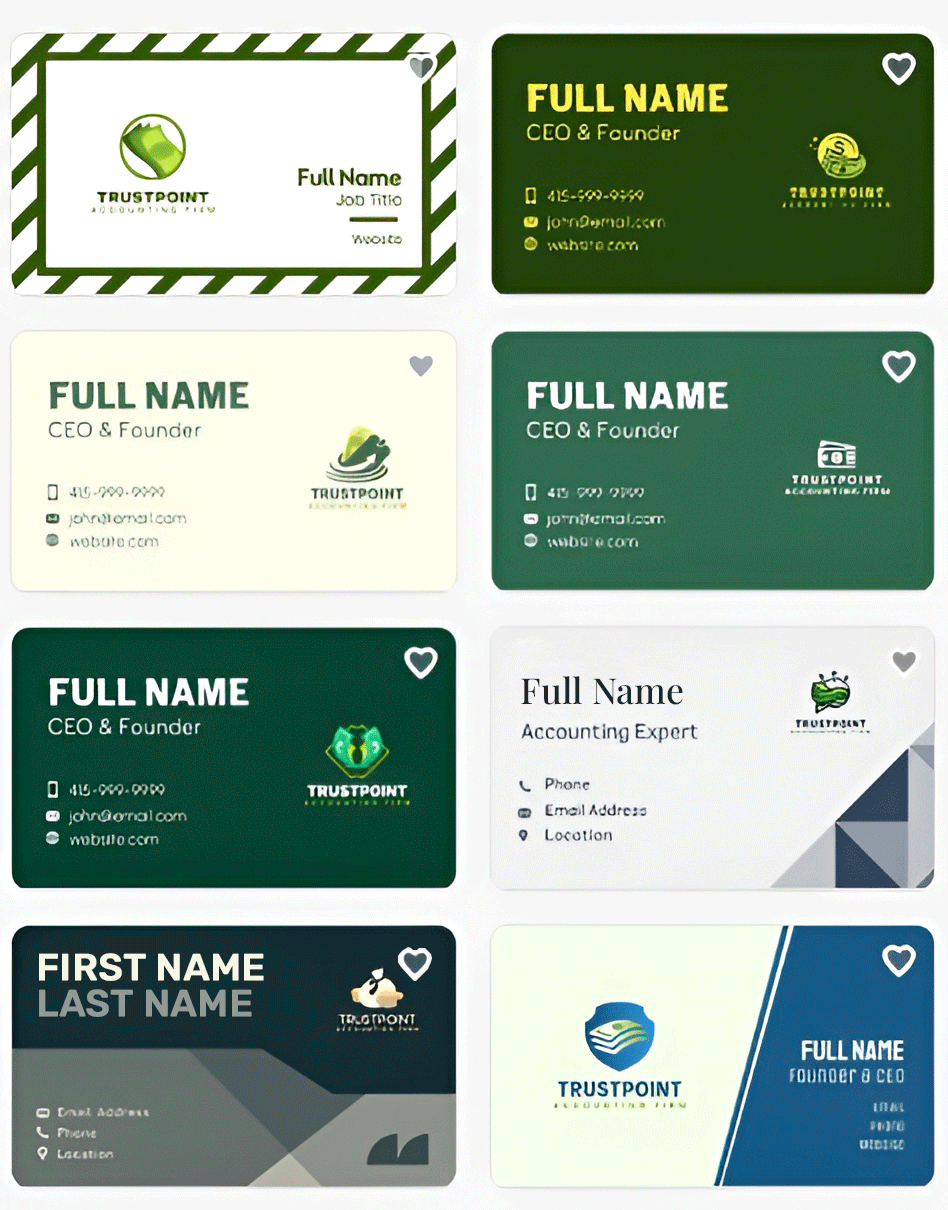
The logo, colors, and typography can stay consistent while the layout changes, so you can judge each format based on readability and presentation rather than differences in branding.
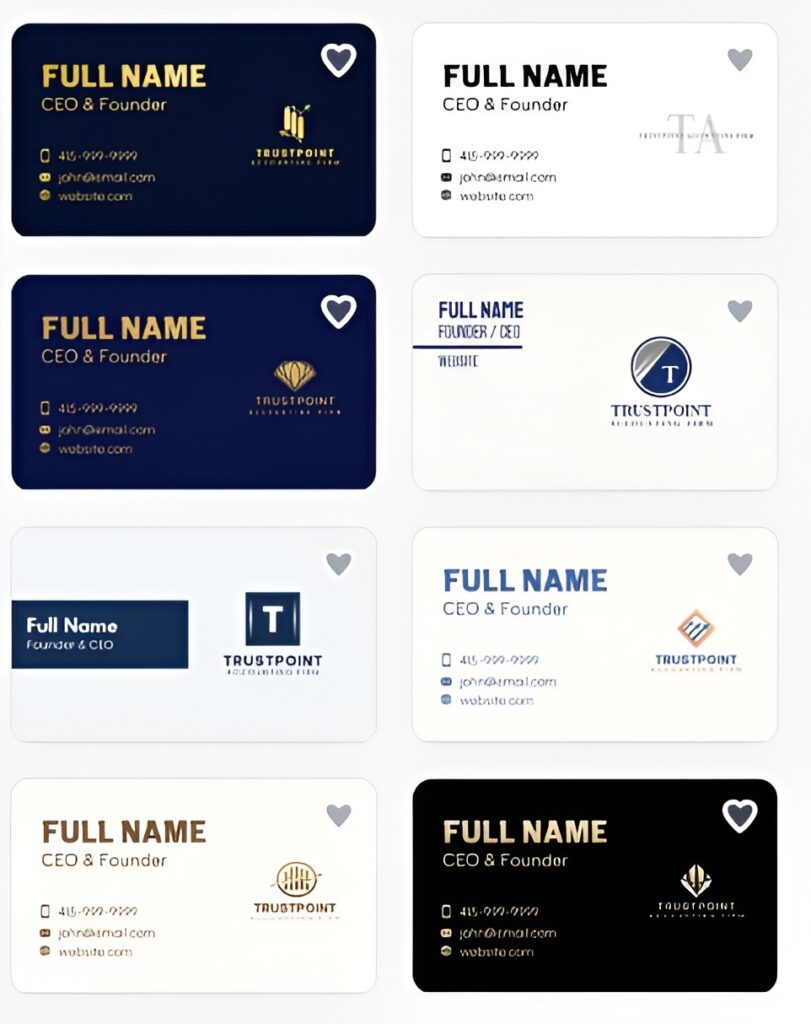
Here’s the next page. For a professional services business, such as an accounting firm, this is useful because the card needs to convey several pieces of information clearly without becoming visually cluttered.
Design.com verdict
Design.com is the best choice here if you want to spend less time setting up the design and more time choosing the version that works.
The free designs let you explore different options, but the bigger advantage is having your existing branding carried into the card. For a new business building several assets at once, this can save a considerable amount of repetitive work.
2. BrandCrowd
Best for: Exploring professional business card templates for free
BrandCrowd’s business card maker gives you access to more than 3,000 professionally designed templates. The library covers a wide range of industries and styles, giving you plenty of ideas to explore without starting from a blank page.
For a free business card tool, its biggest advantage is choice. You can try different designs with your own business information and compare how each one looks before deciding which direction to take.
What you get for free
The free experience is useful for testing different business card ideas without committing to a design upfront. You can browse the template library, enter your business details, and see how they work across different designs.
Once you find an option you like, you can adjust core elements such as text, fonts, colors, and positioning. Enjoy the flexibility to make a template feel more relevant to your business without having to handle every design decision yourself.
Industry-specific templates also make the process faster. Instead of working through thousands of options, you can narrow the selection to designs that better fit your field.
Key features
- 3,000+ templates: Browse professionally designed options across different styles.
- Industry-specific designs: Find layouts suited to different businesses and professions.
- Flexible editing: Adjust text, fonts, colors, backgrounds, alignment, and element placement.
- Brand integration: Apply your logo and brand colors to the design.
- Design variations: Create, save, and edit multiple versions.
- High-resolution exports: Download files suitable for digital and print use.
- Vector formats: Access SVG, EPS, and PDF files where available.
- Account storage: Save designs for later access and editing.
- 50+ design tools: Extend your branding into websites, social media, logos, and other assets.
Sample business card designs
For consistency, we also tested BrandCrowd with the same fictional accounting firm, TrustPoint Accounting Firm, to see how much variety we could get from its free business card tools.
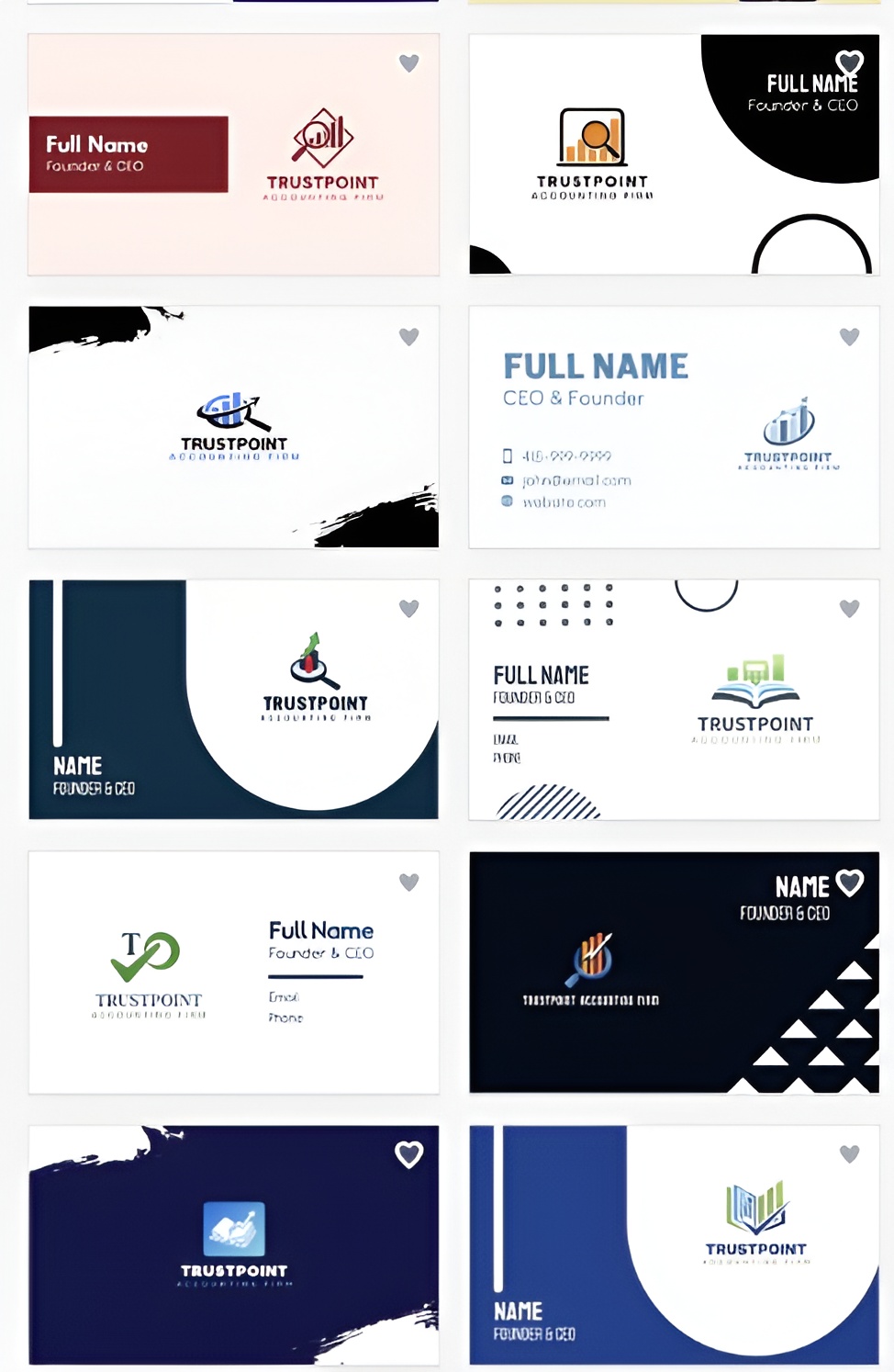
The range was the most useful part of the test. We could move between more traditional accounting designs and cleaner, more contemporary options while keeping the same business details. This makes BrandCrowd particularly useful when you want to explore several professional directions before choosing a final look.
BrandCrowd verdict
BrandCrowd is a good free option when variety matters most. Its large template library gives you plenty of professional designs to explore, while the editor provides the essential controls needed to make your chosen option fit your business.
3. Canva
Best for: Controlling the layout yourself
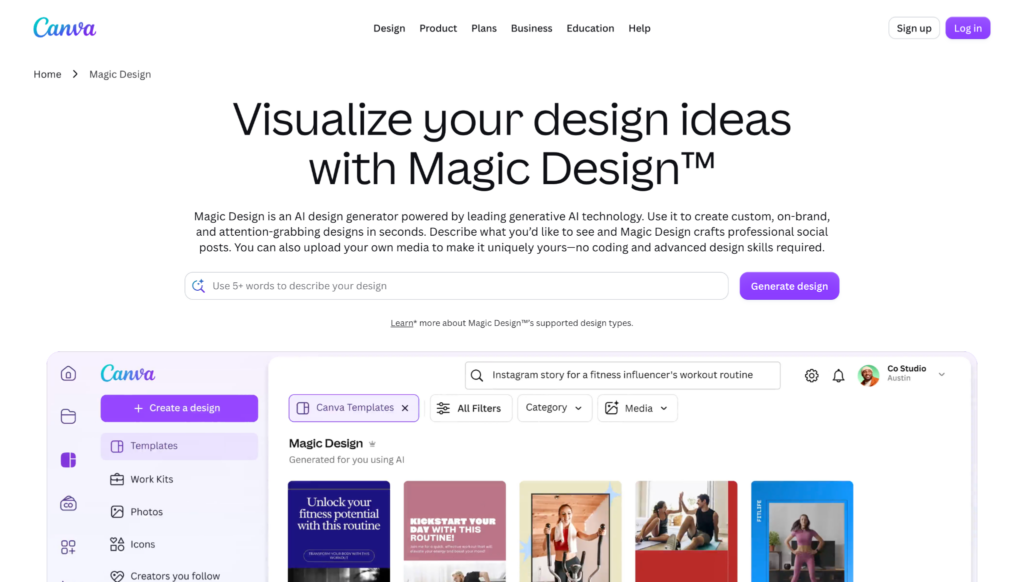
Canva’s business card maker offers templates and a drag-and-drop editor. You can move individual elements, resize them, change typography, adjust colors, and add your own logo.
More control also means more design decisions. Canva is better suited to someone who wants to control spacing and composition rather than have the platform handle most of the layout automatically.
What you get for free
Canva’s free plan includes eligible business card templates and its core editing tools.
You can upload your logo, change fonts and colors, reposition elements, and use free graphics. This is enough to create a complete card as long as the template and assets you select are included in the free tier.
Free and Pro content can appear together, so checking asset labels early is worthwhile if keeping the design free is important.
Key features
- Free business card templates: Provides layouts to use as starting points.
- Drag-and-drop editing: Gives you direct control over element placement.
- Logo uploads: Lets you bring existing branding into the card.
- Typography controls: Helps organize names, titles, and contact information.
- Color editing: Lets you adjust the design to your existing palette.
- Free graphics: Provides additional elements for the layout.
- Download options: Lets you take the finished card outside the editor.
Sample business card design
Here’s a business card design created for TrustPoint Accounting Firm using Canva.
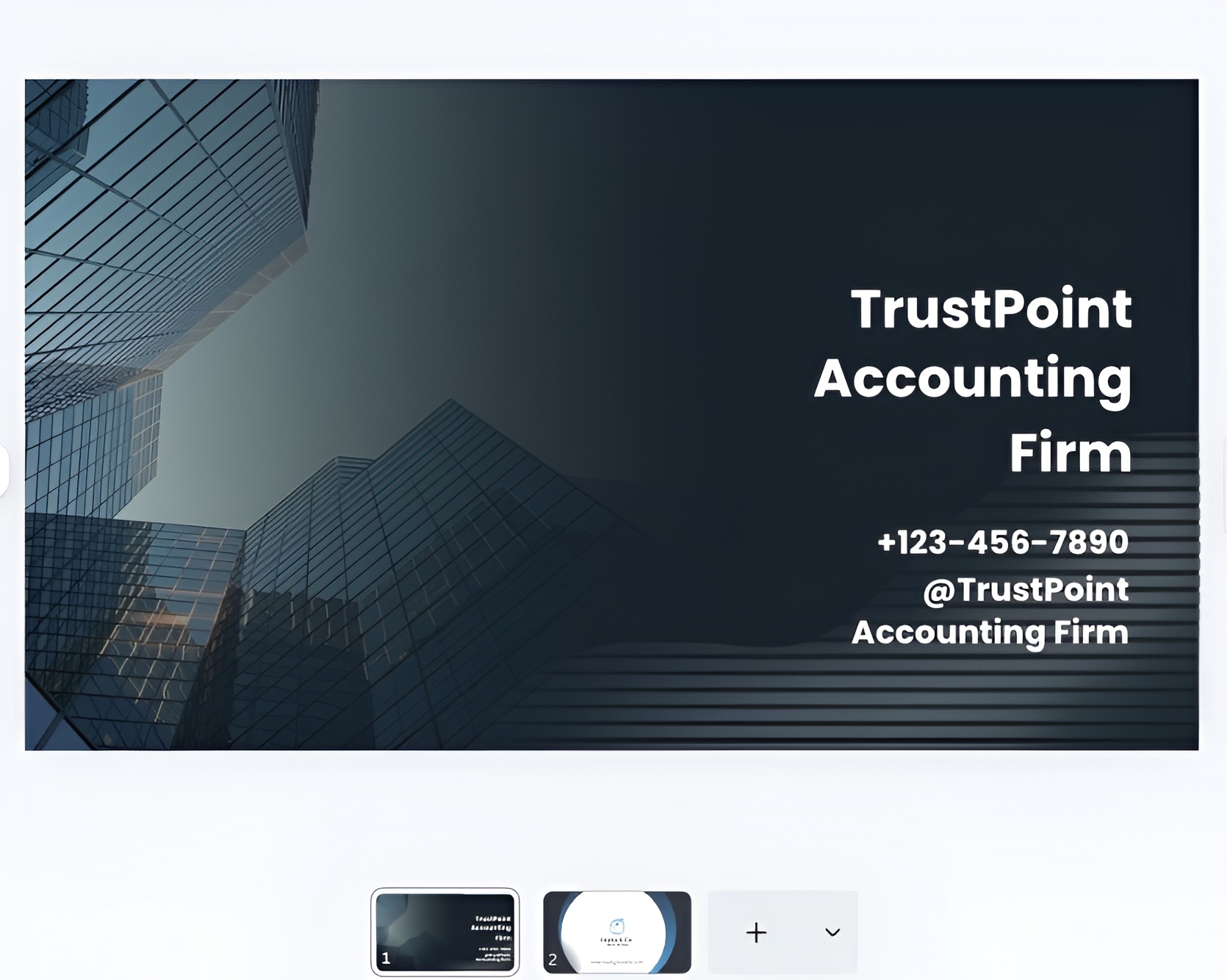
Canva lets you adjust details such as logo size, text spacing, and the relationship between contact information and the company name. These controls become more important as you add information because business cards have little space for correcting a crowded layout.
Canva verdict
Canva suits users who want direct control over the composition. Its free editor covers the main tools needed for a business card, although you need to make more of the layout decisions yourself and keep track of which assets belong to the free tier.
4. Adobe Express
Best for: Refining individual design details
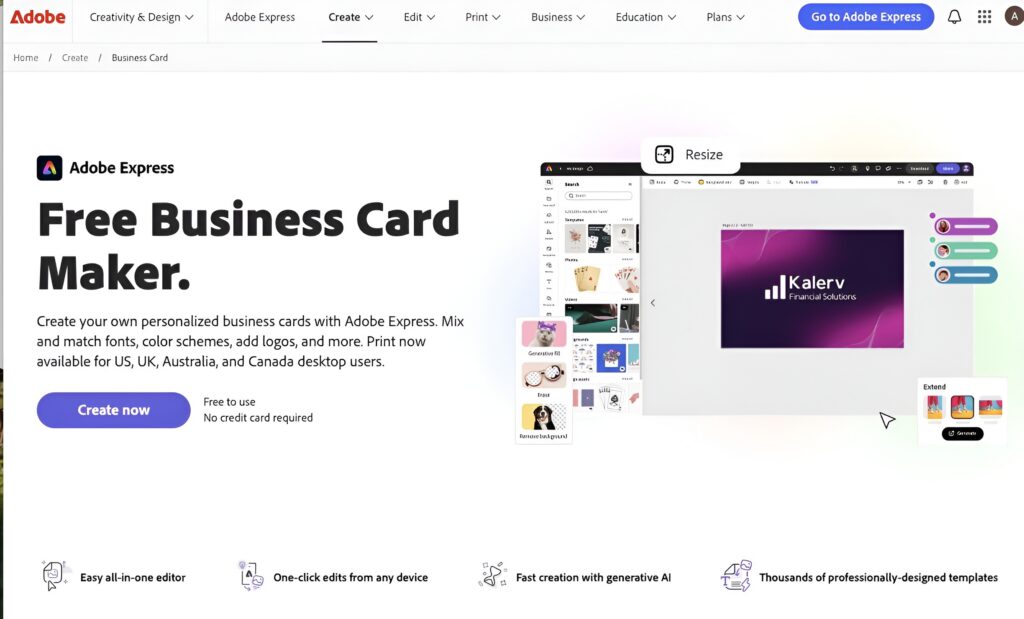
Adobe Express provides business card templates with editing controls for typography, colors, imagery, and layout. It works best when you already have a general direction and want to refine individual parts of the design rather than generate the entire composition automatically.
What you get for free
The free version includes business card templates and the core editing tools needed to adapt them.
You can upload a logo, change fonts and colors, replace imagery, and reposition elements. Some templates and assets require a paid plan, so the exact free experience depends on the content you select.
Key features
- Free business card templates: Gives you existing layouts to adapt.
- Logo uploads: Adds your existing business identity.
- Typography controls: Helps establish hierarchy between different pieces of information.
- Color editing: Lets you bring a template closer to your brand palette.
- Image editing: Provides control over visual elements.
- Layout adjustments: Lets you refine positioning and spacing.
- Download options: Provides a route from editing to the completed design.
Sample business card design
This is the TrustPoint Accounting Firm business card created with Adobe Express.
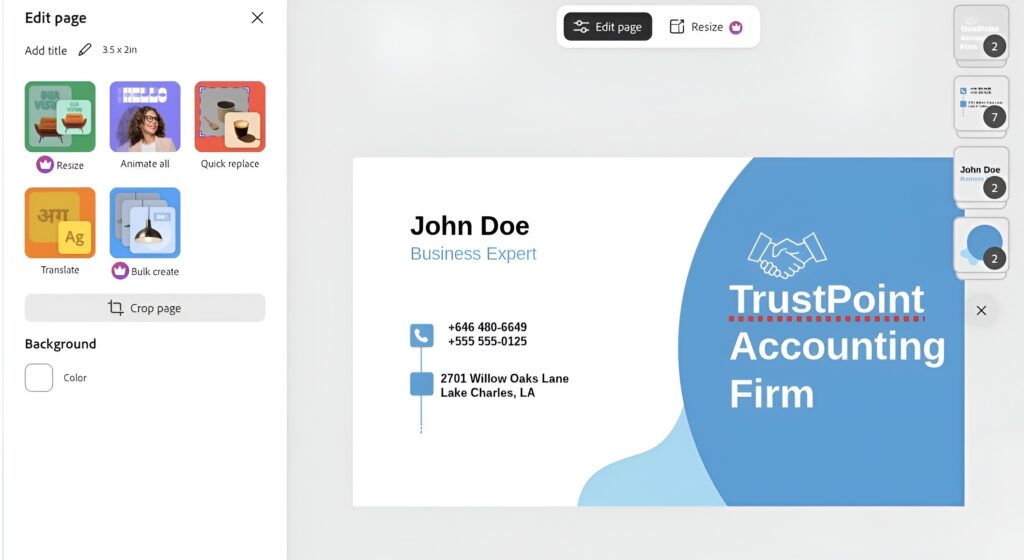
The editing controls are particularly relevant for information-heavy cards. Adjusting font size, spacing, and hierarchy can help separate the business name from the person’s role and contact details without introducing more visual elements.
Adobe Express verdict
Adobe Express is better suited to users who already have a design direction and want to refine it. The free tools cover the main editing requirements, while the presence of premium content means it is worth checking assets before building the final card around them.
5. Shopify
Best for: Creating a basic business card
Shopify takes a simpler approach. Rather than opening a full design editor, you enter your business information and logo and use the generator to create the card. There are fewer design controls, which reduces the amount of setup but also gives you less freedom to change the final composition.
What you get for free
Shopify’s business card generator is free to use. You can add your name, company, job title, email, website, address, and other essential information along with your logo. The generator then turns those details into a printable card.
This approach is more appropriate when presenting the necessary information clearly matters more than experimenting with several visual directions.
Key features
- Free business card generator: Does not require a paid design subscription.
- Business information fields: Organizes common contact and company details.
- Logo upload: Lets you add your existing business mark.
- Simple setup: Reduces the number of design decisions involved.
- Printable output: Produces a card that can move into printing.
Sample business card design
Here’s what Shopify’s business card generator produced for TrustPoint Accounting Firm.
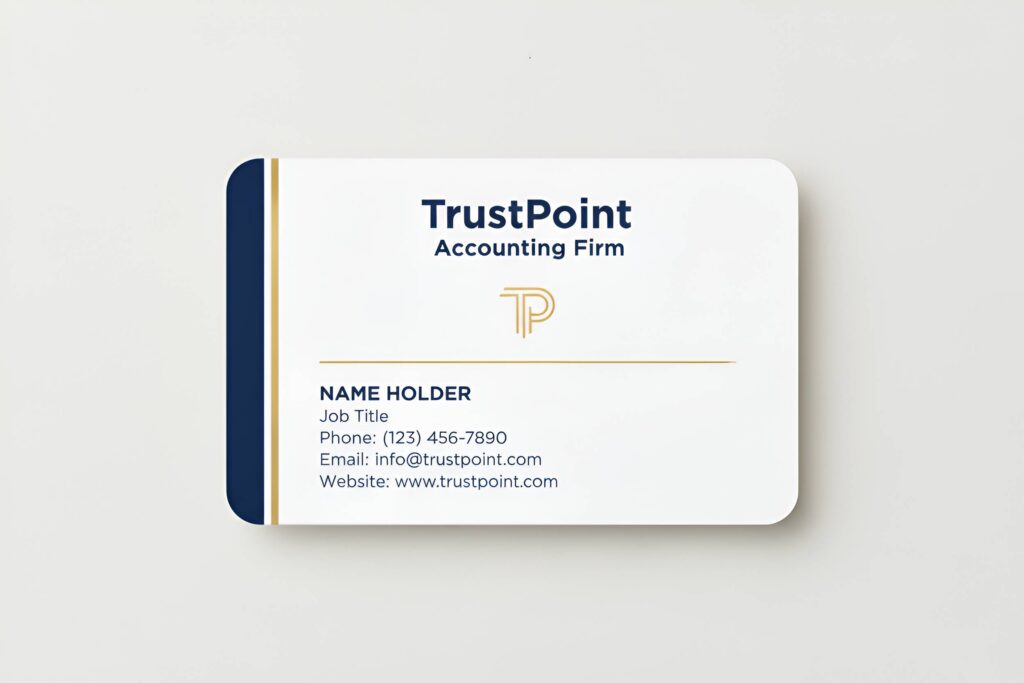
The design focuses on the firm’s essential information rather than extensive visual elements. For an accounting business, this approach can accommodate the company name, role, phone number, email, and website but don’t do much when it comes to design.
Shopify verdict
Shopify is a practical option when you need a straightforward business card and do not want to learn a full design editor. The trade-off is less control over the final appearance, so it is better suited to basic cards than designs requiring detailed visual adjustments.
How to choose the right free tool
Picking a free business card maker comes down to a handful of practical questions about your brand, not a search for the single best tool. Answer these honestly to know the right platform to use for your brand.
Where are you in building your brand? If you’re starting from scratch, prioritize a free tool that includes a logo maker, since building them separately usually means having to redo one to match the other. If your branding is already set, you mainly need a clean free editor and the right export format, not a full brand builder you’ll never fully use.
Do you want digital files or a physical order? Some free tools stop at the download and leave printing to you, which is fine if you already trust a local or online print shop. Others let you order physical cards directly from the same platform, saving a step if you want cards in hand without managing a separate order.
Does the free plan actually let you download your card? This is the detail that trips people up most. Some tools let you design and preview for free but hold the download behind a paywall. Check this before you invest time in a design, not after.
What’s your budget beyond the free plan? Free template access is common, but the details behind it vary a lot. Check whether downloads include every file type you need, whether there’s a watermark, and whether there’s a cap on how many designs you can create, since those limits shape whether the free plan actually covers what you need or just gets you partway there.
What you get beyond the basics
The business card is rarely the last design a small business needs. It is usually one of many materials that need to share the same visual identity. That is where Design.com adds more value. Its free tools extend beyond business cards to logo design, social media graphics, letterheads, email signatures, websites, digital business cards, and other brand assets. Since these tools work within the same platform, existing brand elements can be carried across different designs instead of being recreated each time.
BrandCrowd is the strongest free runner-up, particularly for businesses that want professional templates alongside a direct path from designing a card to ordering printed copies through the same platform.
FAQs on free business card makers
Can a free tool actually design a good business card? Yes. Tools like Design.com generate full layouts from a short prompt for free, then let you refine fonts, colors, and structure until the design matches your brand.
What file formats do I get on a free plan? Most tools export high-resolution PNG and JPG files for digital use, as well as vector formats such as SVG, EPS, and PDF for professional printing. Design.com and BrandCrowd both include every file type on their free plans.
Do free business card makers add watermarks to designs? This depends on the platform. Design.com and BrandCrowd both allow watermark-free downloads on their free plans, while some other tools reserve full-quality exports for paid tiers.
Can I use a free business card design for professional printing? Yes, as long as the platform supports vector export formats such as SVG, EPS, or PDF. Design.com and BrandCrowd both provide these formats for free, specifically for commercial print use.
Do I need design experience to use a free business card maker? No. Tools like Design.com are built for a beginner-friendly workflow in which you can generate, customize, and download a card for free in minutes, even without a design background.
Can a free business card match my existing brand identity? Yes, if the platform supports brand syncing. Design.com automatically pulls in your logo, fonts, and colors from assets you’ve already created, keeping your free business card consistent with the rest of your brand.