How to Use AI in Logo Design
Traditional logo design can be slow, expensive, and hard to manage if you’re not a designer. Artificial intelligence has changed all of that. Now you can create a professional logo in minutes with no design experience required.
In this guide, we’ll walk you through what AI logo design actually is, how to use an AI logo generator step by step, which tools are worth your time, and how to refine what you get. Whether you’re starting a new business or refreshing an old brand, this will help you get there faster.
What is AI logo design?
AI logo design uses artificial intelligence to help businesses create professional logos faster and more easily. Instead of designing from scratch manually, AI analyzes patterns in design, typography, color, and branding to quickly generate logo ideas tailored to a business.
Depending on the platform, it will give you anything from 1 to thousands of options that you can choose from.
From there, you can adjust various elements until the logo fits your brand.
In simple terms, AI logo design helps you:
- Create logo ideas quickly
- Explore different design styles
- Customize logos easily
- Make professional-looking logos without design skills
Overall, AI logo design makes it faster and easier for anyone to create a logo, especially for new businesses or small brands.
How to use AI in logo design
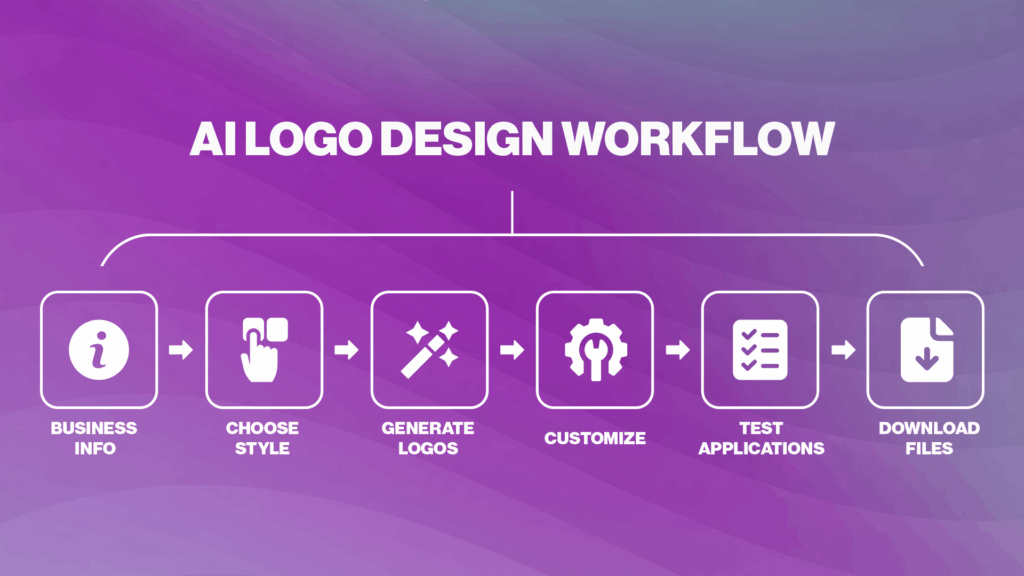
Most AI logo generators follow a similar workflow. Here’s a step-by-step guide to getting better results from AI-powered logo tools.
1. Enter your business information
Start by entering your business or brand name into an AI logo generator. Some logo generators also accept long prompts.
Many platforms also ask for:
- Your industry
- A slogan
- A short business description
- Keywords related to your brand
The more context you provide, the more relevant the generated designs will usually be.
For example:
- A bakery may use keywords like “artisan,” “warm,” or “homemade.”
- A tech company may use keywords like “technology” or “innovative.”
2. Choose your preferred design style
Most AI tools allow you to select visual preferences before generating designs.
Common styles include:
Choosing a style helps guide the AI toward designs that better match your brand personality.
At this stage, it’s also helpful to think about:
- Your target audience
- Your competitors
- Where your logo will be used most often
A logo for a law firm will typically look very different from a logo for a gaming brand or café.
See the difference here:
For a law firm:
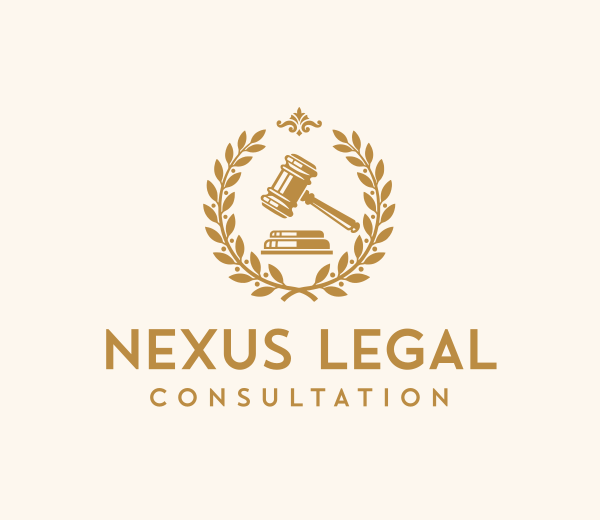
Judicial System Gavel by Design.com
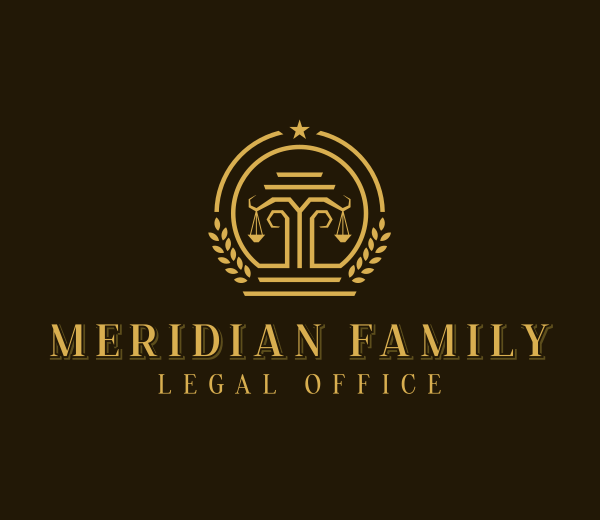
Justice Scale Attorney by Design.com
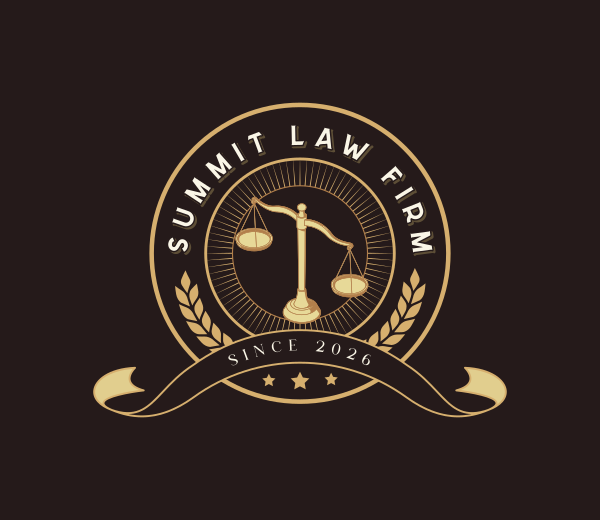
Legal Justice Scale by Design.com
For a gaming brand:
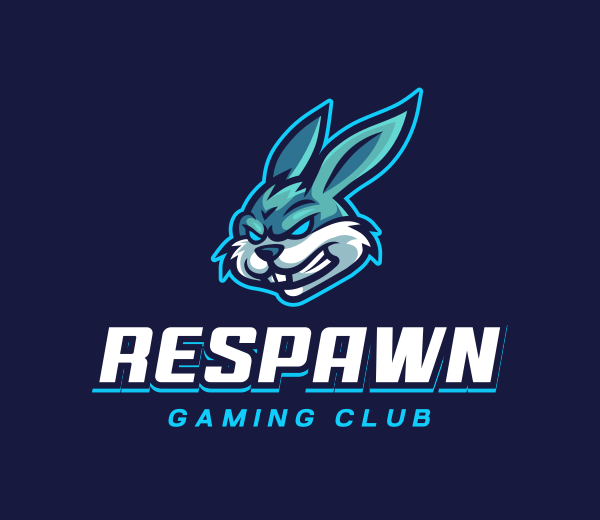
Rabbit Gaming Clan by Design.com
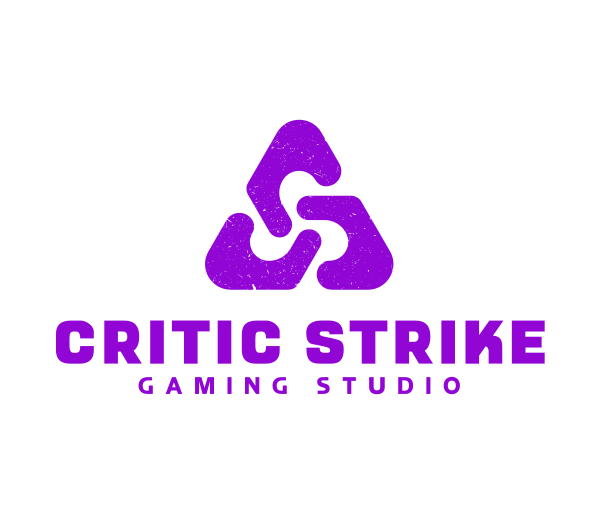
Tech Business Brand by Design.com
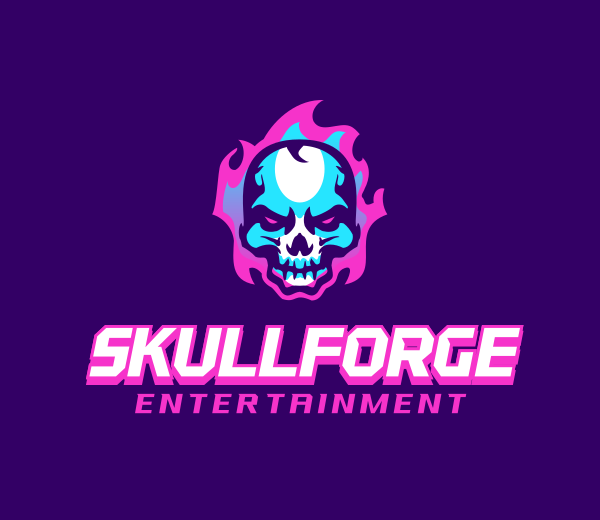
Skull Gaming Skeleton by Design.com
3. Browse generated logo concepts
AI logo generators can produce dozens — if not hundreds or thousands — of logo variations within seconds, depending on the platform’s template library.
When reviewing concepts:
- Focus on overall direction rather than perfection
- Shortlist several options
- Compare different layouts, icons, and typography styles
Avoid choosing purely based on trends. A logo should still look strong and recognizable years from now.
It’s common for the best idea to emerge after combining elements from multiple concepts rather than selecting the very first result.
4. Customize and refine your logo
Customization is one of the most important parts of the process.
Most AI logo tools allow you to edit:
- Fonts
- Colors
- Icons
- Spacing
- Alignment
- Shapes
- Layouts
Some modern platforms also offer AI-assisted editing, where you can describe changes using plain language prompts.
For example:
- “Make the colors more modern”
- “Use a more vintage font”
- “Simplify the icon”
- “Create a cleaner layout”
The AI then updates the design based on your instructions. For instance:
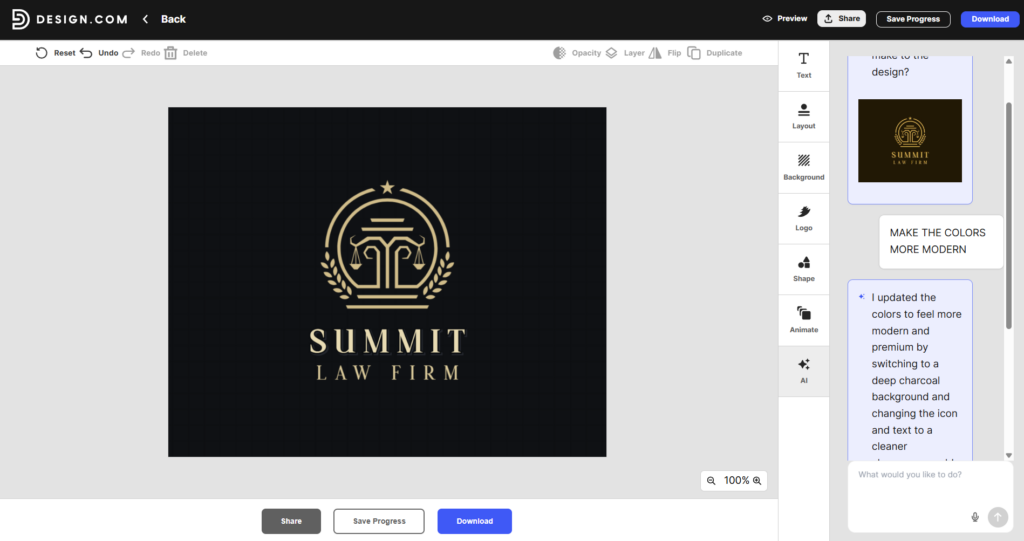
Even small adjustments can significantly improve the final result and make the logo feel more original and aligned with your brand.
5. Test your logo in different formats
Before downloading your logo, test how it appears in real-world situations.
Preview it on:
- Mobile screens
- Websites
- Social media profiles
- Packaging
- Presentations
- Business cards
A strong logo should:
- Remain readable at small sizes
- Work on both light and dark backgrounds
- Look recognizable in black and white
Simple logos usually scale better across different platforms and devices.
6. Download the correct file formats
Once you’re happy with the design, export your logo in multiple formats.
Common file types include:
| Format | Best For |
| PNG | Websites and social media |
| JPG | General online use |
| SVG | Scalable vector graphics |
| Print materials | |
| EPS | Professional printing |
Vector formats like SVG and EPS are especially important because they allow the logo to scale without losing quality. For more guidance, check out our guide on common logo file formats.
Common mistakes when using AI logo generators
AI tools can speed up the design process, but there are still common pitfalls to avoid.
Choosing the first result immediately
One of the biggest mistakes people make with AI logo generators is treating the first output as the final answer. AI tools are designed to generate ideas quickly, not necessarily perfect solutions on the first try. The first design may look impressive simply because it is new and visually polished, but it often lacks refinement or strategic thinking.
A good approach is to generate several concepts or save the strongest options, and revisit them after some time. Often, the best logo becomes clearer after comparing many alternatives rather than reacting emotionally to the first result.
Overcomplicating the design
AI tools sometimes produce logos filled with excessive details, gradients, symbols, or decorative elements because they aim to appear visually impressive. However, complex logos are often less effective in real-world branding.
Strong logos are usually simple, clean, and recognizable at a glance. Think about iconic brands — many use minimal shapes, simple typography, or a single memorable symbol.
When reviewing an AI-generated logo, ask:
- Can people recognize it instantly?
- Does it still work in black and white?
- Is it readable when scaled down?
- Does every element serve a purpose?
Removing unnecessary elements often improves the overall impact.
Ignoring originality
AI-generated logos can sometimes resemble existing styles or concepts. A lack of originality can weaken your brand identity because customers may struggle to distinguish your business from competitors. For example, a technology company that uses a generic circuit icon or a fitness brand that relies on a common dumbbell symbol may blend into a crowded market rather than stand out.
To improve originality:
- Explore multiple design variations before selecting a final direction.
- Incorporate elements that reflect your company’s unique story, values, or mission.
- Compare your logo against competitors to ensure it feels distinct within your industry.
- Use AI-generated concepts as a starting point for refinement rather than a finished product.
The goal is not simply to have a professional-looking logo, but to create a visual identity that customers can immediately associate with your specific brand.
Focusing only on aesthetics
A common mistake is judging a logo solely by how attractive it looks. While visual appeal is important, an effective logo serves a strategic purpose beyond decoration. It should communicate something meaningful about your business and help shape how customers perceive your brand.
It’s also important to think about practical usage. A logo may look impressive in a large digital preview but perform poorly on business cards, social media profiles, packaging, or signage. Strong logo design balances aesthetics, functionality, and brand strategy.
Forgetting about trademark considerations
Even if an AI-generated logo looks unique, there is no guarantee that it is legally safe to use. Because AI tools generate designs based on patterns learned from existing visual content, there is always a possibility that a logo may resemble a protected trademark or an established brand identity. This could lead to serious consequences.
Before finalizing a logo:
- Conduct a trademark search in the countries where you plan to operate.
- Check industry competitors for similar logos, symbols, or visual identities.
- Review the design for similarities in shape, color combinations, typography, and overall appearance.
- Consider consulting a trademark attorney or intellectual property professional for important commercial projects.
- Verify the licensing and usage rights associated with the AI platform you used.
Remember that responsibility for trademark compliance ultimately belongs to the business owner, not the AI tool. Taking the time to verify originality and legal availability can prevent costly problems after the brand has already launched.
Conclusion
AI has made logo design faster, more accessible, and more affordable for everyone. You don’t need a big budget or design experience to get a professional result.
With Design.com, you can generate logo options in seconds, customize them to fit your brand, and download files ready for any use. From a quick side project to a full business launch, it gives you everything you need in one place.
The best part is you can start right away and have real logo options ready in minutes.
Create your logo today with Design.com and bring your brand to life in just a few clicks.