What Is a Business Card?
We now have emails, LinkedIn, and social media, but business cards remain one of the most important tools in networking. They’re easy to carry, easy to give away, and leave people something tangible to remember you by after a conversation.
There is now even a digital option for those who want to go paper-free. People can now share contact information via QR code, NFC technology, or a clickable link-in-bio URL. So really, there is no excuse not to have this vital piece of networking tool in your arsenal.
Which is why we made this guide to business cards for you — from what to include and how to design one, how to add your branding and logo design, the right business card size, to whether you should choose a printed or digital business card.
What is a business card and why is it important?
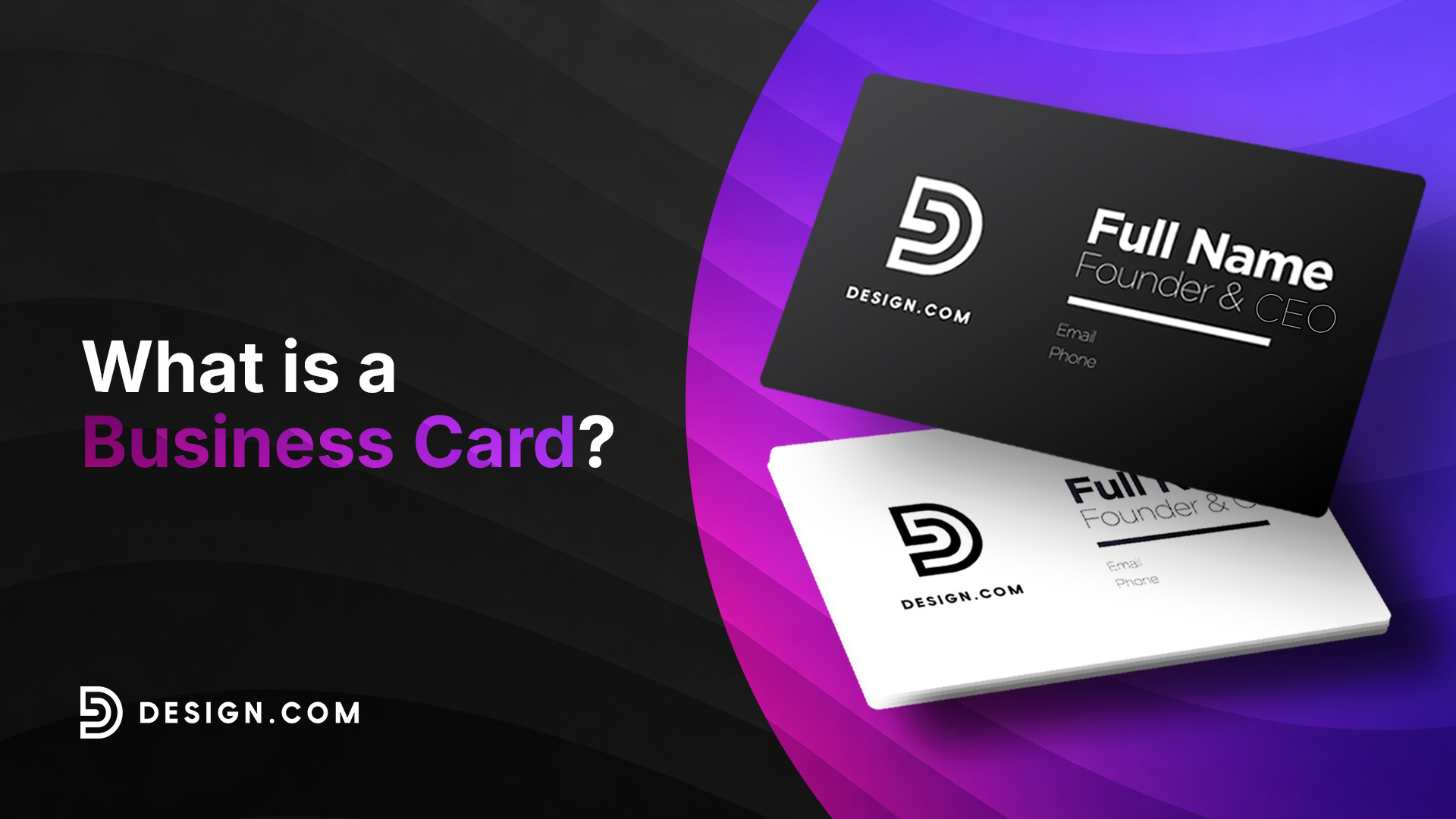
A business card is a small card that contains your professional contact information, such as your job title and email address, for easy sharing during networking events.
Business cards are important because of how easy it is to give away. Unlike typing someone’s information into a phone while standing in a loud, crowded, busy room, exchanging a card takes only a few seconds. It removes friction from the conversation and gives both people an easy way to reconnect later. It also avoids any potential issues, such as them mishearing your name or mistyping your number.
Business cards also reinforce professionalism. A card tells people that you care about how you present yourself or your company. It also signals that you are prepared and on top of things to invest in a card beforehand. And this level of professionalism is expected across every business, whether you operate entirely online or are just a small seller of crafted goods. So to sum it up, a polished business card is a great shortcut to look established, credible, and put-together.
Today’s business cards also come in two forms:
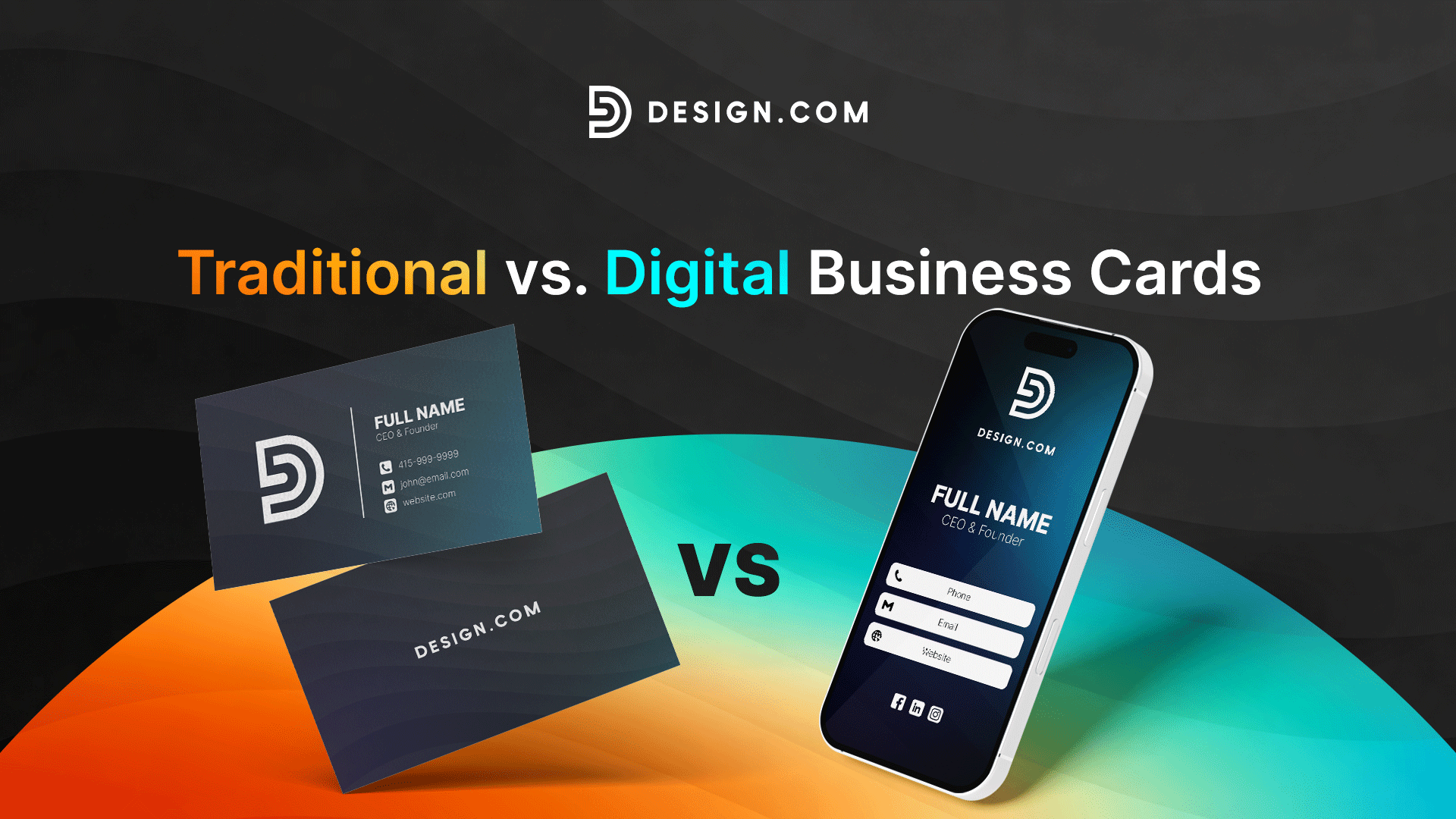
- Printed business cards that you hand to someone in person
- Digital business cards that can be shared through QR codes, links, NFC cards, or email signatures
Business cards are also easier to make now more than ever. You can DIY with the use of customizable templates, use an AI business card maker, or crowdsource affordable designs from a talented pool of designers.
What information should a business card include?
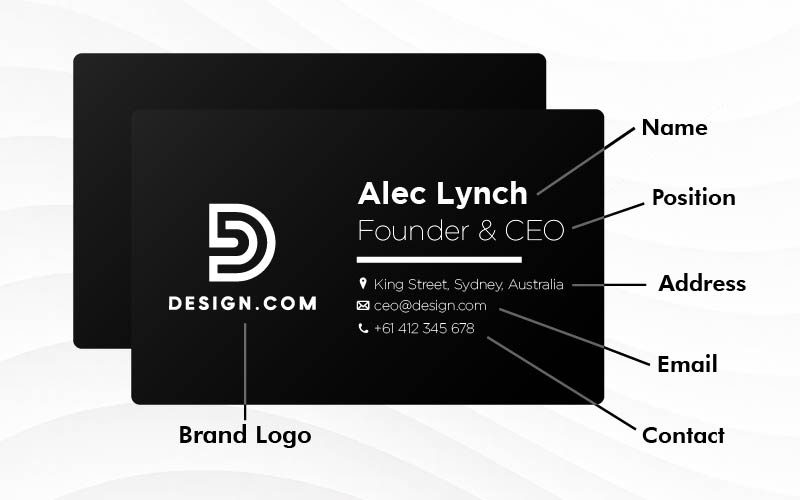
A professional business card should contain enough information for someone to contact you without overwhelming the design. Only include the essentials, then let your website or social media provide additional details if needed.
The top things to include are:
- Your name
- Job title or role
- Company name
- Company logo
- Phone number (only add the number you actually use)
- Email address
- Website
- Physical address (if relevant)
- Social media handles (only include platforms that are actively used for your business)
- QR code (if you want to link to your portfolio, booking page, online store, or website)
It may be tempting to add every way to reach you. But realistically, you should only add contact details that you actually use and regularly check. Too much information just wastes space, makes it difficult to read, and just leads them to contact you in places you won’t actually get to see.
You can also leave out:
- Long company description / About Us
- Company slogan (a logo is usually good enough)
- Pricing plans (you can talk about this separately)
- Quotes (they don’t add value)
- Photos
Think of your business card as an introduction, not an entire company brochure.
How do you create a professional business card?
Creating a professional business card is about balancing great design with practical usability. Every design decision should make the card easier to read, more memorable, and more representative of your brand.
Here are some practical tips to help you create one:
Keep the design simple
You don’t need dozens of color combinations or fancy graphics to make a visually appealing card.
Instead, focus on:
- Clear, readable typography
- Plenty of white space (since this makes text easier to read)
- One to three max complementary colors
- Balanced layout that follows the rules of graphic design
- Cohesive aesthetic all throughout, so that it looks harmonious and not confusingly mismatched (so don’t mix retro with cyber style, minimalist with punk style, etc.)
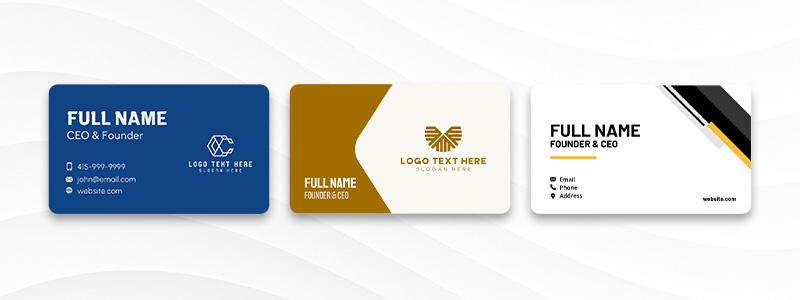
Here are some samples of clean, polished designs that are great for corporate industries:
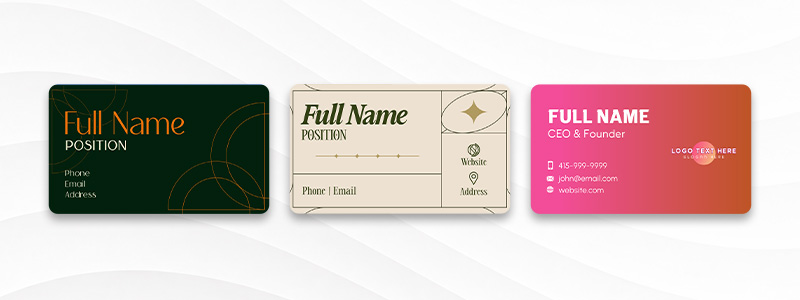
Here are some stylish, minimalist cards that are great for luxury or creative spaces:
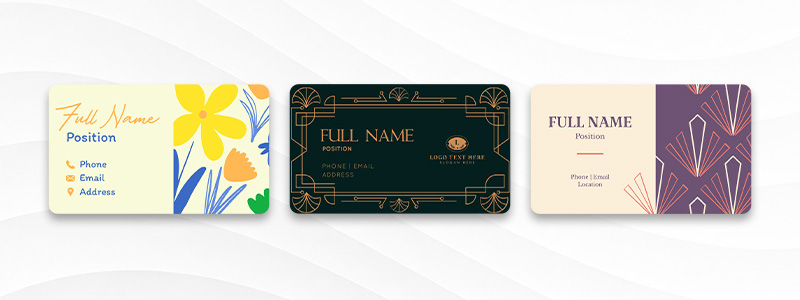
Of course, simple doesn’t mean boring. Here are some ways to keep it tasteful but still creative and bold:
Follow standard business card sizes
If you are going for a printed card, take note that most printers follow standard dimensions, so it’s best to align with those. Using the correct size from the start helps prevent any printing issues later.
So what size is a standard business card? Its:
- US – 3.5 × 2 inches
- Europe & UK – 3.35 x 2.17
- Australia and Asia – 3.54 x 2.17
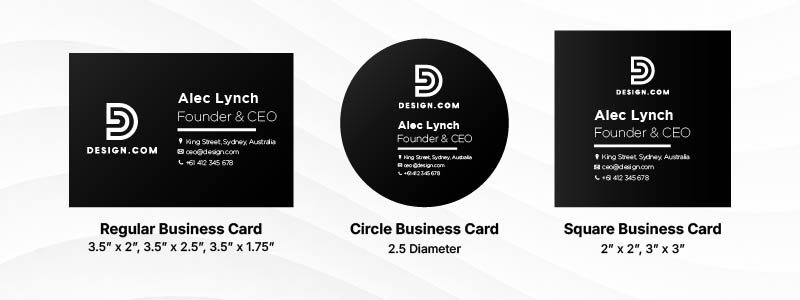
How about the other types of cards? Here are the sizes:
- Square cards – 2.5 x 2.5 or 2 x 2 inches
- Long business cards – 3.5 x 2.2
- Circle cards – 2.5 inches diameter
- Mini cards – 1.5 x 3.5
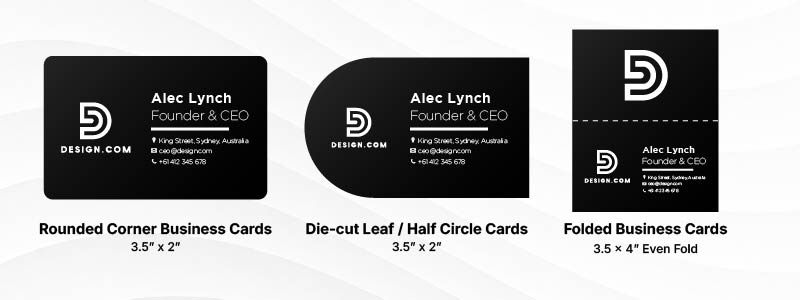
It’s also important to remember that your cards will still be cut after it gets printed. So take note of these three layout lines:
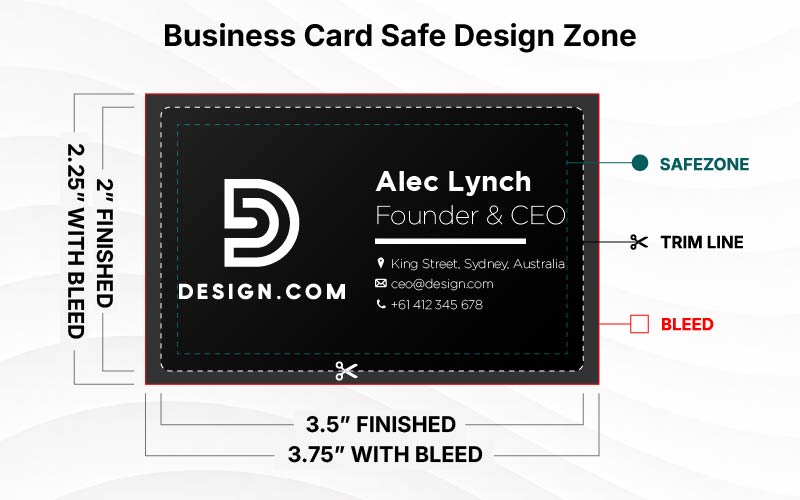
- Trim line – Where the card will be cut
- Safe margin – Keep all your important text and logos inside these to avoid having them accidentally cut or cropped
- Bleed line – Where the color or graphics should be extended to ensure there is no blank spaces after the card gets cut
Design in CMYK for printed cards

Let’s also discuss the difference between RGB and CMYK, both of which are terms you’ll hear when it comes to printing your cards.
RGB is the model where red, green, and blue are combined to create the colors. Light is then added to the colors, which results in a brighter display. RGB is typically used in digital files like Facebook ads, Instagram posts, LinkedIn banners, and more.
CMYK uses cyan, magenta, yellow, and black, and works by subtracting light to create the color. CMYK is used for printed materials like posters, brochures, and yes, business cards.
Since CMYK is used for printing, it’s best to design your business card in CMYK right from the start. This avoids any errors later on of the design colors looking a lot duller or muddier than intended.
Make your branding consistent
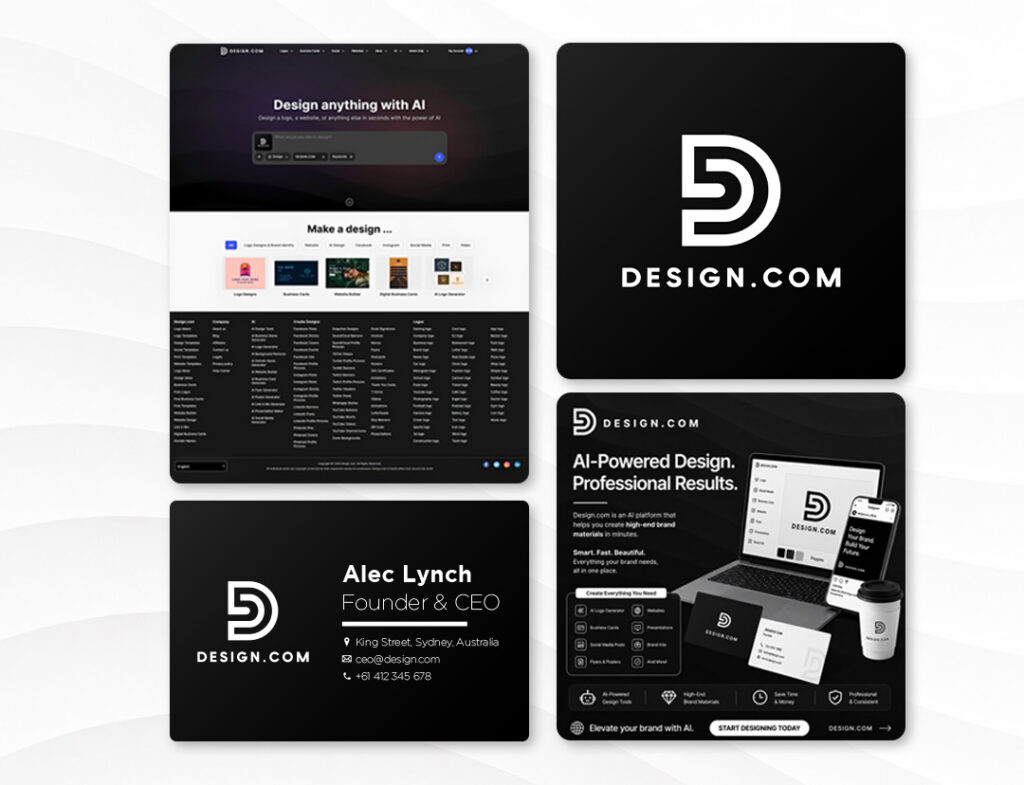
Your business card shouldn’t look like a completely different company from your website or social media pages.
Make sure to always add your business logo, use the same color palette and typography, have the same imagery style, and follow the same visual aesthetic.
This consistency will make your business easier to recognize no matter where they encounter your brand.
Optimize digital business cards for mobile viewing
Unlike printed business cards, digital cards are almost always viewed on a smartphone. That means your layout should be easy to read and navigate on a smaller screen.
What you can do are:
- Use large, readable, sans-serif text
- Have high contrast between text and background (for example, use dark text on a white/light background) so that it’s more readable
- Leave enough spacing between buttons to avoid accidental clicks
- Avoid cluttering the page with too many links or graphics to avoid distraction
- Make important actions like calling, emailing, or visiting your website, accessible with a single tap
- Ensure your card loads within three seconds
Always proofread and test
Make sure to double-check every detail of your card before you send it to print or before you save your digital card. You don’t want to spend money on printing only to have a typo (and have to reprint all over again), or have your digital business card scanned only to link to the wrong site.
For your printed cards, check the spelling of the name, address, numbers, and URLS. Make sure everything is properly aligned and inside the safe area, as you don’t want to have anything accidentally cropped during the printing.
For your digital cards, check the spelling, too. Do a test for every detail: if the links are clickable and direct you to the right site, if the buttons are easy to tap, if the images load quickly, if the layout is displayed properly, and if the QR codes are scannable.
Test your digital card on multiple devices if possible. A card that looks perfect on your own phone may behave differently on another device or browser.
Should I use a digital or printed business card?
Both digital and printed business cards have advantages. Printed business cards are great for easy sharing during face-to-face events, while digital cards offer more convenience since they can be updated anytime without needing to reprint. The right choice depends on your target audience, how you meet them, and what you value most when it comes to the cards.
To help you decide, here are the pros and cons of each:
Printed business cards
| Pros | Cons |
| Can be instantly exchanged during face-to-face meetings | Information can’t be updated after printing |
| Creates a tangible reminder of your business | Any changes will create additional costs |
| Doesn’t require internet or battery life | Can run out or become damaged |
| Often feels more personal and memorable | Limited space to put information |
Digital business cards
| Pros | Cons |
| Can be updated anytime, anywhere | Requires a smartphone or internet connection |
| Unlimited space for links, portfolios, videos, or interactive media | Some people still prefer receiving the traditional / physical cards |
| Easy for recipients to contact you since they just need to click the links rather than manually type out the info | Are more forgettable since recipients don’t have something tangible to hold or look at |
| Environmentally friendly (since it’s paperless) | Some less tech-savvy recipients may not know how to use it |
As you can see, each type has its pros and cons. It will just depend on what you prioritize most.
Some businesses also do a hybrid approach. They have both printed and digital cards on hand and give out the right card depending on the customer or the situation.
Some also give out a printed card with the usual information on one side and a QR on the other for the links. It’s a great way to give out something tangible, yet still have an easier way for people to contact you online.
What is the best business card maker for small businesses?
There are plenty of business card makers available today, but the best one depends on what matters most to your business. Some focus on branding, others on printing, while some help you create matching marketing materials alongside your card.
Here are three excellent options:
1. Design.com Business Card Maker
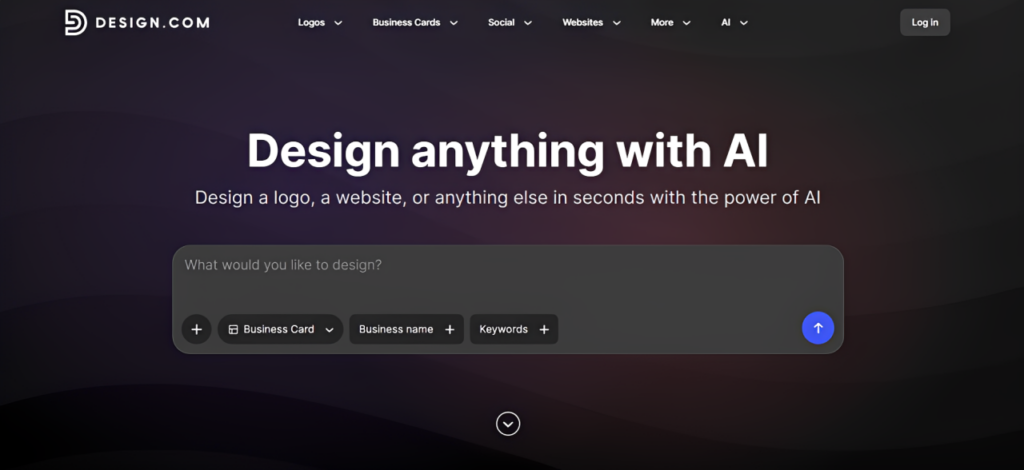
Design.com’s AI business card generator is an excellent choice for small businesses that want professional, on-brand business cards without needing advanced design skills.
Users just need to enter their business name and keywords, and the AI will generate designs based on that. This means the designs you get from the start are already aligned with your brand, reducing the amount of editing needed just to make it feel like you.
You also won’t get generic or too-plain cards that look almost interchangeable from each other. Instead, what you’ll get are tailored designs that feel like a designer custom made one for you.
The speed is also top-notch. You only need to wait for a few seconds to get a beautiful, polished card, unlike working with a designer which could take days or weeks. The AI also doesn’t have caps or limits, so you can have it generate as many cards as you want.
Best for: Small businesses, startups, freelancers, and entrepreneurs who want fast, on-brand, and high-quality business cards.
2. BrandCrowd Business Card Maker
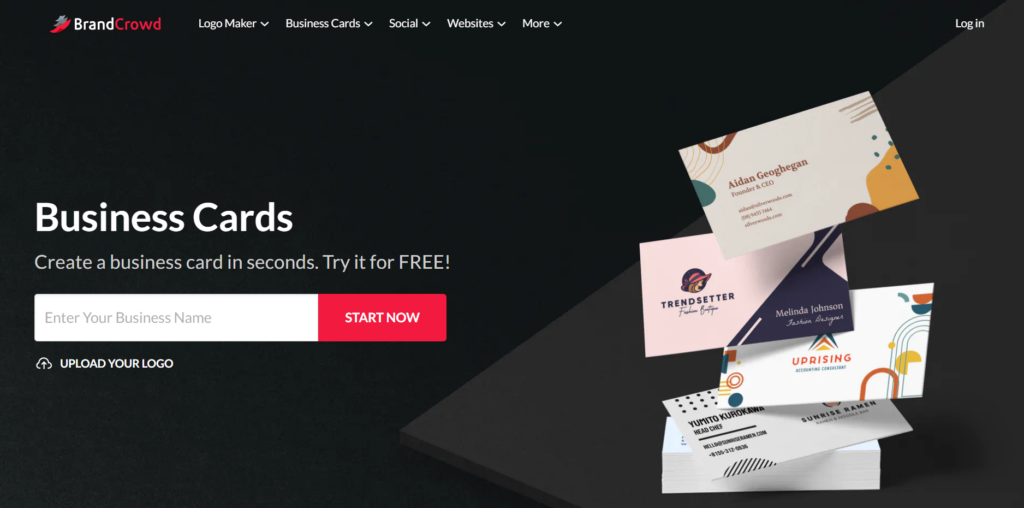
BrandCrowd is another strong business card maker option.
You’ll have access to thousands of professionally designed templates covering a wide range of industries, from local restaurants and real estate agencies to consultants, online stores, salons, and creative businesses.
Once you’ve chosen a design, you can easily customize fonts, colors, icons, spacing, logos, and layouts using the beginner-friendly editor.
But what stands out the most for us is their Brand Kit feature. BrandCrowd allows you to automatically create matching logos, websites, or social media graphics based on your business card design, by taking the color, font, and styling and applying it across the materials. It’s an easy way to create a cohesive visual identity without having to build it from scratch each time.
Best for: Businesses that want matching branded materials without the hassle.
3. Vistaprint
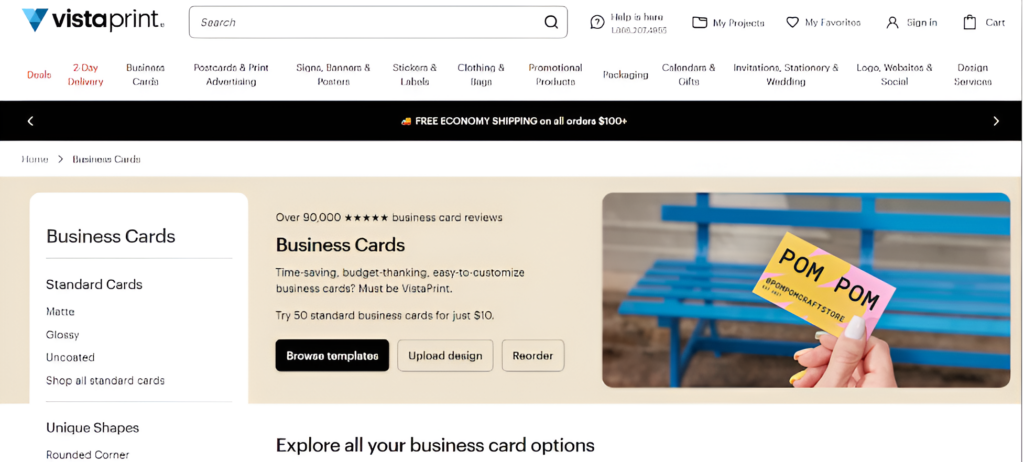
Vistaprint is best known for its printing services rather than advanced design tools.
While it includes templates for creating business cards, its biggest strength is the wide variety of printing options available. You can choose from premium paper stocks, matte and glossy finishes, rounded corners, foil accents, embossed details, and other specialty finishes to create a polished final product.
If your design is already complete and your priority is a wide range of printing options, Vistaprint remains one of the most trusted choices.
Best for: Businesses focused on premium printing and specialty finishes.
Conclusion
Now that you know what a business card is, its importance, and how to design one effectively, you’re ready to create a card that leaves a lasting impression. Whether you choose a printed card, a digital version, or both, the key is making sure it clearly represents your brand and makes it easy for people to connect with you.
A great business card, however, is only one piece of a strong brand identity. To create a consistent experience across every customer touchpoint, pair your card with a professional logo, website, social media graphics, and other branded materials.
With Design.com’s website builder, Facebook cover maker, and other tools, you can build a cohesive brand that looks professional wherever your customers find you.