Best Free Logo Design Software in 2026
A logo is one of the most important decisions you will make for your brand. Not because it defines what you do, but because it is the first thing most people see, and a bad one creates a first impression you will spend years trying to correct. For a new business with no design budget, that tension used to mean choosing between a cheap-looking logo and a designer you could not afford.
That trade-off has largely disappeared. The free logo tools available in 2026 are capable enough that the budget is no longer the limiting factor. The limiting factor is knowing which tools are worth using and which ones will waste your time.
We tested seven free logo design tools to answer that question directly. Here is what we found.
Quick Comparison Table
| Tool | Truly Free Plan | Watermark-Free | AI-Powered | Brand Kit Included | Best For |
| Design.com | Yes | Yes | Yes | Yes | AI branding, full free plan |
| BrandCrowd | Yes | Yes | Yes | Yes | Speed, template variety |
| Canva | Yes (limited) | Yes | Yes | Paid only | All-in-one design work |
| Adobe Express | Yes (limited) | Yes | Yes | Paid only | Adobe users |
| Wix Logo Maker | Yes (low-res) | Yes | Yes | No | Wix website owners |
| Vistaprint | Yes | Yes | Yes | No | Print-ready logos |
| Squarespace | Yes | Yes | No | No | Squarespace site owners |
The Full Breakdown
Here are the seven free logo design tools we tested in 2026, ranked from best to most limited.
1. Design.com (Editor’s choice)
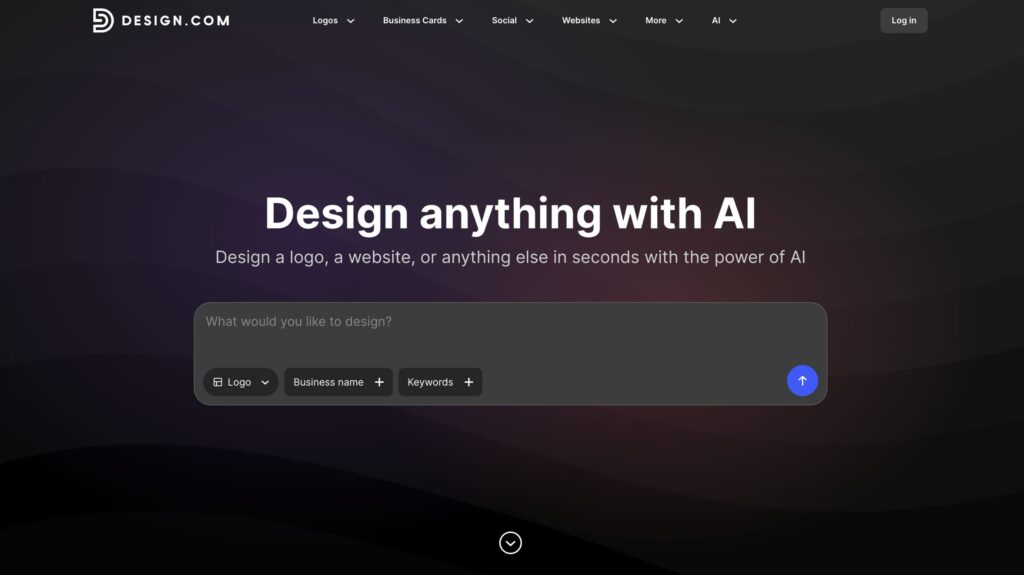
Most free logo tools stop at the PNG. Design.com starts there and keeps going. Enter a prompt about your business name and some details about the logo you’re looking for and what comes back is not just a set of logo options but a full brand kit built around them. Color palettes, font pairings, and social media templates are generated alongside your logo and available on the free plan without a credit card.
To see how it held up on a real brief, we tried making a logo for Meridian Journeys, a travel and adventure company. The results ranged from minimal geometric wordmarks to icon based concepts with a distinctly editorial feel, each going in a noticeably different visual direction rather than recoloring the same layout.
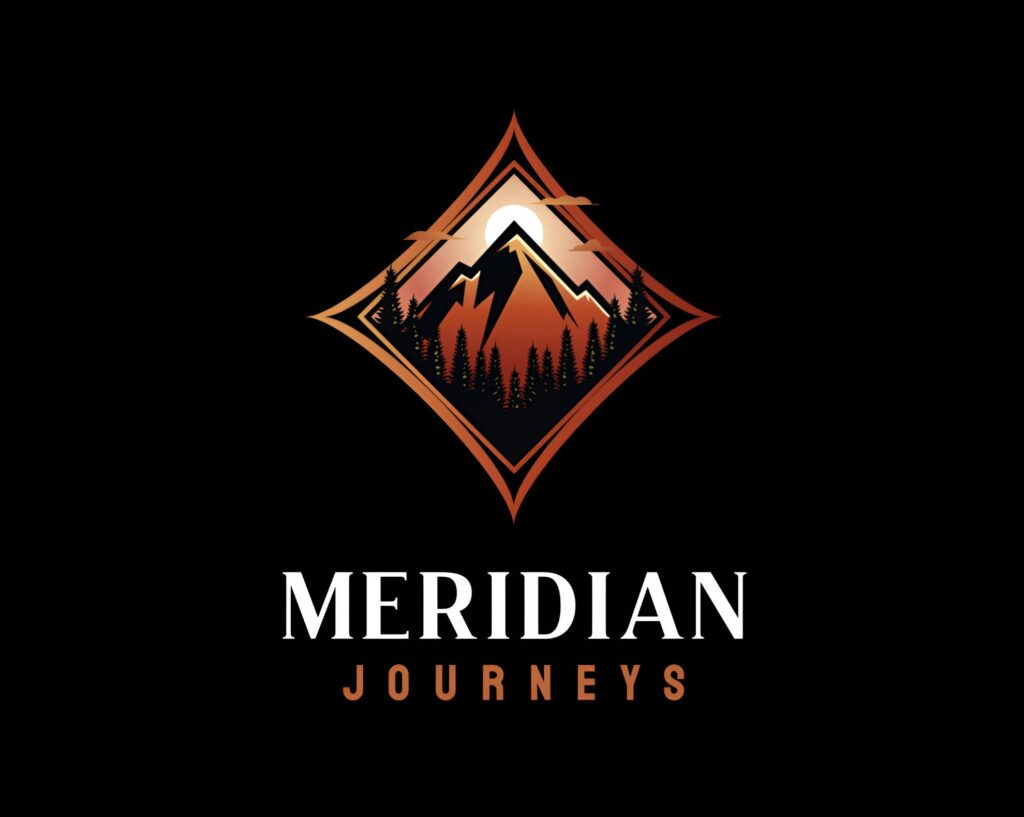
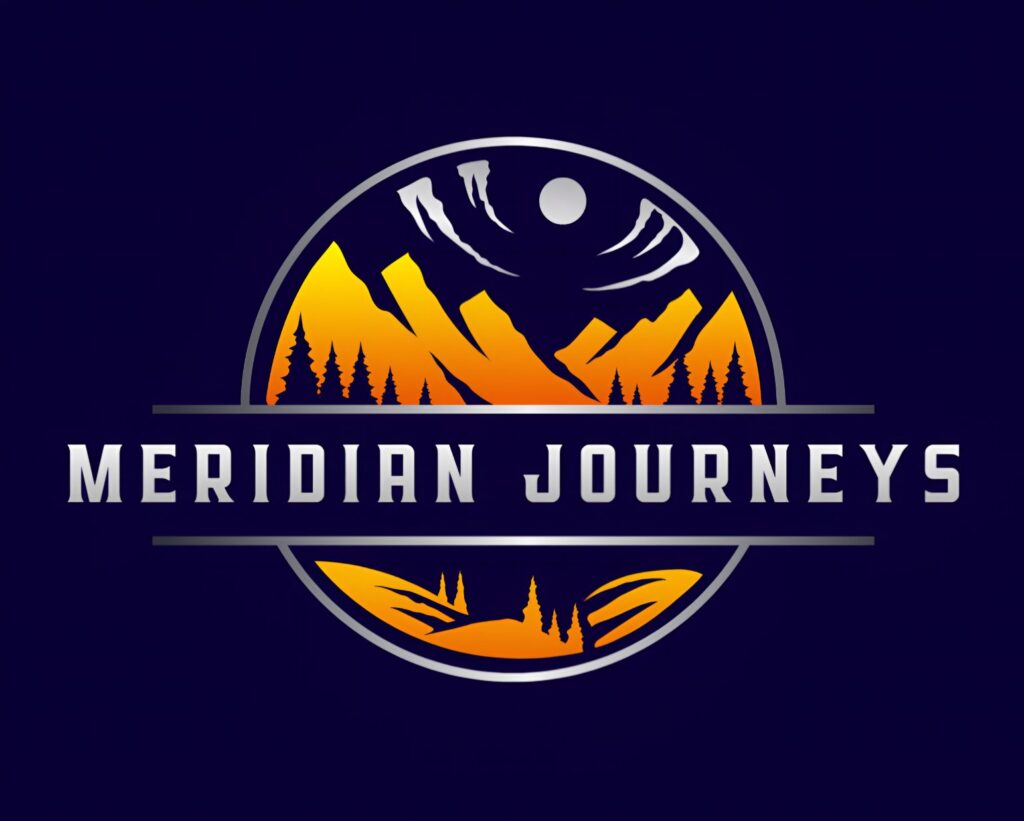
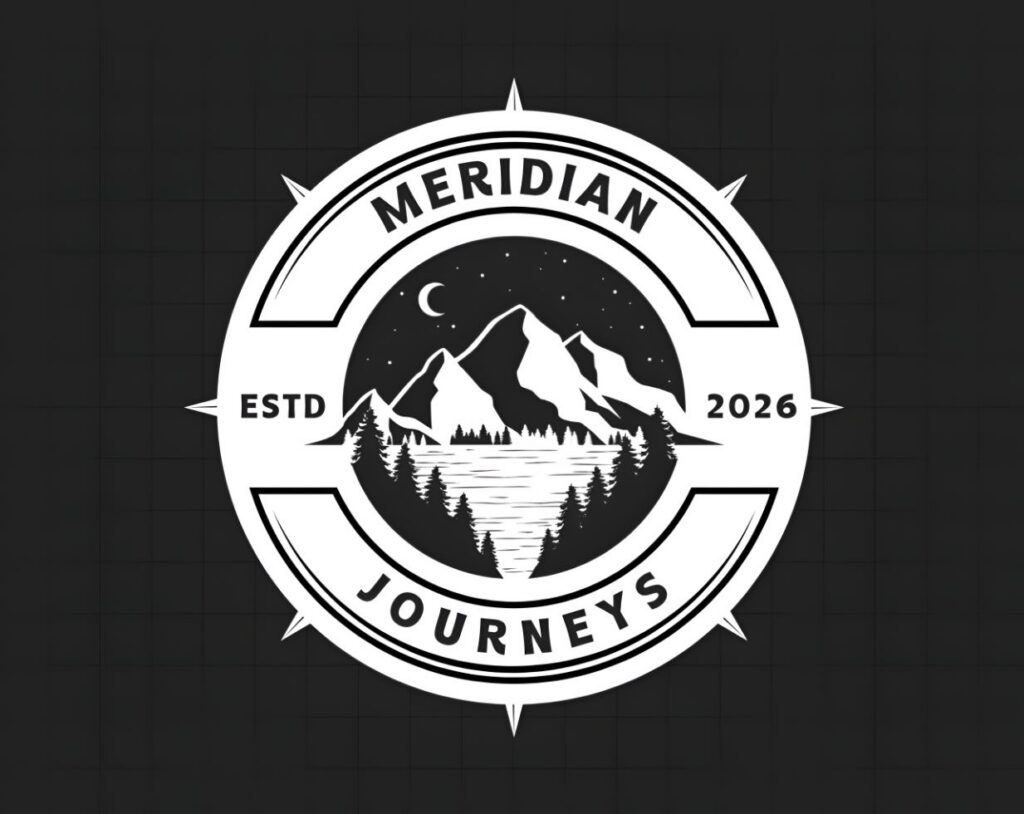
What makes the editing experience different from the others here is the chat interface. Instead of digging through menus, you describe what you want and the AI applies it. When we typed “make the icon and font feel more dynamic and free-spirited, less corporate” into the chat editor, both changes were applied within seconds.
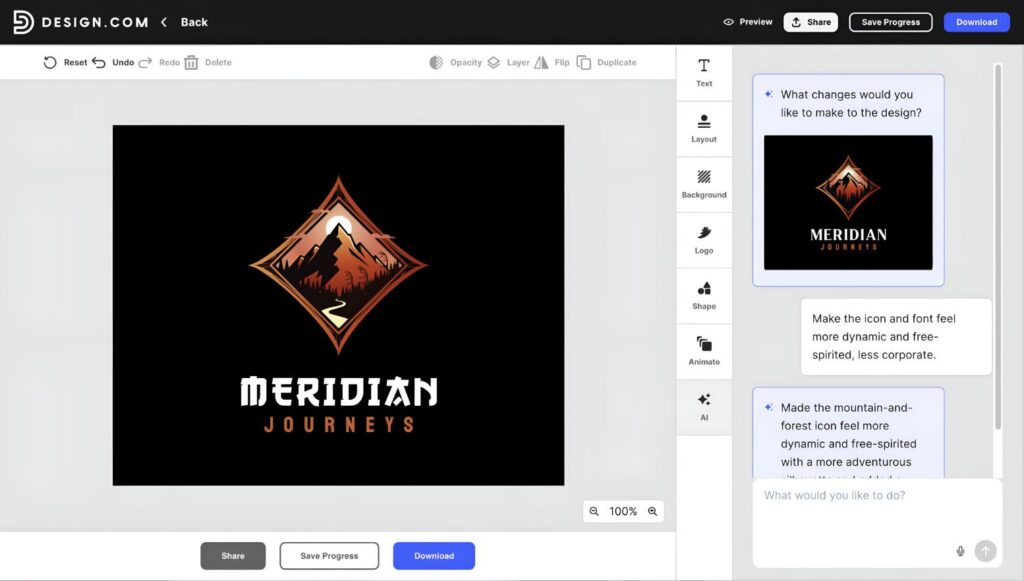
The system is trained specifically for logo work, which means everything stays within copyright-safe boundaries while still giving you real creative control. For someone building a brand from scratch with no design background, this is the closest thing to having a creative collaborator at no cost.
What the free plan includes
- AI logo concepts based on your business name, industry, and style preferences
- Full customization of fonts, colors, icons, layouts, and spacing
- Chat-based AI editing for logo icons and text
- Brand kit with color palettes, typography pairings, and social media assets
- High-resolution PNG and JPG downloads as well as vectors (EPS, SVG and PDF)
- Commercial use rights
- No watermark, no credit card required
- Access to the free website builder, free digital business card maker, and the free link-in-bio generator
Pros
- Get a full brand kit without a paywall
- Chat-based AI editing is faster and more intuitive than any menu-driven editor
- AI generation covers genuinely different visual directions, not just color variations of one template
- Over 500,000 templates are accessible across the platform for additional brand assets
- Copyright-safe AI editing trained specifically for logo work
- Brand colors and typography sync automatically across all assets in the platform
- Logos and files are stored permanently, with easy access to revisit and edit anytime
Cons
- Currently browser-only, so there is no dedicated mobile app for editing on the go
Paid plans
Ready to unlock vector downloads, unlimited edits, and the full brand toolkit? Here is what upgrading looks like.
| Plan | Monthly (billed monthly) | Monthly (billed annually) | What’s Included |
| Free | $0 | $0 | AI logo generation, full customization, brand kit, high-resolution PNG and JPG downloads, vector files (EPS, SVG and PDF), commercial use rights, no watermark |
| Starter | $9/month | $3/month | High-res + vector files, unlimited logo changes, business cards, social posts, email signatures, letterheads, 50+ design tools, 630,000+ templates |
| Value | $14/month | $4/month | Everything in Starter, plus a website |
| Premium | $19/month | $5/month | Everything in Value, plus link in bio and digital business cards |
2. BrandCrowd (Runner-Up)
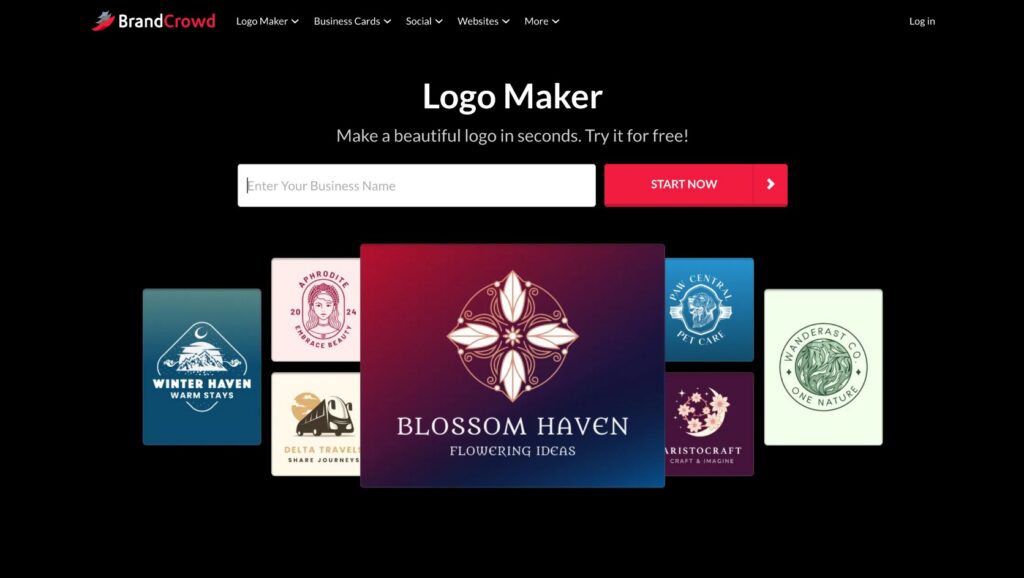
BrandCrowd does something that sets it apart from every pure AI logo tool on this list. Rather than generating concepts from nothing, it pairs AI suggestions with a library of over 380,000 templates handcrafted by professional designers. The result is a high-quality floor that AI generation alone cannot always guarantee. What comes back looks crafted, not auto-assembled.
We put the same brief through BrandCrowd to create a logo for Meridian Journeys. The AI filtered the library intelligently and generated typographic layouts and minimal icon marks that genuinely suited the brief. Within minutes, we had several strong candidates, each looking like something a small studio might have actually produced. Here are the best ones:
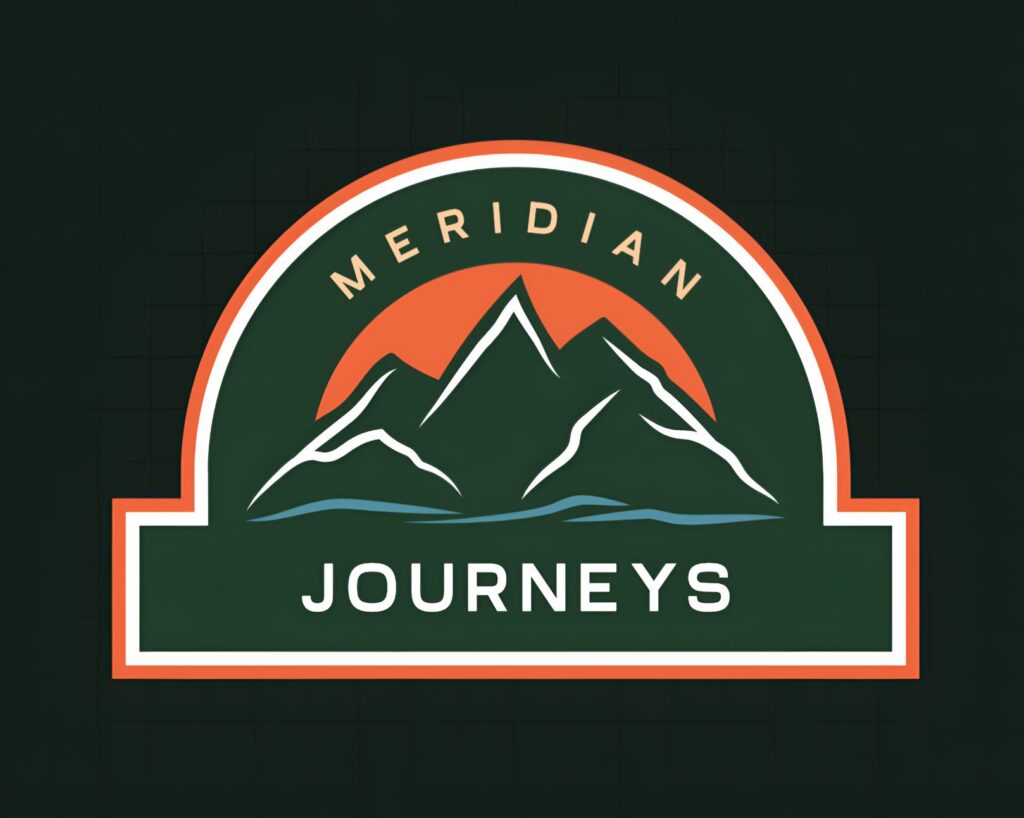
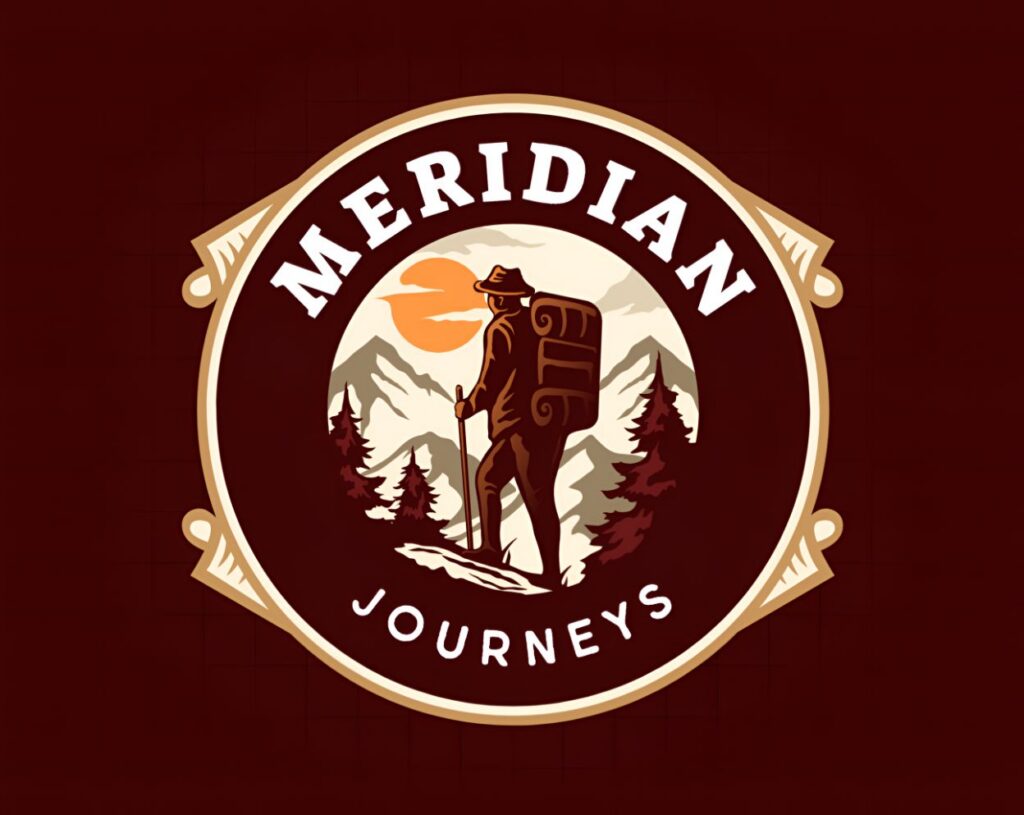
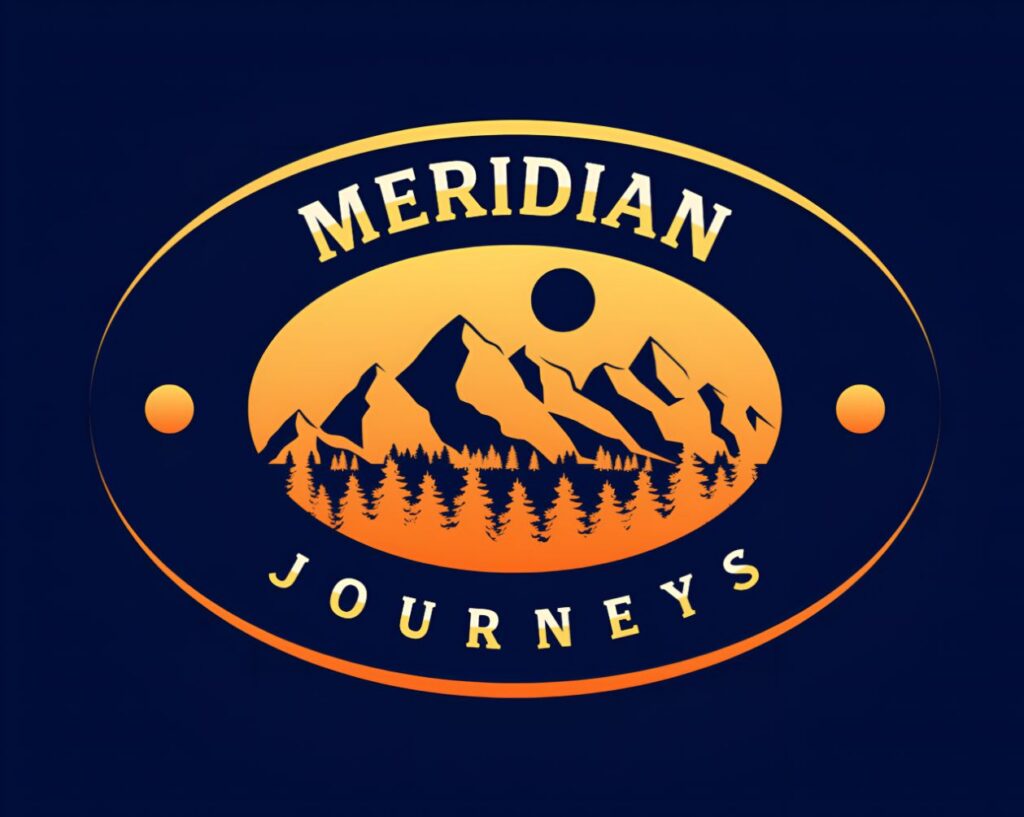
Where BrandCrowd adds something most tools skip entirely is the mockup preview feature. Before you download anything, you can see your logo applied to business cards, websites, storefronts, apparel, and social profiles. When we previewed the Meridian Journeys concepts on a business card mockup, one design that looked slightly flat in the editor came to life immediately in context.
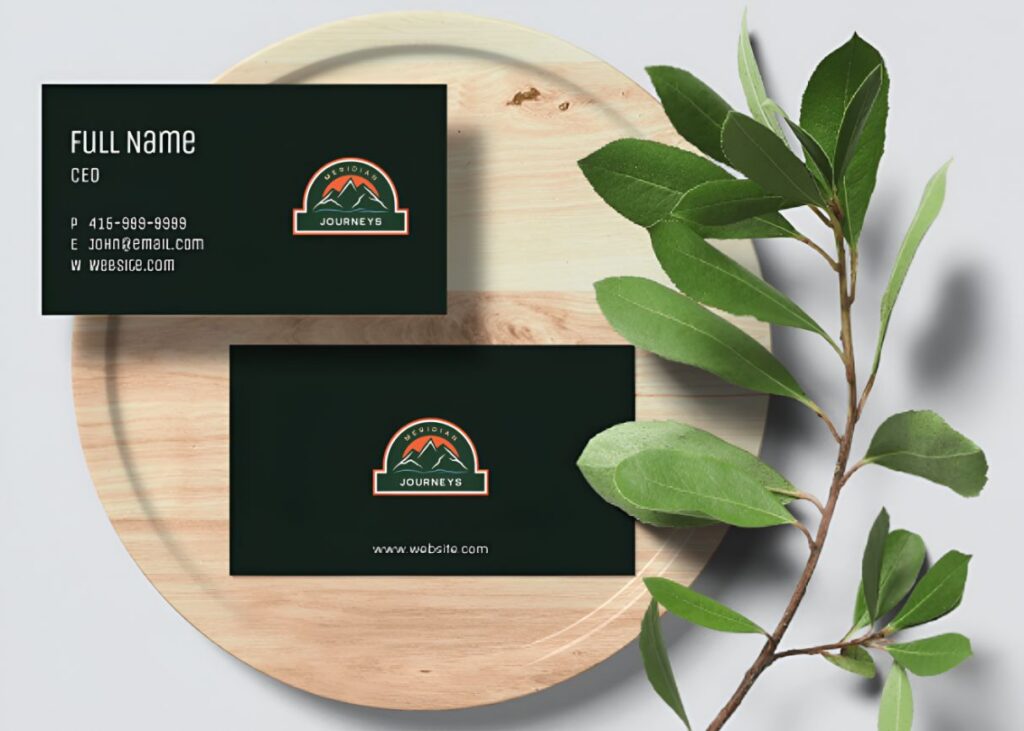
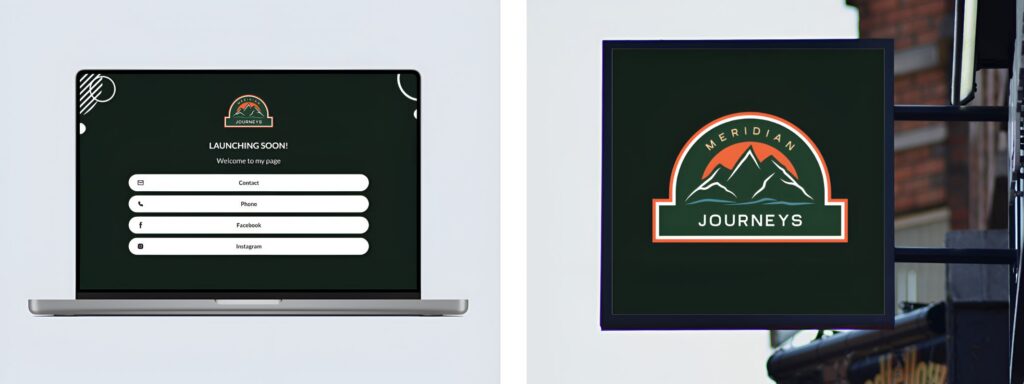
That kind of real-world preview changes how you evaluate a design. A logo that looks strong in the editor does not always hold up on a coffee cup, and catching that before you commit saves a revision cycle most people do not plan for.
What the free plan includes
- AI-powered logo generation across 380,000+ designer-made templates
- Full customization of fonts, colors, layouts, and icons
- Real-world mockup previews on business cards, apparel, signage, and social profiles
- High-resolution logo download
- Commercial use rights
- No watermark, no credit card required to start
Pros
- Designer-made templates create a quality floor that pure AI generation sometimes misses
- Mockup previews show your logo on real materials before you commit to downloading
- Editor is clean and intuitive enough that anyone can use it without instructions
- AI filters the template library to surface industry-relevant results fast
- Preview and save multiple logo concepts before committing to one
- Brand asset generation includes matching business cards and social graphics
Cons
- The platform is browser-based only, which means you cannot pull up your designs from a dedicated mobile app
Paid plans
Here is what BrandCrowd’s paid plans include when you are ready to go further.
| Plan | Monthly (billed monthly) | Monthly (billed annually) | What’s Included |
| Free | $0 | $0 | AI logo generation across 380,000+ designer-made templates, full customization, mockup previews, high-resolution download, commercial use rights, no watermark |
| Starter | $9/month | $3/month | High-res + vector files, unlimited logo edits, business cards, social posts, email signatures, letterheads, 50+ design tools, large template library |
| Value | $14/month | $4/month | Everything in Starter, plus a website builder |
| Premium | $19/month | $5/month | Everything in Value, plus link in bio and digital business cards |
3. Canva
Canva is one of the most widely used design platforms in the world, and logo creation is one of many things it does. It is built for anyone who needs to produce visual content regularly, from social media graphics and presentations to marketing materials and branded documents. For users who already spend time in Canva every week, keeping a logo there alongside everything else makes obvious sense.
We ran the Meridian Journeys brief through its AI logo generator to see how it held up for a travel and adventure company identity. It immediately gave us several options to choose from:
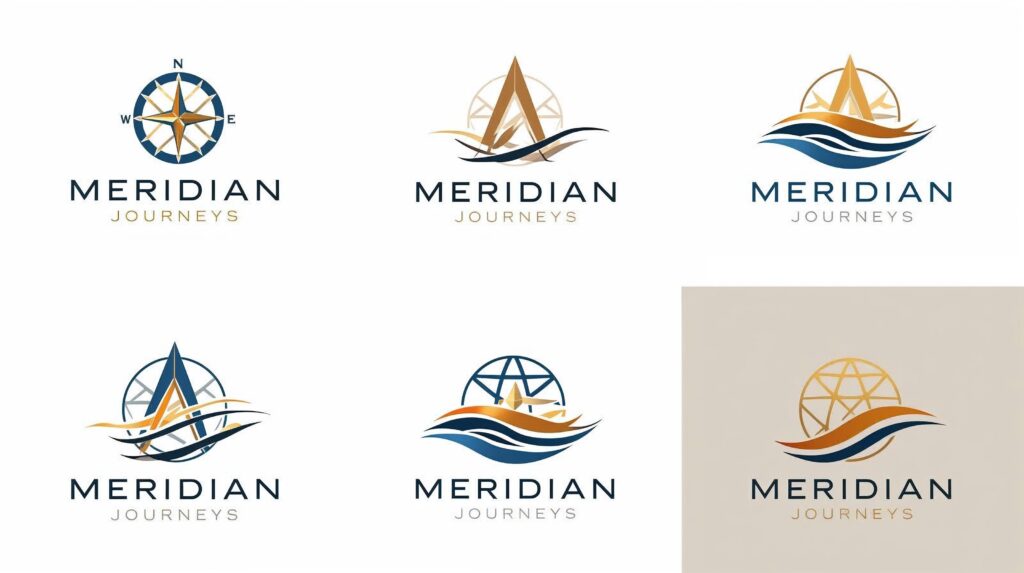
The generated logos were ready to use with minimal editing, however some did lack originality or the feel of a professionally designed logo. However, the real limitation shows up later, when you want to build a consistent brand identity around your logo, since the brand kit is locked behind a paid plan.
Canva works for a business who needs their first logo on a zero-budget, but for a full brand identity for free, Design.com covers more ground without charging.
What the free plan includes
- Access to hundreds of free logo templates from a library of 250,000+ total designs
- Basic customization tools
- Standard-resolution download with no watermark
- 5GB cloud storage
Pros
- Editor is one of the most intuitive available, with almost no learning curve
- Logo lives in the same workspace as all your other Canva designs
- Free plan templates are genuinely usable, not just stripped-down demos
- Regular additions to the template library keep the selection fresh
Cons
- Many of the strongest logo templates are Pro-only
- The brand kit is locked behind a paid plan
- Not purpose-built for logos, so some workflows feel like workarounds
Paid plans
Here is what unlocks when you move to a paid Canva plan.
| Plan | Price | What’s Included |
| Free | $0 | 250,000+ templates, 5GB storage, basic design tools |
| Pro | $15/month (or $120/year) | 100GB storage, brand kit, background remover, Magic Resize, 140M+ premium assets, 500 AI credits/month |
| Teams | $10/user/month (billed annually, 2-user minimum) | Everything in Pro, plus real-time collaboration and shared brand controls |
| Enterprise | Custom pricing | Advanced security, compliance controls, dedicated support, 1,000 brand kits |
4. Adobe Express
Adobe Express is Adobe’s answer to accessible, beginner-friendly design built for people who want professional results without the complexity of Illustrator or Photoshop. For anyone already paying for a Creative Cloud subscription, Adobe Express Premium is often included at no extra cost, which significantly changes the value calculation.
The setup is straightforward. Enter your business name, an optional slogan, pick an icon style, and choose a starting template. The generator instantly surfaces several logo options. We ran the Meridian Journeys brief through it and picked three from the first batch of suggestions:
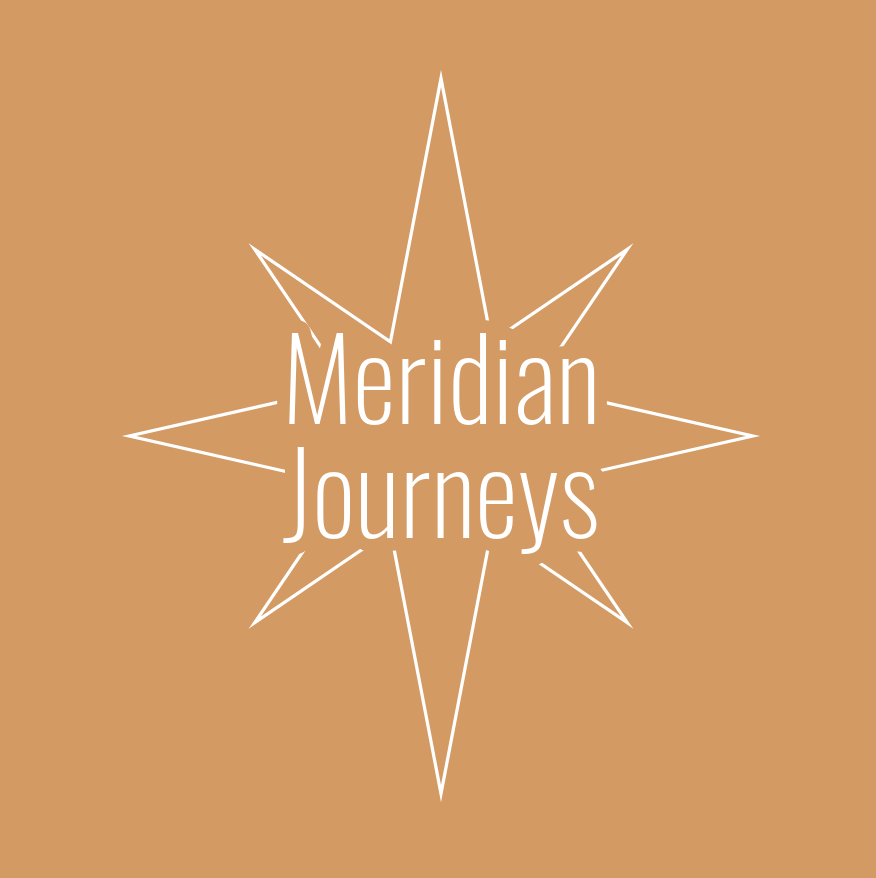
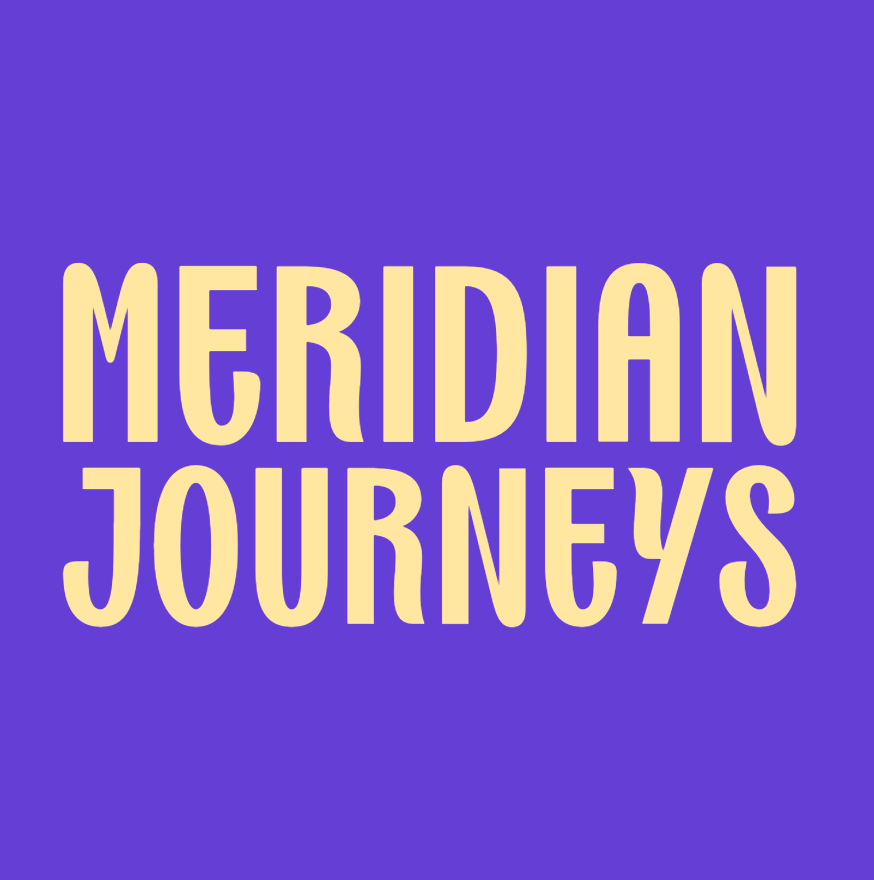
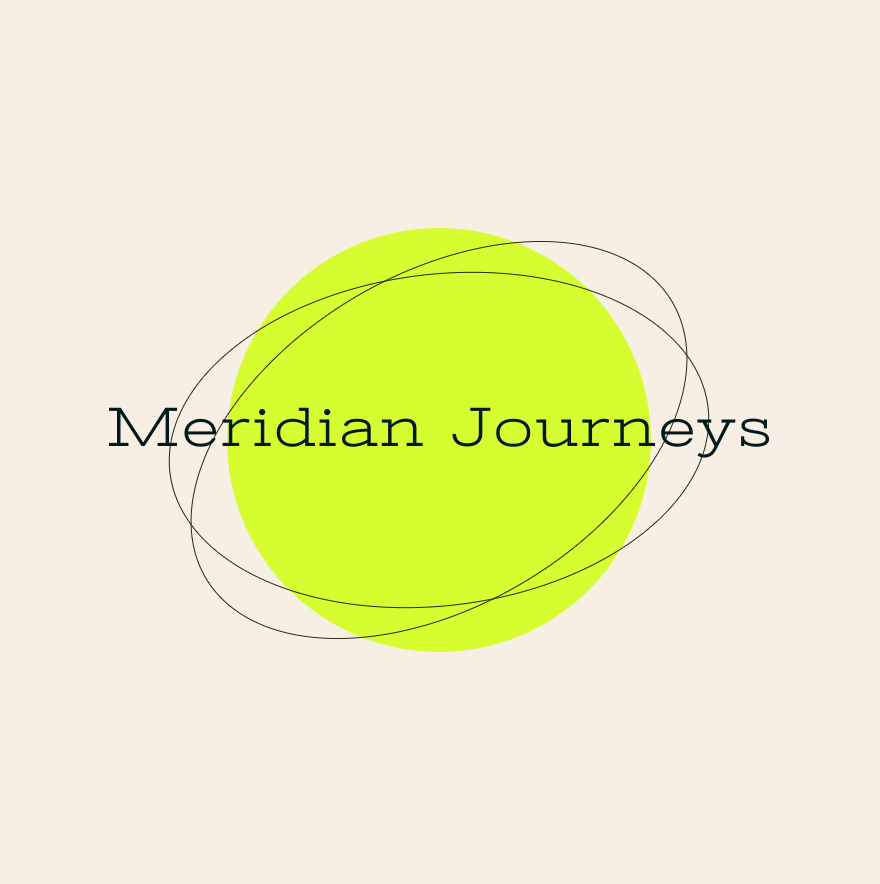
Most of what Adobe Express produces leans minimalistic, which may feel limiting if you want something with more personality. From there, you can customize colors, fonts, and icons freely. The one ceiling worth knowing about is the generative credits.
The free plan also limits you to a set number per month, so if AI editing is a big part of your workflow, you will hit that limit faster than you expect.
What the free plan includes
- Access to 100,000+ free static and video templates
- 1M+ royalty-free Adobe Stock assets
- Basic AI generation with limited monthly credits
- SVG export on the free plan
Pros
- Template quality is among the highest on this list
- SVG export is available on the free plan, which most tools charge for
- Integrates directly with Adobe Creative Cloud
- Often included free with existing Creative Cloud subscriptions
Cons
- Free plan AI credits run out quickly for anyone using generative features regularly
- Steeper learning curve than most tools here for non-designers
- Limited value if you have no existing connection to the Adobe ecosystem
Paid plans
Here is what the Adobe Express paid plans include:
| Plan | Price | What’s Included |
| Free | $0 | 100,000+ templates, 1M+ stock assets, basic AI features, limited generative credits |
| Premium | $9.99/month | All premium templates, 250 generative AI credits/month, 200M+ Adobe Stock assets, 30,000+ fonts |
| Teams | $19.99/user/month | Everything in Premium, plus collaboration tools, 1TB storage, admin controls, 24/7 support |
5. Wix Logo Maker
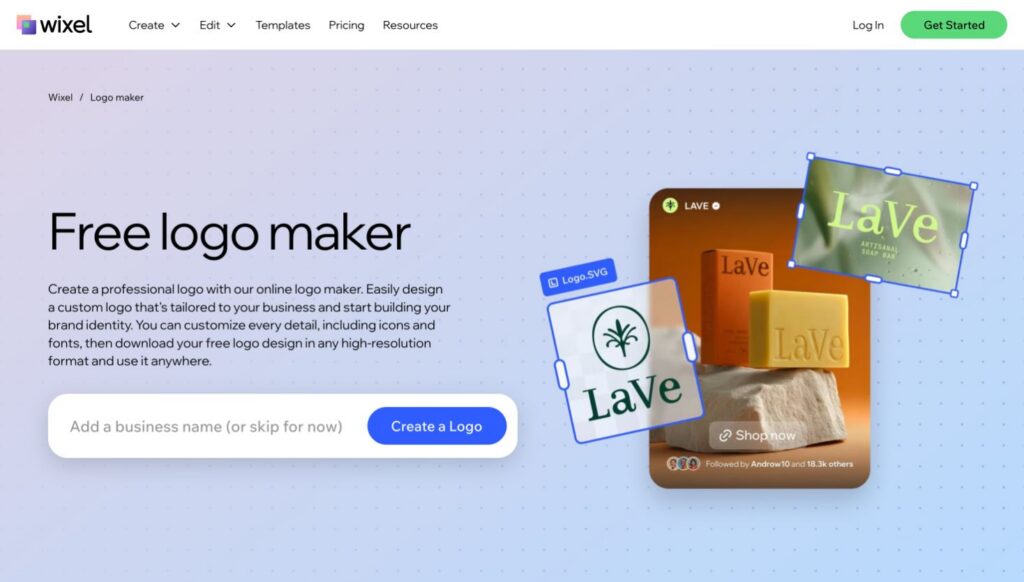
Wix Logo Maker is designed specifically for Wix users who want to create a logo and have it applied directly to their site without exporting files or switching platforms. Outside the Wix ecosystem, it offers fewer reasons to choose it over the tools higher on this list.
Wix produces modern, minimal designs that work well across social media platforms. The AI surfaces options that match your industry accurately, and the whole process runs through a simple chat interface. We entered the Meridian Journeys business name and industry and it came back with four logo options immediately:
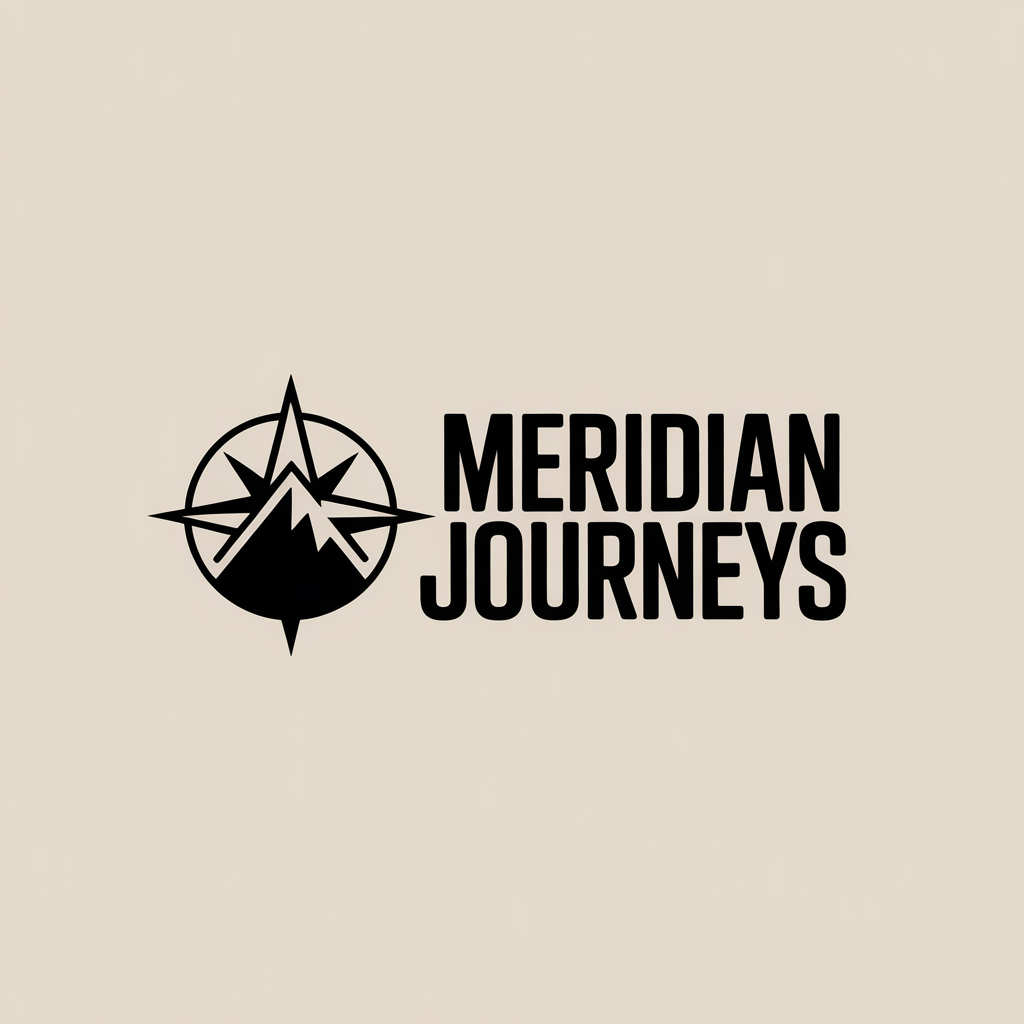
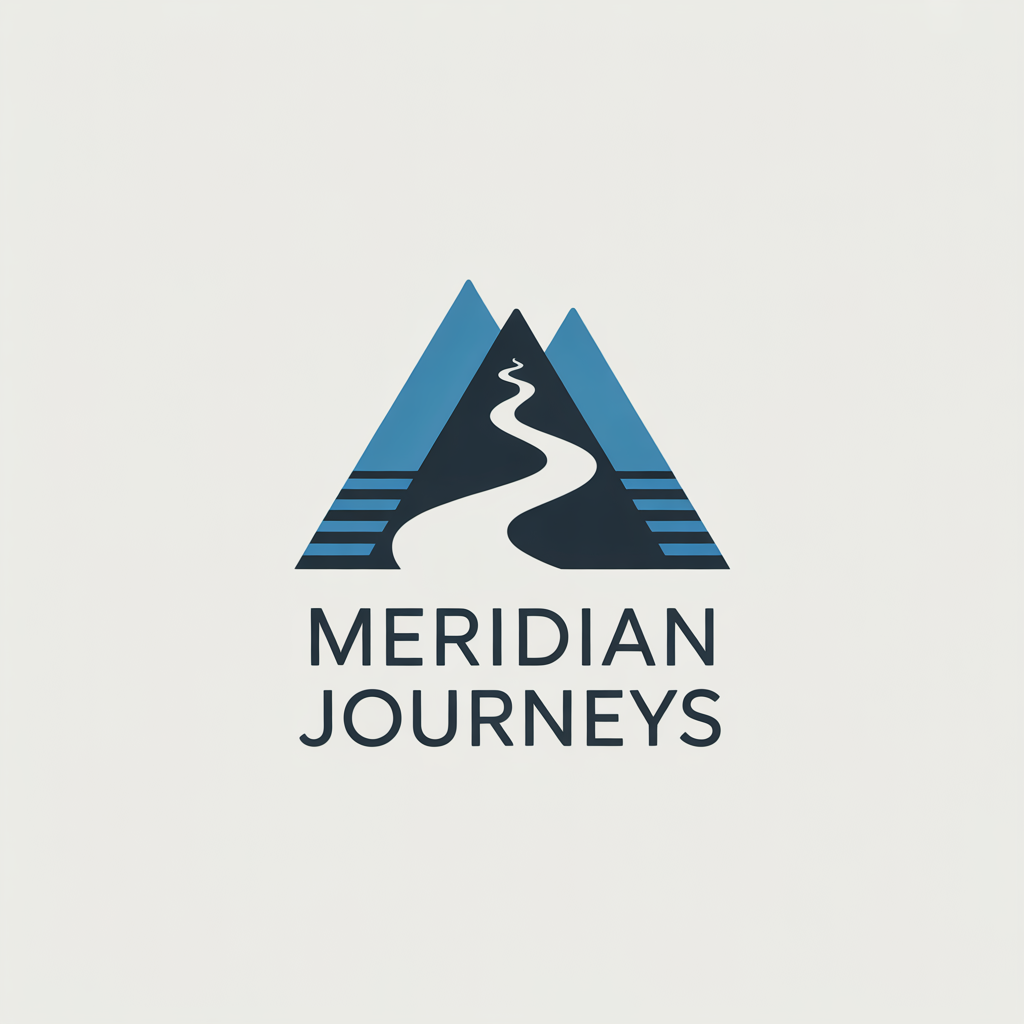
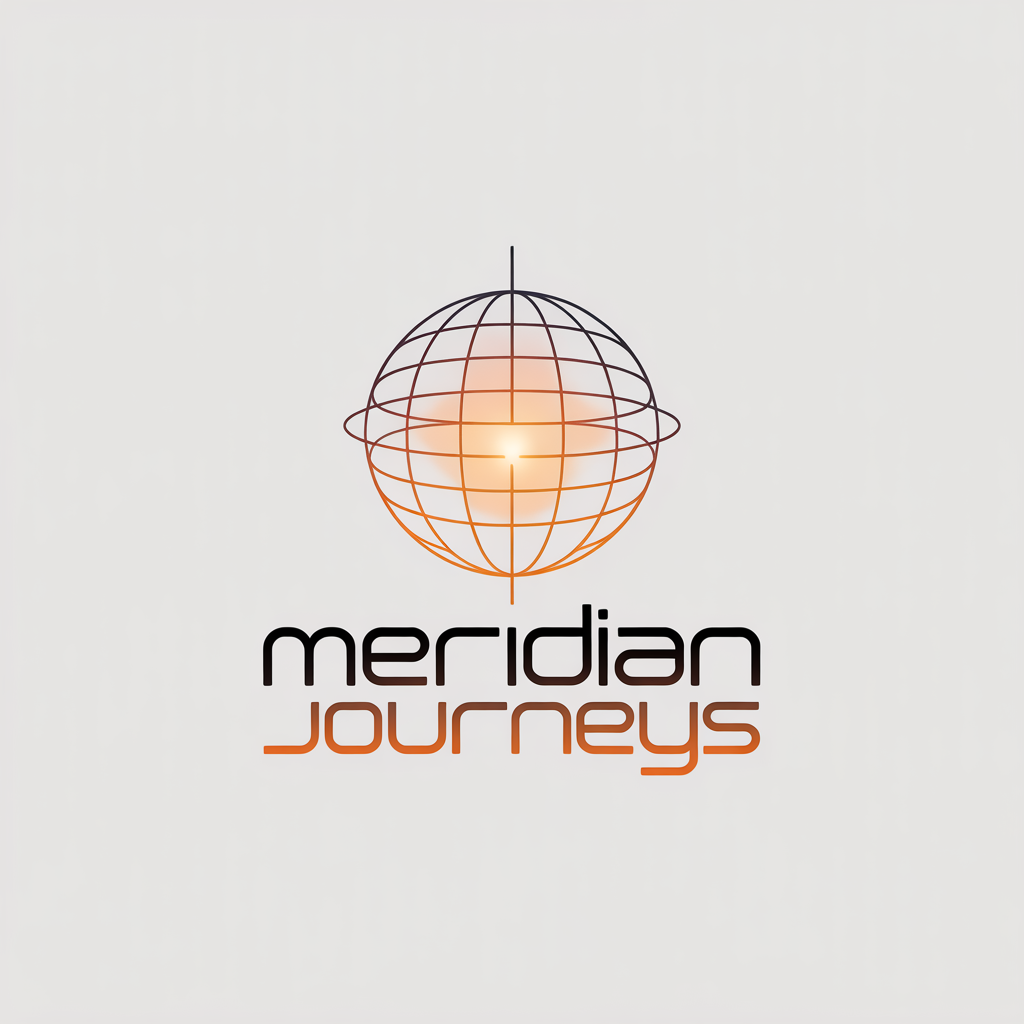
The results were genuinely impressive for a free tool, though I suggest double checking the spelling of your business since spotted on the generator’s first try. From there, you can customize colors, fonts, and icons freely to make the final result feel more distinctly yours.
The main limitation on the free plan is download resolution. What you get is fine for a website header or social media profile, but falls short for anything that needs to be printed or scaled up.
What the free plan includes
- AI-generated logo concepts
- Full customization in the editor
- Low-resolution PNG download
- Basic digital use rights
Pros
- Fast AI generation with a clean, simple interface
- One-click brand application across your entire Wix site
- No account required to start designing
Cons
- Free download is low-resolution only
- High-resolution and vector files require a paid plan
- Most useful features only apply if you are on Wix
Paid plans
Here is what Wix Logo Maker’s paid plans include, including the options that bundle a Wix website.
| Plan | Price | What’s Included |
| Basic | One-time $49 | High-resolution logo files, commercial use rights |
| Advanced | One-time $99 | Resizable vector files, all logo variations |
| Value | $11/month (annual) | Logo, commercial rights, free domain for a year, Wix Combo website |
| Professional | $16/month (annual) | Everything in Value, plus resizable files, social media assets, and business cards |
| Deluxe | $24/month (annual) | Everything in Professional, plus priority support and optional designer touch-ups |
6. Vistaprint Logo Maker
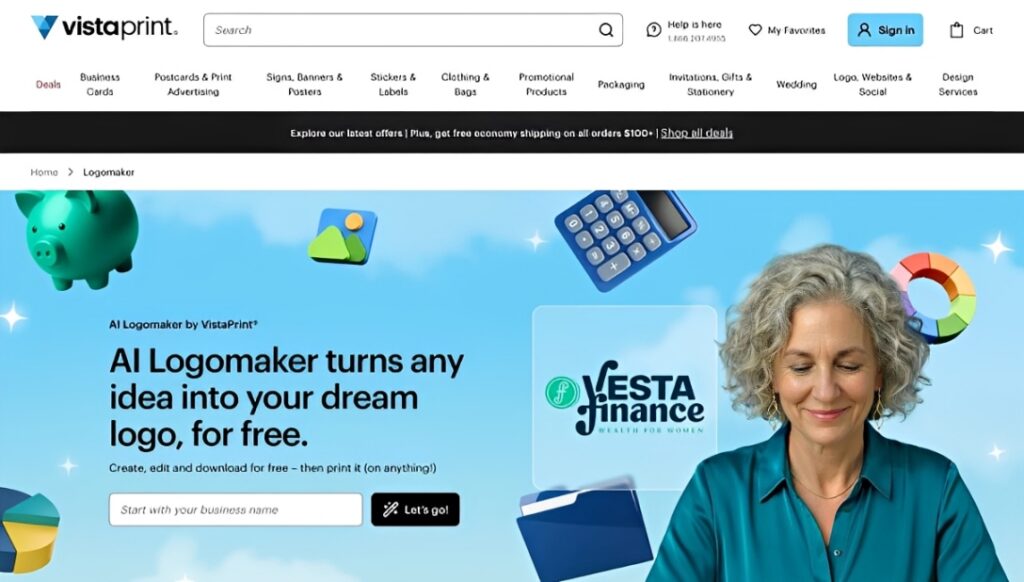
Vistaprint is built for business owners who want to go from logo to printed business cards, signage, or merchandise in as few steps as possible. It relaunched its AI logo maker in March 2026 with a meaningful upgrade, generating entirely original concepts rather than pulling from stock icon libraries.
We ran the Meridian Journeys brief through it, but mixed things up a little. Instead of keeping the clean and minimal direction we used on the other tools, we prompted the AI to capture a retro logo style to see how far the generator could stretch.
Vistaprint asks you to choose a style direction upfront before generating anything, which is a useful step that most tools skip entirely. It then came back with three logo variations:
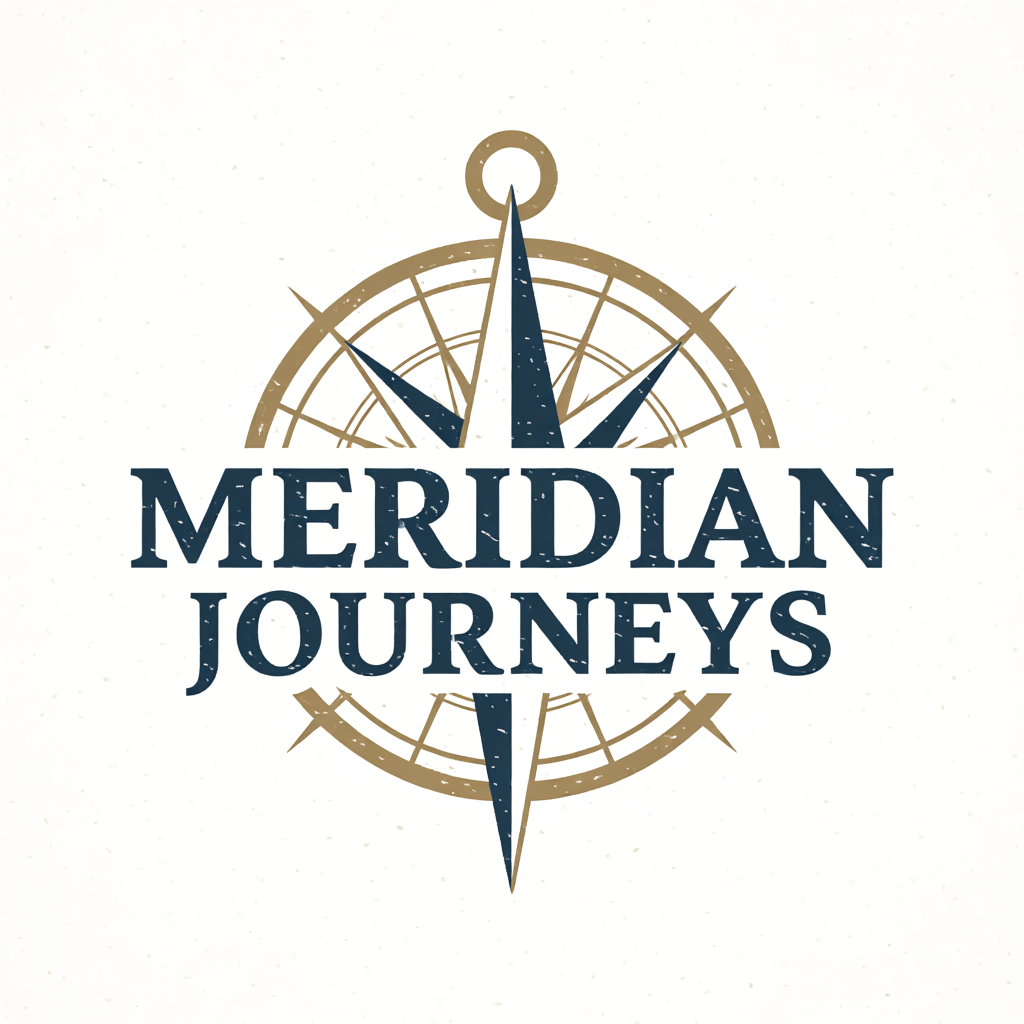
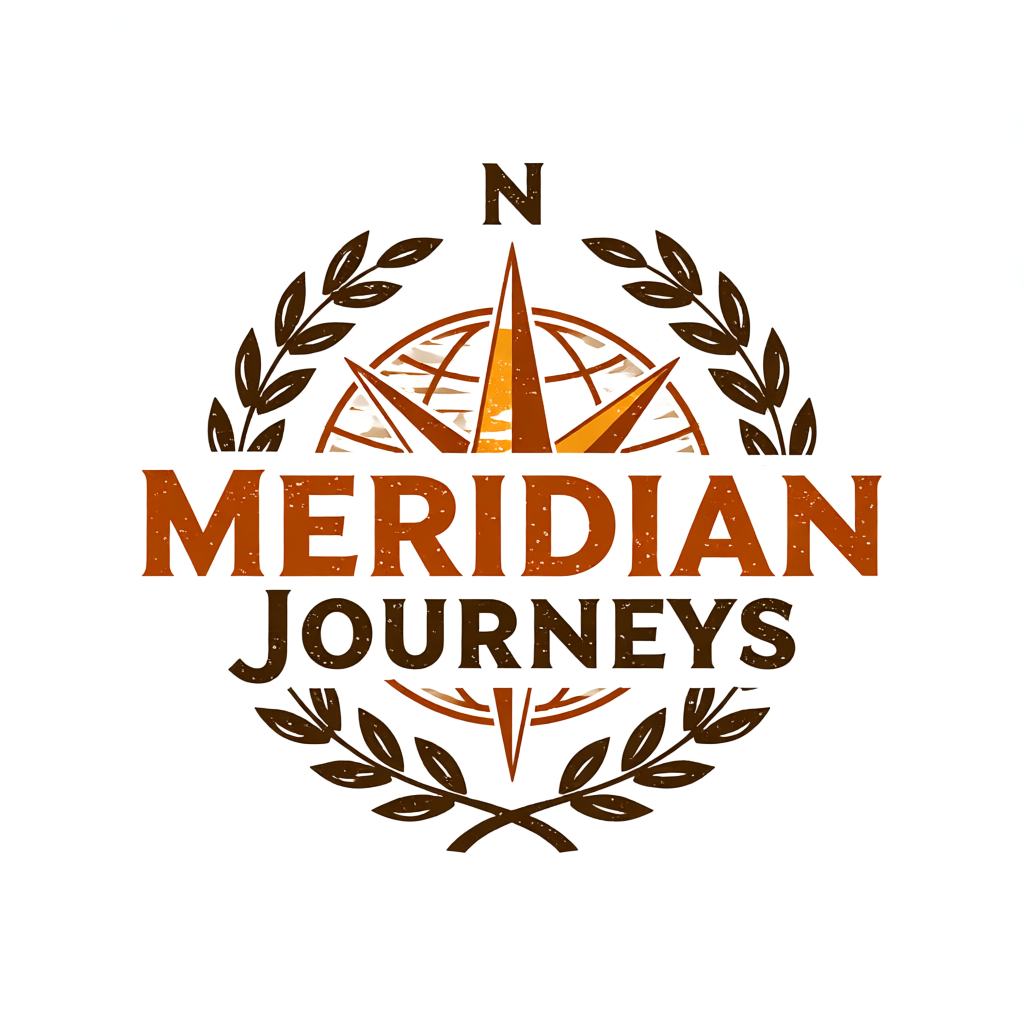
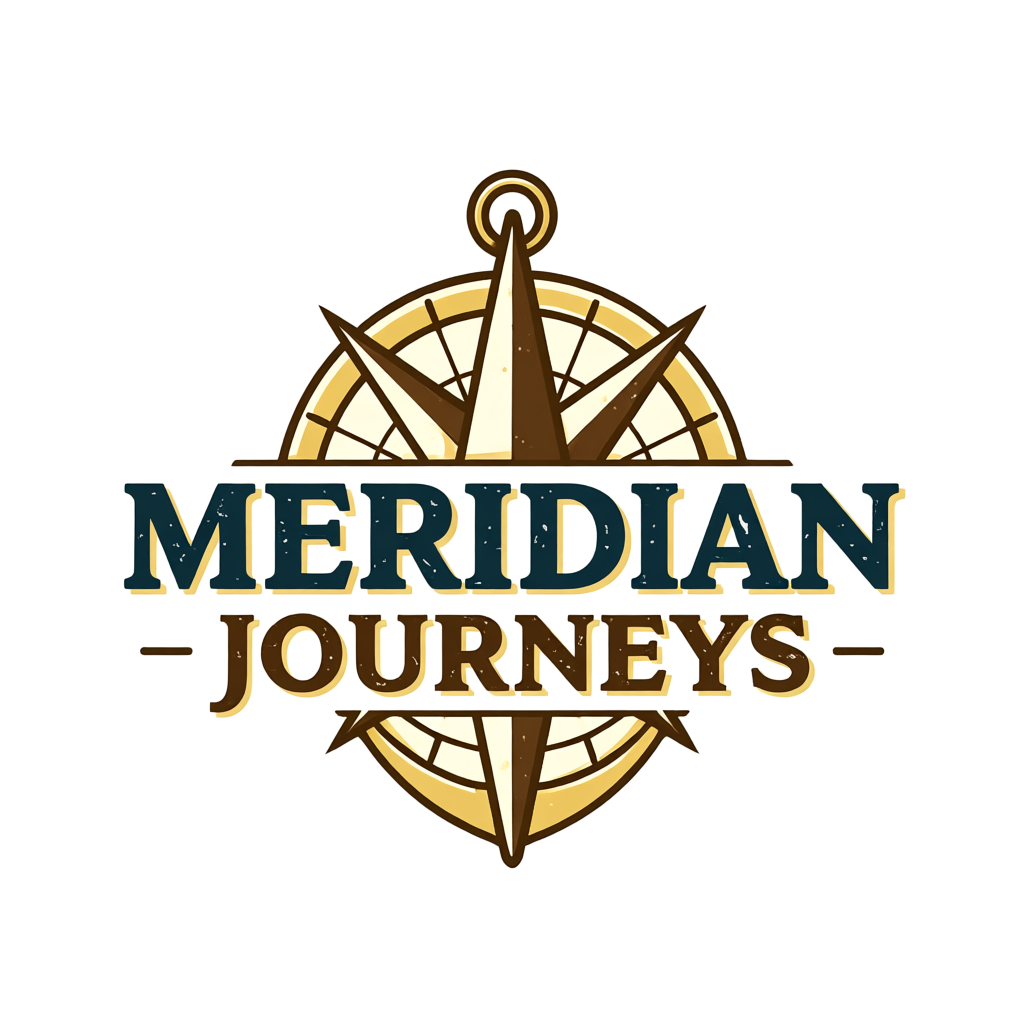
From there, you can customize any of the suggestions further, ask for entirely new recommendations, or go back and change your business description and style preference from scratch.
What the free plan includes
- AI-generated original logo concepts with 64 free credits on sign-up
- Full customization tools
- High-resolution PNG, transparent PNG, and vector downloads, including SVG and PDF
- Commercial use rights
- Direct access to Vistaprint’s print product catalog
Pros
- Free vector downloads, including SVG and PDF, which most tools charge for
- AI generates original concepts rather than remixing stock icon libraries
- Logo lives in your account, ready to apply to print orders instantly
- Simple editor with a low learning curve
Cons
- No brand kit or digital asset tools beyond the logo itself
- Best value is only apparent if you are also ordering print products
Paid plans
Vistaprint’s logo maker is free and includes vector downloads. If you want hands-on professional design help, custom logo design services are available through their designer network, starting at around $90.
7. Squarespace Logo Maker
Squarespace Logo Maker is a free tool built into the Squarespace platform. It is intentionally minimal and designed for one purpose: to give Squarespace users a clean, on-brand logo without opening another tab. If you are not building on Squarespace, there is little reason to use it over any other tool on this list.
Rather than browsing templates, you build your logo from individual brand elements, choosing from a library of icons sourced from the Noun Project, then pairing them with your business name, an optional tagline, and your choice of fonts and colors.
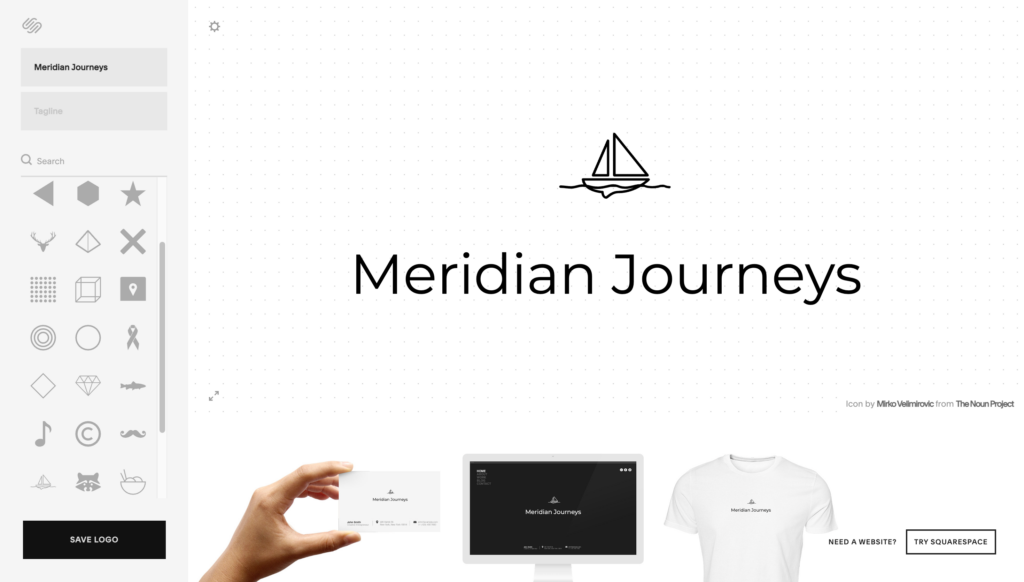
The result is simple and clean by design, but also limiting for anyone who wants further customization.
What the free plan includes
- Logo creation using icons from the Noun Project library, paired with your own text and tagline
- Choice of fonts, colors, and icon combinations
- Free PNG download
- No account required
Pros
- Completely free, including the download
- Takes under five minutes for most users
- No account required to start
- Clean results that match Squarespace’s design aesthetic naturally
Cons
- The most limited creative range of any tool on this list
- PNG only on the free plan, no vector formats
- No AI generation, no brand kit
Paid plans
Squarespace’s logo maker is completely free, including the download. There is no paid tier for the logo tool itself. If you are also looking at Squarespace for your website, plans start at $16 per month, billed annually.
How to pick the right free logo tool before you start
Most people skip this step and end up rebuilding their logo three months later. These four questions take five minutes and will point you toward the right tool before you spend any time designing.
Do you need just a logo, or a full brand identity?
There is a big difference between a logo file and a brand identity. A logo file is a single asset. A brand identity includes consistent colors, typography, and supporting materials that carry your brand across every touchpoint.
If you need both from day one, look for a tool that includes a brand kit on the free plan. If all you need right now is a logo for your website, most tools on this list will get you there.
Are you designing for digital, print, or both?
Most free logo tools are optimized for digital use, with high-resolution PNG downloads that look great on screens. If you know you will be printing business cards, flyers, posters, or merchandise soon, prioritize a tool that offers vector file formats on the free plan or that makes it easy to go from logo to print order within the same platform.
How much customization do you actually want?
This is worth being honest about before you start. Some tools give you deep editing controls and AI generation that can take you in dozens of directions. Others give you a clean template library with simple adjustments.
Neither is better than the other, but picking a tool that is more complex than you need will slow you down, and choosing one that is too limited will leave you frustrated.
Are you already committed to a platform?
If your website is already built on a specific platform, the native logo tool in that ecosystem will save you setup time and keep your assets in one place.
If you are starting from scratch with no existing tools or subscriptions, you have the most flexibility, which means you can choose the tool that gives you the best result for free.
Our final verdict
Free logo tools have gotten good enough that the choice of tool matters more than the budget. Two of the options on this list are genuinely excellent for different reasons, and the other five are useful in the right context.
Design.com is the clearest recommendation for most people. The combination of AI generation, deep editing, and a free brand kit is unmatched anywhere on this list at any price. BrandCrowd is the right choice when you want speed and designer-quality templates over AI-generated options.
Pick one, spend twenty minutes with it, and you will have a logo worth keeping.