Best Logo Maker for Beginners in 2026: An Official Guide
Highlights
- Design.com is the best logo maker for beginners, scoring a perfect 10 out of 10.
- BrandCrowd follows closely with a weighted score of 9.9.
- We tested six tools using the same yoga studio name: Harmonious Haven.
- Each platform was scored on simplicity, editing, design quality, download value, and brand-building support.
Choosing a logo maker should be easy. Yet beginners often face a confusing mix of templates, prompts, questionnaires, editing tools, file formats, and paid upgrades.
To find the most beginner-friendly option to create a logo, we compared Design.com, BrandCrowd, Canva, Wix, GoDaddy, and Namecheap using one standardized test. We approached every platform as an absolute beginner with no graphic design experience.
The goal was not simply to find the tool with the most features. We wanted to identify which platform made it easiest to move from a business name to a professional, usable logo.
How we scored the best logo makers for beginners
For this comparison, an absolute beginner is someone who has no formal design training and limited knowledge of typography, color theory, logo composition, or image formats.
Each logo maker received a score from 1 to 10 across five criteria. The criteria were weighted according to their importance to a first-time user.
Scoring methodology
| Criterion | Weight | What We Measured |
| Setup and generation simplicity | 25% | How easily a beginner could move from a business name or prompt to relevant concepts |
| Editing and customization | 20% | How understandable the editing controls were without design experience |
| Logo quality and variety | 20% | The relevance, visual quality, and stylistic range of the generated logos |
| Download readiness and value | 20% | The usefulness of available files and the clarity of free or paid limitations |
| Brand-building support | 15% | How easily the logo could be applied to websites, business cards, and marketing materials |
Because setup carries the most weight, a tool could not win by offering advanced features alone. It also needed to help a first-time user get started without unnecessary decisions.
Our standardized logo maker test
We gave each platform the same basic assignment:
- Business name: Harmonious Haven
- Industry: Yoga studio
- Prompt: “Generate a logo for a yoga studio called Harmonious Haven.”
- User profile: No professional design experience
- Goal: Find and prepare a suitable logo without hiring a designer
We documented the number of setup steps. We noted the quantity and variety of initial concepts and the relevance of the results. We also observed the editing experience, the available download formats, and the platform’s supporting brand tools.
This simple prompt was intentional. Most first-time business owners are unlikely to begin with a detailed creative brief. A beginner-friendly logo maker should be able to interpret basic information and still return useful designs.
Beginner logo maker results
| Rank | Logo Maker | Setup | Editing | Quality and Variety | Download Value | Brand Support | Overall Score |
| 1 | Design.com | 10 | 10 | 10 | 10 | 10 | 10 |
| 2 | BrandCrowd | 10.0 | 10 | 9.5 | 10 | 10 | 9.9 |
| 3 | Canva | 9.0 | 9.0 | 6.5 | 8.0 | 9.5 | 8.4 |
| 4 | Wix | 9.0 | 8.0 | 6.5 | 7.5 | 8.5 | 8.0 |
| 5 | GoDaddy | 6.5 | 8.0 | 6.0 | 8.0 | 8.5 | 7.3 |
| 6 | Namecheap | 6.5 | 7.0 | 5.5 | 9.5 | 5.5 | 6.9 |
1. Design.com: Best overall logo maker for beginners
Design.com earned the highest score in every category.
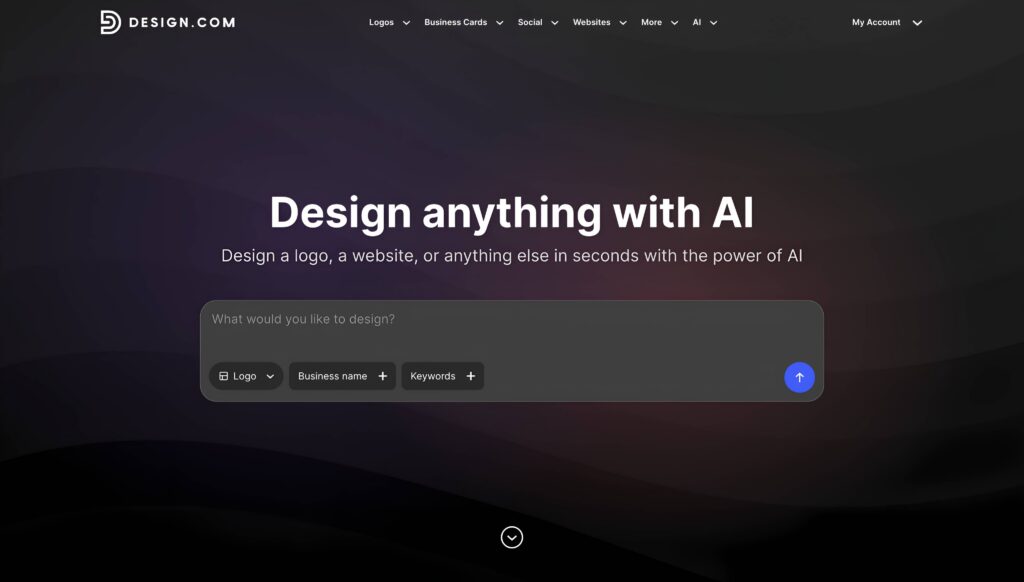
We entered the Harmonious Haven prompt and received more than 10,000 logo options in seconds. No preliminary questionnaire was required. The platform interpreted the business description and automatically generated relevant keyword associations.
The initial results covered a strong mix of visual directions. Some were modern and minimalist, while others were decorative, energetic, or wellness-focused.
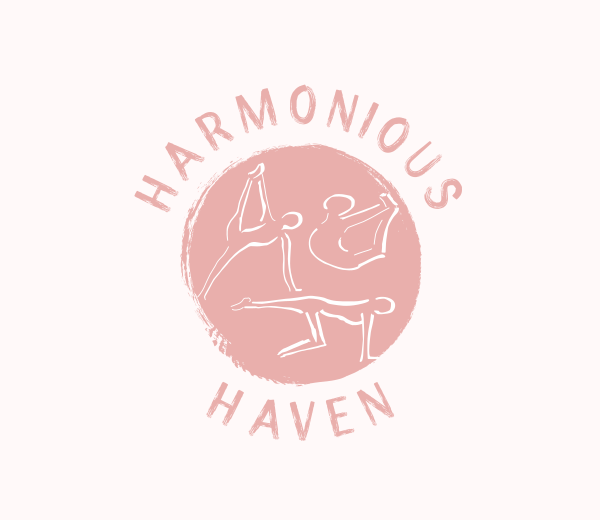
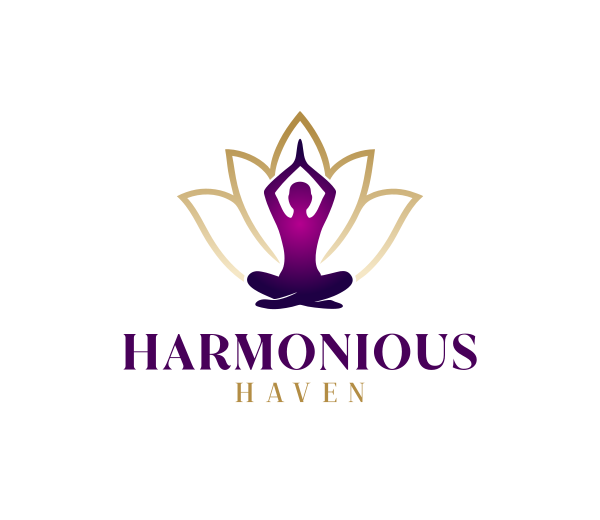
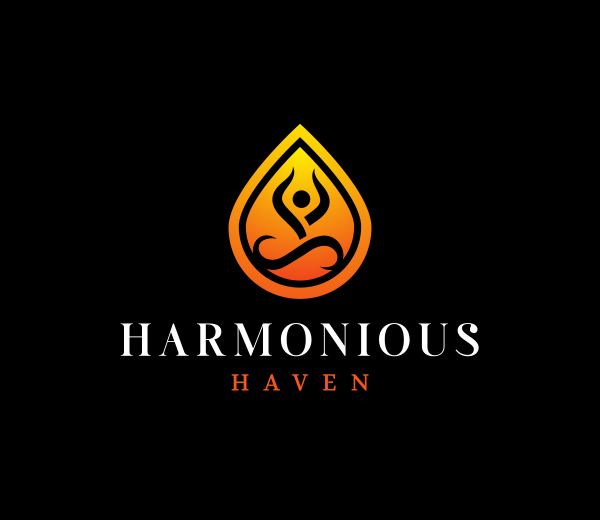
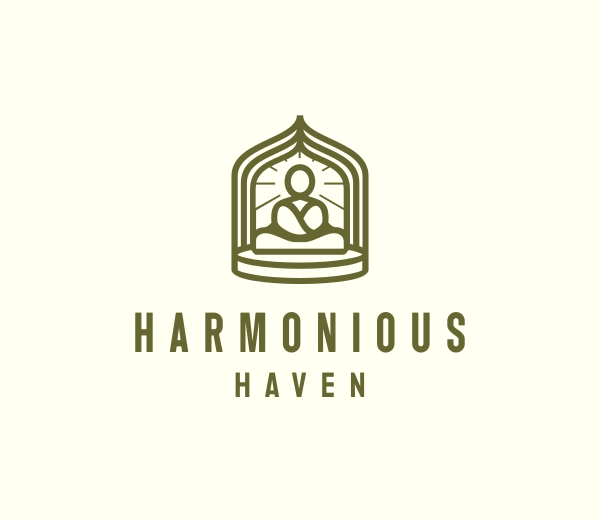
This variety matters for beginners. Someone creating a first logo may not know whether they want a wordmark, emblem, badge, or icon-based design. Showing multiple categories gives the user concrete directions to compare.
Design.com’s combination of automatic prompt interpretation, extensive logo selection, practical file formats, and matching brand tools created the most complete beginner experience in the test. It also provided us with the most market-ready logos. The logo designs were executed so well that they hardly needed any tweaking before you can download and use them.
Key features
- AI-powered logo generation from a short prompt
- More than 500,000 logo templates
- More than one million templates across the full design platform
- AI-assisted editing for logo icons and text
- Simple chat-based interface for requesting logo changes
- More than 750 fonts, including over 525 exclusive fonts
- More than 62,000 custom vector shapes
- PNG, JPG, SVG, EPS, and PDF logo files
- Transparent background and icon-only options
- Animated GIF and MP4 export options
- Free logo templates with high-resolution and vector downloads
- Extended licensing options for eligible logo designs
- More than 50 tools for websites, business cards, social media, flyers, posters, and other brand and marketing materials
- Automatic application of logo colors to matching templates
- Domain registration, printing, favorites, voting polls, and 24/7 support
Design.com performed particularly well in customization. Users can change fonts, colors, text, shapes, and layouts through its browser-based AI editor. The template-based starting point keeps these controls manageable because users can refine a complete design instead of assembling one from scratch.
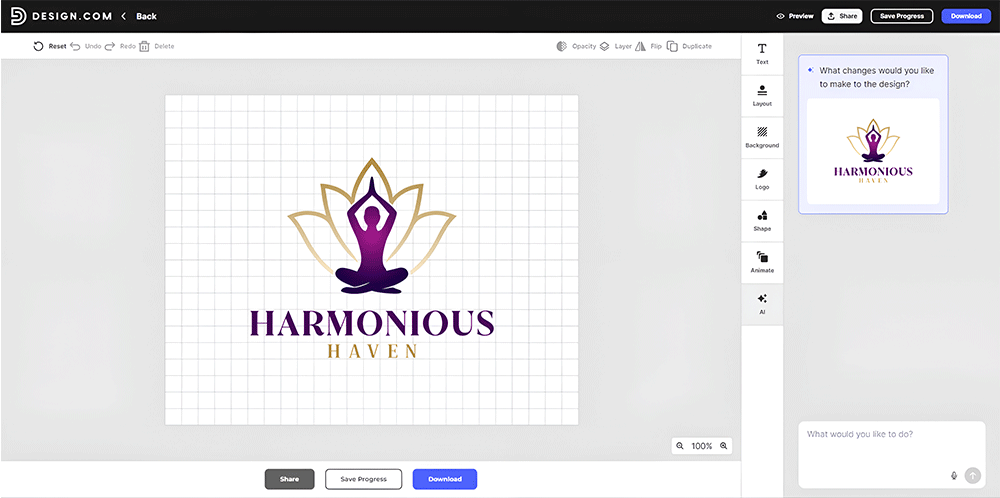
Design.com also provides practical files for web and print. Its logo packages, including the free tier, include high-resolution raster files, scalable vector files, transparent backgrounds, icon-only versions, and multiple layouts.
After creating a logo, users can apply it to business cards, websites, social posts, email signatures, letterheads, and other materials. This creates a direct route from logo creation to a broader visual identity.
Try the Design.com logo maker if you want a well-designed starting point, a large range of relevant concepts, and tools for expanding your logo into a complete brand.
Best for: Beginners who want the strongest combination of guidance, variety, customization, and brand support.
2. BrandCrowd: Best for browsing ready-made logo styles
BrandCrowd finished a close second with a weighted score of 9.9.
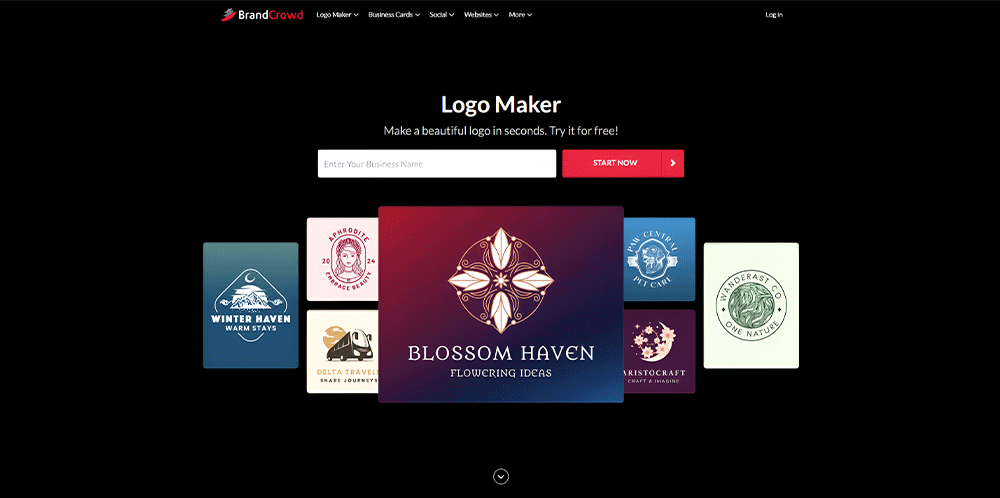
BrandCrowd generated more than 9,000 concepts for Harmonious Haven. Like Design.com, the results included yoga figures, lotus symbols, meditative icons, wordmarks, and decorative emblems.
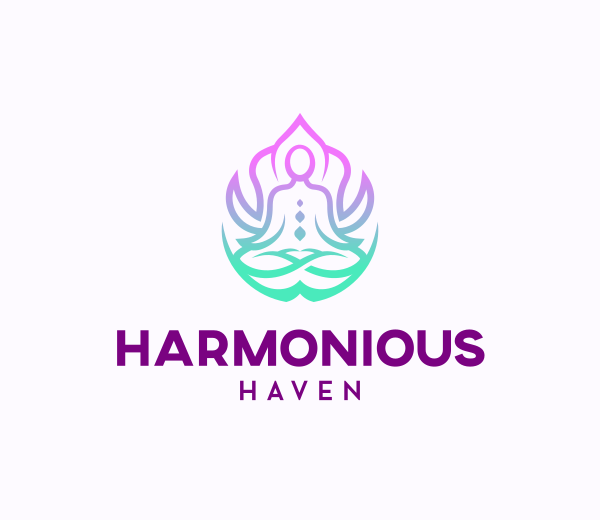
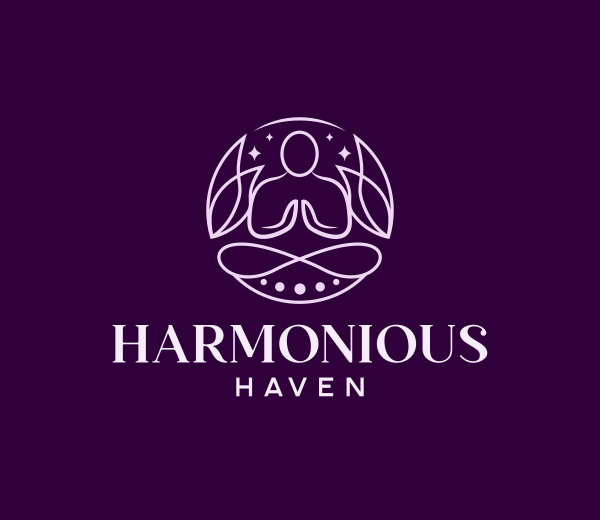
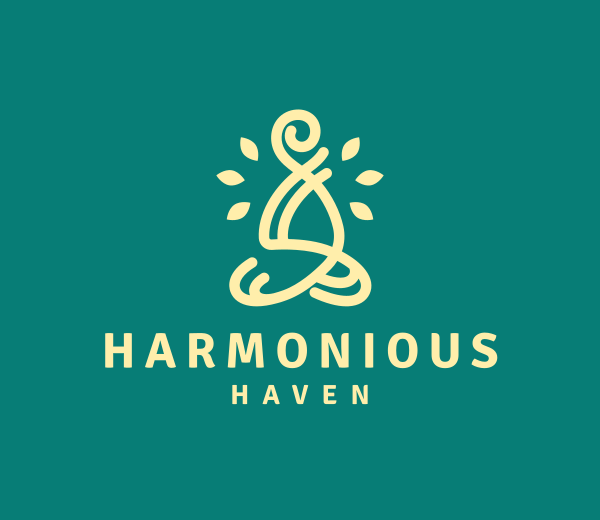
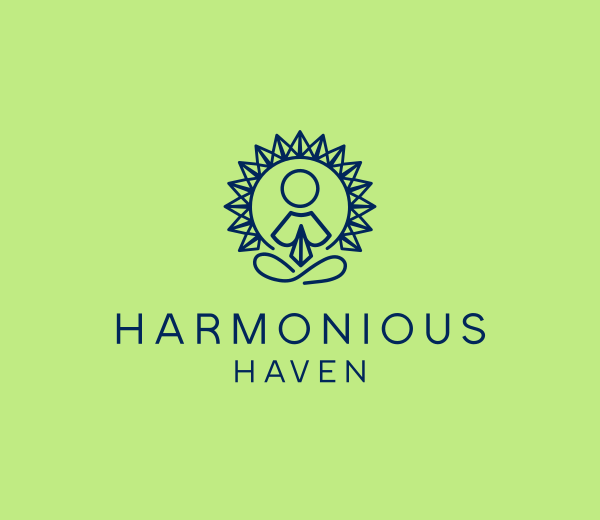
The platform asked us to enter keywords to refine the results. This added a small amount of creative input, but the process remained straightforward and did not prevent BrandCrowd from delivering a fast, accessible setup experience.
Its template variety was one of its strongest qualities. Beginners could compare playful, minimal, traditional, and wellness-oriented designs instead of being locked into one interpretation.
Key features
- Large library of professionally created logo templates
- Business-name and keyword-based logo search
- Customizable fonts, colors, backgrounds, layouts, and shapes
- More than 750 fonts, including hundreds of exclusive options
- More than 62,000 custom vector shapes
- PNG, JPG, SVG, EPS, and PDF download options
- Transparent-background and icon-only logo files
- Animated GIF and MP4 options
- Free logo and design templates
- Extended licensing options for eligible logos
- 50+ tools for websites, business cards, social media, posters, and other materials
- Automatic branding of matching templates with logo colors
- Domain registration and branded printing options
- Shortlisting and favorites
- Shareable voting polls for collecting design feedback
- Multilingual and multicurrency support
BrandCrowd’s editor also makes common adjustments approachable. Matching business cards, social graphics, and other branded materials are available through the wider platform.
Best for: Beginners who enjoy browsing a large template library and already have some idea of the symbols or style they want.
3. Canva: Best for ongoing content creation
Canva remains one of the easiest general design platforms to use. Its drag-and-drop editor is familiar, approachable, and flexible.
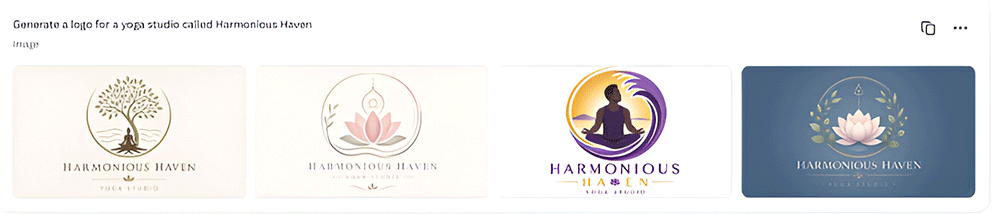
For the Harmonious Haven prompt, Canva generated four initial concepts. All four leaned into a similar visual direction, using lotus flowers, meditation imagery, muted natural colors, and decorative circular compositions.
The results were attractive and relevant, but the conceptual range was narrow. A beginner would not see many alternative logo types without generating another batch or manually browsing templates.
Key features
- Drag-and-drop visual editor
- Professionally designed logo templates
- AI-assisted logo generation
- Large library of fonts, icons, illustrations, and graphics
- Custom color and typography controls
- Real-time team collaboration
- PNG and other common download formats
- Transparent-background downloads on eligible plans
- Brand management tools for storing logos, fonts, and colors
- Templates for business cards, presentations, social posts, videos, and printed materials
- Browser, desktop, and mobile access
- Integrated printing services
Canva earned high marks for editing and wider content creation. Users can move elements, replace icons, adjust colors, and experiment with typography.
That flexibility can also create more decisions. Canva gives users considerable creative freedom, but an absolute beginner may need to make more independent design choices than they would in a dedicated logo platform.
Best for: Beginners who already use Canva and want to create regular marketing content alongside their logo.
Main limitation: The initial AI-generated selection was small and focused on one concept rather than exploring multiple visual directions.
4. Wix: Best for beginners building a Wix website
Wix generated four logo concepts without requiring a preliminary questionnaire.
The results were relevant to a yoga studio, featuring lotus flowers, meditation imagery, monograms, line art, and calm color palettes.
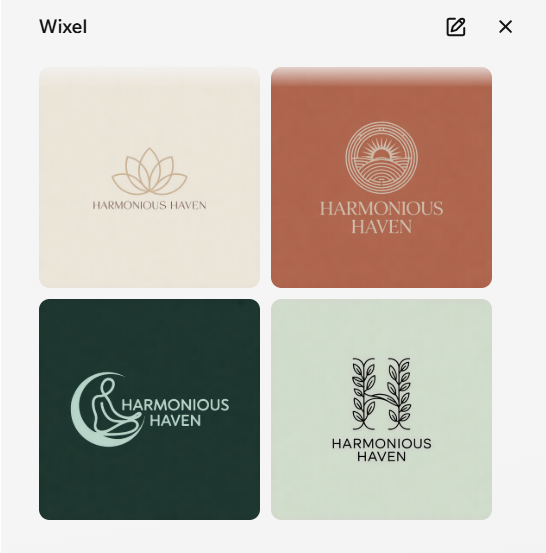
Like Canva, however, Wix leaned heavily into one overall creative direction. All four concepts were minimalist, with restrained typography, muted backgrounds, and simple symbols.
Key features
- Logo generation from a written business description
- No preliminary questionnaire in the tested workflow
- Customizable fonts, icons, colors, and layouts
- AI-assisted design options
- Logo resizing for different online uses
- High-resolution logo packages
- Vector file availability with eligible purchases
- Social media logo files
- Logo mockups and brand previews
- Direct connection to Wix websites
- Business card and branded merchandise options
- Access to additional Wix business and marketing tools
The designs were polished, but they did not provide much stylistic contrast. A beginner might reasonably assume that a minimalist identity was the only suitable direction for Harmonious Haven.
Wix becomes more valuable when the logo is part of a larger website project. Users working within its ecosystem can connect the logo to a Wix website and related business tools.
Best for: Beginners who plan to create their business website with Wix.
Main limitation: The four initial concepts showed limited stylistic and conceptual variety.
5. GoDaddy: Best for a guided business setup
GoDaddy took a more structured approach. Before producing a logo, it asked several questions about the user’s preferences.
The questionnaire may help users narrow their options, but it also adds time and decisions before the first result appears.
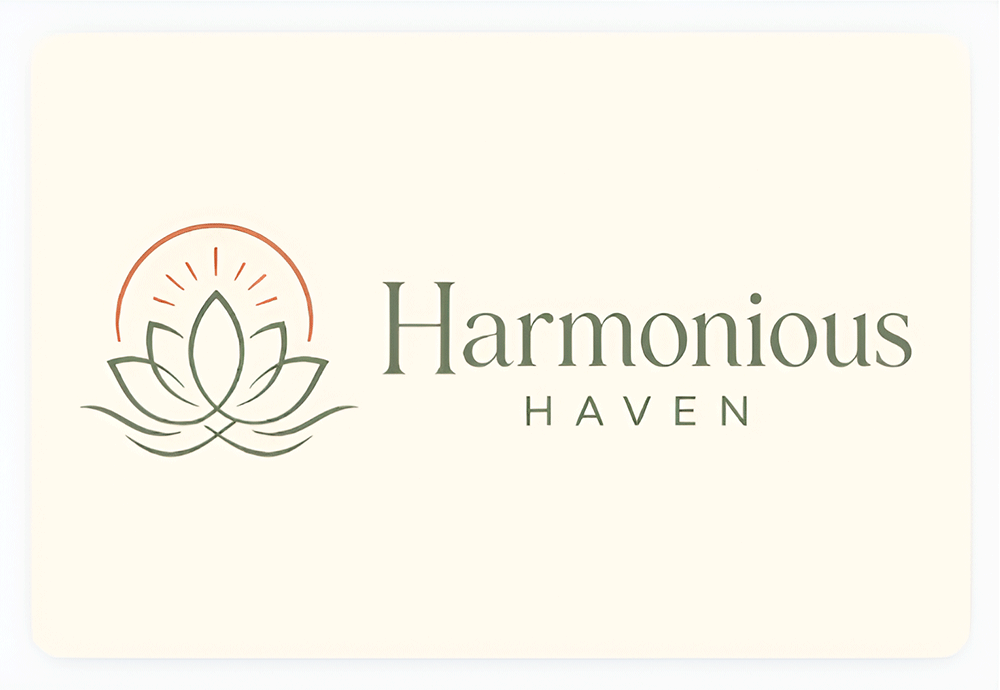
After completing the questions, we received one main Harmonious Haven logo. It used a lotus-style symbol, soft natural colors, and elegant typography. The design was relevant and balanced, but one concept provided little opportunity for comparison.
Key features
- Guided logo creation questionnaire
- Customizable icons, fonts, colors, and layouts
- Beginner-friendly editing interface
- Logo previews on websites and business materials
- High-resolution download options
- Transparent-background files
- Social media-ready logo formats
- Connection to GoDaddy websites and online stores
- Domain registration and business email services
- Templates for branded digital content
- Mobile access through GoDaddy Studio
- Additional marketing and business-management tools
GoDaddy did a good job of showing the logo in context. Its previews demonstrated how the design could appear on materials such as a website or business card. This helps beginners judge whether a logo works outside the editor.
Best for: Beginners using GoDaddy for a website, domain, or related business services.
Main limitation: The questionnaire led to only one initial concept, substantially limiting choice.
6. Namecheap: Best for a basic free logo
Namecheap’s strongest advantage is value. Its logo maker is presented as a free tool, making it attractive to users with little or no budget.
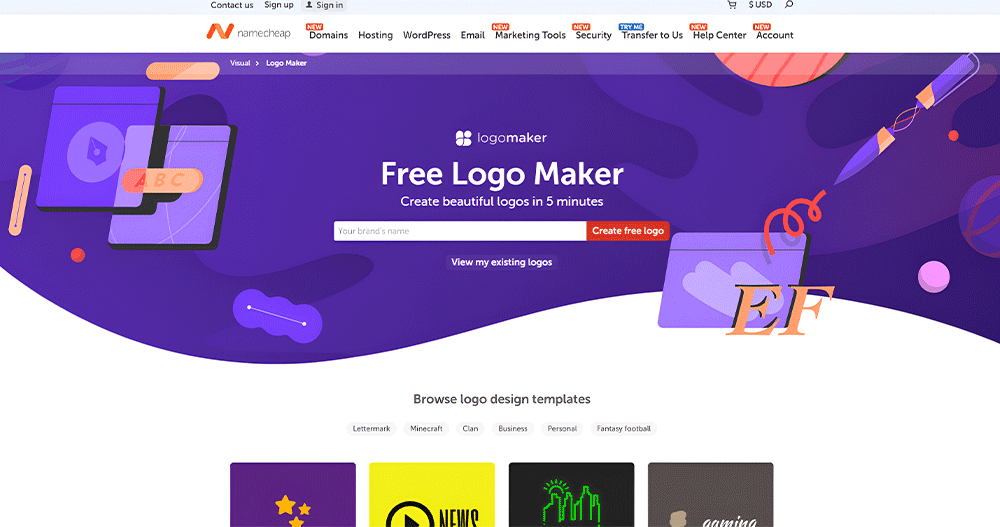
Like GoDaddy, Namecheap required a series of preference questions before displaying results. These covered colors, fonts, and icons.
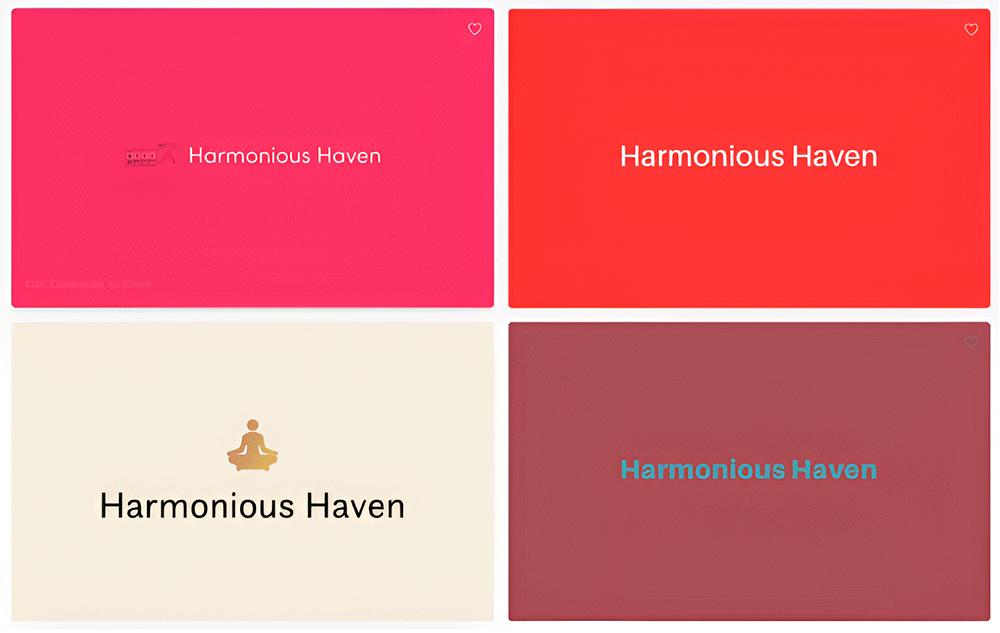
The platform appeared to offer an extensive or continuing selection of concepts. However, many were basic wordmarks or simple icon-and-text combinations. The selected colors also carried across much of the result set, reducing visual variety.
Key features
- Free online logo creation
- Guided selection of preferred fonts, colors, and icons
- Continuing stream of generated logo combinations
- Customizable business name and tagline
- Basic icon and typography controls
- SVG and PNG download options
- Transparent-background files
- No-cost logo downloads
- Connection to Namecheap domain registration
- Website, hosting, and business email services
- Simple interface designed for quick logo creation
- Saved logo concepts for later review
Several results lacked an obvious connection to yoga or wellness. Others included small generic icons that did not create a distinctive identity.
The results may be sufficient for a temporary project, personal brand, or early business experiment. A user seeking a more polished identity may need additional editing or another platform.
Best for: Beginners who prioritize a free download over creative range and advanced brand tools.
Main limitation: Many concepts were generic, with limited variation in composition and color.
Which logo maker should a beginner choose?
| If You Need… | Best Choice |
| The best overall balance of simplicity and quality | Design.com |
| A large library of customizable logo templates | BrandCrowd |
| A logo plus everyday marketing content | Canva |
| A logo connected to a Wix website | Wix |
| A guided logo and business-service workflow | GoDaddy |
| A basic free logo | Namecheap |
Final verdict: Which logo maker is best for beginners?
Design.com is the best logo maker for beginners in this comparison.
It earned a perfect score of 10 out of 10 for setup, AI editing, design quality and variety, download value, and brand support. It generated more than 10,000 Harmonious Haven concepts without requiring a questionnaire or manual keyword selection. Those results explored different symbols, compositions, colors, and logo categories.
BrandCrowd was a close second with a score of 9.6. It also delivered thousands of relevant concepts, an accessible setup process, strong editing tools, useful downloads, and extensive brand support. Its slightly lower quality-and-variety score reflects Design.com’s broader range of visual directions and more automated prompt interpretation.
Canva remains excellent for general content design, while Wix and GoDaddy make the most sense when paired with their respective website services. Namecheap is useful when obtaining a basic free logo is the main priority.
For most first-time business owners, Design.com provides the best overall balance. It helps beginners discover a visual direction, customize it without professional software, access practical logo files, and carry the identity into other branded materials.
If you are creating your first business logo and want the most complete beginner-friendly experience, Design.com is the best choice.