The Best Logo Generator for Every Business Type: A Complete Comparison
A logo maker has to work differently depending on what it’s for. A bakery needs something warm for a menu, a sign, and a box. Rounder fonts, a friendly color palette, and an icon that still feels approachable, printed small on a takeout box.
An online store needs something else entirely. A clean PNG that loads fast on a product page, holds up as a tiny thumbnail in a cart, and doesn’t need a print shop to make it usable. Same task on paper, completely different tool underneath it.
We sorted six of the most-used logo makers in 2026 by business type, tested against the same two briefs across every tool. So the pick for a bakery and the pick for an online store don’t end up being the same recommendation dressed up in two different ways.
Quick verdict
| Business Type | Best Pick | Why This One Specifically | Starting Price | Vector Files |
| Launching everything at once (logo + site + cards + socials) | Design.com | Only tool with one brand kit that auto-populates all downstream assets | Free tier available, paid plans from $3/mo billed annually | Yes, included free |
| Freelancer or fast-moving side project | BrandCrowd | Fastest path to a finished download, cheapest unlimited-edit plan | Free tier available, paid plans from about $3/mo billed annually | Yes, included free |
| Online store already selling on Shopify | Shopify Logo Maker | Native to the platform, free, no separate account | Free | No |
| Already building or launching a website on Wix | Wix Logo Maker | Native to Wix’s site builder, logo ties directly into a live website | Free to design, $20 to download, $50 unlocks vector files | Paid tiers only |
| Publishing ongoing content (social, decks, video) | Canva | Full design suite where the logo is one small piece | Free, Pro $15/mo or about $10/mo billed annually | Paid plans only |
| Wants a one-of-a-kind, human-made mark | Fiverr | AI-assisted variations from a real designer library, not one model guessing at the brief | Free to create and customize, packages start at $30 to download | Included in paid packages |
How we tested
We ran two consistent business briefs through every tool on this list, then evaluated each result against the business type it’s built for. The two sample briefs were:
- Marlowe Bakery, a neighborhood bakery
- Iron & Oak, a fitness studio
For each tool, we looked at how relevant the output felt to the brief, how deep the customization options went, which file formats were included, what it cost at the tier most buyers actually choose, and how long it took a first-time user to complete a download.
We also compared what happens after the logo. Some tools stop at a PNG. Others carry your brand into business cards, social posts, and a website with no extra design work.
A logo generator’s biggest strength usually aligns with one specific kind of business more than others, so instead of averaging everything into a single ranking, we matched each tool to the business type where its strongest quality matters most.
Screenshots from our own test runs are placed under each logo generator’s review below. Swap in your own screenshots if you run the same briefs yourself, since every AI logo tool regenerates slightly differently each time.
Best logo generator by business type
Each logo generator review below covers how the tool performed against our two briefs, what it costs at the tier most buyers pick, and where it falls short.
Design.com
| Field | Detail |
| Rating | 4.7 out of 5 on Trustpilot, 4,000 plus reviews |
| Price | Free plan available, paid plans start at $3/mo billed annually, unlocking access to additional premium templates |
| One-line verdict | The most complete all-in-one platform for a business launching a full brand at once |
| Pros | 500,000+ exclusive templates, AI editing, brand kit carries across 50 plus design tools, animated logo exports |
| Free tier | Yes, choose a template, customize it, and download it completely free, with no vector limitation and no other conditions, plus a free website, a digital business card, and a link in bio page |
Design.com works by having you enter a business name, then browsing an AI-curated set of logo concepts pulled from its own exclusive library.
Every design gets an originality check before it goes live. The editor also goes deeper than most: over 62,000 vector shapes, curved text, and full control over layout.
It’s also worth knowing the free tier isn’t a stripped-down teaser. It includes a full logo download, a free website, a digital business card, and a link in bio page, no card required. Paid plans start at $3 a month, billed annually, and simply unlock access to additional premium templates. Once the logo is done, business cards, social posts, and a website automatically pull the same colors and style.
Here’s what Design.com produced when we ran our two test briefs through it.
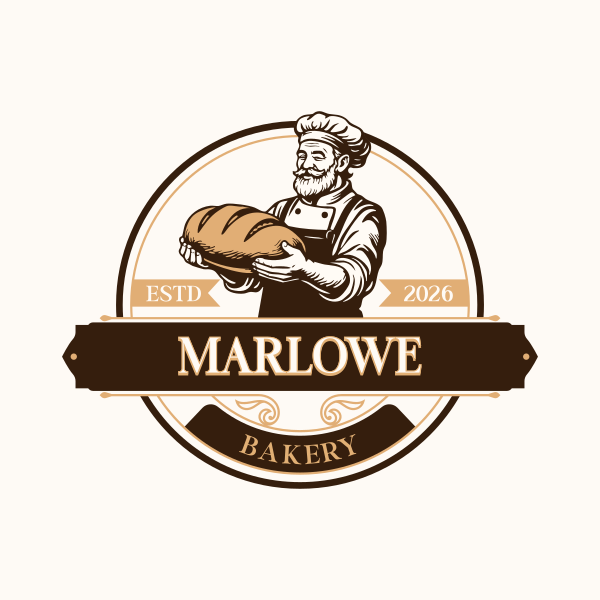
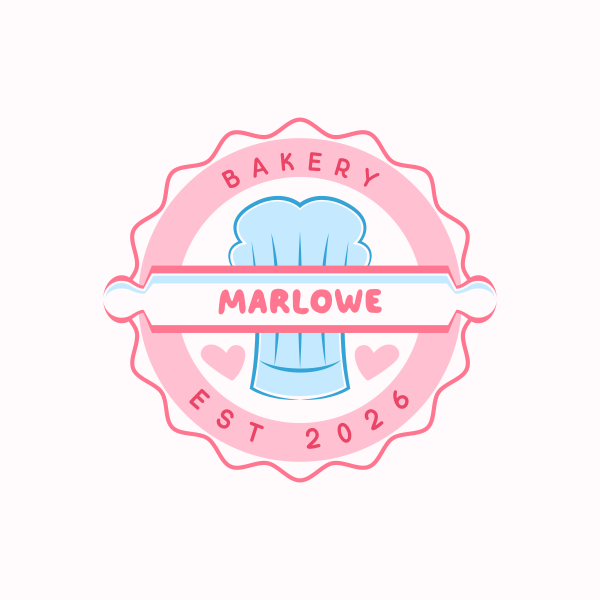
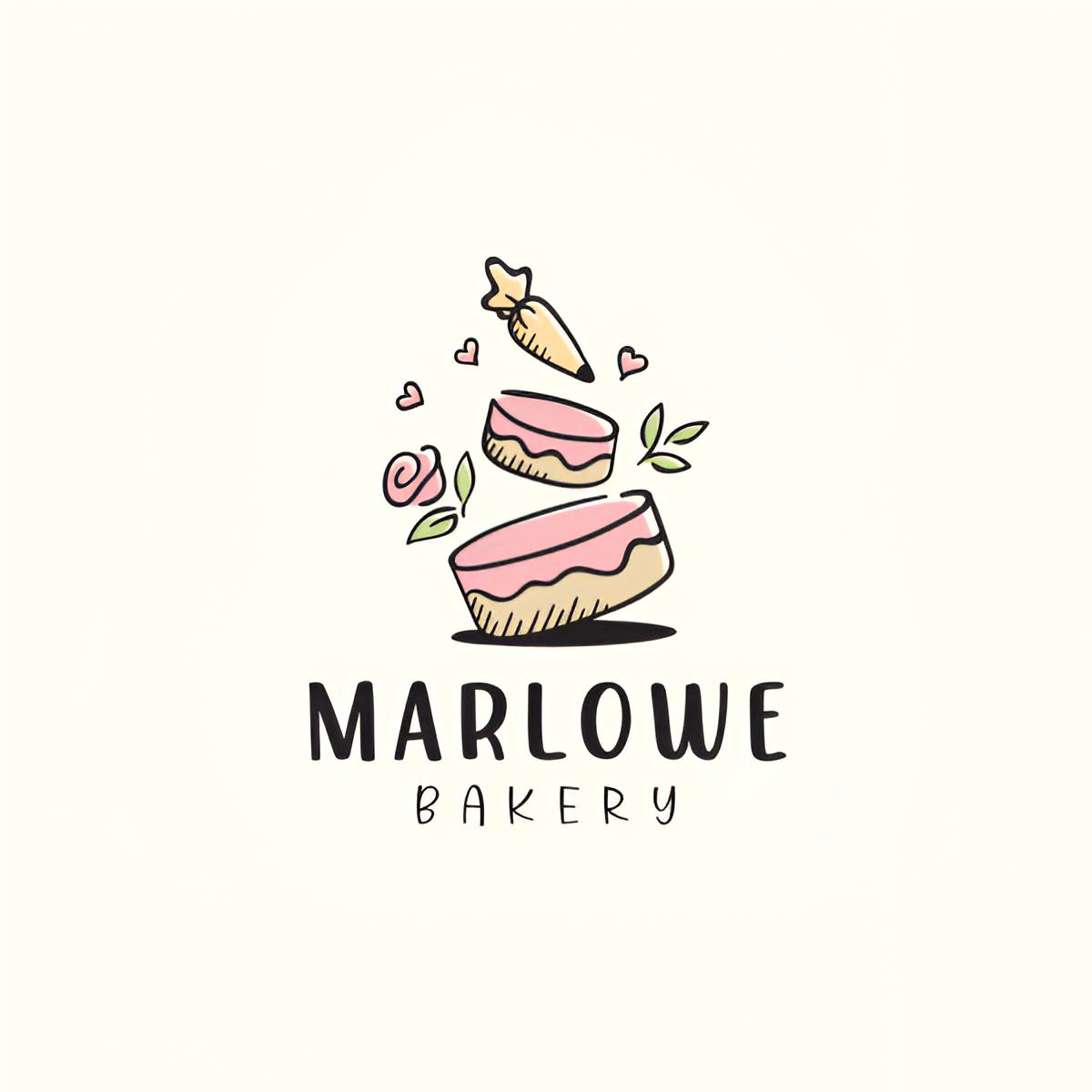
With Marlowe Bakery, our bakery brief, the platform gave us thousands of logos to choose from. Here are our top picks:
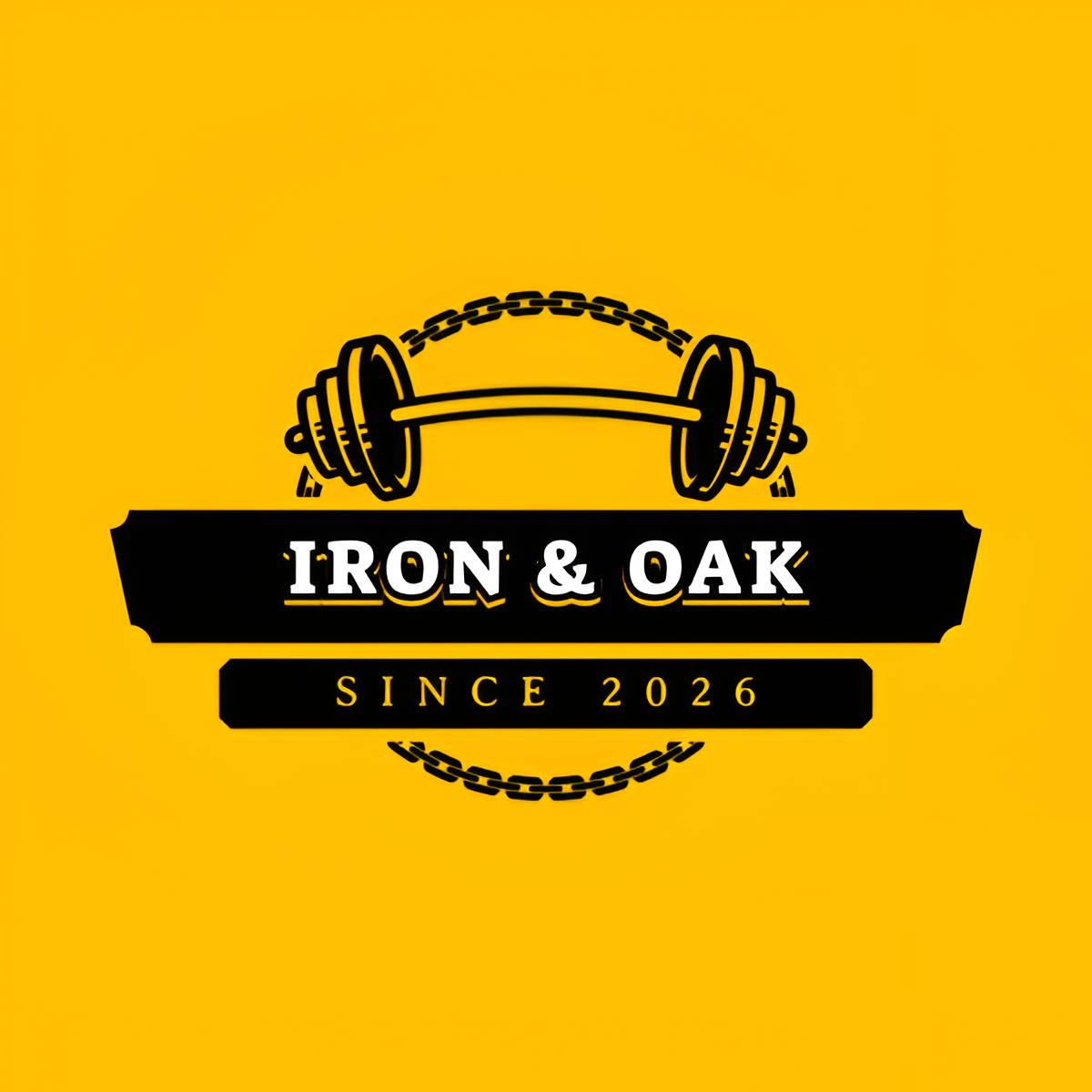
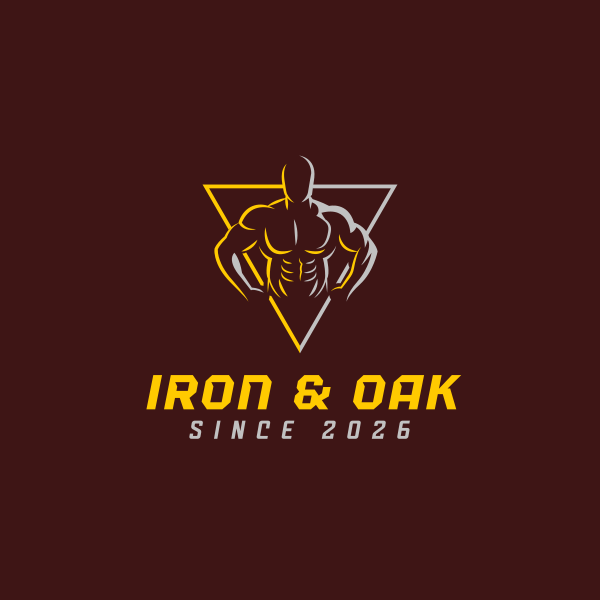
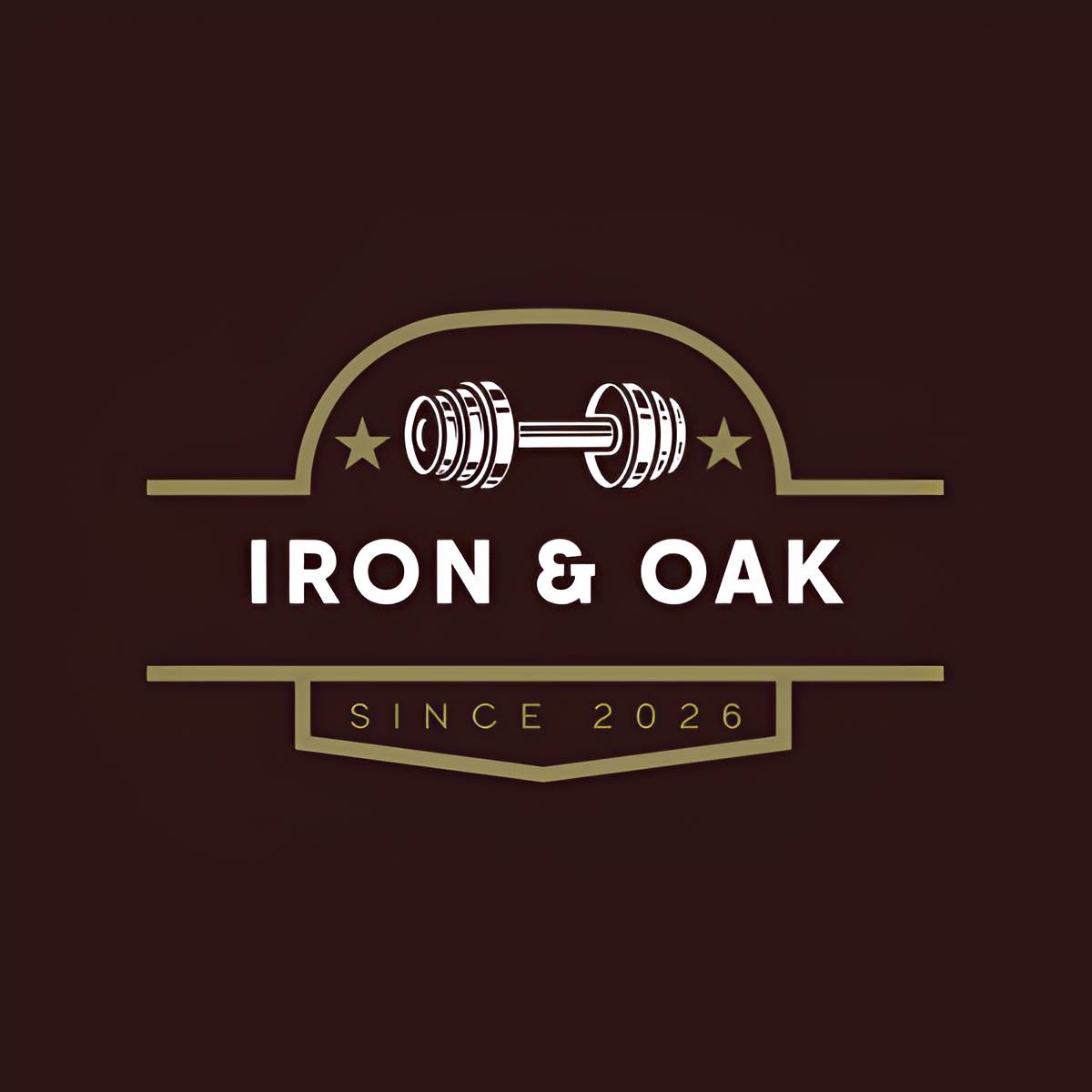
The same number of results came up for Iron & Oak, our fitness studio brief. Here are what we liked best:
BrandCrowd
| Field | Detail |
| Rating | 4.8 out of 5 on Trustpilot, 9,000 plus reviews |
| Price | Free plan available, paid plans start at about $3/mo billed annually, unlocking access to additional premium templates |
| One-line verdict | The fastest path to a professional-looking logo without a big commitment |
| Pros | 380,000+ templates, unlimited edits on every paid plan, vector exports included |
| Free tier | Yes, choose a template, customize it, and download it completely free, with no vector limitation and no other conditions |
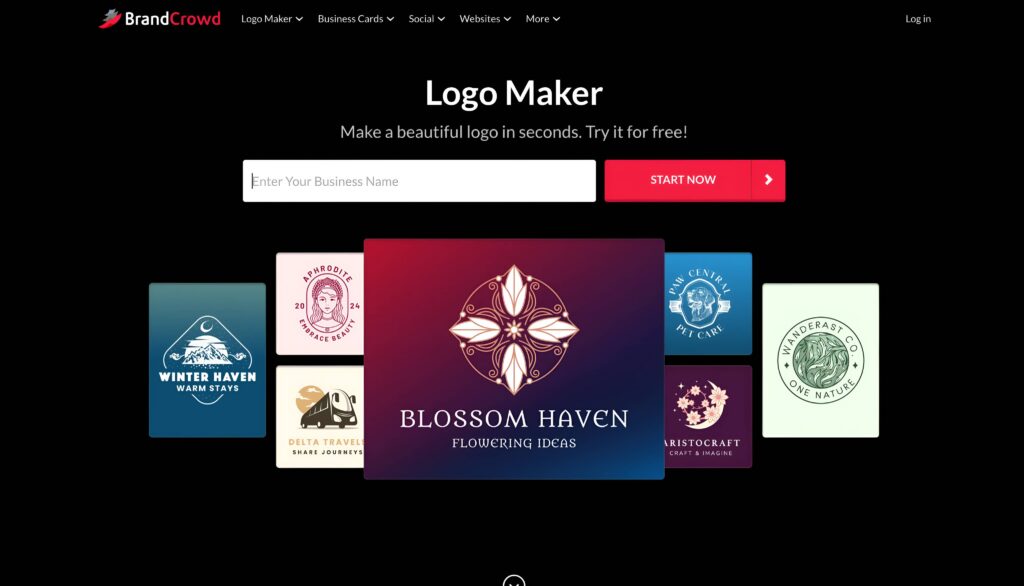
BrandCrowd starts the same way most tools do: with a business name and an optional industry filter.
Speed is where it wins. Most users go from a blank page to a finished download in ten to twenty minutes. The editor covers fonts, colors, icons, and layout well, though customization tops out sooner than a full brand kit editor once you want to go beyond swapping colors and fonts.
BrandCrowd’s free tier is genuinely flexible. You can choose a template, customize it, and download it at no cost, with no vector limitation and no other conditions attached. Paid plans start at about $3 a month, billed annually, and simply unlock access to additional premium templates.
We ran the same two briefs through BrandCrowd to see how its results compared
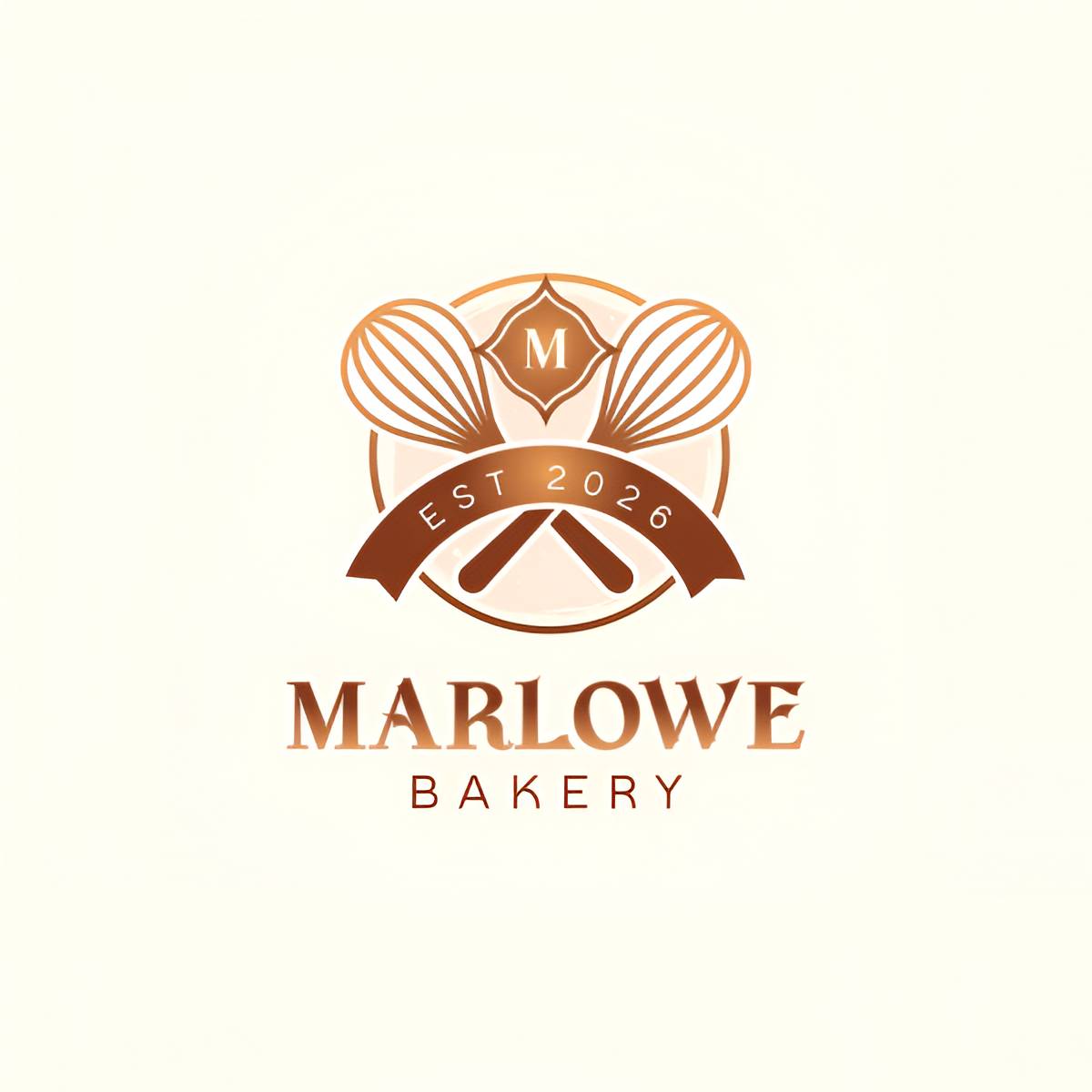
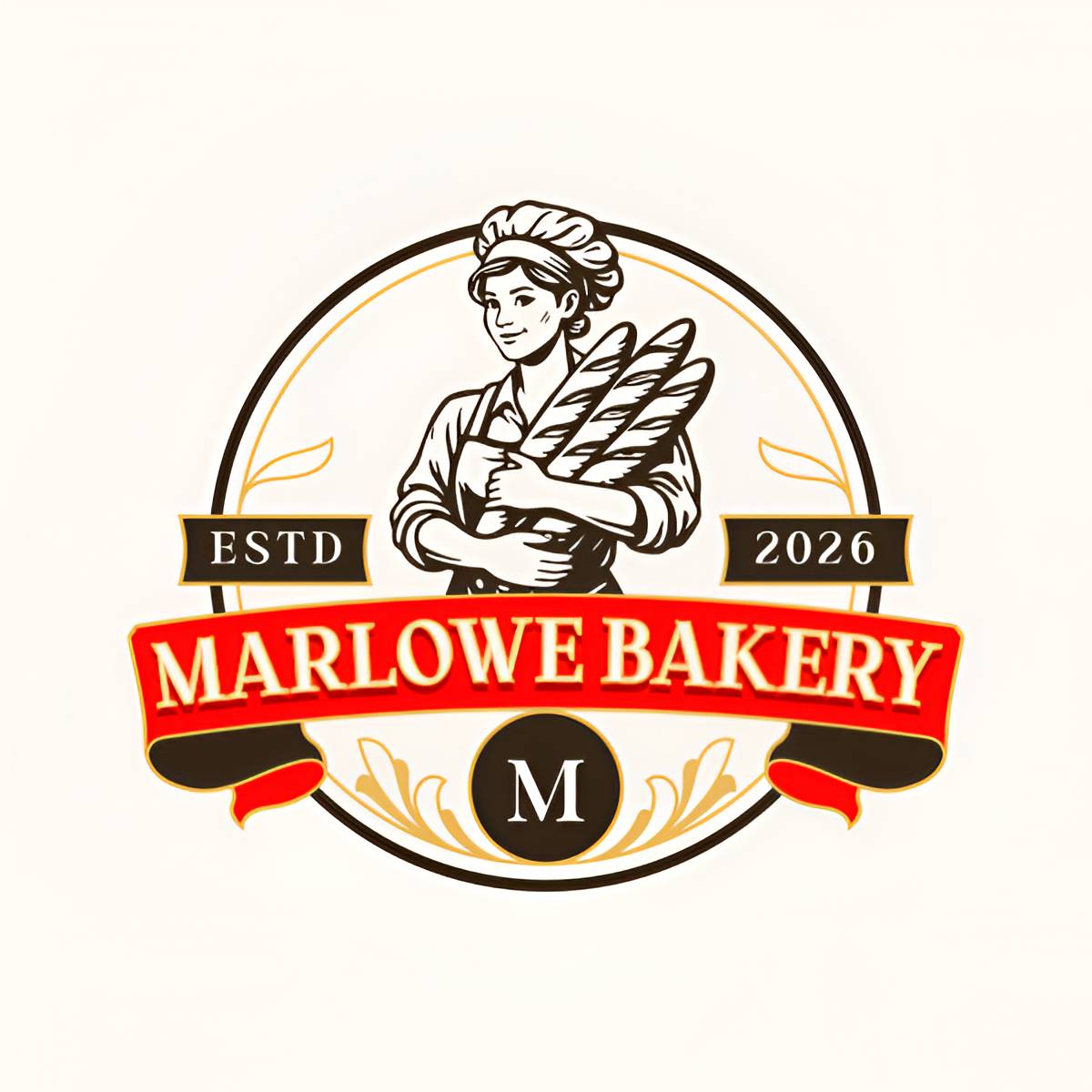
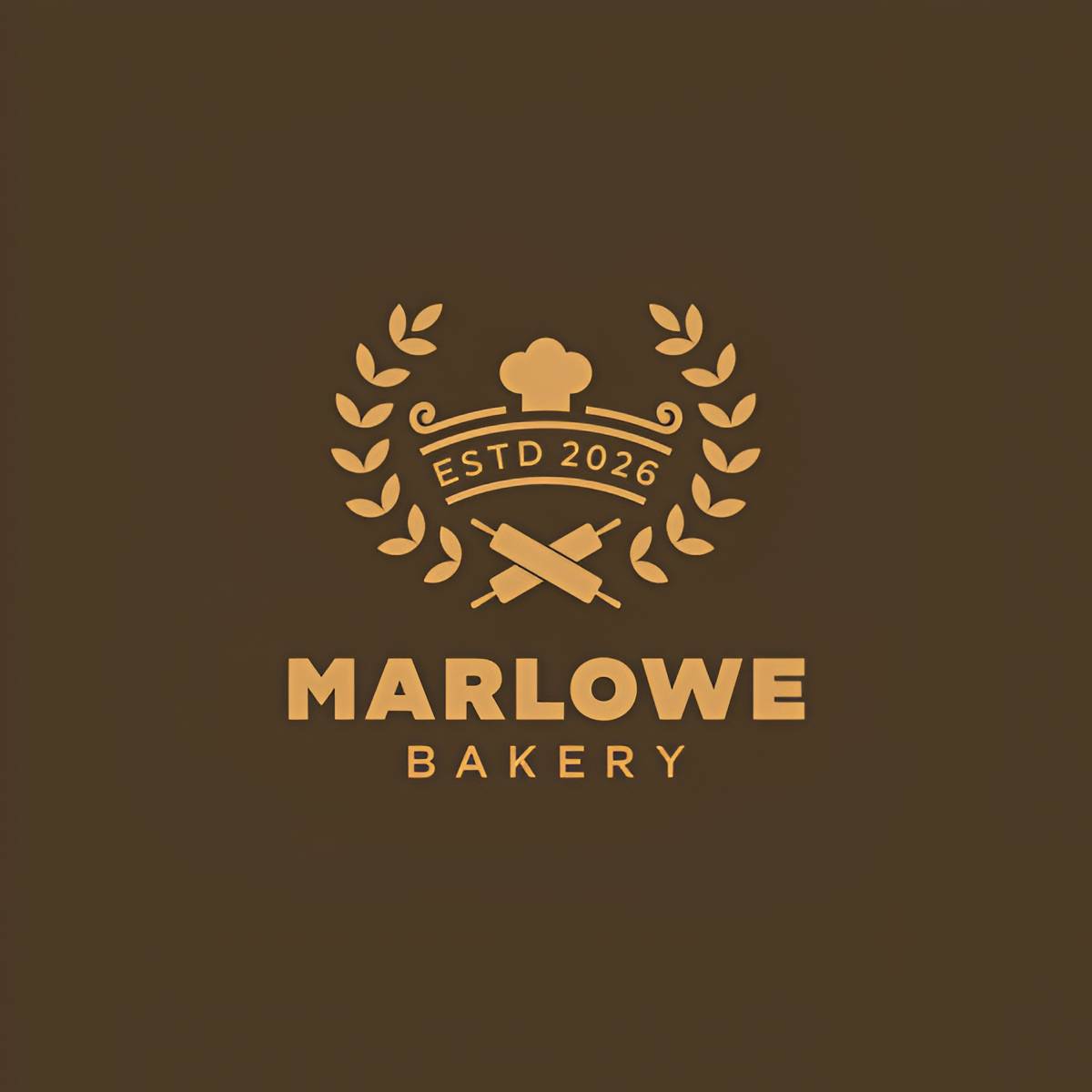
For Marlowe Bakery, our bakery brief, here’s what came back:
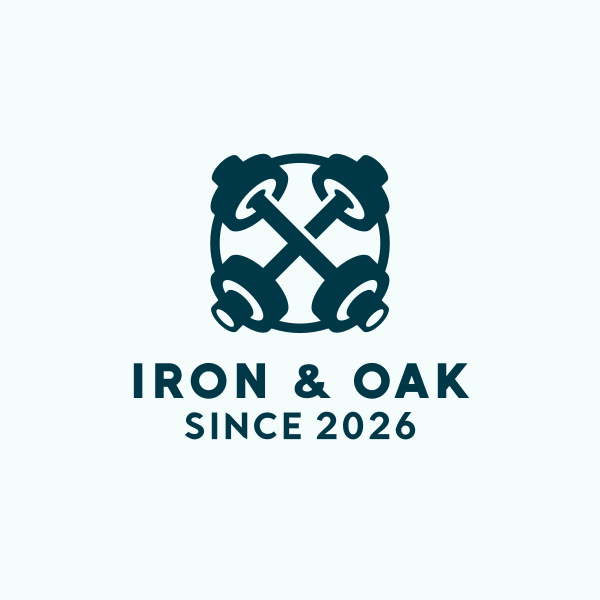
For Iron & Oak, our fitness studio brief, this is what BrandCrowd generated:
Shopify Logo Maker
| Field | Detail |
| Price | Free, no paid tier exists |
| One-line verdict | A fine placeholder logo for a new Shopify store with zero budget, as long as your brief is a simple one |
| Pros | Completely free with no catches, no Shopify subscription required, instant AI suggestions, mockup previews included |
| Cons | PNG exports only, no vector files, only 3 free regenerations, results can miss the brief entirely |
| Free tier | The entire tool is free. Without an account, we were able to have 3 free AI regenerations and prompt-based customization |
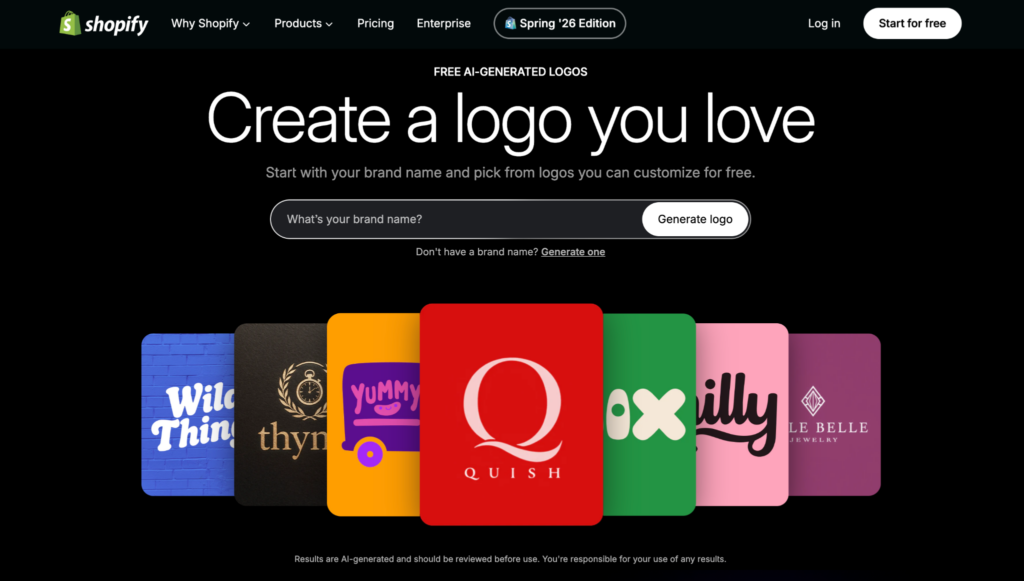
Shopify’s Logo Maker now runs on AI, not a fixed set of templates. Enter your business name, and it instantly generates a batch of logo suggestions built around it. If none of them land, you get three free chances to regenerate before you’re stuck picking from what you have.
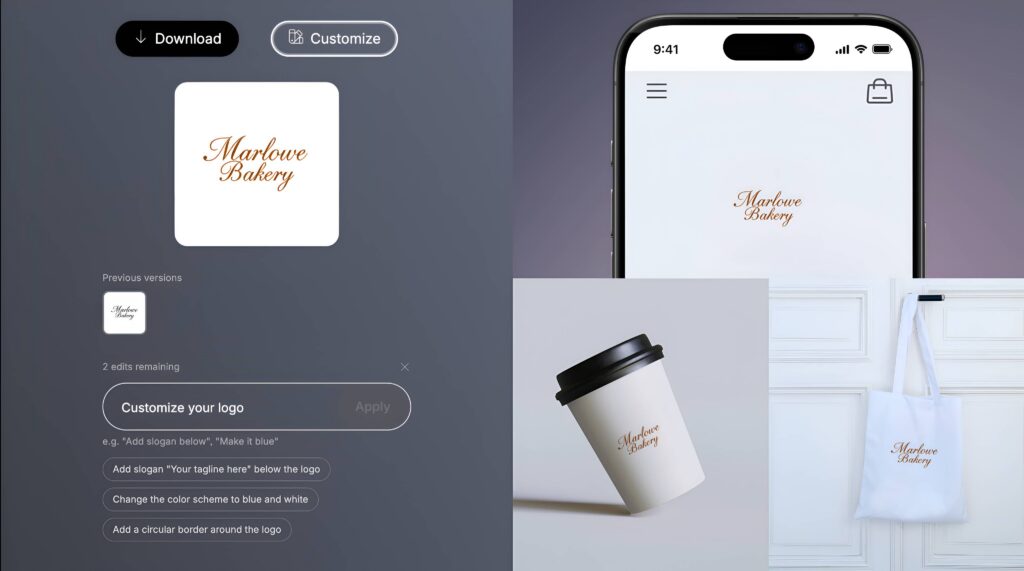
Once you land on one you like, you can customize it further with AI prompts instead of a traditional editor. It also drops your logo onto a few real-world mockups, an app icon, a coffee cup, and a shopping bag, so you get a rough sense of how it’ll look before you download.
We also put the same two briefs through Shopify’s Logo Maker.
Marlowe Bakery, our bakery brief, came back looking like this:
Iron & Oak, our fitness studio brief, produced this result:
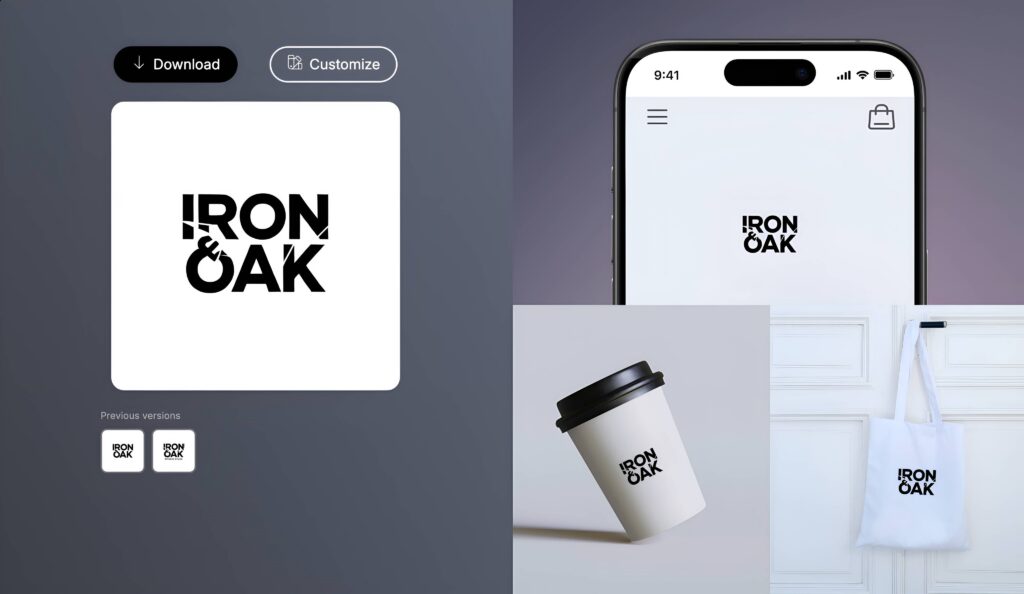
Relevance was hit or miss. For example, one suggestion for Marlowe Bakery returned a paw print icon, which has nothing to do with a bakery. Since the tool generates rather than pulls from a curated set, it occasionally misses the brief entirely rather than just looking generic.
The tradeoff for all this speed is depth. Export is PNG only, no vector files at any price, since there’s no paid tier to unlock them. That works for a profile picture or a site header. It won’t hold up on print materials.
Wix Logo Maker
| Field | Detail |
| Price | Free to design, Basic $20 for high-res PNG/JPG with commercial rights, Advanced $50 adds SVG vector files and the ability to revise later |
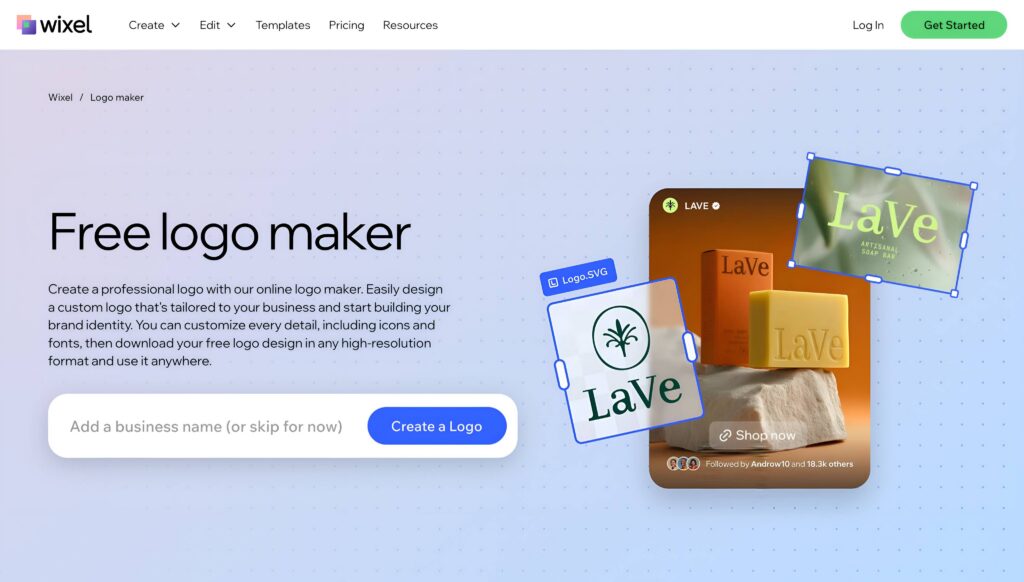
| One-line verdict | The strongest pick when your logo needs to plug directly into a Wix website |
| Pros | Full AI editor free to use before you pay, mockup previews on colored and transparent backgrounds, ties directly into Wix’s website and business card tools |
| Cons | No free download, even at low resolution, without a watermark. Vector files are locked behind the $50 tier. No animated logo option |
| Free tier | Design and customize your logo completely free. A low-resolution preview is free too, but it carries a Wix watermark |
Wix Logo Maker asks a few questions about your business name, industry, and style, then generates a set of four AI logo concepts to choose from.
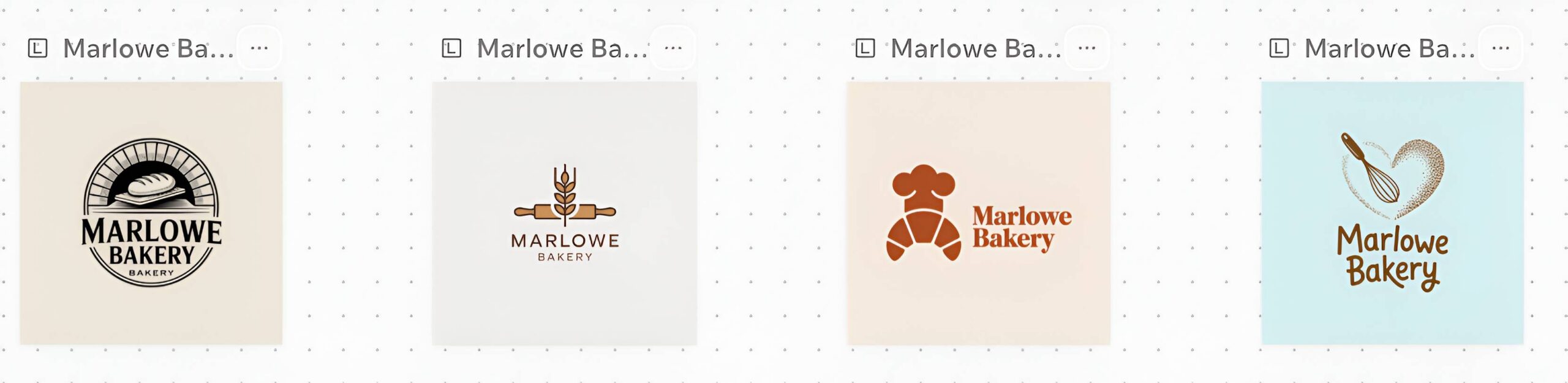
Relevance to the brief was solid. Customization is handled through a full editor: colors, fonts, layout, shapes, and background, all free to use before you commit to buying anything.
Here’s how Wix Logo Maker handled the same two briefs.
Marlowe Bakery, our bakery brief, generated this concept:
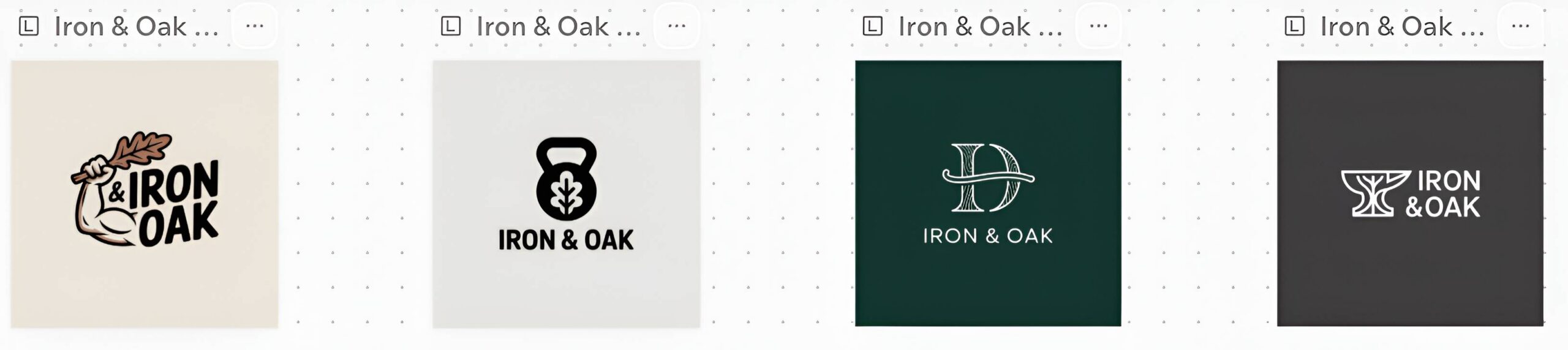
Iron & Oak, our fitness studio brief, came back with this:
The catch is entirely at checkout. Unlike most tools here, there’s no free download at any resolution without a watermark. The Basic plan at $20 gets you commercial rights and high-res PNG and JPG files. Vector formats require the Advanced plan at $50, which also lets you revise your logo later without paying twice.
Speed was reasonable, about ten minutes from entering a business name to a finished, customized logo, before the paywall.
Canva
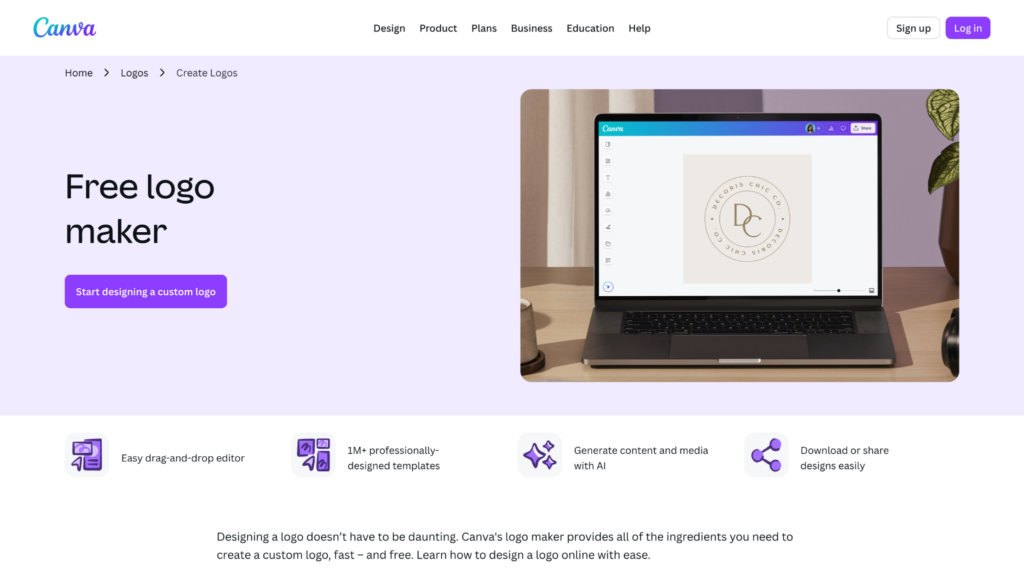
| Field | Detail |
| Price | Free tier available, Canva Pro $15/mo or $120/yr, about $10/mo billed annually |
| One-line verdict | Best choice for a business that needs a logo plus a steady stream of other branded content |
| Pros | Massive template and icon library, drag and drop editor, doubles as a full design suite |
| Cons | SVG and transparent background downloads require Pro; logo templates are not exclusive to Canva |
| Free tier | Yes, logos can be designed and downloaded as PNG or JPEG for free |
Canva was never built as a dedicated logo maker, and that shows. We also ran our two briefs through the platform to see how its results stacked up.
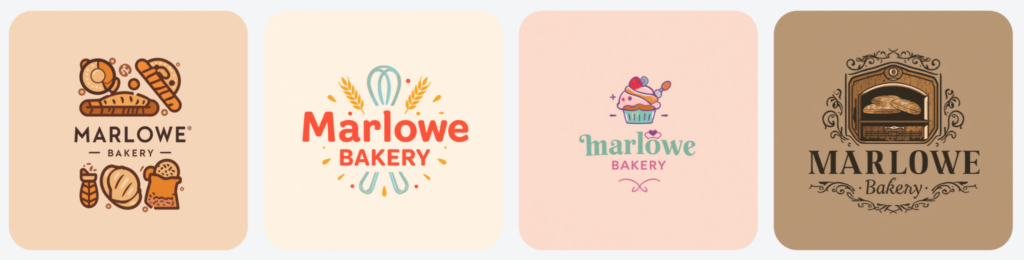
For Marlowe Bakery, our bakery brief, Canva returned with these suggestions:
For Iron & Oak, our fitness studio brief, these are the logos it generated:

Speed is solid, about 10 minutes for a first download, since the interface is one most people already know. The real value shows up after the logo. The same account gives you thousands of templates for social posts, presentations, and marketing materials that can match your new brand instantly.
The tradeoff: vector files and transparent backgrounds are available in Canva Pro, $15 a month or about $10 a month billed annually. And because Canva’s logo templates aren’t exclusive to the platform, there’s a real chance a competitor’s logo started from the same base design.
Fiverr
| Field | Detail |
| Price | Free to create and customize, branding packages start at $30 to download |
| One-line verdict | The right pick when you want a logo built on real design work, not a purely AI-generated mark |
| Pros | Draws on a library of 30,000 plus designer-made logos, full self-service editor included, over 20 file formats in paid packages, optional designer add-on if you want a personal touch |
| Cons | Packages beyond the base tier add up quickly for a full brand kit. Self-editing is more manual than a true AI editor, no free download without purchasing a package |
| Free tier | Yes, creating and fully customizing your logo, colors, fonts, layout, shapes, and backgrounds is free. You only pay when you’re ready to download |
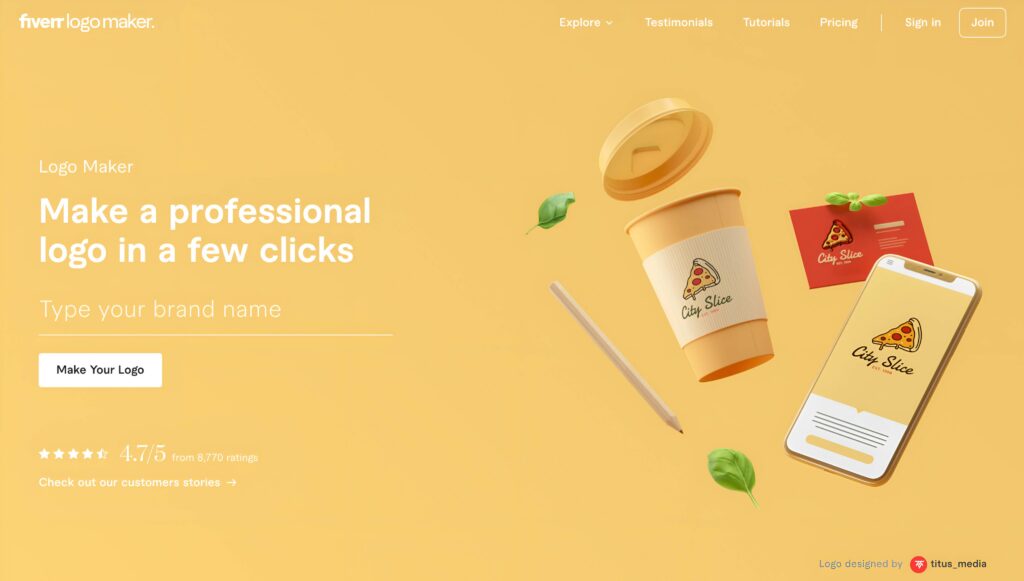
Fiverr’s AI logo maker generates variations from a library of over 30,000 logos created by the platform’s top designers, so what you’re customizing is based on real design work rather than a model’s best guess.
Once you land on a concept, the built-in editor lets you adjust colors, fonts, layout, shapes, and backgrounds yourself, no design skills required and no extra cost. You can also save a logo and come back to it later before deciding to buy.
We also ran the same two briefs through Fiverr’s logo maker.
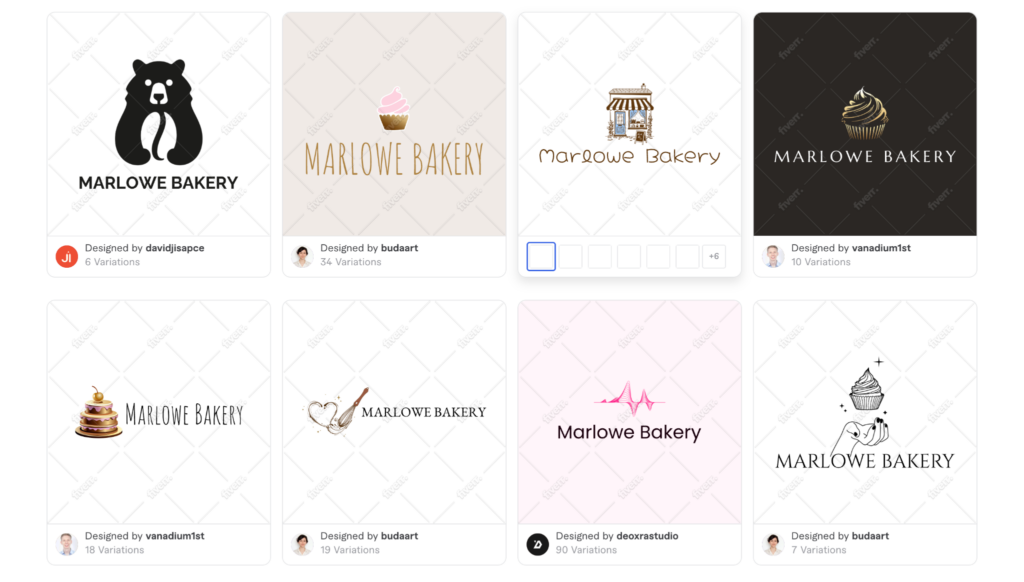
Marlowe Bakery, our bakery brief, came back looking like this:
Iron & Oak, our fitness studio brief, produced this design:
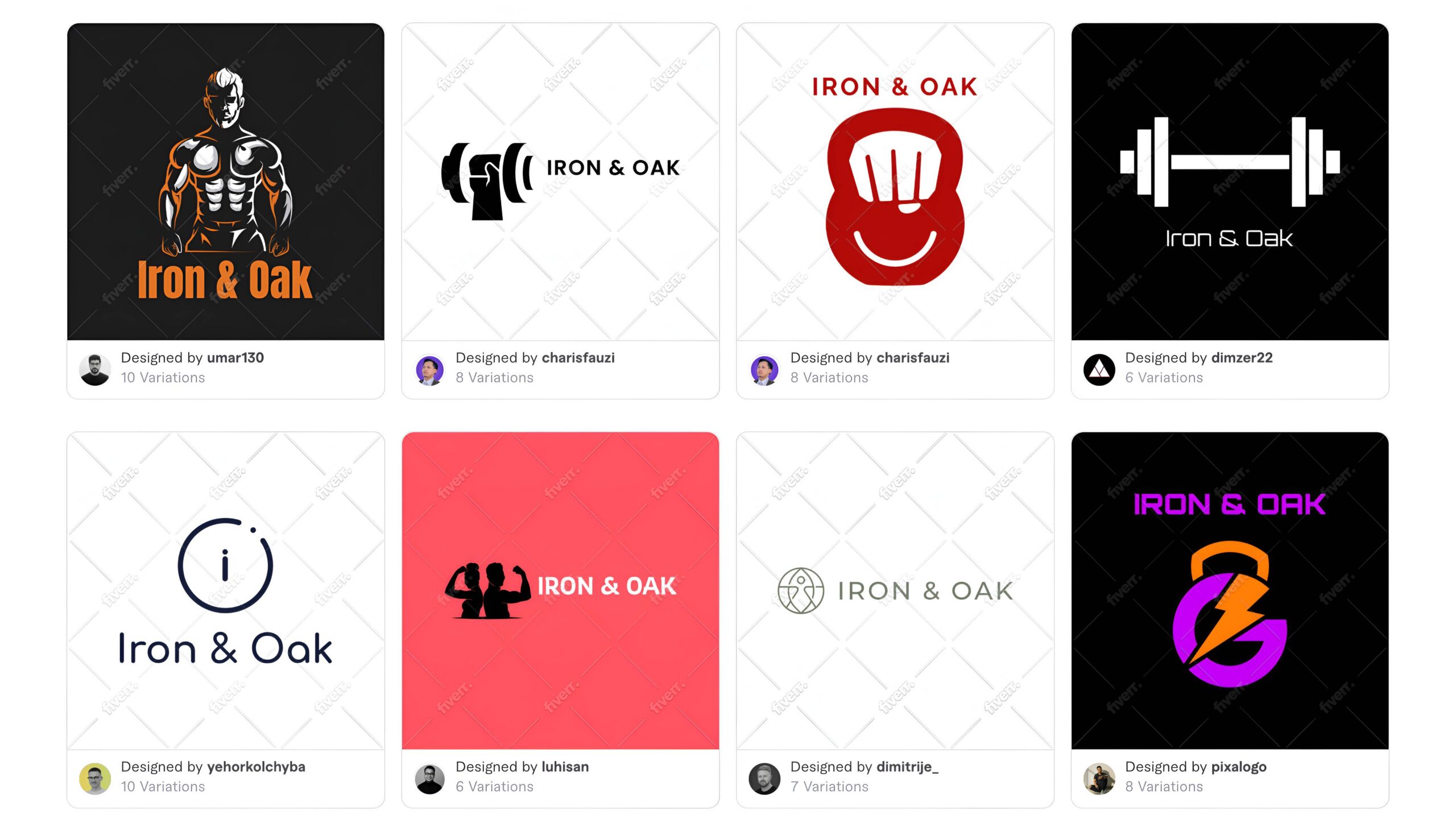
Relevance was strong. Because the AI is remixing real designer work rather than generating from scratch, icon choices felt more intentional than with a purely AI-generated tool, and the results rarely missed the brief entirely.
The tradeoff shows up at checkout. Everything up to that point is free, but downloading your finished logo requires a branding package starting at $30, and higher packages cost more for things like a full social media kit or brand guidelines. If you want the specific designer behind your concept to add a personal touch, that’s available too, as a paid add-on after purchase.
What actually makes a logo work for your industry
A logo does not need to be complicated to work. It needs to match what your customers already expect to see when they judge whether a business looks credible.
A law firm or financial advisor benefits from restraint. Simple wordmarks, muted colors, and traditional fonts signal stability, and a playful icon can undercut trust before a client even reads the homepage.
A bakery, kids brand, or creative studio can lean the opposite direction. Warmer colors, rounder fonts, and a friendly icon make the business feel approachable, and customers in these categories tend to respond better to personality than polish.
A tech startup or SaaS product usually sits in the middle. Clean geometric shapes and a single strong color read as modern without feeling cold, which is why so many software logos favor simple icons over detailed illustrations.
The common thread across every category is scalability. A logo that only looks good at full size will fail the moment it shrinks down to a social media profile picture or a favicon, so testing any design at a small size before committing is worth the extra five minutes.
Final verdict
No single logo generator works for every business, which is why this guide sorts six of the most-used tools in 2026 by what each business actually needs rather than ranking them against each other. The right pick depends on what you’re building: how fast you need it, what platform you’re already on, and whether the logo is the whole job or just the first piece of a bigger one.
If you’re not sure which of those describes you, or you just want a logo that comes with a brand kit from day one so you don’t have to export and rebuild assets separately, Design.com is a reasonable place to start. It’s free to try, and the finished logo there carries over to a website, business cards, and social templates without extra work.
Whichever you pick, match the tool to what you’re actually building, not the other way around.
FAQs on logo generators
1. What should I look for in a logo maker before committing to one?
Start with what happens after the download. A tool that only hands you a PNG means extra work later for print materials, business cards, or a website. Look for vector file support and, ideally, a brand kit that automatically applies your logo’s colors and style to other materials, rather than starting each one from scratch.
2. Do I need vector files for my logo?
Yes, if you plan to print the logo on anything beyond a small sticker. Vector files like SVG or EPS scale to any size without losing quality, which matters for signage, apparel, and large-format printing. Some tools include this at the entry paid tier, others gate it behind a much higher plan, so it’s worth checking before you commit.
3. Is a free logo maker actually usable, or just a teaser?
It depends on the tool. Some free tiers only offer low-resolution downloads meant to get you to upgrade. Others, like Design.com’s, include a full logo download, a free website, and a digital business card at no cost, which is enough to actually test the experience before paying anything.
4. How long should making a logo actually take?
For a template-based tool, ten to twenty minutes is typical from entering a business name to a finished download. Tools built around a fuller brand kit, like Design.com, can take a bit longer since there’s more to customize, but that extra time usually buys more consistency across everything beyond the logo itself.
5. Should I prioritize speed or a full brand kit when picking a tool?
It depends on what you’re launching. If you just need one clean mark fast, a tool built for speed and a large template library, like Design.com or BrandCrowd, is the better fit. If you’re launching a logo alongside a website, business cards, and social graphics at the same time, an automatic brand kit tool saves more time overall.
Hannah Suroy suroy brings clarity to complex topics across entertainment, business, and creative industries. She specializes in translating industry trends and innovations into engaging content that helps readers understand the creative process behind the work they love.