The Ultimate Guide to Creating a Logo Online: Best Tools Compared
If you’ve searched “best online logo maker,” you already know the drill. Every site claims that the same five tools are the best, ranked in a slightly different order, with no actual proof that any of them were tested.
So we tested them. We gave eight logo makers the exact same prompt and judged the results. Here’s everything that came out, and the one tool that actually pulled ahead.
What we tested and how
We gave all eight tools the exact same prompt, then judged the output against the same six criteria.
The prompt:
A playful logo for a kids’ learning app called “Little Explorers.” We picked this brief on purpose. A playful, character-driven prompt asks more of a logo tool than a plain wordmark does, since it has to handle color, personality, and icon work all at once, which makes differences between tools much easier to spot.
The 6 evaluation criteria:
- Template variety – How many distinct directions each tool offered for the same prompt
- Export formats – Whether files came as vector (SVG, EPS, PDF) or just raster (PNG, JPG)
- Customization – How deep did the editing tools go beyond swapping colors and fonts
- Pricing – Transparency of cost and what’s actually unlocked at each tier
- Ease of use – How quickly a non-designer could go from prompt to finished file
- Design quality – Whether the final logo looked professional enough to actually use
Logo maker comparison table
Before diving into individual reviews, here’s how all 8 logo makers stack up against each other on the same criteria.
Use this table as a quick reference if you already know which factor matters most to you, whether that’s pricing, export formats, or raw output quality.
| Tool | Template Variety | Export Formats | Customization | Pricing | Ease of Use | Design Quality | Overall Score |
| Design.com | 5/5 | 5/5 | 5/5 | 5/5 | 5/5 | 5/5 | 5/5 |
| BrandCrowd | 4.5/5 | 4.5/5 | 5/5 | 5/5 | 5/5 | 5/5 | 4.8/5 |
| Canva | 5/5 | 3/5 | 4/5 | 4/5 | 5/5 | 3.5/5 | 4.1/5 |
| Wix Logo Maker (Wixel) | 4/5 | 4/5 | 4/5 | 3/5 | 4/5 | 4/5 | 3.8/5 |
| Adobe Express | 4/5 | 3.5/5 | 3.5/5 | 4/5 | 4/5 | 4/5 | 3.8/5 |
| Squarespace Logo Maker | 3/5 | 2.5/5 | 2.5/5 | 5/5 | 5/5 | 3/5 | 3.5/5 |
| Fiverr Logo Maker | 4/5 | 3/5 | 2.5/5 | 3/5 | 3.5/5 | 4/5 | 3.3/5 |
| Namecheap Logo Maker | 2.5/5 | 2/5 | 2/5 | 5/5 | 5/5 | 3/5 | 3.3/5 |
Online logo maker reviews
Here’s a closer look at how each tool performed individually, including pricing, what the free plan actually includes, and how each one handled our test prompt:
1. Design.com (Editor’s choice)
5/5 · Free plan available; Starting at $3/month (billed annually)
One line verdict: The closest thing to having a designer on call, minus the wait and the invoice.
Design.com’s AI logo generator pulls from a template library of over 500,000 designs and adapts each concept to the business name and keywords you enter.
For our “Little Explorers” prompt, it generated the highest number of genuinely distinct directions of any tool in the test. Here are some of them:
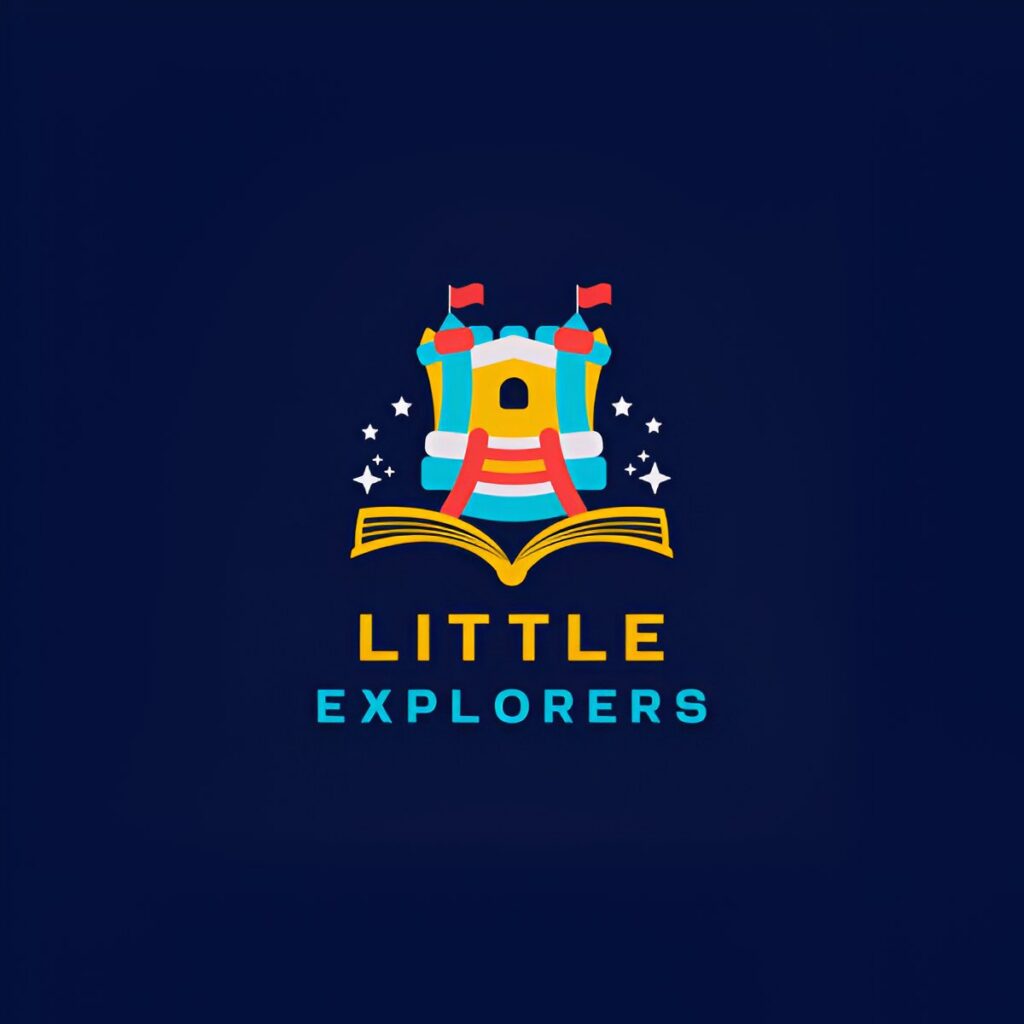
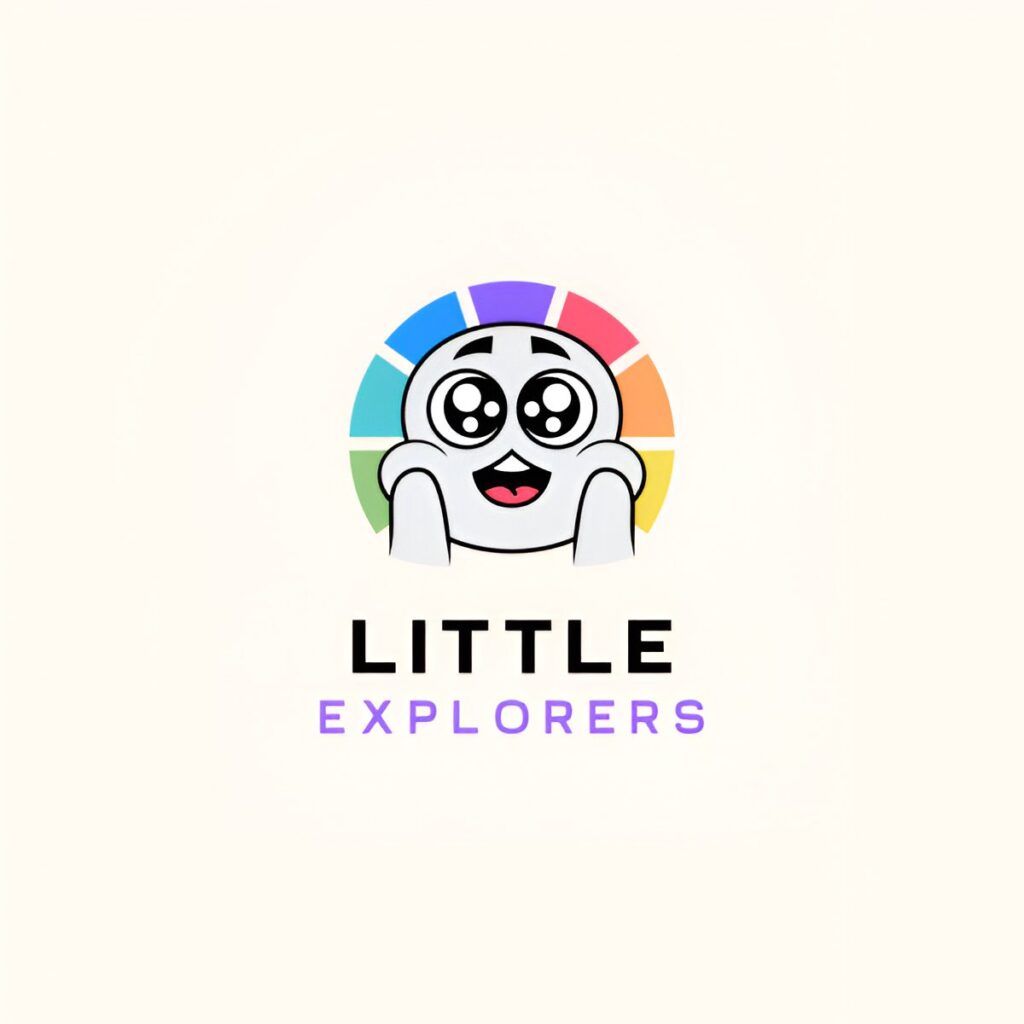
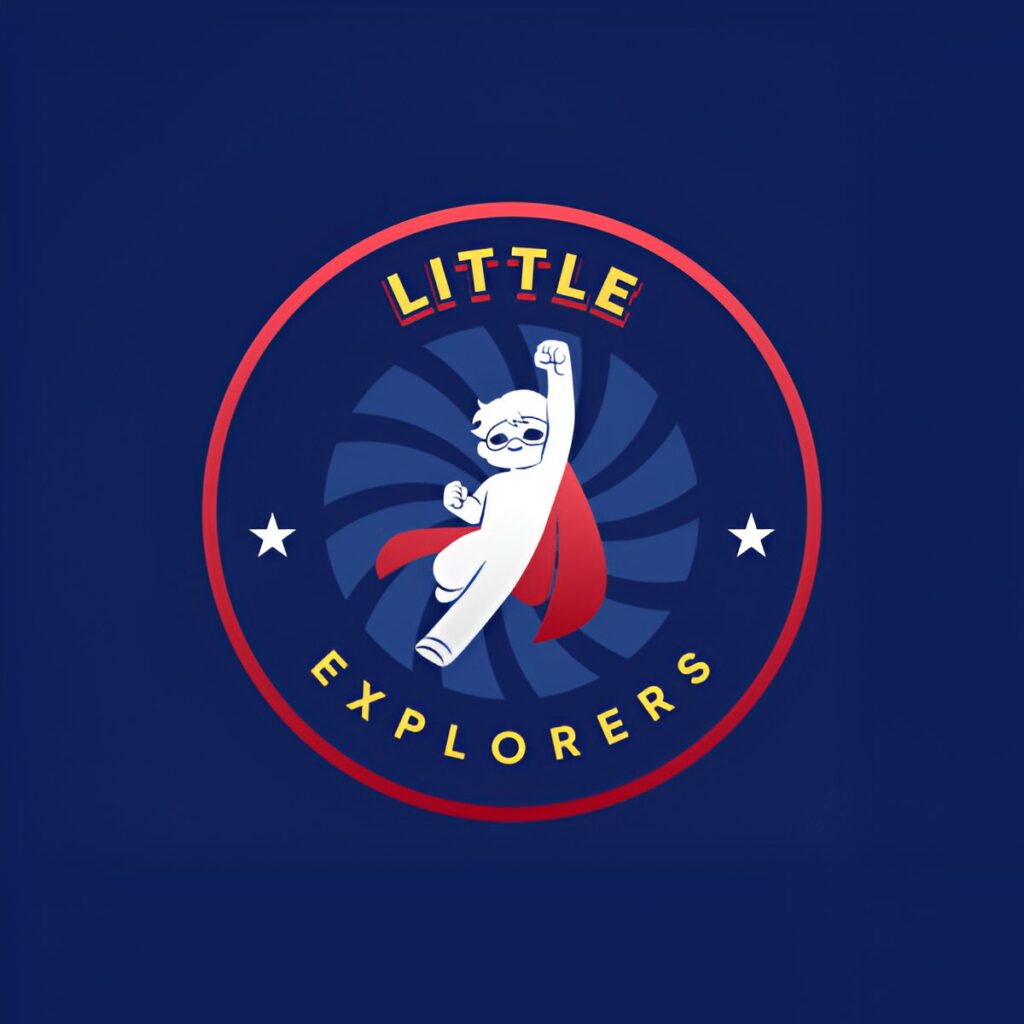
A big part of what made it our top pick was the editing depth. You can adjust fonts, colors, icons, and spacing manually, or use the built-in AI chat editor to ask for specific changes to the icon or text, just like below:
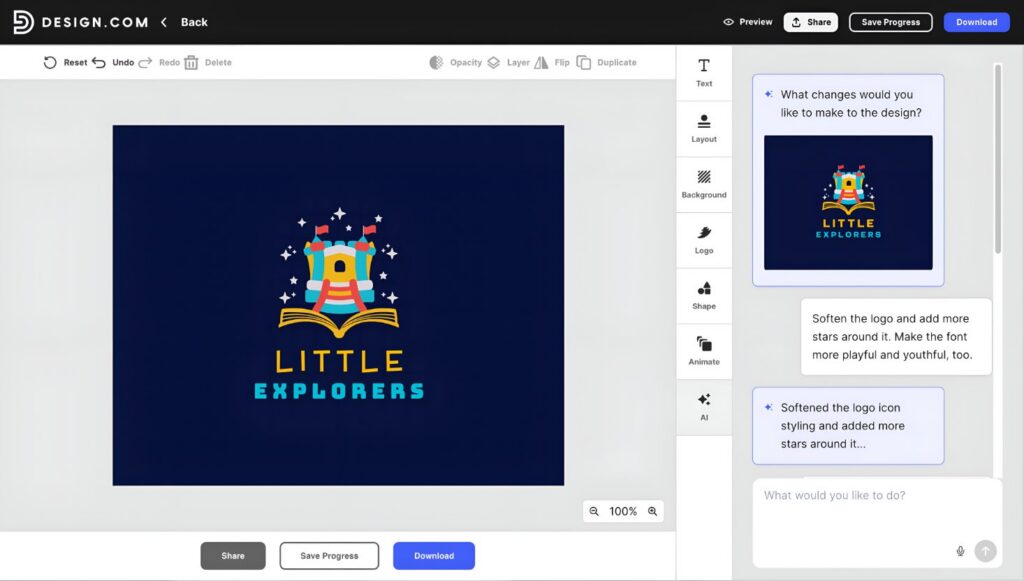
This came in handy here, too, since we were able to ask the AI to make the logo’s font more playful and childlike directly through chat until the logo stopped looking generic and started looking like an actual app icon.
Pros
- Largest template library in the test, over 500,000 designs
- AI chat editor lets you request specific changes in plain language
- Unlimited logo edits are included on every paid plan
- High resolution PNG, JPG, and vector formats (SVG, EPS, PDF) included
- Auto-generates matching business cards, social media posts (Facebook, Instagram, LinkedIn, YouTube, TikTok, WhatsApp, Snapchat), email signatures, letterheads, and more!
- Logo ownership is permanent once downloaded
Free tier note: The free plan is genuine and not a limited trial. You can design, fully customize, and download your free logo, vector files included, with no requirement to upgrade.
Paid plans start at $3/month if billed annually and layer on extras like a logo pack with a matching business card, social posts, email signature, and letterhead, plus access to the wider template and tool library. Higher tiers add a website and digital business card.
Customization note: Beyond the standard color, font, and layout controls, Design.com lets you edit the icon or text through an AI chat interface, trained specifically to keep outputs copyright safe.
2. BrandCrowd – Best runner up
4.8/5 · Free plan available; Starting at $3/month (billed annually)
One line verdict: A deep, designer-made template library that still feels personal once you start editing.
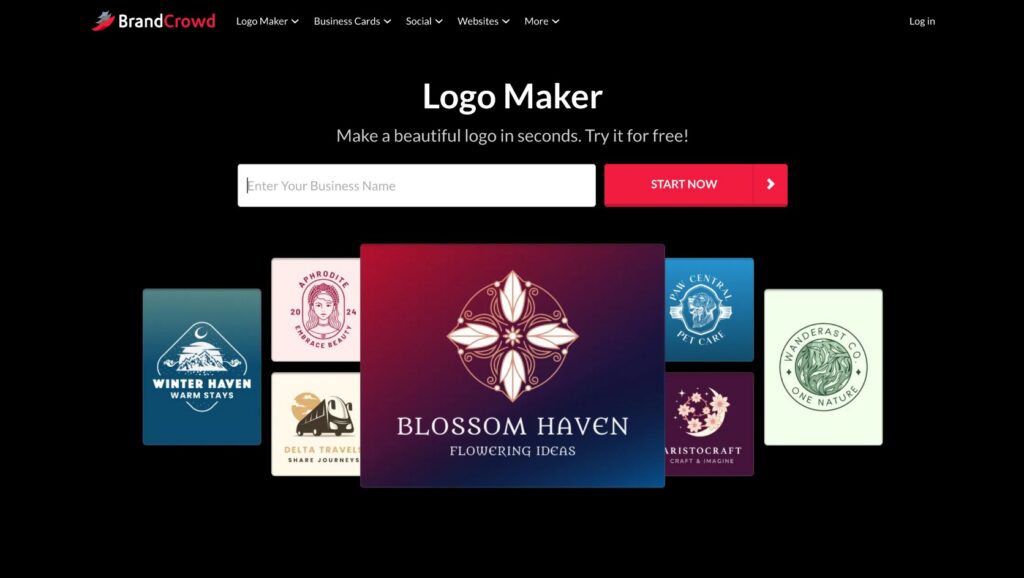
BrandCrowd’s logo maker runs on the same core idea as Design.com. Enter a business name, get AI-generated logo concepts pulled from a massive template base, then refine the result in a built-in editor.
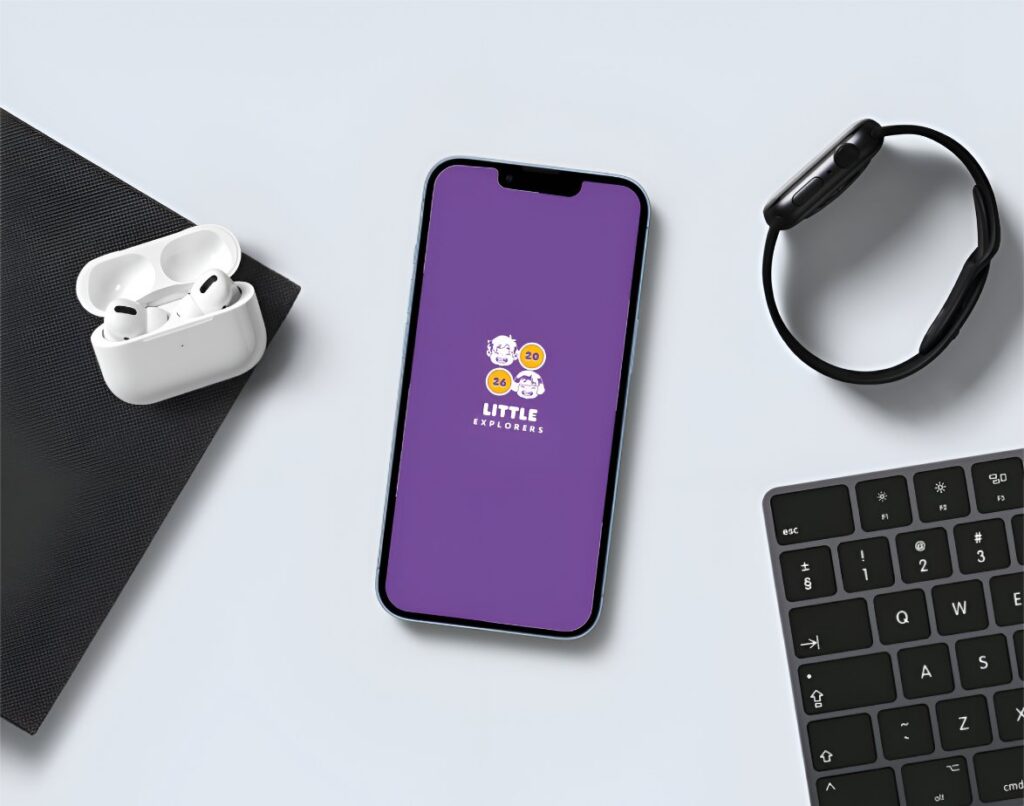
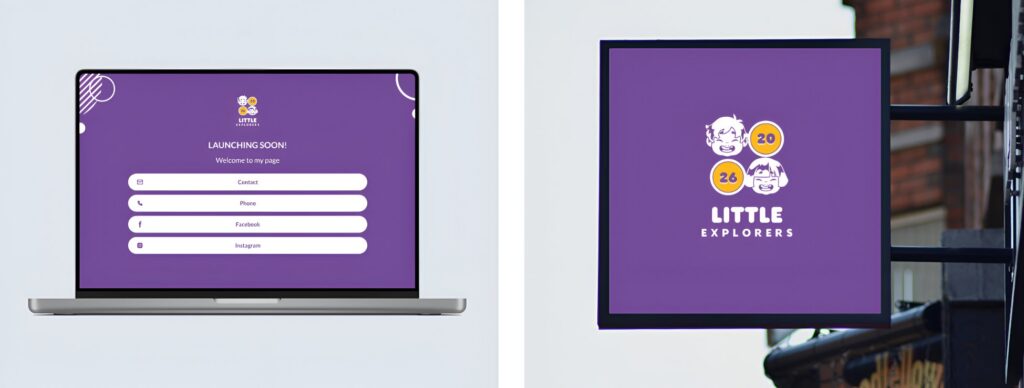
What makes BrandCrowd stand out is the sheer depth of its library, with over 380,000 templates designed by professional designers, plus a mockup feature that places your finished logo on a business card, as an app icon, website, and poster, so you can see it in context before downloading anything.
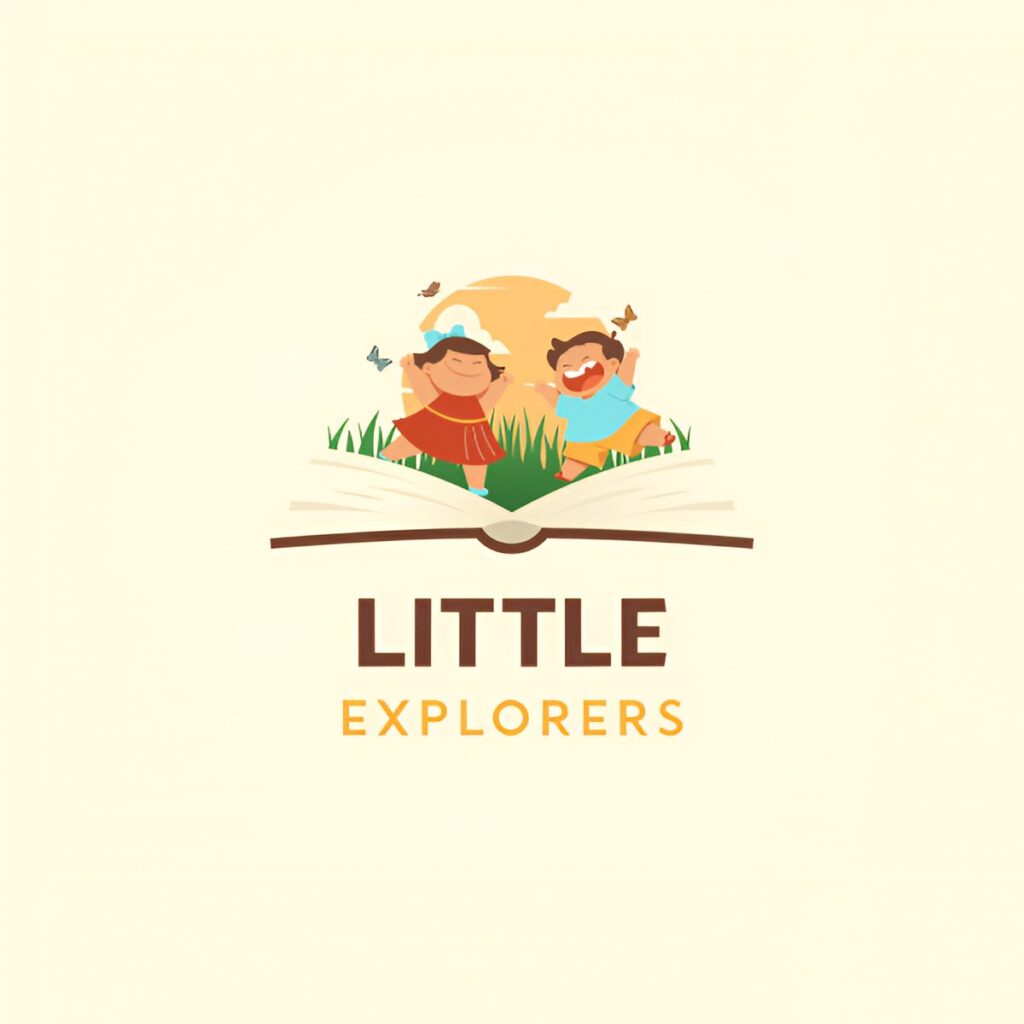
For “Little Explorers,” this returned colorful character icons that felt friendly and on brand right away. Here are some samples to look at:
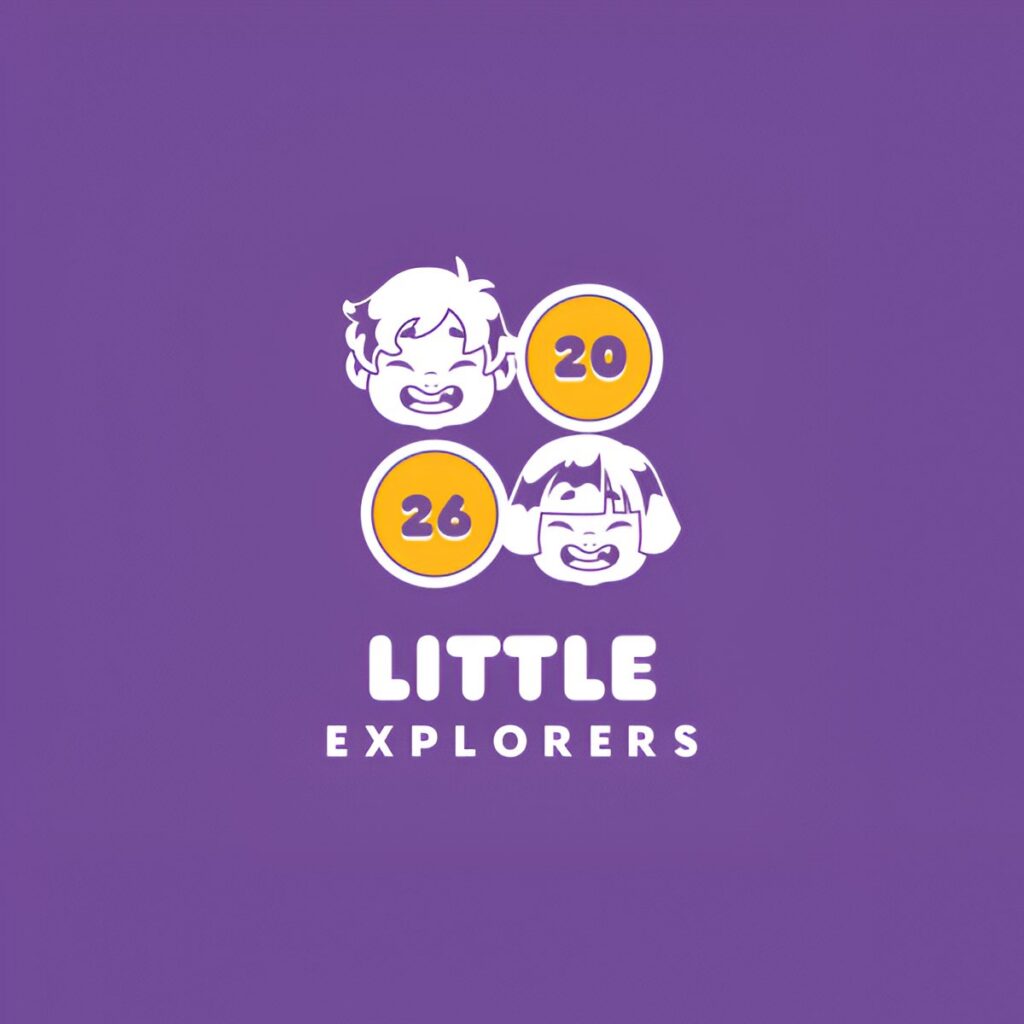
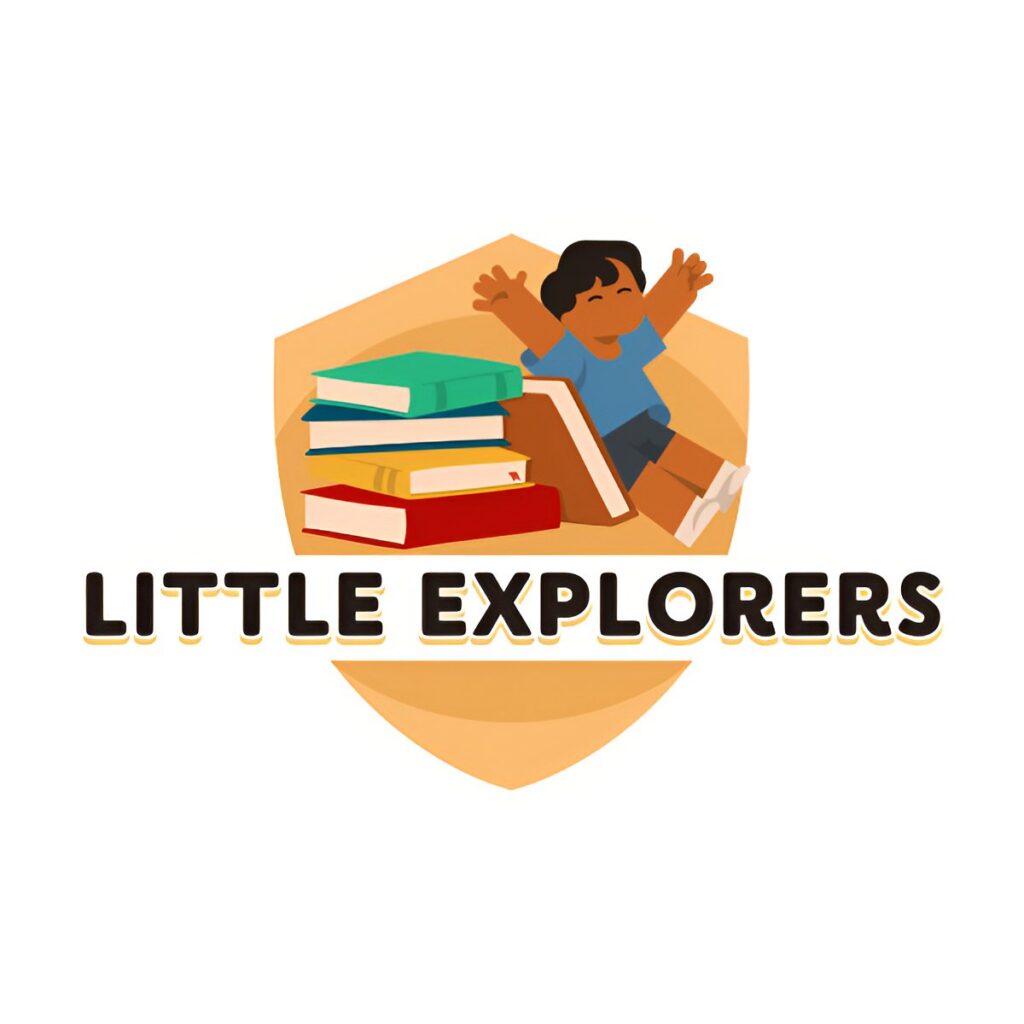
The mockup previews were genuinely useful, as they let users see how the logo would look in actual use rather than just floating on a blank canvas.
Pros
- Over 380,000 professionally designed logo templates
- Strong mockup previews showing your logo on signage, apparel, and packaging
- Built-in editor for fonts, colors, layout, and icons
- Vector exports (SVG, EPS, PDF) included
- Free templates to browse and customize before you commit to paying
Cons
- No native app yet, though the browser-based experience is fast and responsive across devices
- Lighter collaboration tools than enterprise-grade platforms, though that keeps the workflow simple for solo users and small teams
Free tier note: BrandCrowd’s free plan is not a stripped-down trial. You can browse, customize, and download your free logo, including vector files, with no paid plan required.
Customization note: The editor covers fonts, colors, layout, and icon swaps, plus a useful mockup feature that previews your logo on real-world materials before you download anything.
3. Canva
4.1/5 · Free plan available; Pro from $12.99/month
One line verdict: The most flexible free option, as long as you don’t need vector files right away.
Canva isn’t a dedicated logo maker, but its logo template library is large enough to compete with tools built specifically for the job.
We generated our sample through Canva’s Dream Lab tool, and for “Little Explorers,” it returned a strong batch of playful, illustrated icons, helped by Canva’s deep general library of character art and bright color palettes.
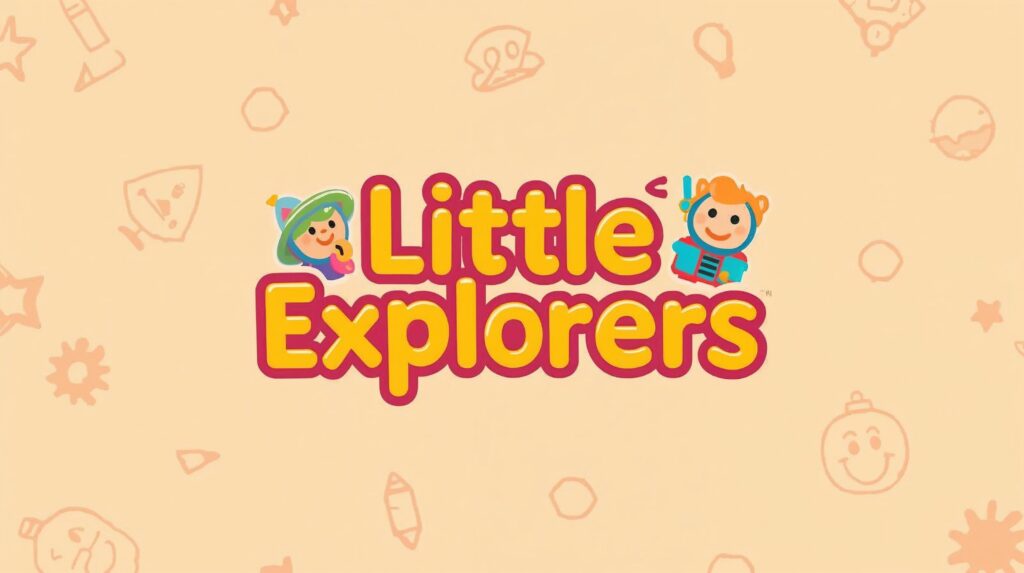
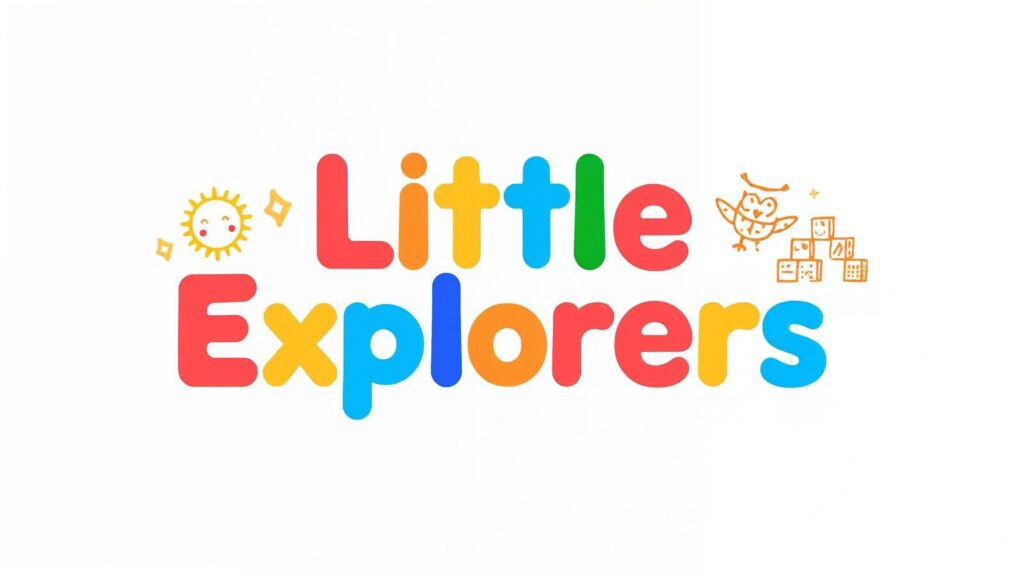
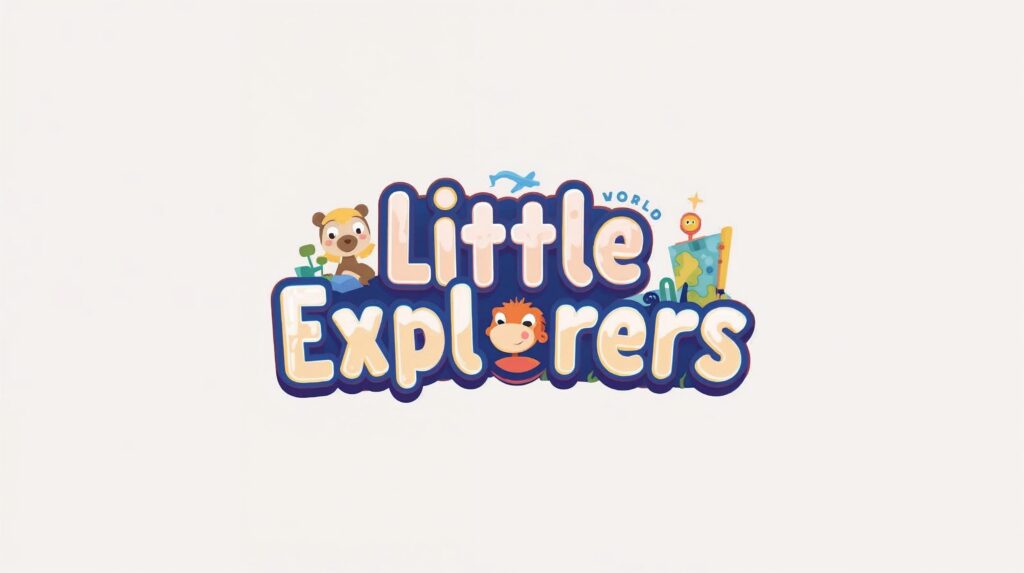
Where it falls behind Design.com and BrandCrowd is the depth of editing, rather than the initial result. The bigger limitation is export flexibility. The free plan caps you at PNG and JPG, and vector formats are locked behind the Pro tier.
Pros
- Massive free template library
- The drag-and-drop editor is the easiest to learn in this test
- Doubles as a full design tool for social posts, presentations, and print
- An active community of templates is updated constantly
Cons
- Vector exports require a paid Pro plan
- Logo-specific features are thinner than dedicated tools like Design.com
- Many templates aren’t exclusive, so the duplication risk is higher
Free tier note: Fully usable for free, but vector exports (SVG, EPS, PDF) require Canva Pro.
Customization note: Customization is broad but has a general purpose. You get full control over text, color, and layout, but no logo-specific tools, such as AI icon editing.
4. Wix logo maker (Wixel)
3.8/5 · Free plan available, Basic from $7.50/month
One line verdict: A strong AI-guided experience, slowed down a bit by credit limits on the free plan.
Wix rebranded its logo tool under Wixel, its broader AI design platform, in late 2025. You now work with an AI agent called Aria, which suggests color palettes, fonts, and logo concepts based on your business name and description before handing you a full editor.
Our “Little Explorers” prompt generated four logos that felt tailored for a kids’ app.
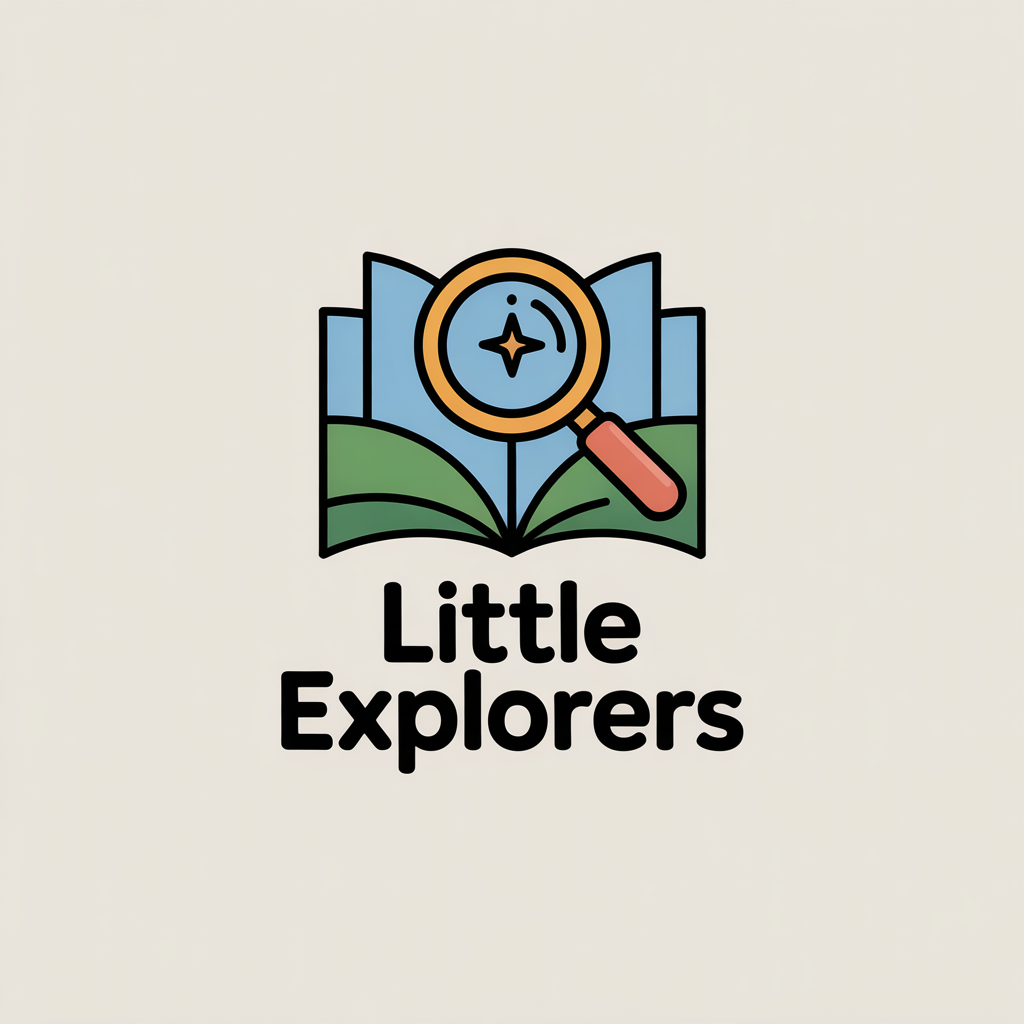
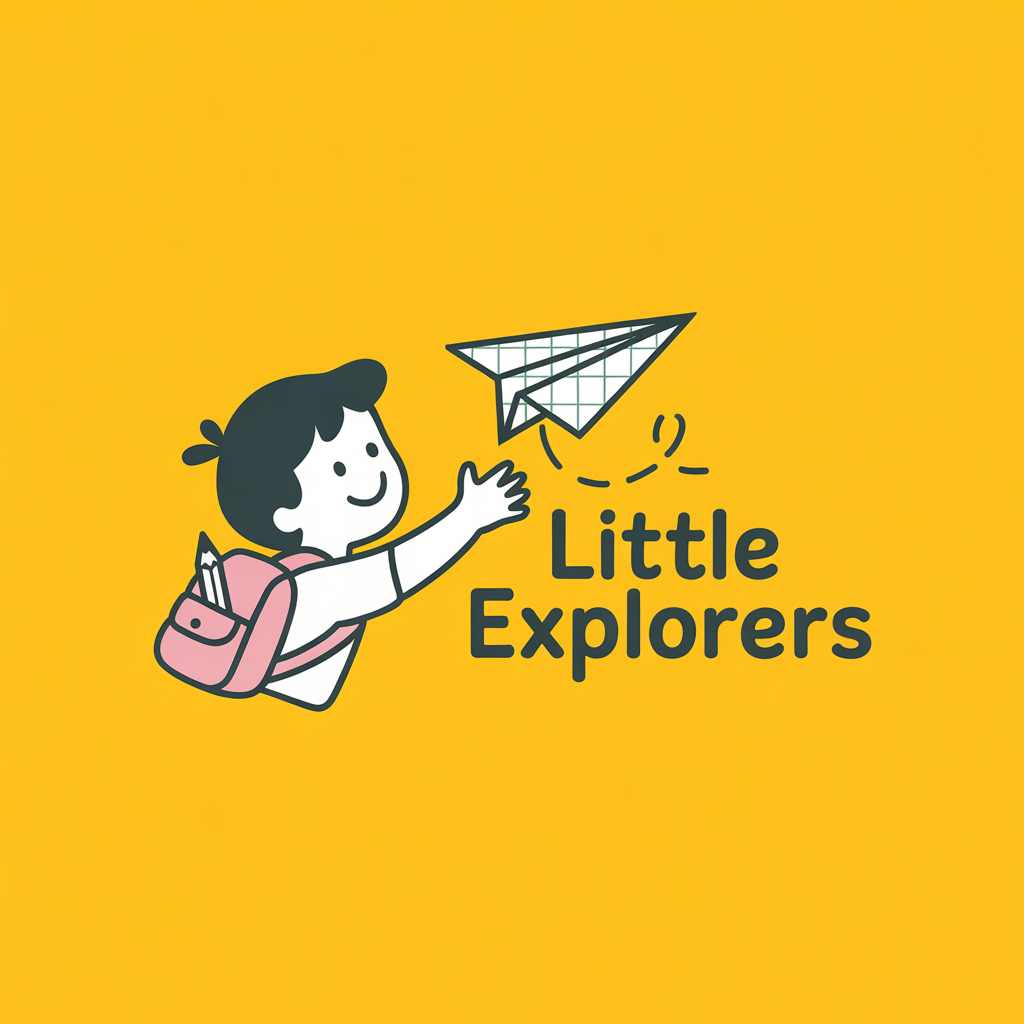
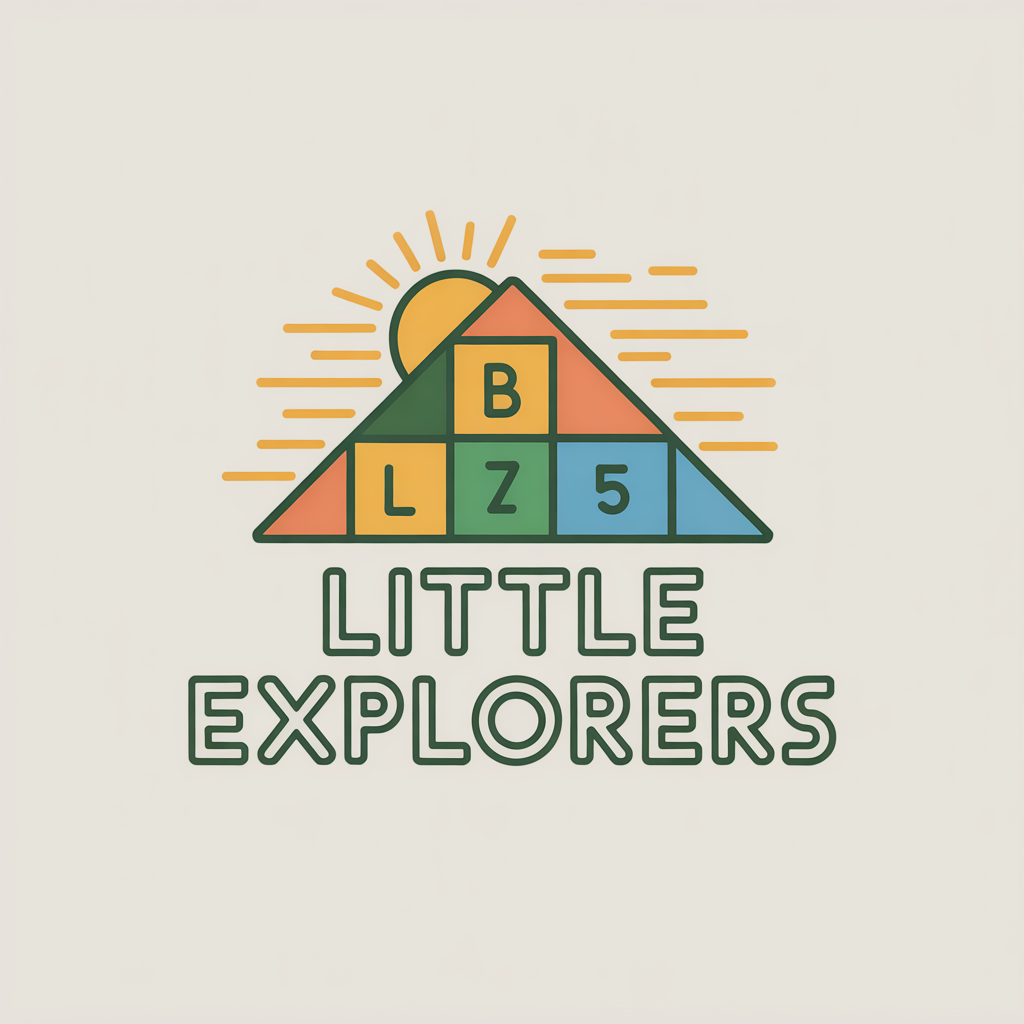
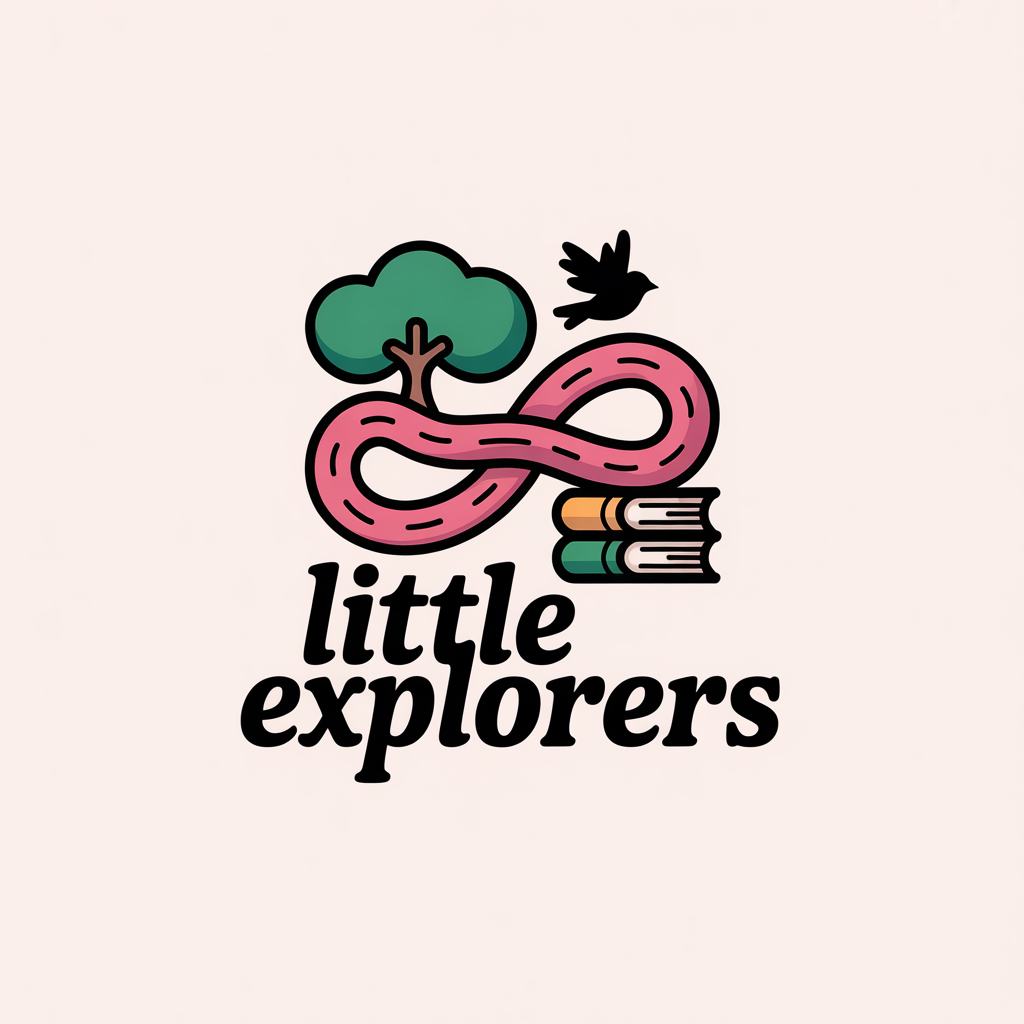
The friction point is the credit system. We burned through Aria’s AI credits faster than expected while refining the concept. Free users get a capped number of AI actions per month, and production-ready exports like SVG require the paid Basic plan.
Pros
- AI agent walks you through brand decisions, not just logo generation
- Strong output quality across most prompt types
- Logo can extend into a full brand kit and Wix website if needed
- Transparent mockup previews across formats
Cons
- Free plan AI actions are capped by a credit system
- SVG and other production-ready formats require the $7.50/month Basic plan
- Slight learning curve compared to simpler tools like Squarespace
Free tier note: Free to start with 120 monthly AI credits. Production-ready vector and transparent PNG exports require the Basic plan at $7.50/month.
Customization note: Customization runs through both manual controls and conversational AI editing with Aria, similar in spirit to Design.com’s chat editor, though slightly less refined in our testing.
5. Adobe Express
3.8/5 · Free plan available, Premium from $9.99/month
One line verdict: A solid pick if you already live inside the Adobe ecosystem, less essential if you don’t.
Adobe Express brings logo templates and AI generation into Adobe’s broader design suite.
For “Little Explorers,” it returned with logos that are slightly less whimsical and less varied than those produced by BrandCrowd or Design.com for the same brief. Here are the three samples that we liked best:
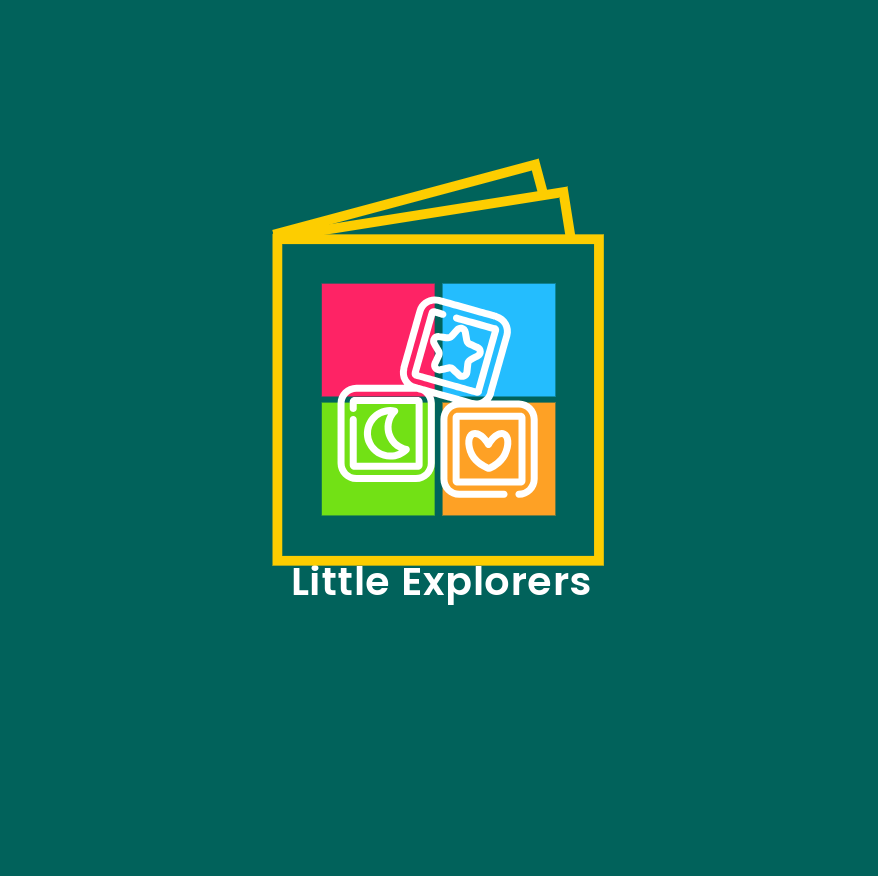
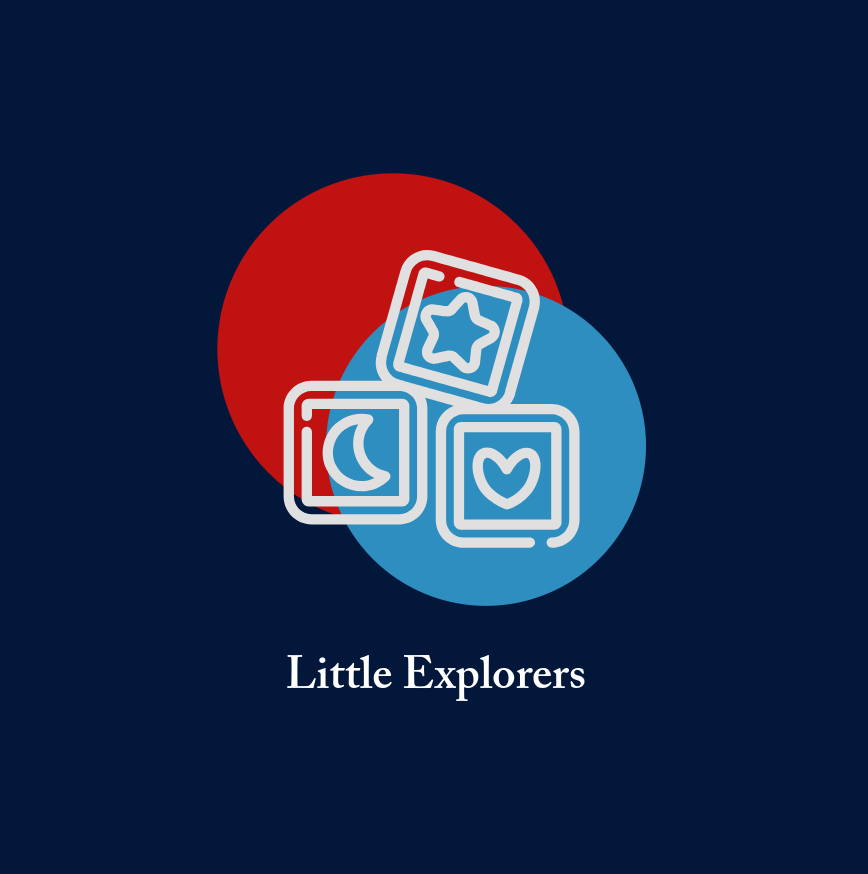
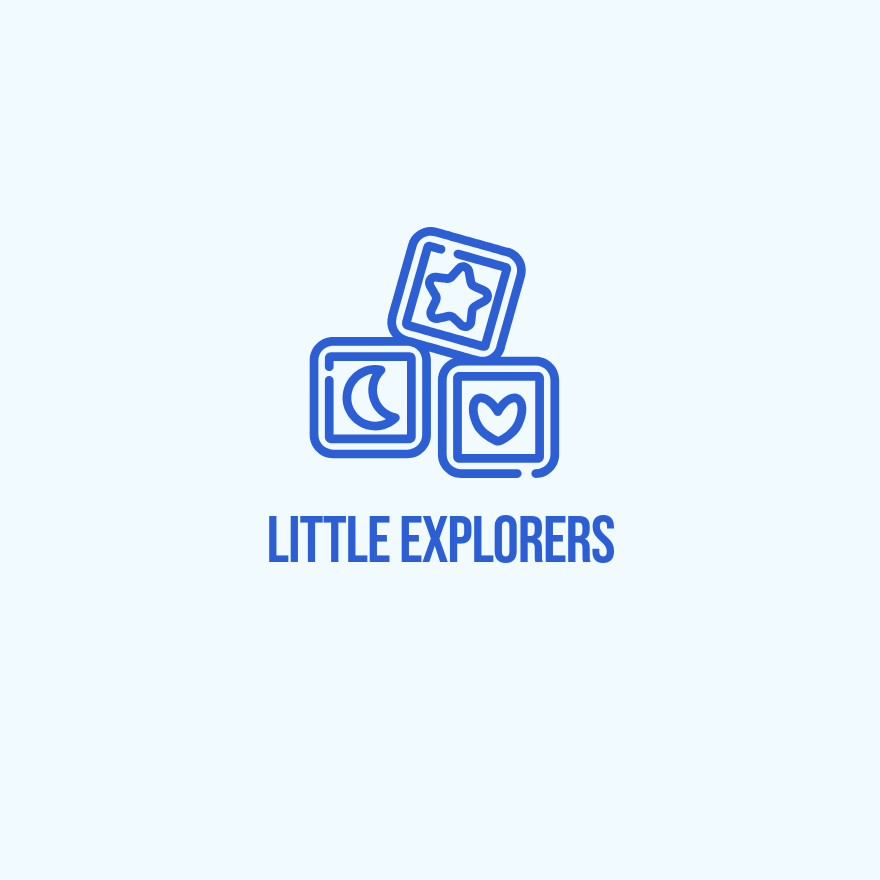
It doesn’t quite match Design.com or BrandCrowd on logo-specific depth and its templates and designs are limited. But, it’s a strong choice if you plan to use the logo across other Adobe tools like Photoshop or Illustrator down the line.
Pros
- Clean, professional output especially for minimalist styles
- Connects naturally to the wider Adobe Express and Creative Cloud ecosystem
- Decent free tier for basic exports
Cons
- Vector exports and premium templates require a paid plan
- Less logo-specific guidance than dedicated tools
Free tier note: Free plan covers basic logo creation and PNG export. Vector formats and premium templates require Adobe Express Premium, which costs $9.99/month.
Customization note: Strong general design controls, including layering and typography, but no dedicated AI icon editor like Design.com offers.
6. Squarespace Logo Maker
3.5/5 · Free
One line verdict: Genuinely free and fast, but built for a quick first draft rather than a final logo.
Squarespace’s logo maker is one of the simplest tools we tested. Type your business name, pick an icon, and you’re done in under two minutes.
Our “Little Explorers” prompt came back as a basic star icon paired with the business name in well under a minute, friendly enough but with little personality beyond that.
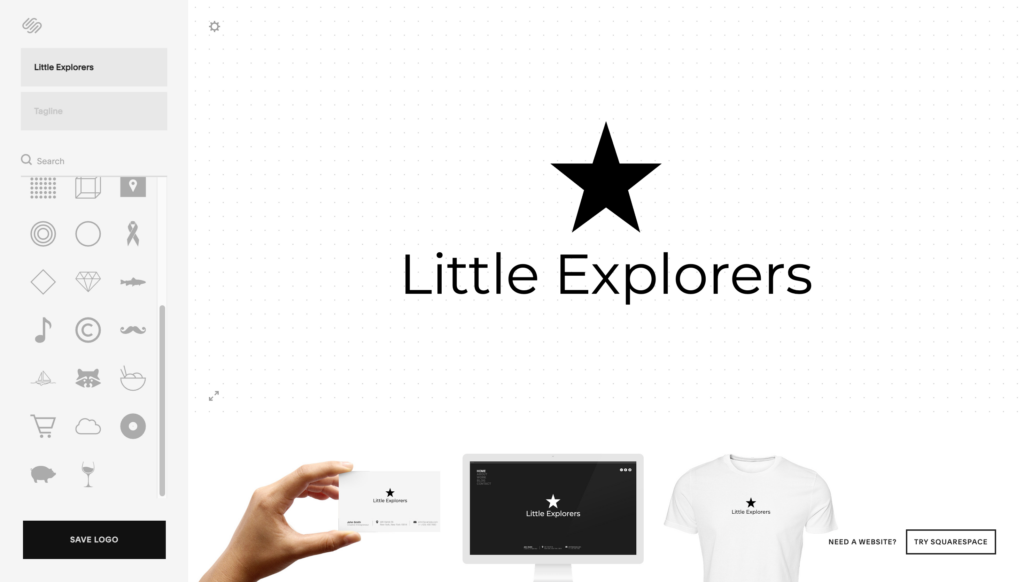
This makes sense given the tool’s goal of getting you a placeholder fast rather than a finished brand asset, and it does that job well.
Pros
- Completely free with no paywall on downloads
- Fastest tool in the test from start to finish
- No account or sign-up required to try it
Cons
- Limited customization compared to every other tool tested
- No vector export, PNG only
Free tier note: The entire tool is free. There is no paid tier to unlock additional features.
Customization note: Customization is limited to font, icon, and basic color choices. There’s no layout editor or icon redesign option.
7. Fiverr logo maker
3.3/5 · Free generator, freelancer pricing varies
One line verdict: Best when you want a human to finish what the AI started, not a fully automated final file.
Fiverr’s logo maker works differently from the other tools in this test. Instead of one AI generating variations from a template, it pulls in concepts from multiple freelance designers at once, each with their own take on the brief.
For “Little Explorers,” this returned a genuinely varied set, including a stacked bookshelf icon, an open book paired with a pencil-shaped swirl, a brain made from puzzle piece curves, a lightbulb built into a book spine, and a pair of glasses styled like magnifying lenses over an open book.
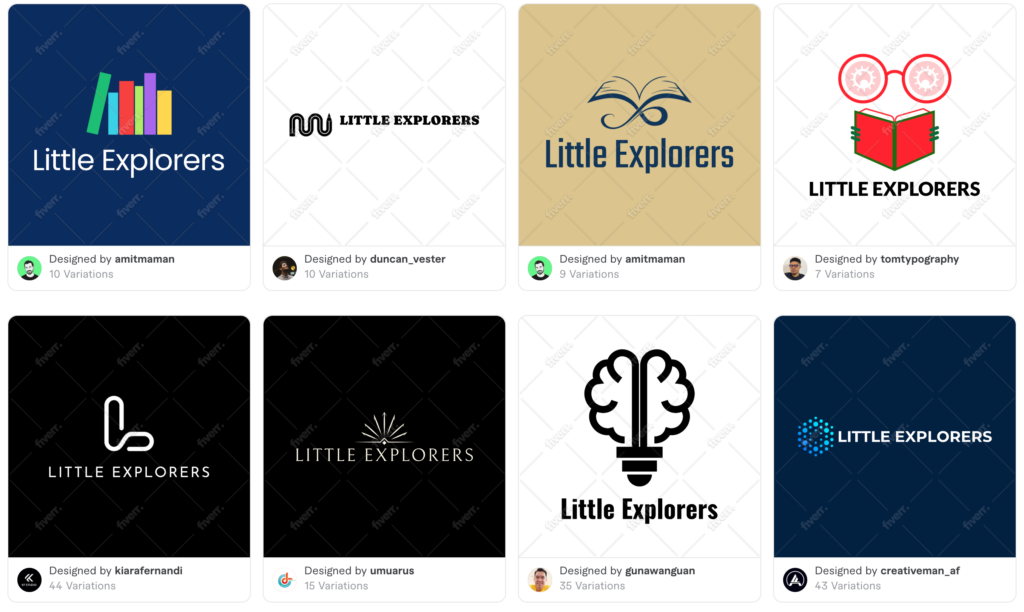
Each concept also came with its own set of additional variations, ranging from 7 to 44 per design, along with mockup previews showing the logo in context.
This tool makes more sense as a starting point for a freelancer’s brief than as a standalone logo solution.
Pros
- Multiple distinct concepts from different freelance designers on the same brief
- Each concept includes its own set of variations, some with 40 or more options
- Icon ideas tend to feel more intentional and design-led than purely AI-generated marks
- Mockup previews are included alongside each concept
- Free to generate and browse before committing to anything
Cons
- Final files and full customization require hiring the freelancer behind the concept you like
- Not built for a fast, fully self-service workflow
- Quality and style can vary noticeably between designers
Free tier note: Browsing concepts and variations is free. Downloading final files or requesting changes requires hiring the freelancer who created the design.
Customization note: Built-in customization is minimal. The tool is designed to hand off to a human designer rather than support deep self-editing.
8. Namecheap logo maker
3.3/5 · Free
One line verdict: A no frills, genuinely free tool best suited for a quick placeholder logo.
Namecheap’s logo maker is built around speed and simplicity, in the same spirit as Squarespace’s tool.
For “Little Explorers,” it generated logos with a playful font and icons. They were functional, but also basic. It’s worth using if you need something usable today and don’t have a budget, but most businesses will outgrow it quickly.
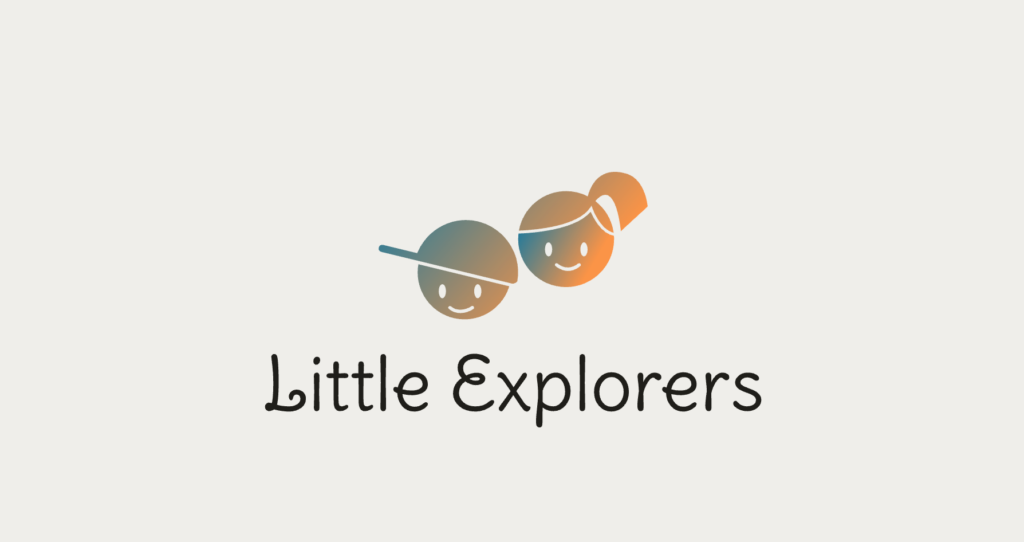
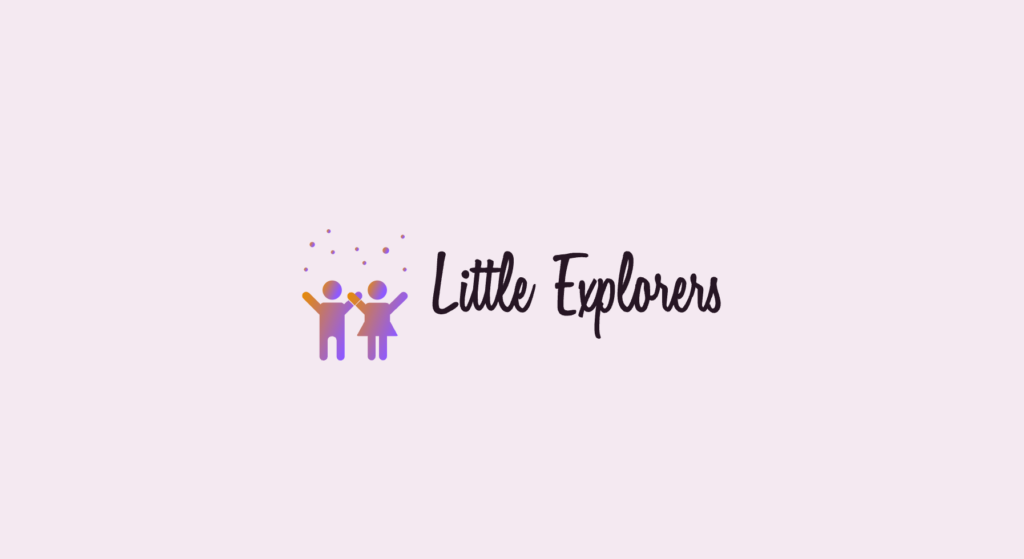
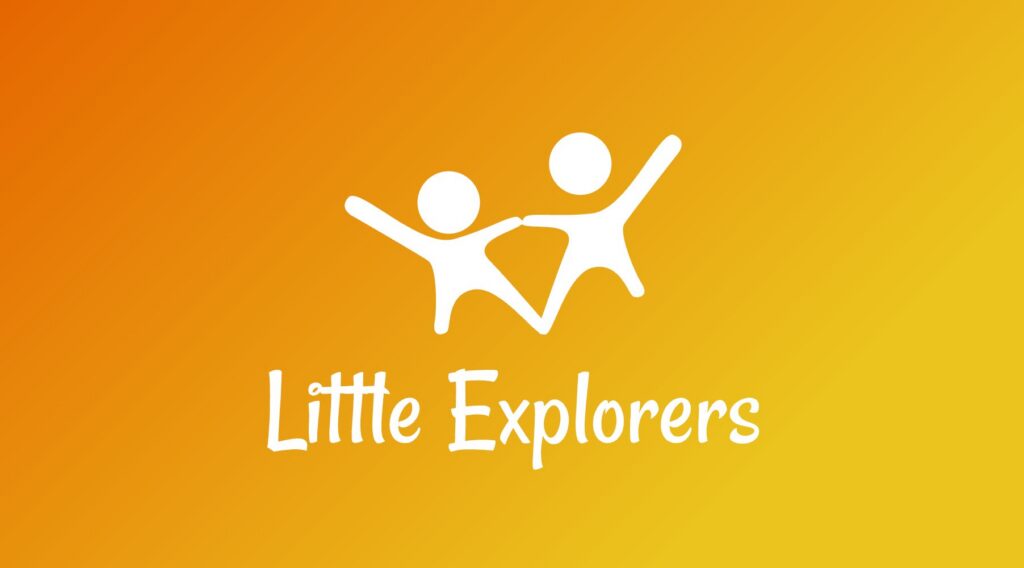
What’s nice is that, like BrandCrowd, Namecheap also provides mockups of the logo on a business card, T-shirt, website, and app icon, so people can visualize their logos across different media.
Pros
- Completely free with no download paywall
- Quick and simple for first-time users
- No account required to start designing
Cons
- Thin template variety compared to every other tool tested
- No vector export option
- Limited room to push designs beyond basic edits
Free tier note: Entirely free, including downloads. There is no paid tier.
Customization note: Customization is limited to text, icon choice, and basic color adjustments, with no advanced layout or AI editing tools.
Vector vs raster logos explained
This is the part most logo-maker reviews skip, and it’s why so many business owners end up frustrated after their first download.
Raster files like PNG and JPG are made of a fixed grid of pixels. They look fine on a website or social profile at the size they were exported, but stretch them onto a banner or storefront sign, and they turn blurry or pixelated fast.
Vector files like SVG, EPS, and PDF are built from mathematical paths instead of pixels. That means they scale to any size, from a favicon to a billboard, without losing a single edge of sharpness.
Here’s why this matters when picking a tool:
- If you only ever plan to use your logo online, raster formats are usually enough
- If you ever plan to print business cards, flyers, merchandise, or packaging, you need vector files
- Many free logo maker tiers, including Squarespace and Namecheap, in our test, only offer raster exports
- Tools like Design.com and BrandCrowd include vector formats even at their entry paid tier, which is a meaningful long-term advantage
A good rule of thumb is to check the export options before you commit to a tool, not after you’ve already built your logo and fallen in love with it.
Which online logo maker should you use?
After running the same prompt through eight tools, Design.com came out as the clear winner. It combined the widest variety of templates, the deepest customization through its AI chat editor, and a full brand kit that extends a single logo into business cards, social posts, and more, all without forcing you into a complicated workflow.
BrandCrowd earned a strong runner-up spot. Its designer-made templates gave our test logos a more polished starting point, and its mockup previews are genuinely useful for visualizing a logo before committing to it.
At the end of the day, the best logo maker is the one that gets you a file you’re actually proud to use. Try a few free plans first, compare the results side by side, and let the output decide for you.