Top Logo Design Companies in 2026
If you’re building a business, one of the first real decisions you’ll face is your logo. It’s that small visual that ends up everywhere, your website, social media, packaging, and even invoices. And because of that, it quietly shapes how people remember your brand.
Most business owners don’t start out as designers. They just know they need something that looks professional, trustworthy, and “right.” That’s usually when the search begins for logo design companies that can turn an idea into a brand identity.
But here’s the challenge. There are hundreds of options out there, and not all of them deliver the same level of quality, speed, or creativity. Some are built for quick DIY designs, while others focus on high-end branding work.
In this article, we’ll break down some of the top logo design companies, what makes them different, and how to choose the right one for your business.
Quick verdict
Design.com stands out as the best overall choice for most users. It strikes the right balance between professional-quality logo templates, AI-powered generation, and easy customization, making it ideal for both beginners and business owners seeking fast yet polished results.
Other platforms can work well depending on your needs, but Design.com offers the most complete all-in-one experience for creating a brand identity without needing design skills.
Check out the comparison table below:
| Company | Best For | Ease of Use | Customization | Overall Rating |
| Design.com | AI-powered logo creation and full branding tools | Very easy | Very high | Best Overall |
| BrandCrowd | Ready-made logo templates and quick branding | Very easy | Very high | Very Good |
| DesignCrowd | Custom logo design from designers | Easy | High | Very Good |
| Canva | DIY design and simple branding tools | Very easy | Medium | Good |
| Adobe Express | Beginners and small businesses needing quick, simple logo creation | Easy | Medium | Good |
How we tested these logo design tools
To make this list useful for real business owners, we focused on practical performance rather than just popularity. Each platform was evaluated based on how well it helps someone create a usable, professional logo quickly.
We looked at:
- Ease of use: How fast a beginner can go from idea to finished logo without design experience.
- Design quality: Whether the logos look modern, professional, and suitable for real businesses.
- Customization options: How much control you have over fonts, colors, layouts, and branding elements.
- Speed of creation: How quickly you can generate and finalize a logo.
- Value for money: Whether the platform delivers strong results compared to its cost.
- Branding flexibility: How well the logo works across websites, social media, packaging, and other brand assets.
Top 5 Logo Design Companies
We’ve reviewed and compared some of the most popular logo design companies available today to help you make a clearer decision.
Here are the best logo makers you should check out:
1. Design.com
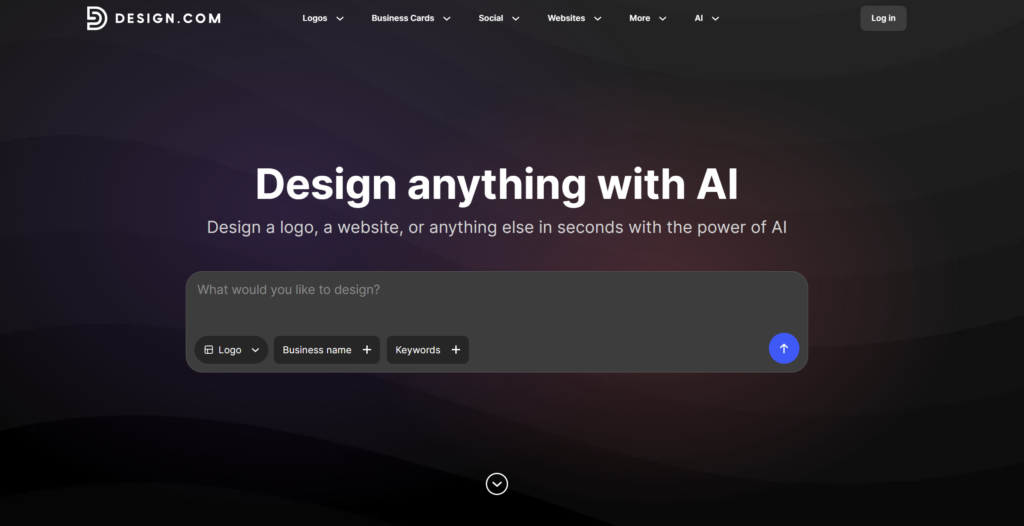
Design.com is an AI-driven logo and branding platform built for businesses that want professional results without the complexity of traditional design tools. It combines intelligent logo generation with a massive design library, making it easy to create a complete brand identity in minutes.
Instead of starting from scratch or hiring a designer, users can generate high-quality logo concepts instantly and refine them using a simple editor. It is designed for speed, flexibility, and scalability across all branding needs.
For startups, small businesses, and creators, Design.com removes the usual branding friction and replaces it with a fast, guided creative process.
Extensive library of design assets
Design.com offers access to a massive collection of over 500,000+ logo design templates, 62,000+ vector shapes, 525+ exclusive fonts, and many more, giving users plenty of creative directions to explore. Whether you want something modern, minimal, bold, or decorative, there is a style for almost every type of business.
For example, we tried looking for a logo for a company called “Crosscity Transit,” which transports passengers around the city. We’ve got awesome results after inputting the business name and a few keywords. Check out the car logos below:
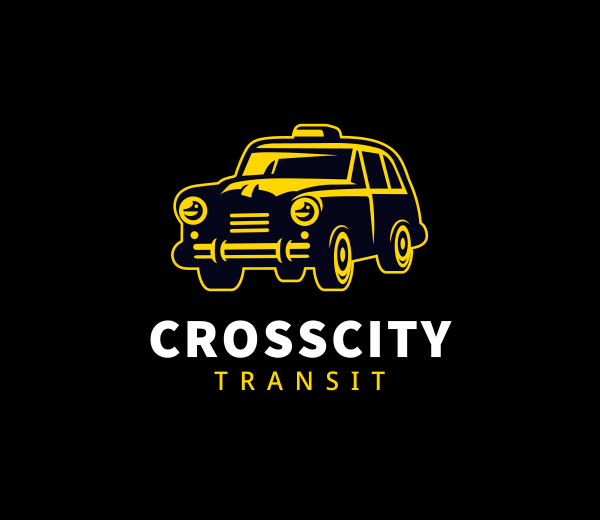
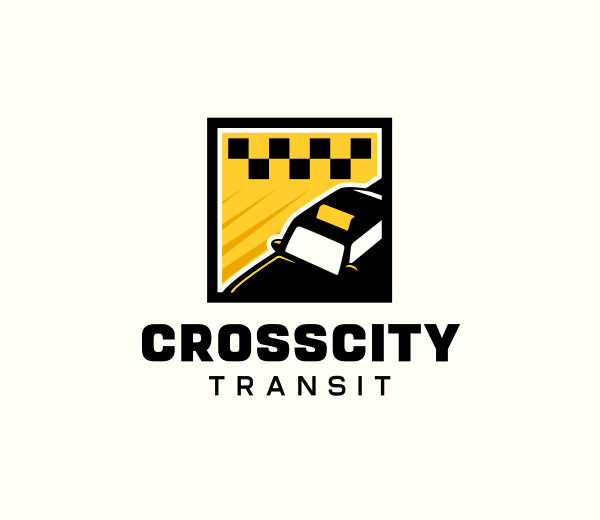
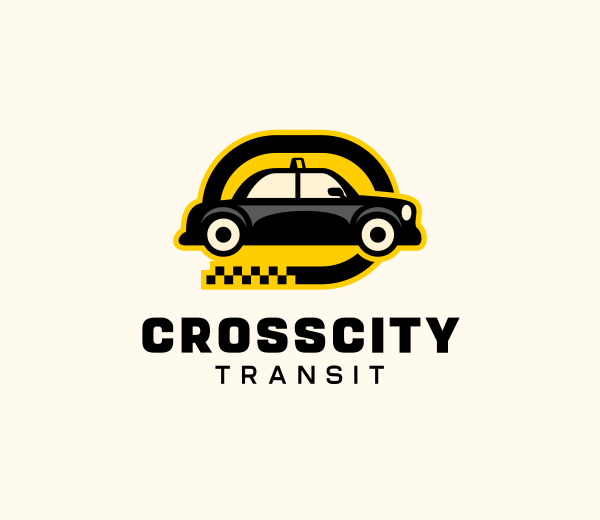
In our test, Design.com generated 10,000+ transportation logo options based on our company name and keywords, giving us a huge selection of modern, minimalist, professional, and creative logo styles to choose from.
Lightning-fast logo creation with AI
We also tested Design.com’s AI capabilities, and what stands out is how easy it is to refine a logo once you’ve chosen a starting point. Instead of being limited to fixed templates, you can take any design and start improving it instantly.
You can simply tell the AI what you want to change, such as colors, fonts, icons, or layout, and it updates the logo in real time. This makes the process feel more flexible and interactive compared to traditional logo makers.
Easy customization and editing
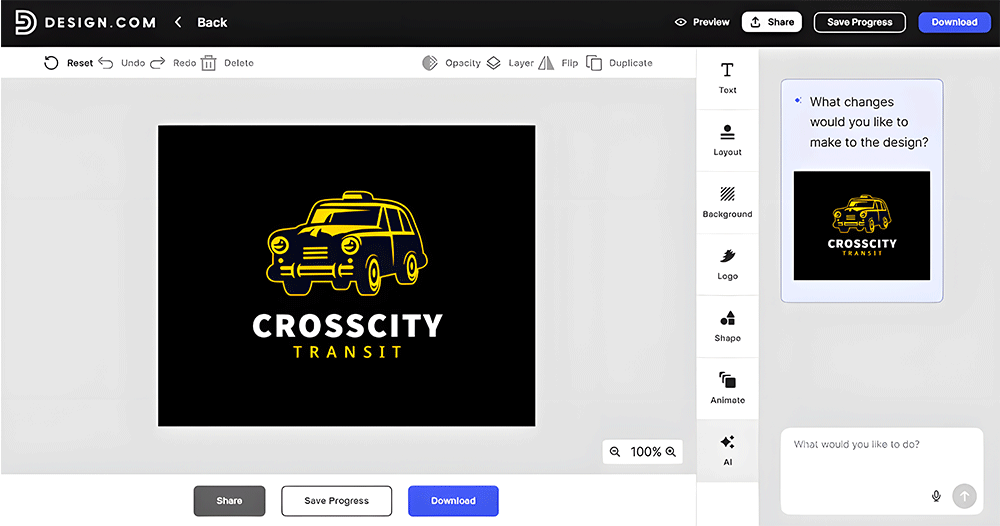
Once you pick a design, the built-in editor allows you to quickly adjust fonts, colors, icons, and layout. The interface is simple enough for beginners but still flexible enough to create professional-looking results.
You can also export your designs in multiple formats, such as PNG, SVG, PDF, and JPG, making them ready for both digital and print use.
All-in-one branding platform
Design.com goes beyond just logo creation. It helps you build a full brand identity across different marketing channels.
- Business cards: Print-ready and digital business card templates that match your logo style
- Website builder: AI-generated websites aligned with your brand identity
- Social media kits: Ready-to-use designs for Instagram posts, LinkedIn, TikTok, and more
- Presentations: Slide templates that follow your brand colors and style
- Marketing materials: Posters, T-shirts, QR codes, and video assets
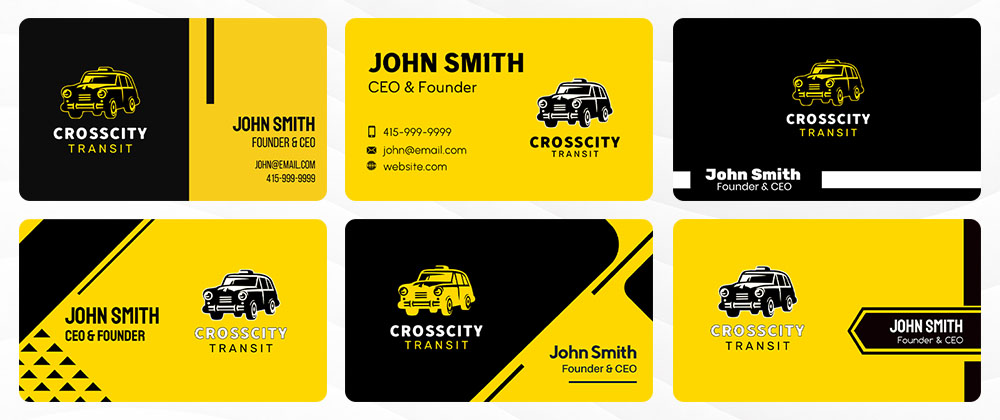
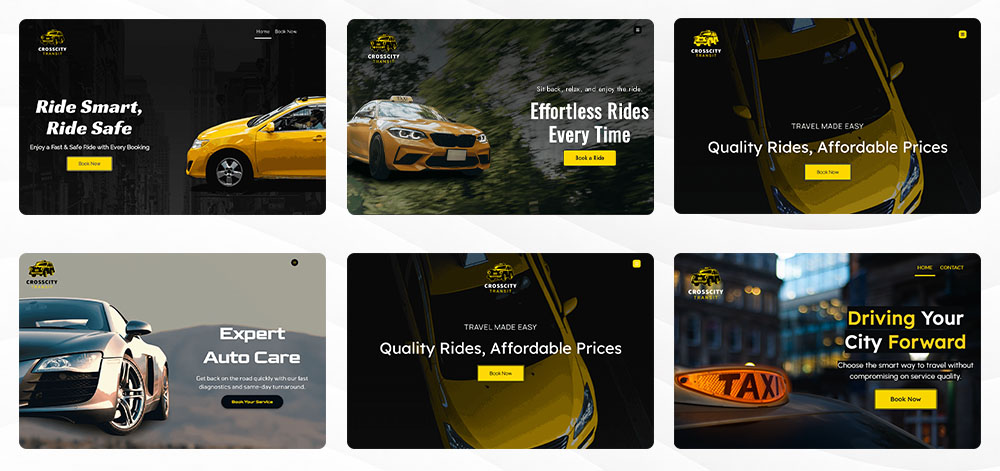
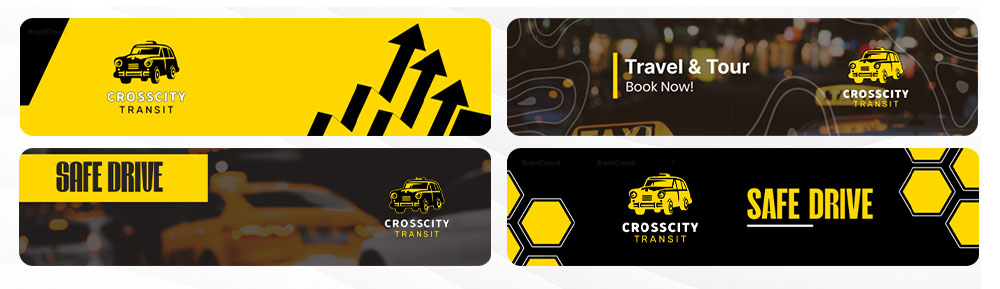
After choosing our favorite logo, we used it to create a range of branded designs on Design.com. The platform automatically applied the logo to different marketing materials, making it easy to see how the brand would look across multiple channels.
Check out some of the results below:
Business cards
Websites
Flyers
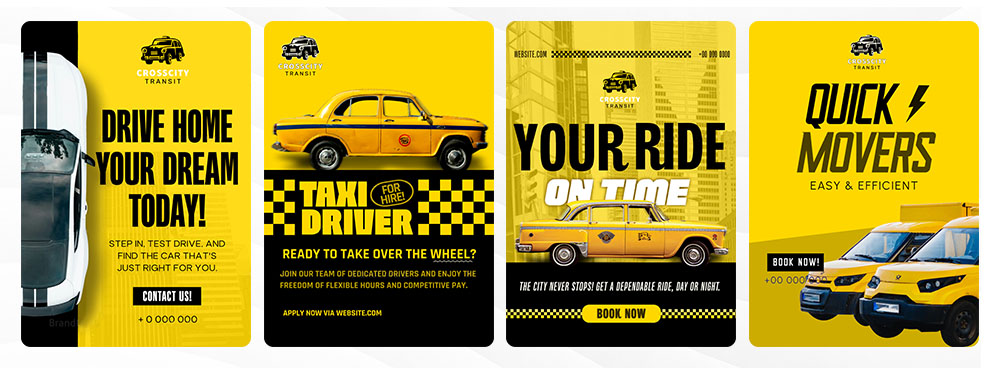
LinkedIn Banners
Pricing
Design.com offers both free and paid plans, depending on how far you want to take your branding.
For the free plan, you get access to free logo downloads (logo files in high resolution and vector formats), along with tools like the website builder, link-in-bio creator, and digital business card maker. You can also publish these for free and explore over 50 design tools to get started with your brand.
For paid plans, there are a few options depending on the level of features you need:
Starter $3/month (billed annually) or $9/month (billed monthly)
This includes:
- logo files in high resolution and vector formats
- unlimited edits
- full ownership of your logo
You also get access to business cards, social media posts, email signatures, letterheads, and over 618,000 templates.
Value $4/month (billed annually) or $14/month (billed monthly)
This plan includes everything in Starter, plus access to a website builder to build your online presence.
Premium $5/month (billed annually) or $19/month (billed monthly)
This includes everything in Value, plus link-in-bio tools and digital business cards, giving you a more complete branding setup across platforms.
Best for
- Startups building their first brand identity
- Small businesses needing fast, professional logos
- Creators and freelancers who want quick branding assets
- Businesses looking for an all-in-one branding solution
Verdict
Design.com stands out as a complete branding solution that combines AI speed with professional-quality design. It is especially useful for users who want more than just a logo, offering a full toolkit for building a consistent brand across platforms.
2. BrandCrowd
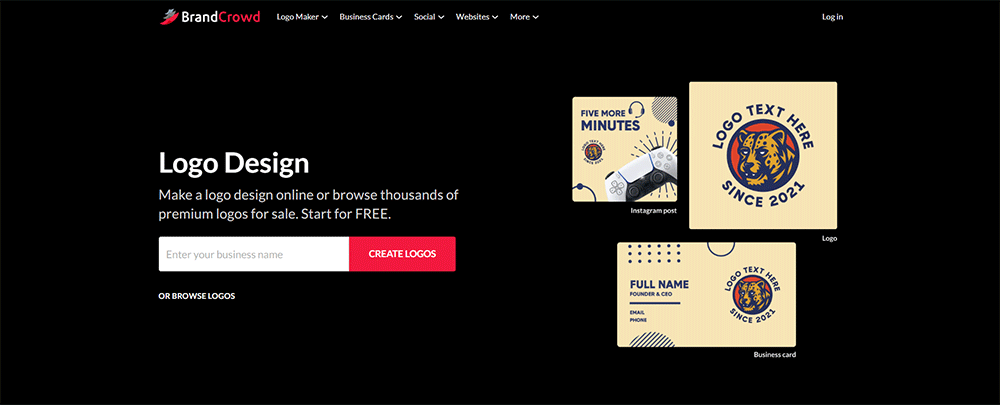
BrandCrowd is a logo maker and branding platform designed for users who want professionally made designs without hiring a designer. It combines a massive template library with easy editing tools, making it simple for businesses to create polished branding assets quickly.
What makes BrandCrowd stand out is the balance between simplicity and design quality, especially for users learning how to design a logo without needing advanced design skills. The platform gives users access to professionally created logos, exclusive fonts, and branding tools that go beyond basic logo generation.
With over 380,000 logo templates and more than 1 million total design assets, BrandCrowd is built for businesses that want variety, speed, and consistent branding across multiple platforms.
Massive library of professional logo templates
BrandCrowd offers one of the largest collections of ready-made logo templates available online. Users can browse hundreds of thousands of professionally designed logos across different industries and styles.
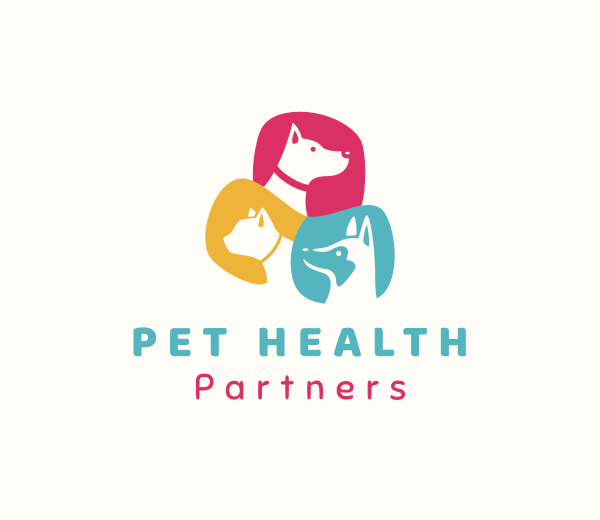
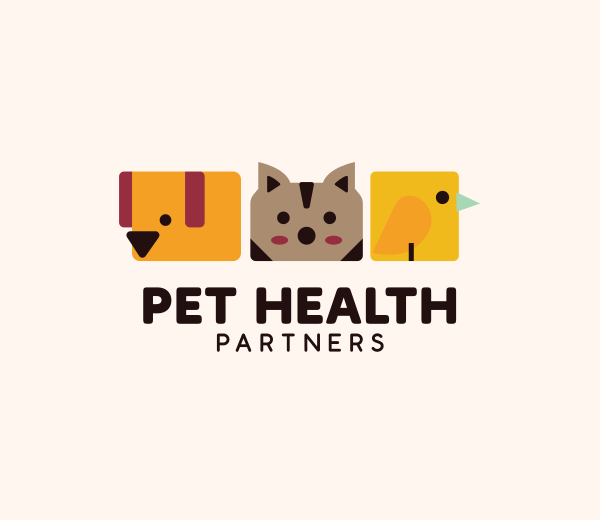
From minimalist and modern to vintage logos, mascots, and emblem designs, the platform makes it easy to find a starting point that matches your brand.
Exclusive fonts, icons, and design assets
One of BrandCrowd’s strongest features is the quality of its design assets. The platform includes hundreds of exclusive fonts, custom vector shapes, and professionally created icons that are not commonly found on free logo tools.
This helps businesses create branding that feels more original and less template-driven compared to many basic DIY platforms.
Easy-to-use editing experience
We tested BrandCrowd’s editor and found it very beginner-friendly. Users can quickly customize fonts, colors, layouts, and icons without needing any design experience.
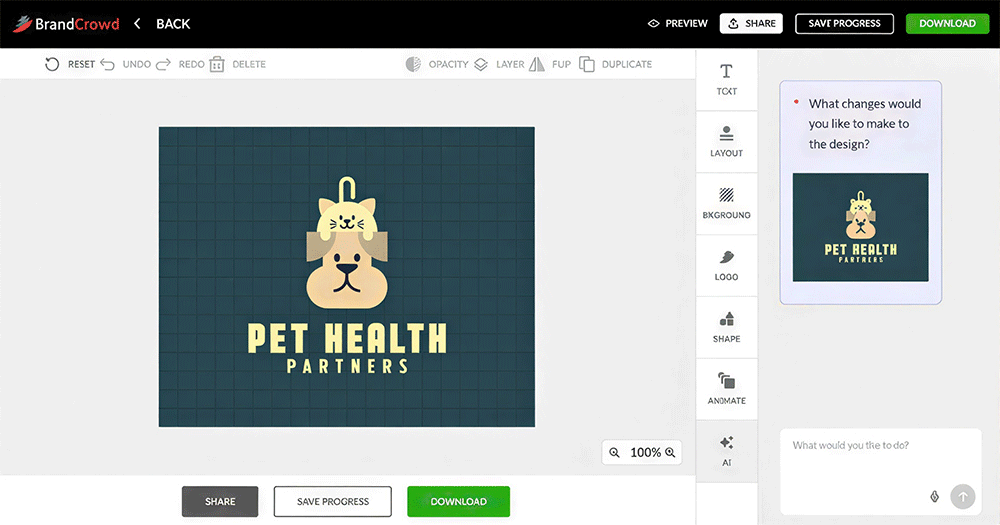
The platform also makes it easy to shortlist favorite designs, compare logo ideas, and create voting polls to gather feedback from teammates or clients.
Easy-to-use branding platform
BrandCrowd is designed for non-designers, so the editing experience feels straightforward even for beginners. Users can quickly customize logos, save favorites, shortlist ideas, and even create voting polls to gather feedback from teammates or clients.
The platform also supports multiple logo file formats, including:
- SVG
- EPS
- PNG
- JPG
- GIF
- MP4
Transparent backgrounds and icon-only downloads are also available.
Complete branding and marketing tools
BrandCrowd goes beyond logo creation, offering a wide range of branding tools to help businesses build a consistent identity across platforms. Instead of switching between multiple apps, users can create matching marketing assets in one place.
- Websites
- Business cards
- Digital business cards
- Instagram and Facebook posts
- Presentations
- QR codes
- Flyers and posters
- Letterheads
- Menus
- Social media stories
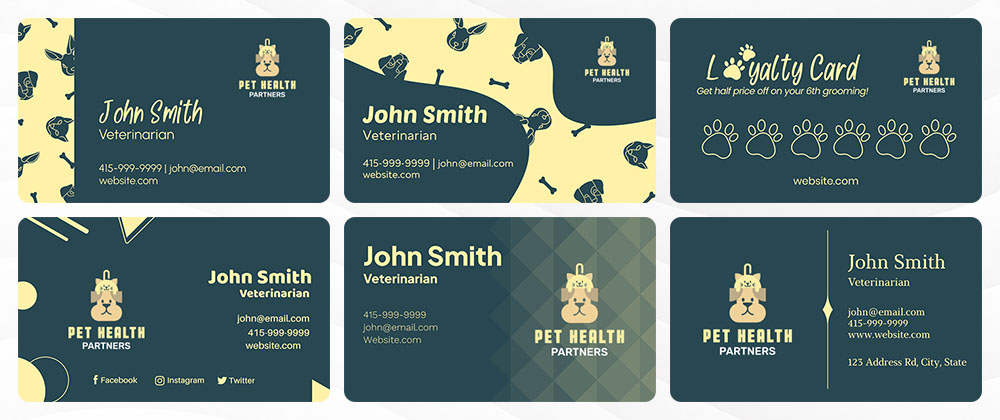
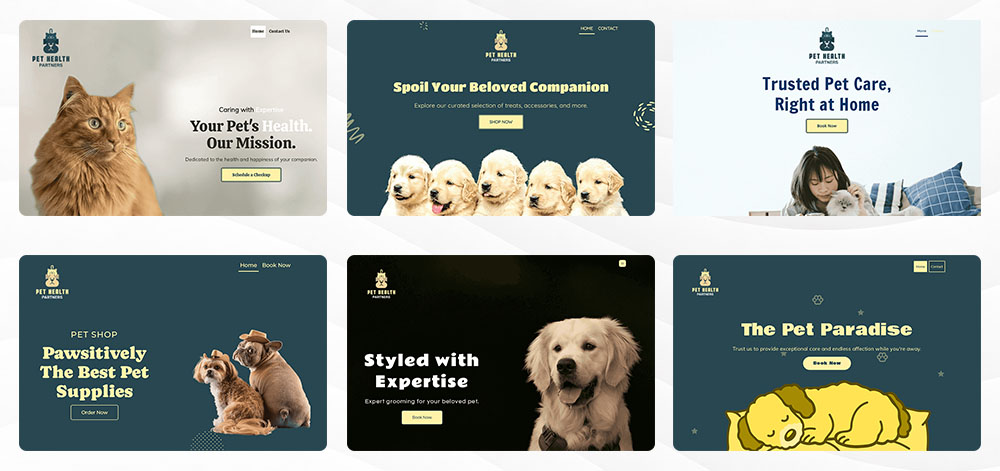
Templates automatically inherit your logo colors, helping create seamless branding across designs.
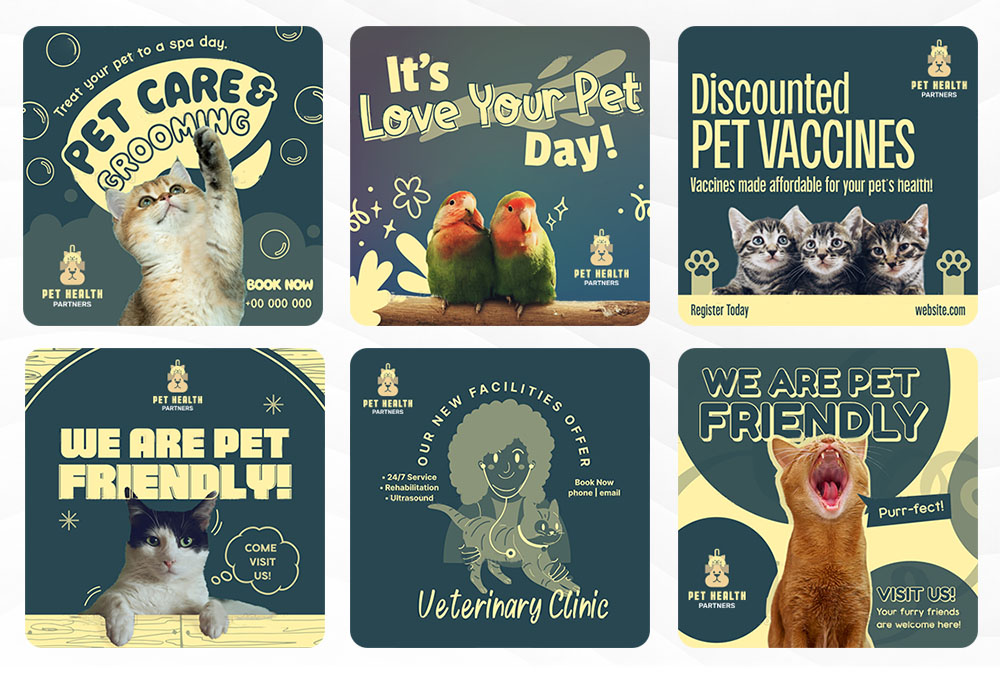
See samples below:
Business cards
Website
Instagram Posts
Pricing
- Free plan: Access to free logos, templates, and branding tools
- Paid plans: Full access to premium templates, branding assets, and high-resolution files, which start at $3/month
Best for
- Small businesses needing fast professional branding
- Entrepreneurs building multiple brand assets
- Users who want professionally designed templates
- Beginners looking for easy logo customization
- Businesses wanting both logo and marketing tools in one platform
Verdict
BrandCrowd stands out for its massive template library, beginner-friendly editing experience, and strong branding ecosystem. It feels especially useful for businesses that want professionally designed assets without having to start from scratch.
For users who value variety, speed, and easy customization, BrandCrowd remains one of the strongest all-around logo and branding platforms available today.
3. DesignCrowd
DesignCrowd is an online design marketplace that connects businesses with freelance designers from around the world. Instead of using templates, you submit a design brief and receive real, custom concepts created by multiple designers competing for your project.
It’s built for businesses that want more originality and variety in their designs. From logos and websites to business cards and print materials, DesignCrowd delivers custom work tailored to your specific needs and budget.
With over 1.3 million designers globally, it positions itself as one of the largest creative marketplaces for custom design work.
Custom design through global competition
DesignCrowd works by letting multiple designers submit ideas for your project simultaneously. This means you don’t just get one concept, you get dozens or even hundreds of creative directions to choose from.
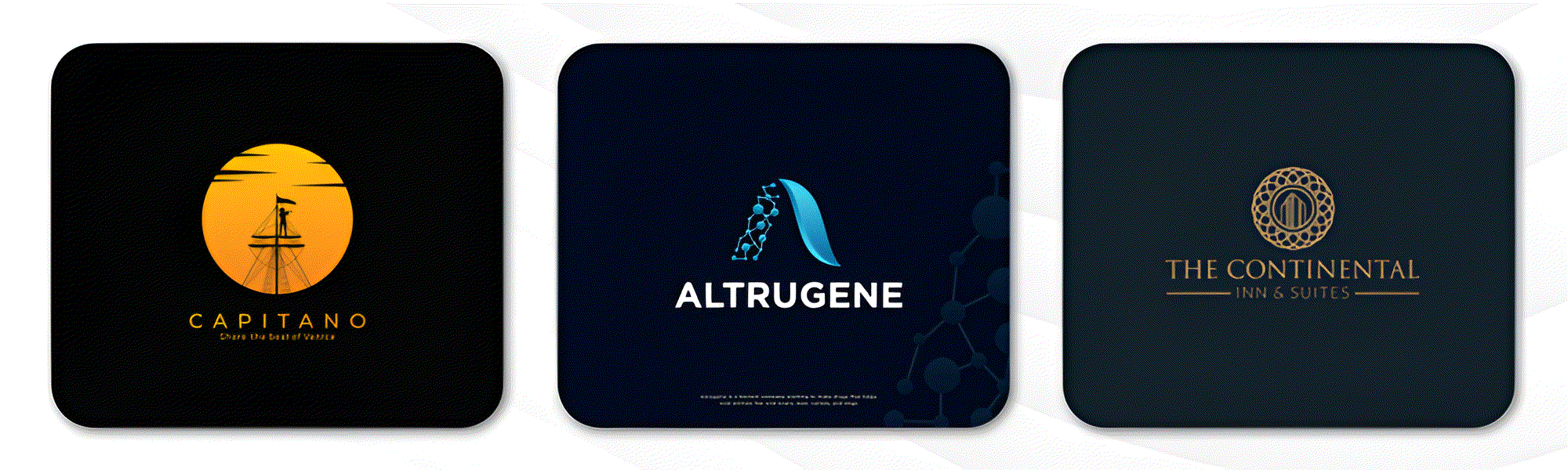
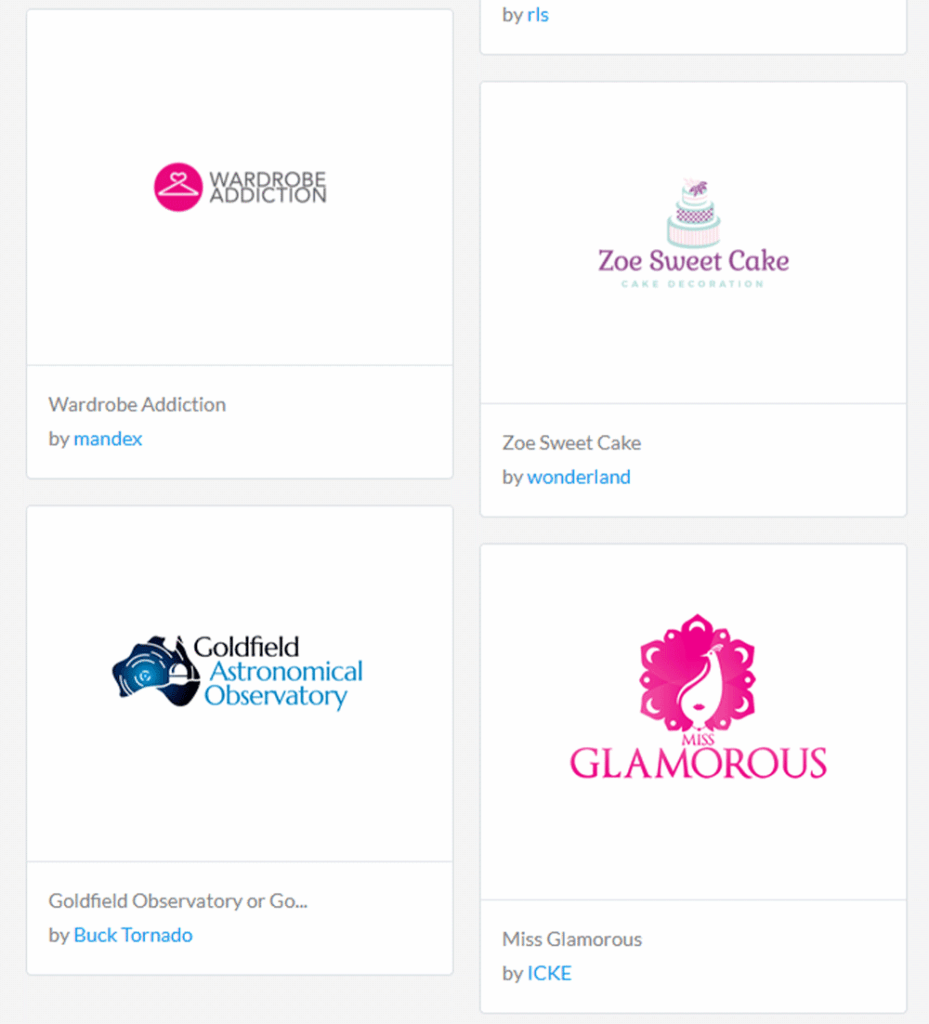
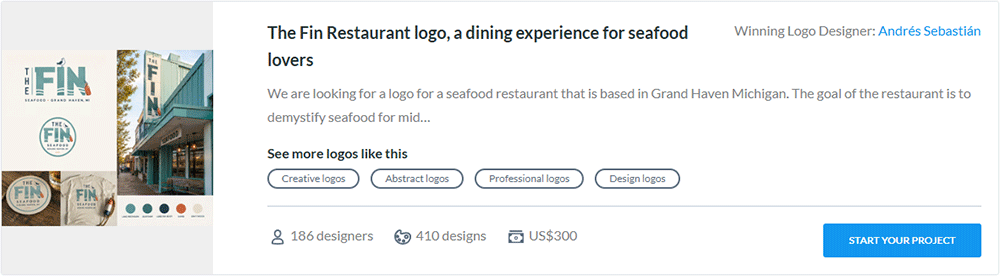
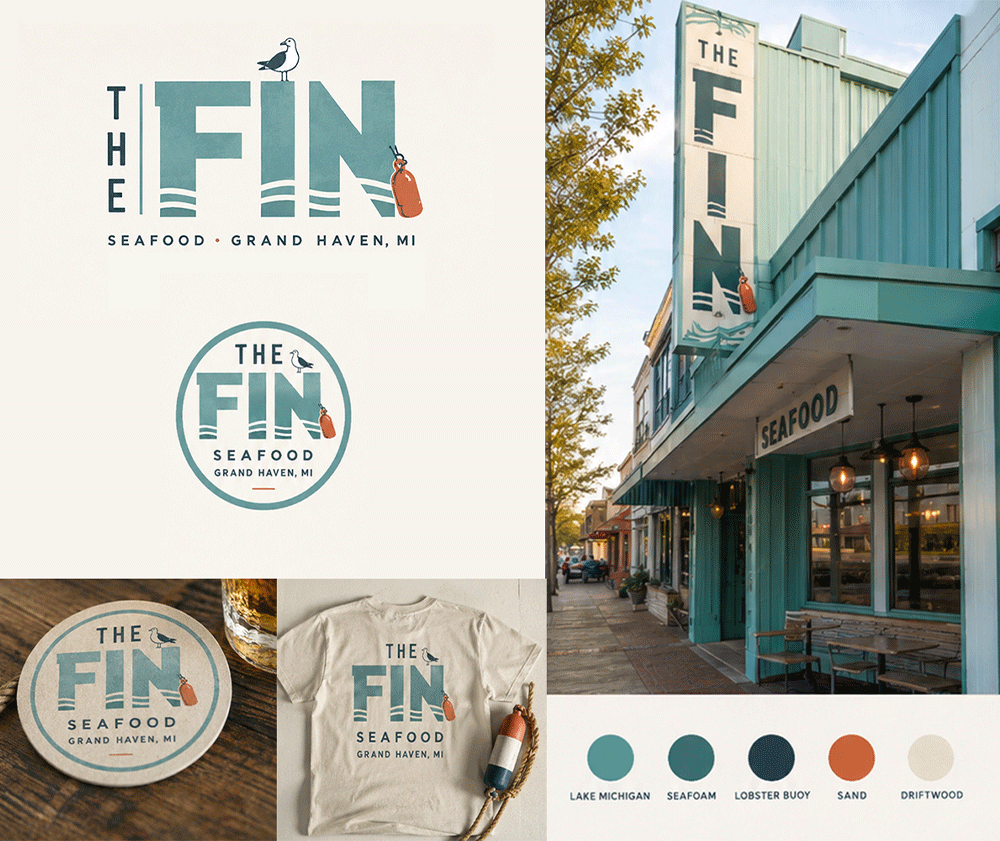
Here are some samples of logo designs by freelance designers:
Affordable design for every budget
One of the key advantages of DesignCrowd is flexibility in pricing. You can set your budget before starting a project, making it accessible for both small businesses and larger companies.
On average, projects start receiving design submissions within a few hours, which makes it a fast option for businesses that need a quick turnaround without hiring a full-time designer.
Built on a global designer network
We also explored how DesignCrowd’s global network works in practice. The platform brings together freelance designers from different countries, which increases the diversity of ideas you receive.
With over 1.3 million designers and millions of submitted designs, the platform is designed to maximize creativity through competition. This often results in more unique and unexpected design concepts.
DesignCrowd also runs design competitions where multiple designers submit entries for the same brief. This gives you a wide range of styles and interpretations to choose from before you settle on the final direction.
Key highlights
- 1.3M+ freelance designers worldwide
- 36M+ designs uploaded
- 79M+ design projects completed
- One of the largest global design marketplaces
- Custom design across logos, web, and print
Pricing
When posting a logo design project, pricing starts at:
- $109 for 1-3 designs
- $229 for more than 6 designs
- $319 for 50+ designs
- $499 for 100+ designs
Best for
- Businesses that want fully custom logo designs created by real designers rather than templates
- Brands looking for multiple creative directions before choosing a final design
- Startups and companies that want competitive pricing with flexible budgets
- Users who value originality and variety in design concepts
- Businesses are building a full brand identity across logos, websites, and print material
Verdict
DesignCrowd is best suited for businesses that want original, custom-made designs rather than templates. It works especially well when you want multiple creative directions and are open to exploring different design ideas before making a final choice.
For brands that value variety, global creativity, and budget flexibility, it remains one of the strongest custom design marketplaces available today.
4. Canva
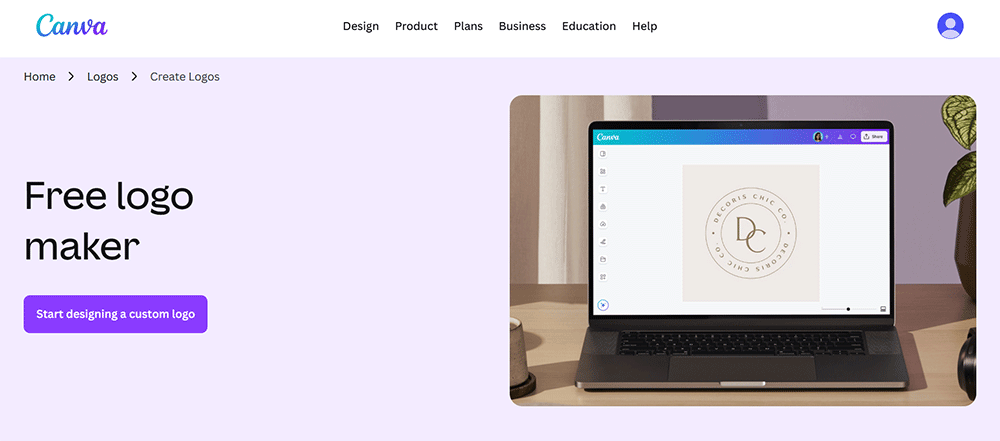
Canva is a user-friendly design platform built for people who want to create visuals quickly without needing professional design skills. It’s widely used by individuals, small businesses, and teams for everything from logos and social media posts to presentations and marketing materials.
What makes Canva popular is its simplicity. You can drag, drop, edit, and publish designs in minutes using pre-made templates and an easy editing interface. It’s designed for speed and convenience rather than complex design work.
With millions of users worldwide, Canva has become a go-to tool for everyday branding and content creation.
Huge library of ready-made templates
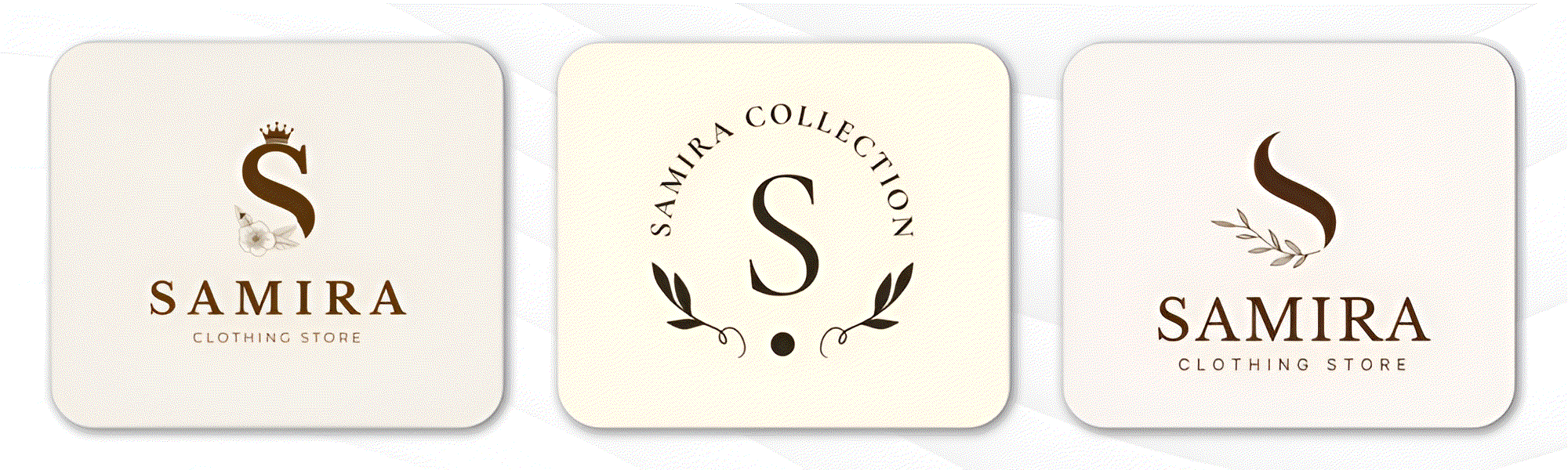
Canva offers a massive collection of templates that make it easy to start designing without having to start from scratch. Users can choose from thousands of logo templates and instantly customize them to fit their brand.
The platform also includes templates for social media posts, business cards, flyers, and presentations, making it a versatile tool for basic branding needs.
Easy drag-and-drop editing
We also tested Canva’s editing experience, and its simplicity is the main advantage. Everything works with drag-and-drop controls, so users can easily move elements around, resize objects, and adjust layouts.
You can quickly change fonts, colors, icons, and images without any technical knowledge. This makes it especially useful for beginners or non-designers who just need quick results.
Built for fast content creation
Canva is designed for speed. Instead of spending hours designing from scratch, users can pick a template and have a finished design ready in minutes.
This makes it ideal for businesses that need to regularly produce marketing content like social media posts, ads, and promotional materials without hiring a designer.
Collaboration and team features
We also looked at Canva’s team features, which enable multiple users to work on the same project simultaneously. This is useful for businesses, agencies, and marketing teams.
Users can share designs, leave comments, and edit together in real time, making collaboration simple even for remote teams.
Pricing
- Free plan: Access to templates, basic tools, and limited assets
- Paid plan (Canva Pro): Premium templates, brand kit, background remover, and advanced design features
Best for
- Beginners with no design experience
- Small businesses creating social media content
- Teams needing simple collaboration tools
- Users who want a fast, template-based design
- Basic branding and marketing materials
Verdict
Canva is best for speed, simplicity, and everyday design needs. While it is not a dedicated logo design platform like others, it is extremely useful for creating quick branding assets and marketing visuals.
For users who want an easy, all-in-one design tool without complexity, Canva remains one of the most accessible options available today.
5. Adobe Express
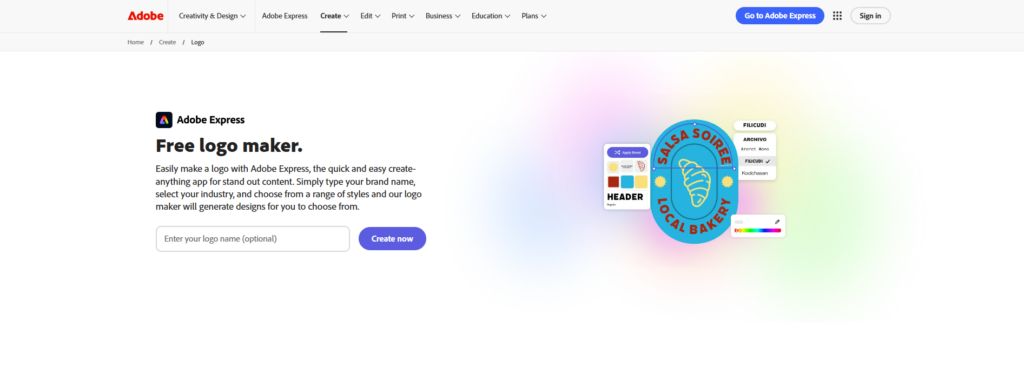
Adobe Express includes a built-in logo maker designed for users who want to create clean, professional logos quickly without using complex design software. It focuses on simplicity, making it easy to generate and customize logos in just a few steps.
We tested Adobe Express as a logo creation tool, and what stands out is how straightforward the process is. Instead of starting from scratch, users can choose from ready-made logo templates and quickly adapt them to match their brand style.
It’s a practical option for small businesses, creators, and startups who need a usable logo fast without hiring a designer.
Logo templates for quick starting points
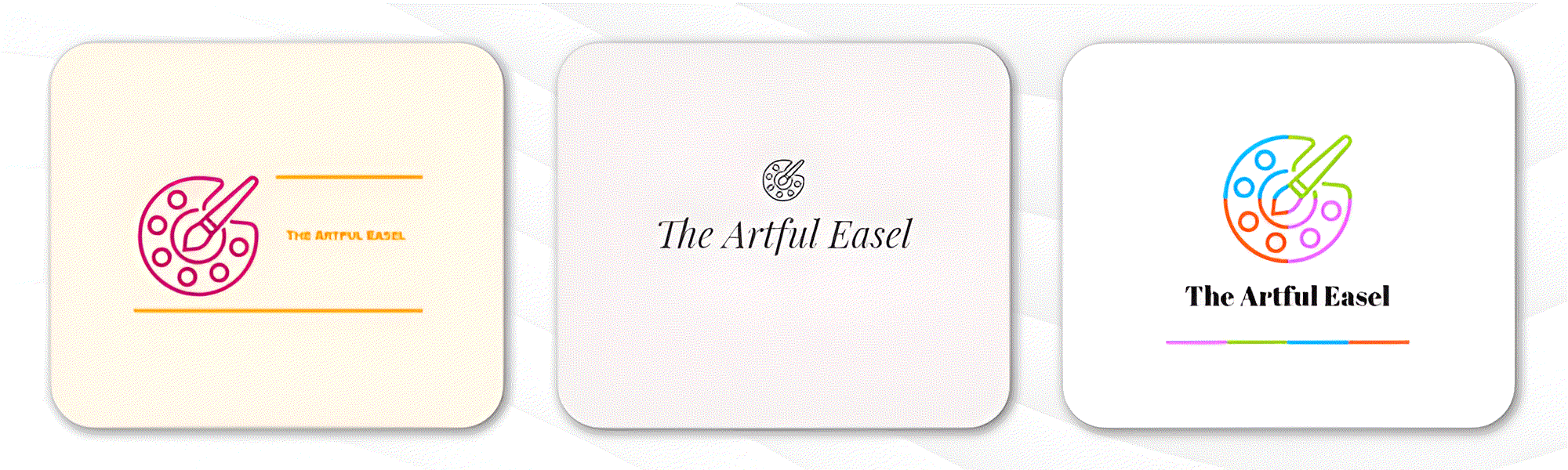
Adobe Express provides a wide selection of logo templates across different industries and styles. Users can browse these designs and instantly apply them to their brand name.
Each template is fully editable, allowing you to adjust fonts, icons, colors, and layout until the logo fits your brand identity.
Easy logo customization tools
We also tested Adobe Express’s editing experience, and it is designed to be beginner-friendly. You can click and edit any part of your logo without needing design skills.
Users can change typography, swap icons, adjust spacing, and modify colors in seconds, making it easy to refine a design until it feels right.
You can explore different directions and pick the one that best matches your brand personality, whether that’s modern, classic, minimalist, or bold.
Brand kit integration
Adobe Express also allows users to maintain consistency by saving logo elements in a brand kit. This helps ensure your logo is used correctly across different platforms.
You can store your logo variations, colors, and fonts so they can be reused across social media posts, marketing materials, and other branding assets.
Simple export options for different uses
Once your logo is ready, Adobe Express allows you to download and use it across multiple platforms.
- PNG format for digital use
- High-resolution downloads for branding
- Transparent background options for flexible placement
- Ready-to-use files for social media and websites
Pricing
- Free plan: Basic logo templates and standard downloads
- Premium plan: Full access to premium templates, brand kits, and advanced editing tools
Best for
- Beginners creating their first logo
- Small businesses needing quick branding
- Creators who want simple, editable logo templates
- Users who prefer fast results without complex tools
- Startups looking for an affordable logo solution
Verdict
Adobe Express is a solid logo maker for users who want speed and simplicity. It may not be as advanced as dedicated branding platforms, but it delivers clean, professional results with minimal effort.
For quick logo creation and easy customization, Adobe Express is a practical and accessible choice.
Conclusion
There you have it! After comparing all the options, Design.com clearly stands out as the best choice overall. It combines fast logo creation, strong customization, and a complete set of branding tools in one platform, making it ideal for businesses that want professional results without complexity.
If you want a simple, all-in-one solution to build and grow your brand, Design.com is the best place to start.
Get started with your brand today and create a logo that truly represents your business!